Reflected XSS event handlers href blocked
| Field | Value |
|---|---|
| Platform | PortSwigger Web Security Academy |
| Difficulty | Practitioner |
| Vulnerability | Reflected XSS — SVG Animate href Bypass |
| Injection Point | search URL parameter |
| Goal | Execute alert(0) via SVG <animate> to bypass static href filtering |
Lab — Reflected XSS: SVG Animate href Bypass
Solution Walkthrough
The lab blocks all events (onclick, onmouseover, etc.) and href attributes on standard elements. Testing confirms <svg> passes the WAF.
The payload:
<svg><a><animate attributeName=href values=javascript:alert(0) /><text>Click me!</text></a></svg>
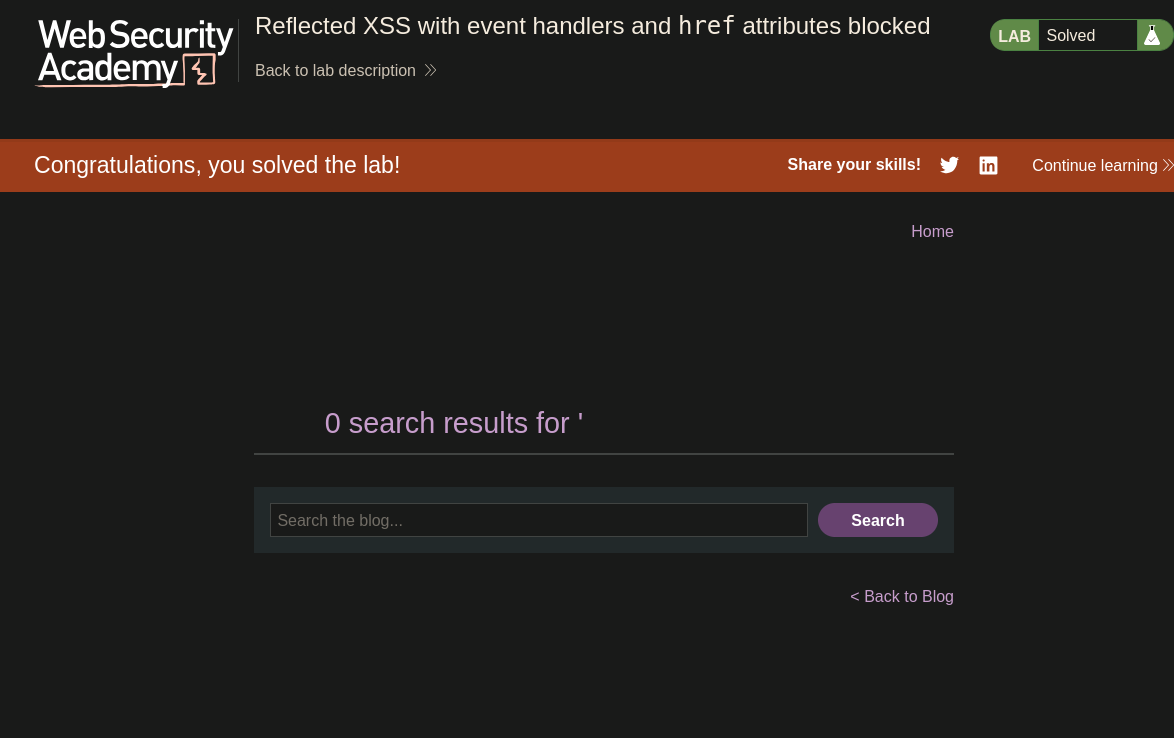
Clicking "Click me!" triggers alert(0) and the lab is solved :P
How It Works
The WAF blocks:
- All JavaScript event handlers (
onclick,onmouseover, etc.) - The
hrefattribute directly on<a>tags
What the WAF does not block:
<svg>and its child elements- The
<animate>element and its attributes attributeName=hrefas an animation target (different from settinghrefdirectly)
The key insight is that <animate> does not set href — it animates it. The WAF is checking for static href attributes being declared, not for <animate> elements that will modify href at runtime.
When the SVG renders:
<a>creates a clickable SVG link element<animate attributeName=href values=javascript:alert(0)>immediately sets thehrefof the parent<a>tojavascript:alert(0)via SVG animation<text>Click me!</text>provides the visible clickable text- When the user clicks, the browser follows
href="javascript:alert(0)"→alert(0)executes
The <animate> element runs as soon as the SVG loads — effectively setting href dynamically without the WAF ever seeing a static href attribute on the <a> tag.