| Field | Detail |
|---|---|
| Platform | PortSwigger Web Security Academy |
| Type | Web Cache Poisoning — Cache URL Normalization, XSS via Cache Delivery |
| Difficulty | Practitioner |
| Objective | Find the XSS vulnerability, inject a payload that executes alert(1) in the victim's browser, and deliver the malicious URL to the victim |
| Note | The XSS isn't directly exploitable due to browser URL-encoding — the cache's normalization process needs to be leveraged instead |
URL Normalization
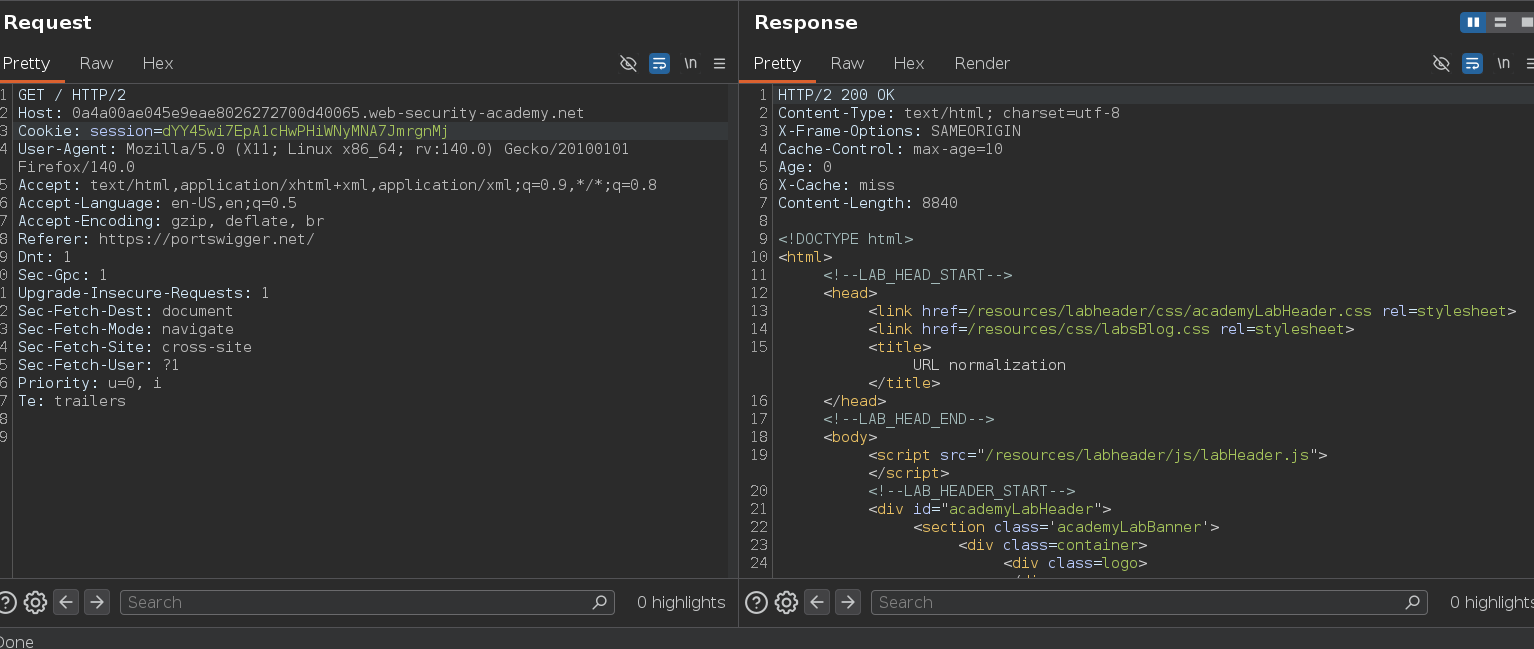
I started by intercepting a request to / — nothing unusual there.
Since the lab specifically mentions delivering a malicious URL to the victim, I tried a non-existent path:
web-security-academy.net/teto
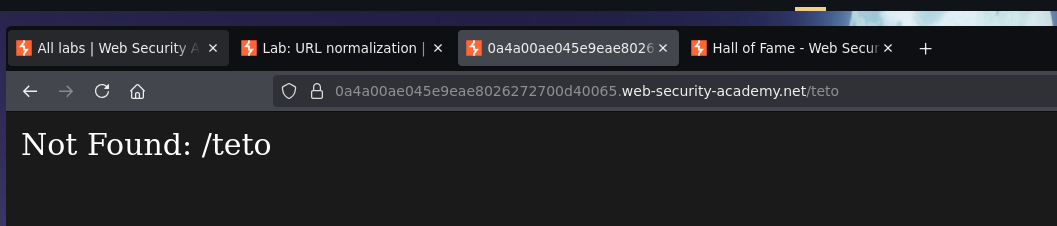
The response included <p>Not Found: /teto</p> — the requested path is reflected directly into the 404 page. Injecting through it:
GET /teto</p><script>alert(1)</script> HTTP/2
Host: 0a4a00ae045e9eae8026272700d40065.web-security-academy.net
The response became:
<p>Not Found: /teto</p><script>alert(1)</script></p>
The injection works at the Burp level. The problem the lab flags is that a real browser would URL-encode characters like <, >, and " when constructing the request from a typed or clicked URL — so simply sending this URL to the victim wouldn't work, since the browser-encoded version would arrive at the server looking completely different from what we tested in Burp.
The response also carries Cache-Control: max-age=10 — it's cacheable. That's the actual exploit path: the cache's own request normalization can decode characters before generating the cache key and forwarding to the backend, even though a browser navigating to the URL would have encoded them first on the client side. If we send the raw, unencoded payload directly through Burp — bypassing the browser's encoding step entirely — the cache normalizes it the same way, generates a poisoned cached entry under that key, and any victim who subsequently hits that URL receives the already-poisoned response. Their browser never has to construct the malicious raw bytes itself; it just fetches whatever's cached.
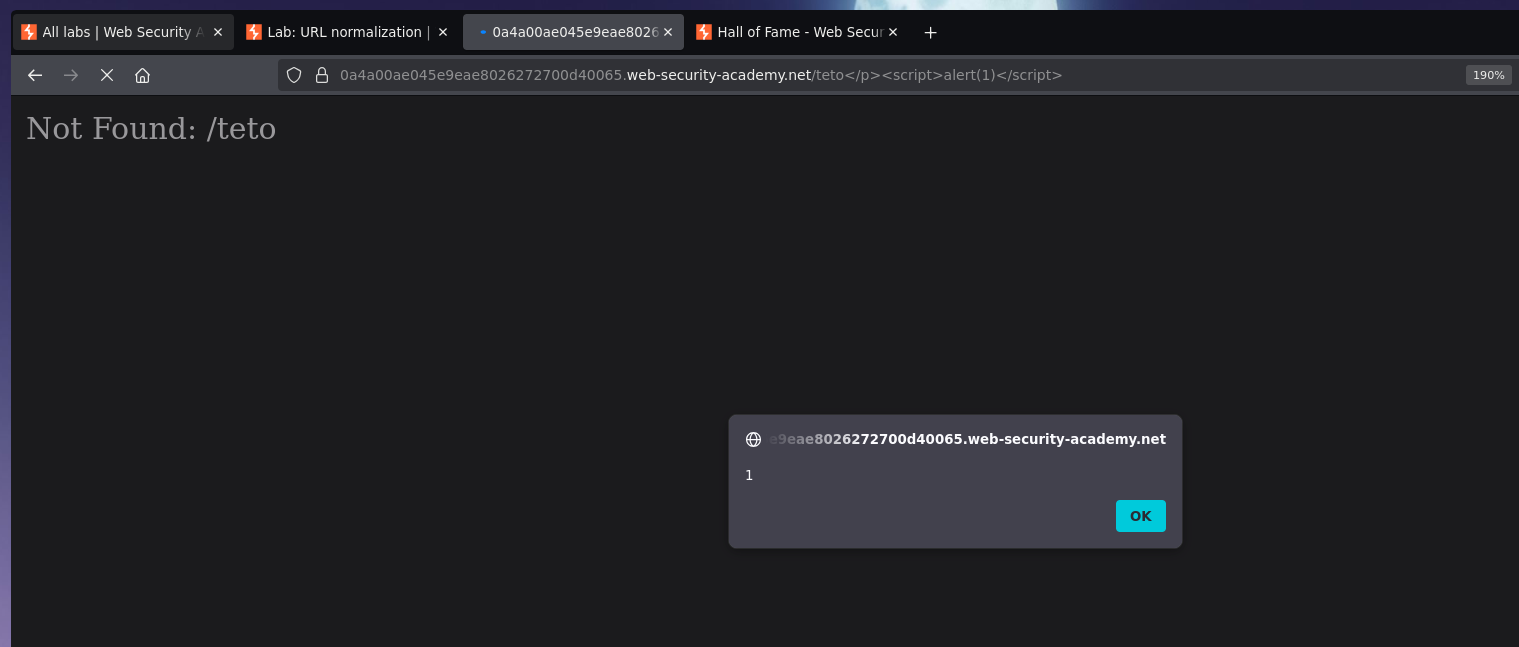
This is also where timing matters in a way it didn't in the unkeyed-input labs — the max-age is only 10 seconds, so the malicious URL needs to reach and be loaded by the victim within that window after the poisoning request. I sent the raw payload to populate the cache, then delivered the link:
web-security-academy.net/teto</p><script>alert(1)</script>
The victim's browser loaded the cached, already-poisoned response — no encoding mismatch, because they're just fetching a URL that happens to already be poisoned.
Lab solved t.t