| Field | Details |
|---|---|
| Platform | PortSwigger Web Security Academy |
| Type | Access Control (Horizontal Privilege Escalation, IDOR) |
| Difficulty | Apprentice |
| Objective | Obtain the API key for the user carlos and submit it as the solution |
User ID Controlled by Request Parameter
Log in as wiener:peter.
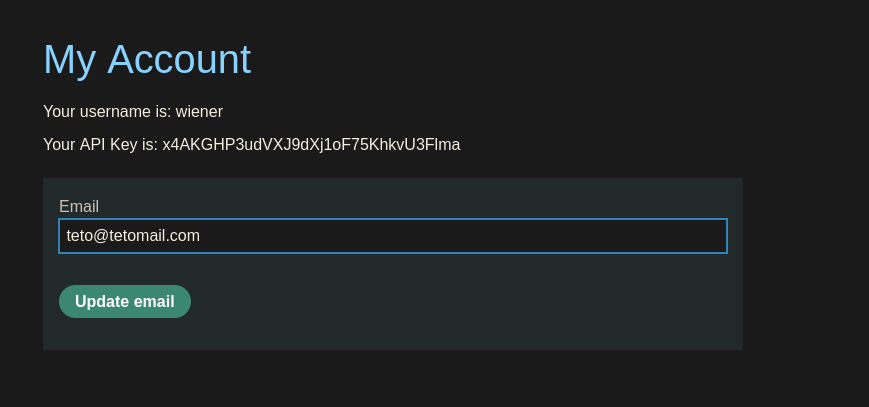
My Account page shows:
My Account

Your username is: wiener
Your API Key is: x4AKGHP3udVXJ9dXj1oF75KhkvU3Flma
along with an email update form. Checking the page source, the API key is right there in plaintext:
<div id="account-content">
                        <p>Your username is: wiener</p>
                        <p>Your email is: <span id="user-email">[email protected]</span></p>
                        <div>Your API Key is: x4AKGHP3udVXJ9dXj1oF75KhkvU3Flma</div><br>
                        <form class="login-form" name="change-email-form" action="/my-account/change-email" method="POST">
                            <label>Email</label>
                            <input required="" type="email" name="email" value="">
                            <input required="" type="hidden" name="csrf" value="dfTF5pQZTRIYzZX58nZEW8Lc8QC0AzI3">
                            <button class="button" type="submit"> Update email </button>
                        </form>
                    </div>
Double-checking the URL itself:
web-security-academy.net/my-account?id=wiener
The page identifies which account to display via id in the URL. Changing it to carlos:
web-security-academy.net/my-account?id=carlos
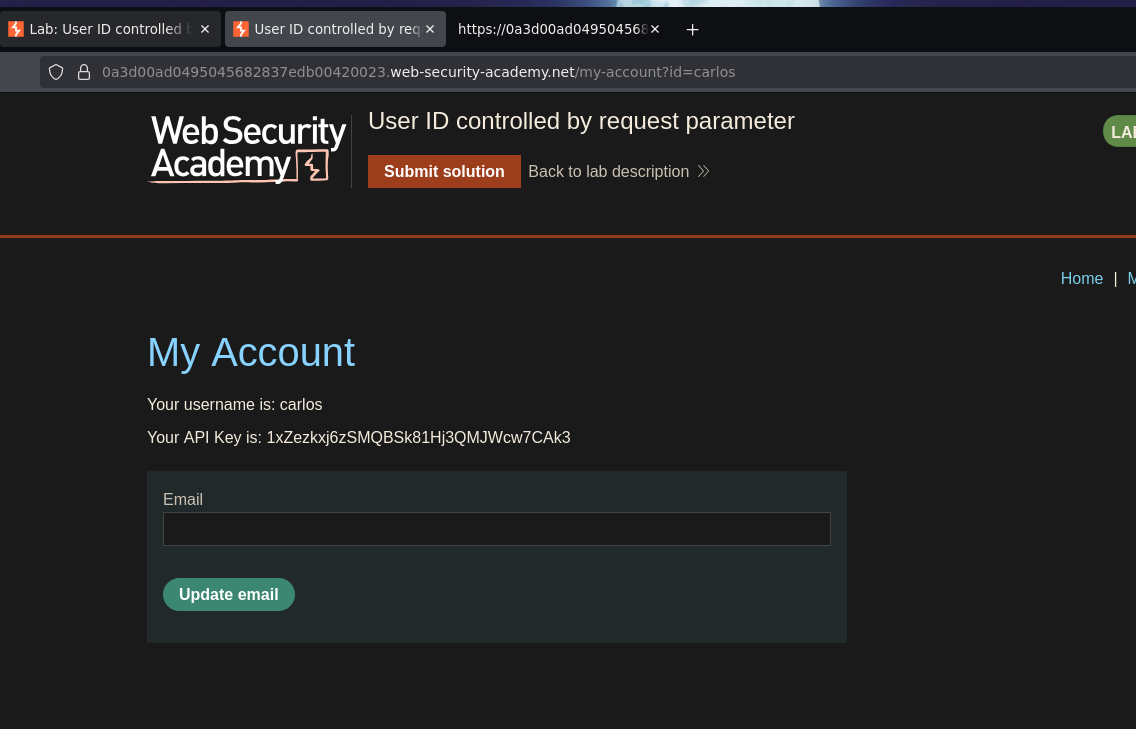
Carlos's API key shows up in the page.
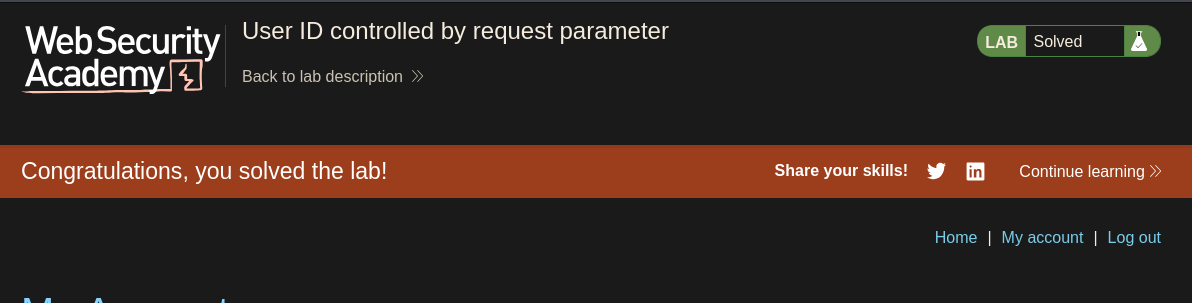
Lab solved :P
Side Note — Email Change Scoping
Tried changing the email while on ?id=carlos, expecting it might affect Carlos's account — but it changes our own (wiener's) email instead. The change-email request carries our own session cookie and CSRF token regardless of which id is in the URL we're viewing, so the server applies the change to the session owner, not the displayed id. Read access via ?id= doesn't imply write access.